

Ayoa

Project Management Software

Ayoa is a work management software that combines Task Management, Mind Mapping & collaboration features, to help people turn their greatest ideas into reality.

Last updated: December 2024

Pricing

Contact us for pricing

Who Uses This Software?

Ayoa is used by a variety of teams and individuals. Ayoa is used in education by teachers and students alike for its visual thinking and learning capabilities. Ayoa is also used within marketing, finance, HR and coaching departments to track and manage projects and campaigns.

About the vendor
-
Customers
  • Academic
  • Freelancers
  • Non Profits
  • Public Administrations
  • Small/Medium Businesses
Industries
  • Education Management
  • Events Services
  • Higher Education
  • Human Resources
  • Marketing and Advertising
Deployment
  • Desktop Application
  • Mobile Application
  • Software as a Service / Cloud
Platforms
  • Mac
  • Windows
Browsers
  • Apple Safari
  • Google Chrome
  • Internet Explorer
  • Mozilla Firefox
Training
  • Online Tutorials
  • Webinars
Support
  • Business Hours
  • Email
  • FAQ
  • Knowledge Base
  • Phone
Languages Supported
-
LinkedIn Page
-
X
-
Change your privacy settings to see the content.
In order to watch this video you need to have advertising cookies enabled.
You can adjust your cookie preferences here.

What is Ayoa?

Ayoa is a work management software that combines Task Management, Mind Mapping & collaboration features, to help people turn their greatest ideas into reality.

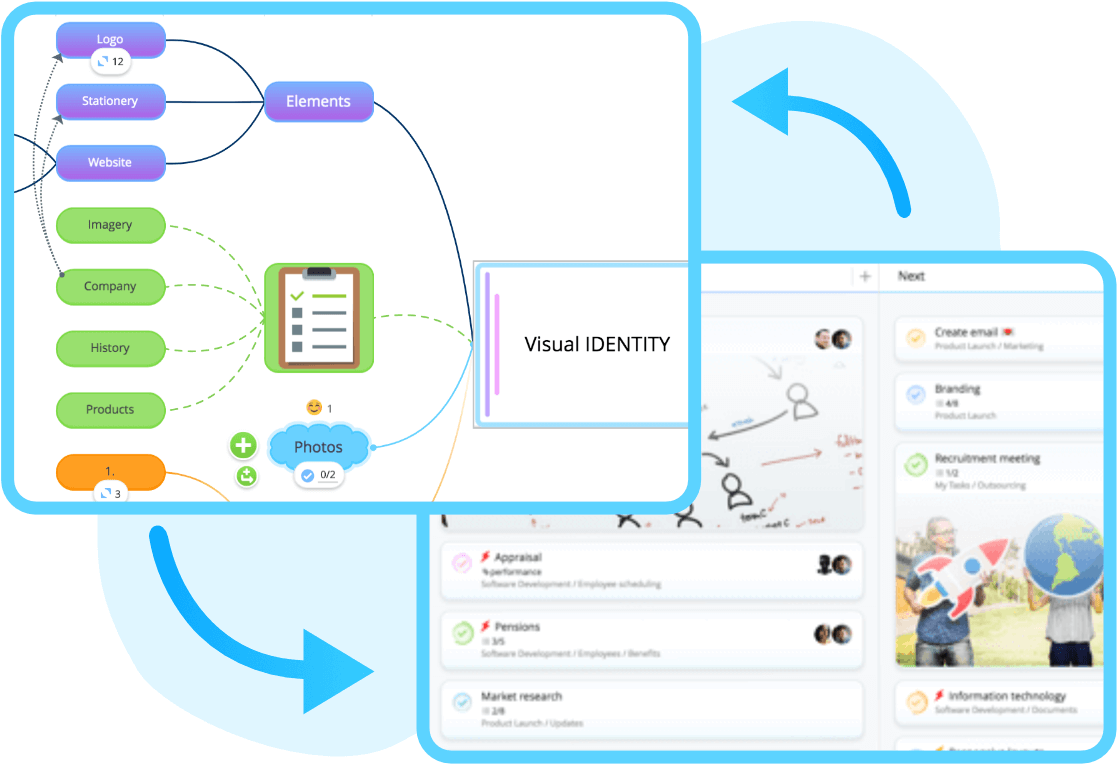
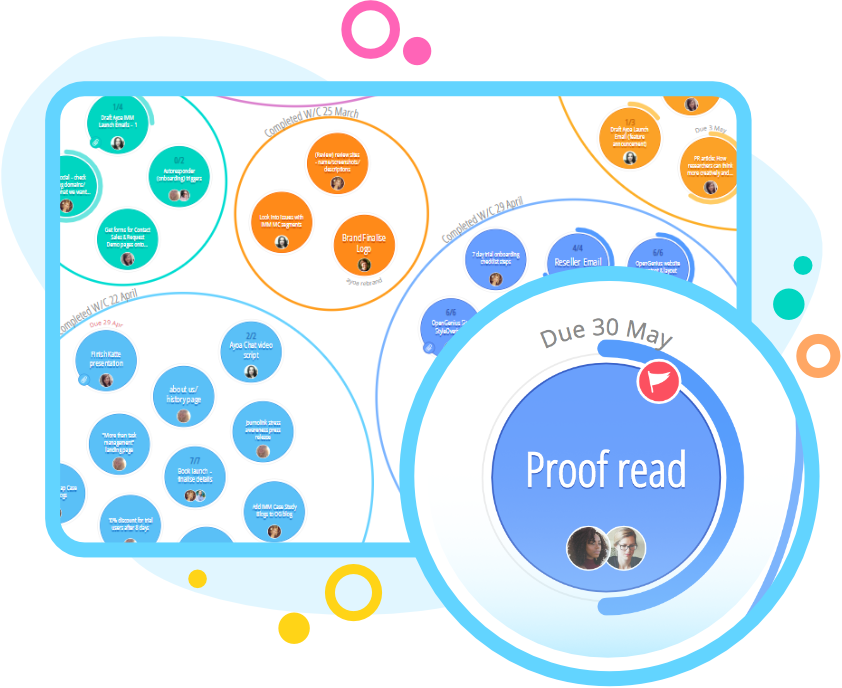
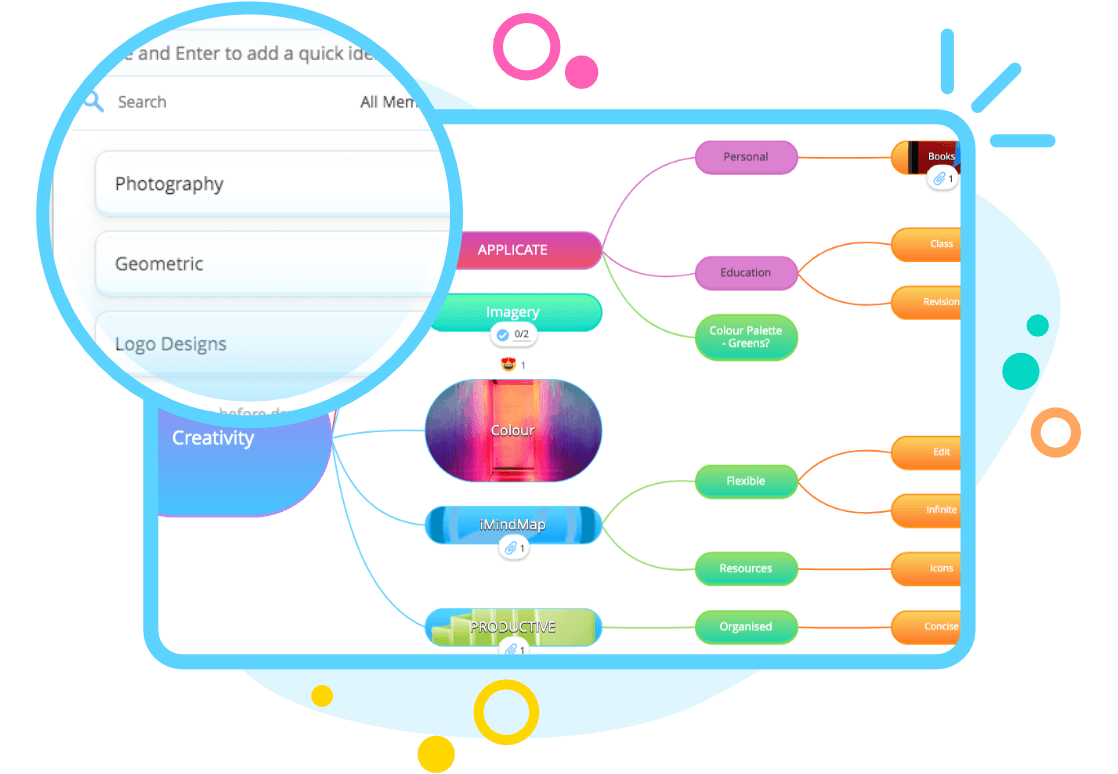
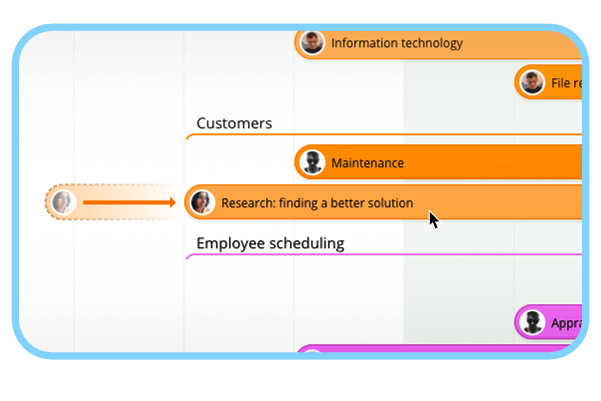
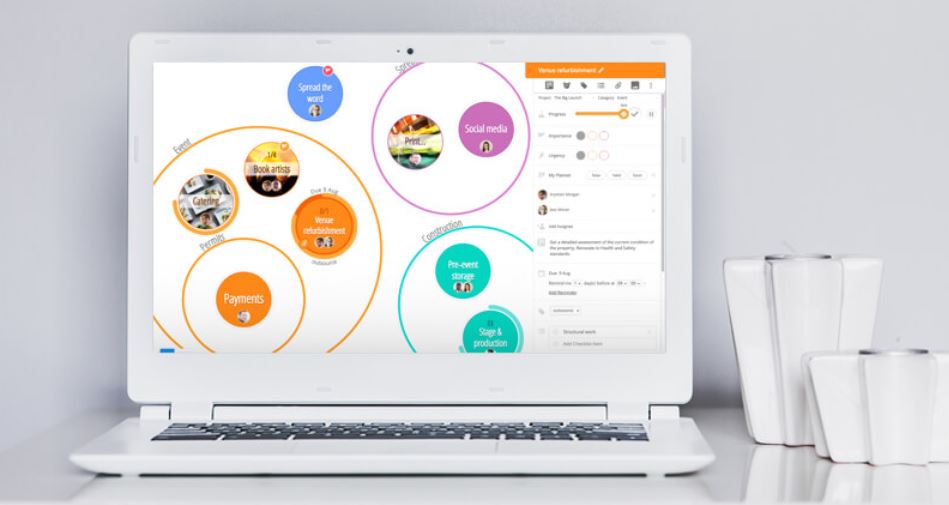
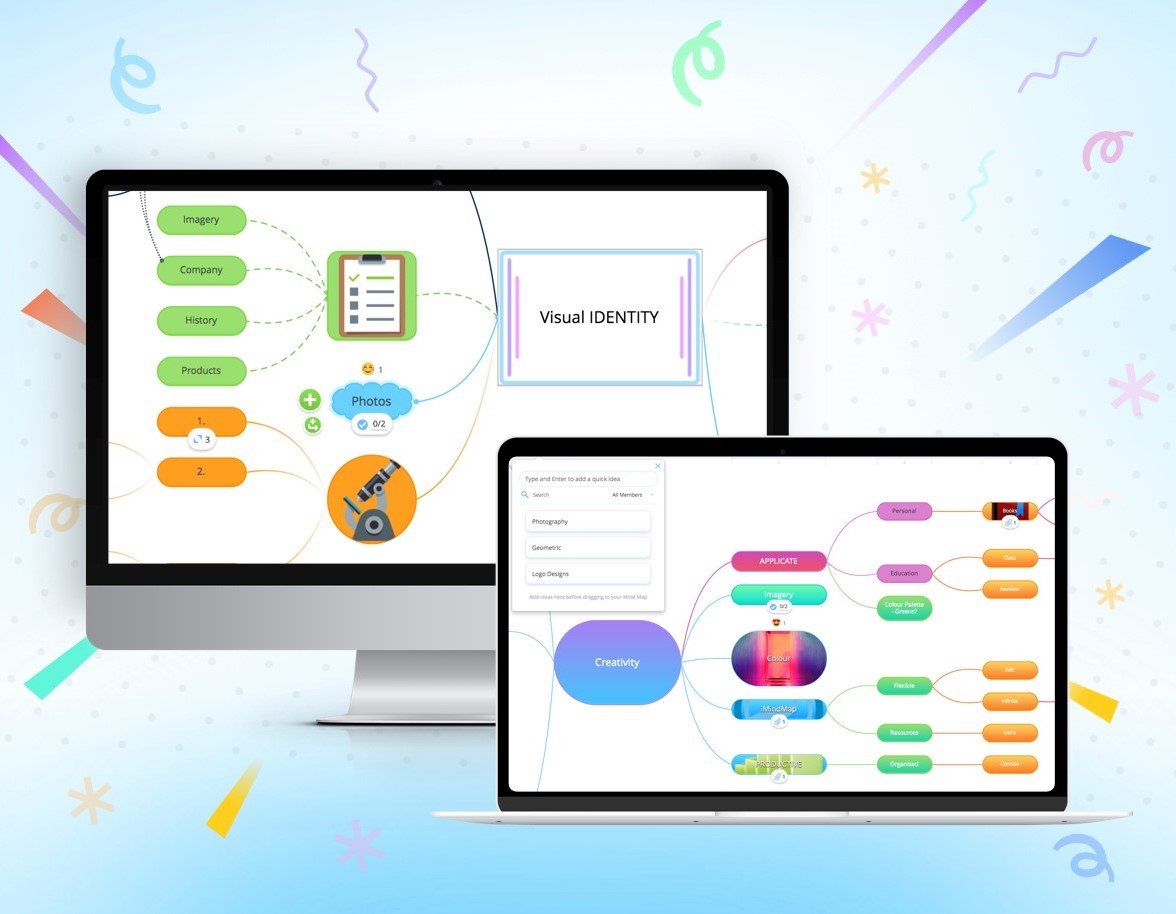
Key features include Mind Mapping for idea management, various Task Board styles (including Kanban Workflow, Canvas View and Gantt Timeline View), customizable templates, recurring task management and gamification tools.

Ayoa helps users to map project cycles using Kanban-style boards that outline various project phases and tasks. The solution also features a built-in planner that allows users to schedule personal tasks and manage the resources required for each project. 

Additionally, Ayoa provides users with a central workspace that enables them to upload files, set reminders and interact with fellow team members. Ayoa is also available on the web, desktop and Mac as well as providing mobile applications for iOS and Android devices.

Ayoa offer a basic, free plan or paid plans for users to unlock their full features. Support is also available via email and telephone, along with a variety of help guides, tutorials and personalized demos. 

Overview of Ayoa benefits

  • Mind Mapping: Capture your best ideas in super-creative and dynamic Mind Maps. Select Mind Map templates or have more creative control over your designs, then turn your ideas directly into tasks that you can track and manage. 
  • Task Management and Task Boards: Task Boards help users focus by categorizing all of their individual ‘to-dos’ and responsibilities into one productive workspace. Manage tasks with ease by easily adding Start and Due Dates, Reminders, Checklists, Notes and much more.
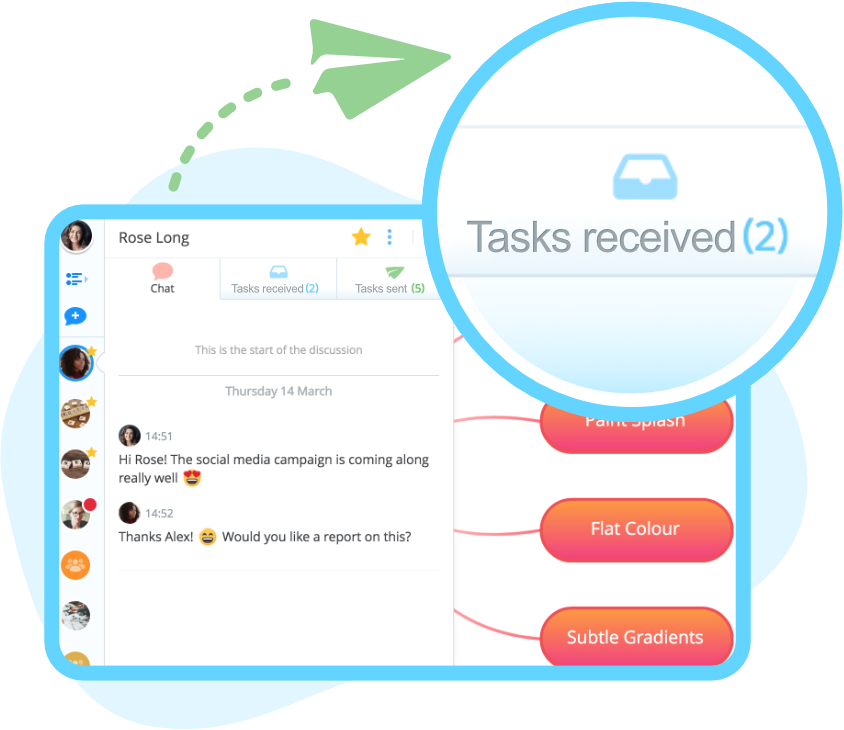
  • Collaboration: Users can invite friends, family and colleagues to manage anything from the day-to-day running of a business to a personal vacation. Instant messaging and task comments also allow you to communicate all in one workspace.
  • Multiple Task Board Views: With multiple Task Board views, including Canvas, Kanban Workflow and Gantt Timeline, users can either view all tasks as colourful, interactive circles that can be dragged and dropped into larger group circles, or they can opt for a more traditional list view.
  • Notifications: Sent each time there’s a change in any task or something note-worthy happens, so you always stay informed.
  • Sync across devices: Ayoa can be accessed via the web application or through a range of native apps.
Features

Learn more about Ayoa features that set it apart from the competition. Discover how its unique tools and capabilities enhance your processes.

Budgeting Tracking

Capacity Tracking
Cost Tracking
Portfolio Budgeting
Project Budgeting
Risk Analysis
ROI and Forecasting
Time Tracking
Workload Capacity

Communication

Discussions
Document Collaboration
Employee Online Status
File Sharing
Instant Messaging
Project Conversations
Tagging

Notifications

Email Notifications
In-App Notifications
Live Notifications
Status Updates

Platform

Custom Fields
Customizable Forms
Customizable Templates
Multi-Language Support
Sections & Columns
Start Dates/Due Dates

Portfolios

Portfolio Coordination
What-If Scenarios
Workflows

Project Planning

Advanced Project Management Features
Collaborative Project Planning
Gantt Charts / Project Mapping
Kanban Board
Milestones
Progress Monitoring
Resource Management
Scheduling

Reporting

Detailed Graphs
Expense Reports
Portfolio Reports
Real-Time Analytics
Real-Time Reporting
Resource Workload Reports
Timesheet Reports

Tasks Management

Idea Management
Subtasks
Task Creation & Assignment
Task Prioritization
To-Do Lists

Team Management

Agile Teams
Comment-Only projects
Comments
Dependencies
Guest Access
Permissions
Teams & Followers

Views

Activity Feed
Calendar View
Files View
My Inbox
My Tasks
Timeline View
Pricing

Learn more about Ayoa's pricing options, cost, and plans so you can make a well-informed, business-wise decision on the best software to use for organization.

Pricing Model
  • Free
  • Subscription
License
  • Free
  • Paid
Starting Price
  • From $12/month
Free Trial
  • No

Ayoa offer a Basic, free plan of their software. They also offer an Advanced plan, for users to unlock the full Ayoa feature set. Users can select the number of users they want on their plan, as well as the choice to pay monthly, annually, 2-yearly or 3-yearly. Ayoa also offer a tailored Enterprise plan for larger teams of 60+ users.

Ayoa logo
Have you used Ayoa before?
Answer a few questions and help the community to make the best decisions
Alternatives

Not a match? Find software alternatives that better suit your needs and compare them to discover the one that's right for you.

Ayoa

Taiga.io

Compare

]project-open[

Compare

Orangescrum

Compare

Freedcamp

Compare

Kanboard

Compare

MyCollab

Compare