Customers
- Academic
- Freelancers
- Large Enterprises (>10,000)
- Non Profits
- Public Administrations
- Small/Medium Businesses
Use Cases
- Compliance Training
- Continuing Education
- Customer Training
- Employee Onboarding
- Employee Training
- Training Companies
- Workforce Development
Industries
- eLearning
- Financial Services
- Hospital & Health Care
- Nonprofit Organization Management
- Other
- Professional Training & Coaching
Deployment
- Software as a Service / Cloud
Browsers
- Apple Safari
- Google Chrome
- Internet Explorer
- Mozilla Firefox
Training
- Documentation
- In Person
- Live Online
- Online Tutorials
- Webinars
Support
- Business Hours
- Email
- FAQ
- Knowledge Base
- Live Online
- Online Community
- Phone
Supported Specifications
- AICC
- PENS
- RTWS
- SCORM 1.1
- SCORM 1.2
- Section 508
- xAPI/Tin Can API
What is DigitalChalk?
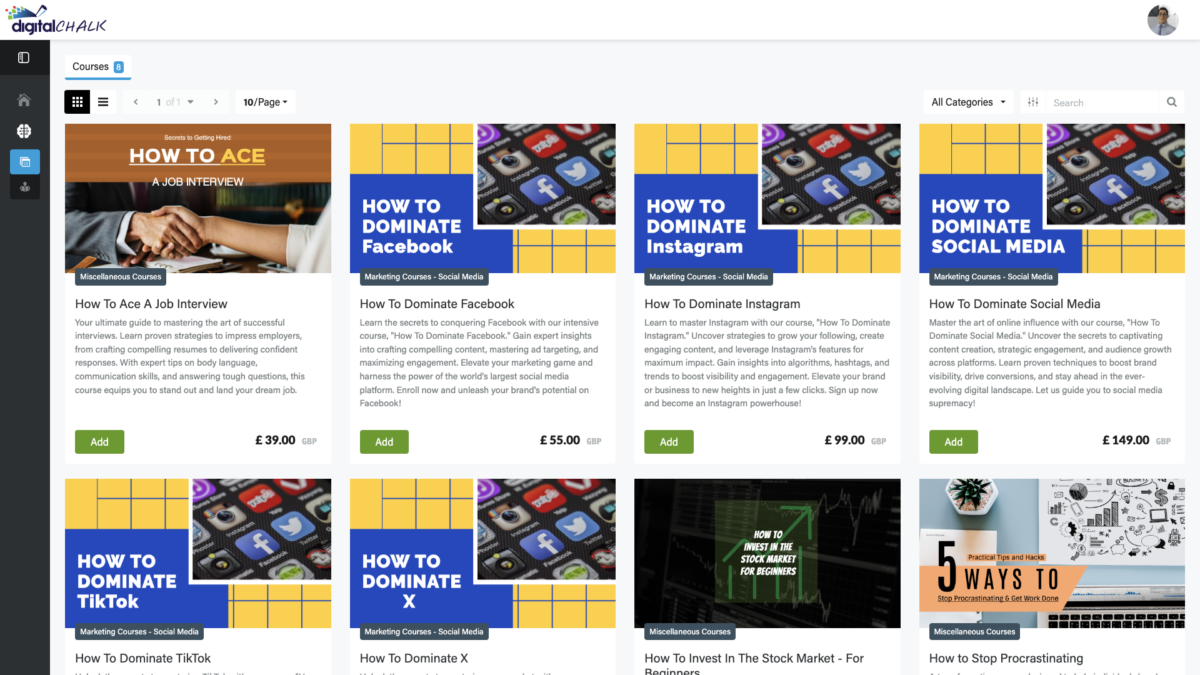
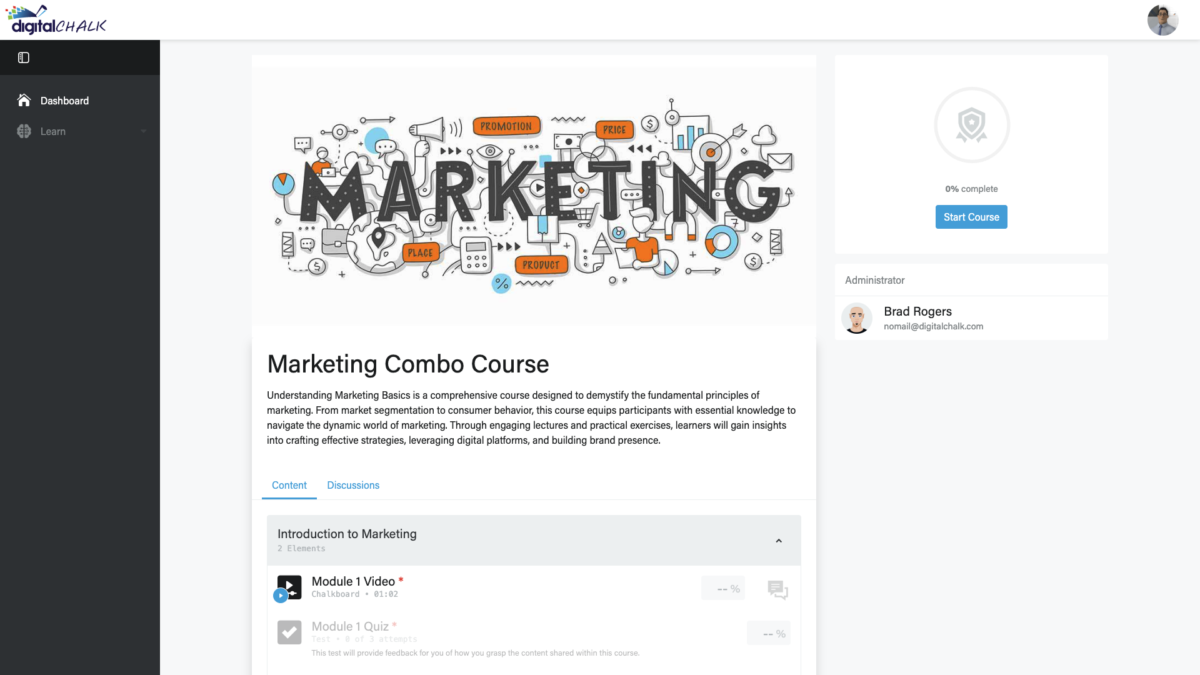
Introducing DigitalChalk, your premier choice for a Learning Management System (LMS) that transforms organisational training and development. Renowned for its robust functionality and user-centric design, DigitalChalk is ideal for mid to large-sized organisations seeking to elevate their training programmes.
DigitalChalk simplifies managing diverse learning environments, seamlessly integrating with existing technological infrastructures and offering unparalleled flexibility and scalability. Whether training employees, customers, or partners, DigitalChalk delivers personalised, engaging learning experiences.
Key Features:
- Customisable Learning Paths: Create specific learning journeys for different roles, ensuring targeted training.
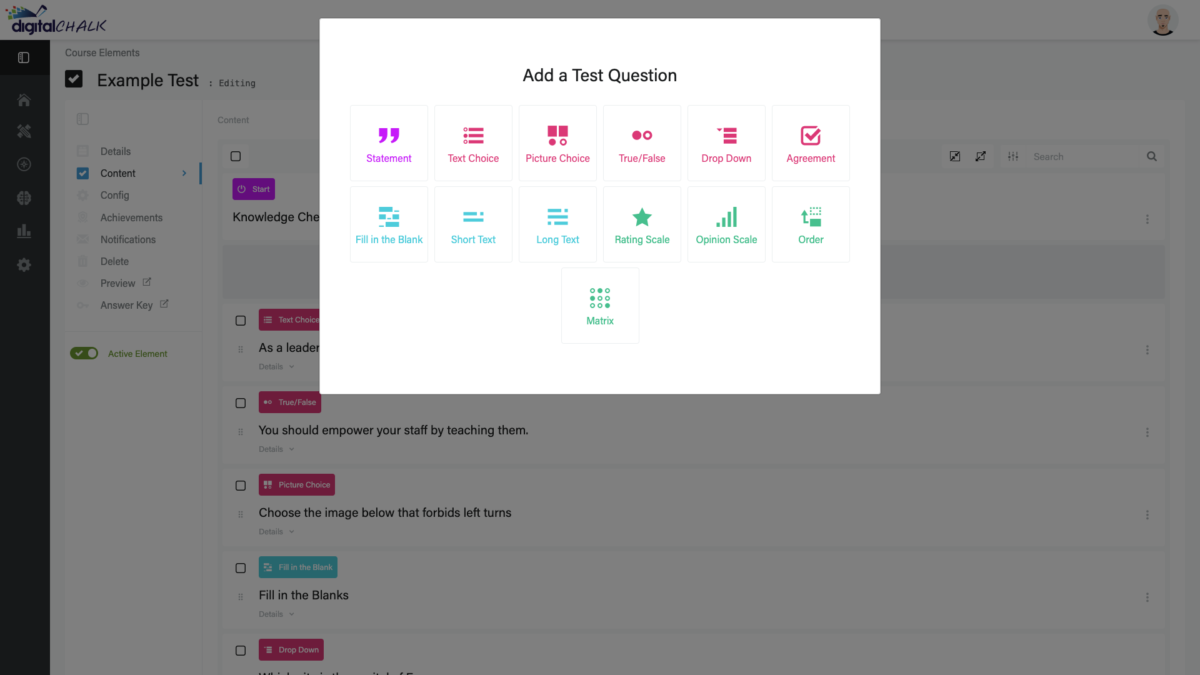
- Interactive Content Creation: Incorporate interactive videos, quizzes, and multimedia to captivate learners.
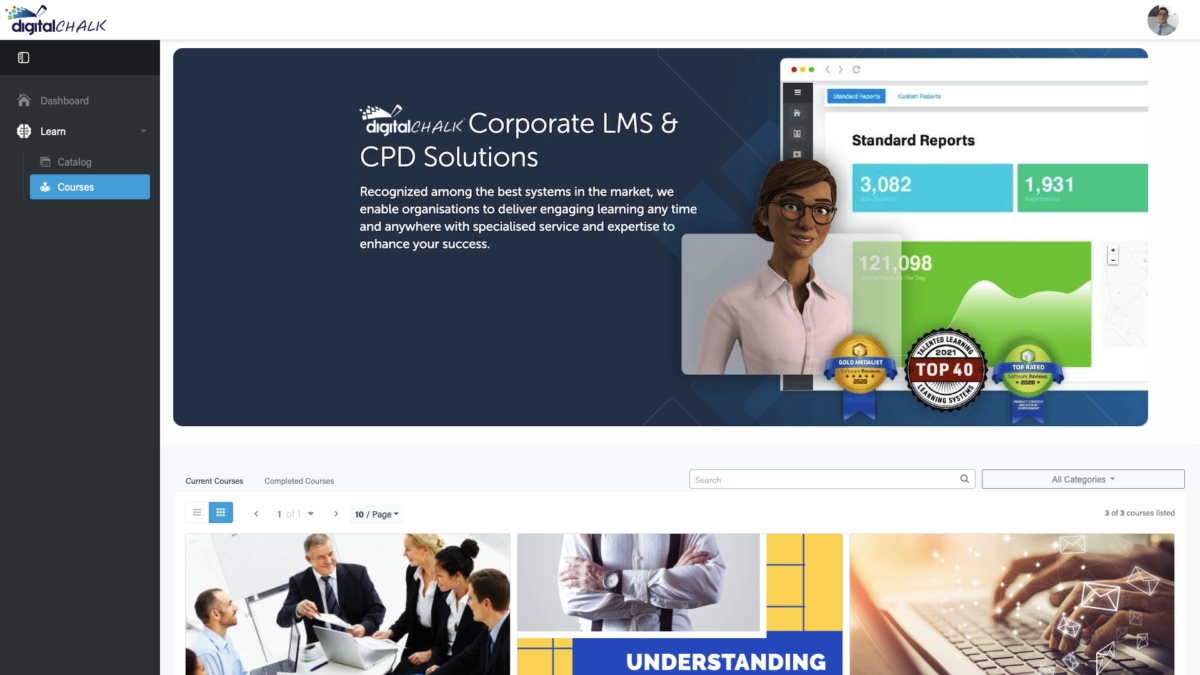
- Advanced Reporting Capabilities: Gain insightful analytics and detailed reports to track progress and measure impact.
- Comprehensive Integration Options: Connect with CRM, HR systems, and other essential software like Salesforce, Zoom, and LinkedIn Learning.
- EU Data Residency: Tailored solutions to meet European data compliance standards.
- Dedicated Support: Ongoing support from a team that values partnership.
Why Choose DigitalChalk?
- Unmatched Flexibility: Adapt and scale your training as your company grows.
- Security and Compliance: Advanced security protocols and GDPR compliance.
- Engagement and Retention: Enhance learner engagement through gamification, social learning, and custom rewards.
- Industry Recognition: Rated highly by authorities like Brandon Hall and recognised as a High Performer by G2.
DigitalChalk is a partner in your educational endeavours, helping thousands of organisations achieve remarkable improvements in training delivery and effectiveness. Embrace a dynamic solution with DigitalChalk and transform how your organisation learns. Discover the difference and redefine potential through innovative education solutions.
Overview of DigitalChalk benefits
- Tailored Training Solutions: Customise learning paths with DigitalChalk to address specific organisational roles and needs. Our platform allows you to create dynamic content that engages learners through interactive videos, quizzes, and multimedia presentations, ensuring relevant and effective training.
- Enhanced Data Insights: Leverage advanced reporting tools with DigitalChalk to monitor and analyse training effectiveness. Gain access to real-time, actionable data that tracks learner progress, completion rates, and performance trends, helping you make informed decisions to optimise your training programmes.
- Seamless System Integration: Integrate effortlessly into your existing technology stack with DigitalChalk. Our LMS supports major integrations with tools like Salesforce, LinkedIn Learning, and Zoom, enhancing functionality and simplifying workflows to maximise organisational efficiency and learner engagement.
- Comprehensive Compliance Support: Maintain regulatory compliance with ease using DigitalChalk. Our platform includes features that ensure your training meets industry standards and requirements, with options for EU Data Residency to safeguard data and adhere to stringent European compliance norms.
- Robust Security Measures: Trust DigitalChalk's commitment to security, designed to protect sensitive data across all interactions within the LMS. Our platform is equipped with advanced security protocols, including GDPR compliance, to provide a safe and secure learning environment.
- Scalable Learning Environment: Grow your training capacity as your business expands. DigitalChalk allows you to increase your training reach without sacrificing quality or performance, supporting an ever-growing number of users.
- Dedicated Customer Support: Experience unparalleled support with DigitalChalk. Our dedicated team provides comprehensive assistance and guidance throughout your eLearning journey, ensuring your training goals are successfully met.
Read more
Read less
Features
Learn more about DigitalChalk features that set it apart from the competition. Discover how its unique tools and capabilities enhance your processes.
Accounts
Add a new user
Allows administrators to add new users directly to their LMS for streamlined user management.
Archive users
Deactivate and store user accounts without deleting them.
Activity grading
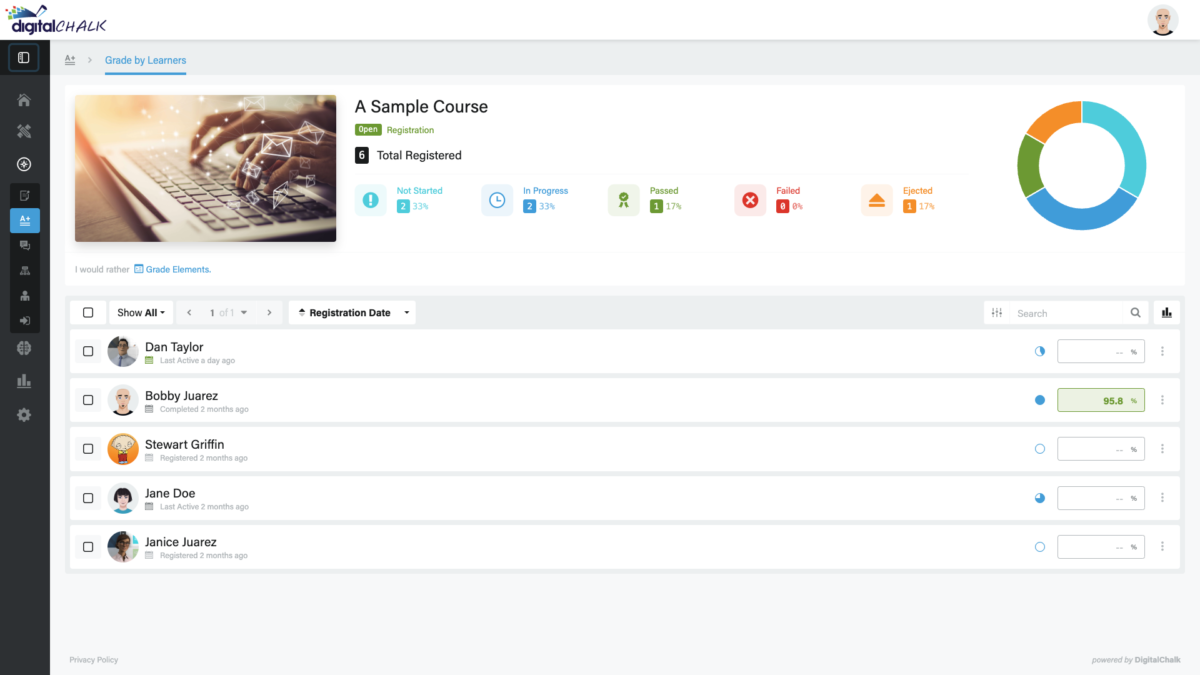
Gradebook
Centralized view of all learner grades.
AI Features
Adaptive Learning
AI Powered
Chatbot
Content development
Content Translation
Intelligent recommendations
Natural Language Processing
Predictive analysis
Text-to-speech
Authentication
Manual Accounts
No login
Allow content access without authentication.
Certificate management
Unique Certificate by Course
Course Creation
Content Library
A repository of pre-made templates, existing content, multimedia sets, and learning outlines.
LRS
Learning Record Store for xAPI data.
Enrollment
Survey enrollment (based on a response)
Gamification
Badges
Award digital achievements.
Levels
Define progression stages.
Points
Award points for activity.
Rewards
Offer incentives for achievements.
Interface options
Learning Accessibility
Mobile learning
Offline (disconnected Mobile app)
Offline
Support for offline access to content
System reports
Live Logs
Monitor system activity in real time.
Pricing
Learn more about DigitalChalk's pricing options, cost, and plans so you can make a well-informed, business-wise decision on the best software to use for organization.
Multiple plans based on the number of users and the number of registrations.
Integrations
Learn more about DigitalChalk's integration options.
Have you used DigitalChalk before?
Answer a few questions and help the community to make the best decisions
Reviews
Is DigitalChalk the right solution for you? Read verified DigitalChalk reviews from people in industries like yours to make a confident choice.
It seems a bit difficult to navigate, to be honest. Issues with the search.
Overall Rating
42%
-
Usefulness
-
Usability
-
Customer Experience
-
Likelihood to Recommend
What do you like best?
I find this tool to be frustrating and not very well organized. The search functionality needs to be taken care of; very poor results. Our franchisees were ecstatic when we shared the news about switching to another learning platform. Their terminology about courses, completion, etc. is relatively easy to learn. Also, the menu seems clear overall.
What do you dislike?
Frankly, the search function just won't work as it should. Even though I've spent lots of time explaining to owners and teachers how to find what they need, plenty of times I've needed to contact their customer support because I often run into errors when loading materials. At least their customer service is responsive.
An outstanding Learning Management System! Great to share courses with team members.
Overall Rating
84%
-
Usefulness
-
Usability
-
Customer Experience
-
Likelihood to Recommend
What do you like best?
We have been using Digital Chalk for almost a decade now. What I love about it is that it gets better each year. The team at Digital Chalk is always open to suggestions on how to improve their system. The customer service team at Digital Chalk is beyond compare! Through the years, they have given us plenty of new ways to deliver courses to our students. What's more, their pricing is extremely reasonable. If you're looking to implement a distance learning program, I highly recommend this LMS!
What do you dislike?
The only thing I feel is missing is not having a Student Gradebook. In previous versions there used to be one. I'd love to see it revamped so that students can monitor their own progress.
I love the simplicity of DigitalChalk - It is by far my favorite LMS to date!
Overall Rating
98%
-
Usefulness
-
Usability
-
Customer Experience
-
Likelihood to Recommend
What do you like best?
I've been in the training field for more than 20 years and have used many LMS tools. I can surely say that DigitalChalk is hands-down one of the easiest systems to learn and use. Administrators will enjoy doing their job without having to deal with an overcomplicated system. The team at DigitalChalk has removed all the unnecessary steps and created a simple-to-use tool. This has resulted in making the people management process easy and streamlined. All can be done at no time at all.
What do you dislike?
I'd love the tool to have a live chat option on the help desk. It'll make it much easier to troubleshoot issues in real-time instead of having to wait for an email response from customer support. Not that they aren't responsive. It's just the way I prefer to communicate to solve problems.
My students love DigitalChalk! It's great for blended learning classes.
Overall Rating
78%
-
Usefulness
-
Usability
-
Customer Experience
-
Likelihood to Recommend
What do you like best?
This software has helped me step up my classroom game. It offers me all the flexibility I need as an educator! Now, I'm able to deliver instruction and learning in the most interactive and dynamic methods possible. And this was extremely important to me after Covid hit. With DigitalChalk, schooling and learning have become more exciting and interesting. Most importantly, my lessons are technically fulfilling. I love that I can easily design and modify my courses.
What do you dislike?
It's not the first time I'm using an LMS. I've tried and tested different learning systems before. My experience tells me that this is one of the best software around. It's the perfect LMS for me with all the features I need to deliver dynamic learning to my students.
A+ software for online education. Extremely easy and cost-effective.
Overall Rating
100%
-
Usefulness
-
Usability
-
Customer Experience
-
Likelihood to Recommend
What do you like best?
I like being able to easily build my own courses and grade assignments. Also, the platform allows to receive feedback and conduct all the needed reports, both on student progress and finances. We offer our online education course in English (Europe, US) and Spanish (US). The reason we chose to move to DigitalChalk is that our previous platform was astronomically expensive to host. Now, we can easily generate everything we need so that the revenue is appropriately credited to the right program.
What do you dislike?
I cannot find anything I don't like about this software. It is user-friendly and has cool features at a low cost. That covers all my prerequisites. Working with the support team has been a bliss. They always respond within a few hours, sharing links and screenshots to help fix a problem step by step.
Alternatives
Not a match? Find software alternatives that better suit your needs and compare them to discover the one that's right for you.
![Connecteam - Mobile Teams LMS logo]()
Connecteam - Mobile Teams LMS
4.0/5
Compare
Resources
Explore a curated collection of resources that provide insights, guidance, and ideas to help you make informed decisions.