Customers
- Academic
- Freelancers
- Large Enterprises (>10,000)
- Non Profits
- Small/Medium Businesses
Use Cases
- Academic Learning
- Customer Training
- Employee Onboarding
- Employee Training
- Immersive Learning
- Training Companies
- Workforce Development
Industries
- Education Management
- Education: K-12
- eLearning
Deployment
- Desktop Application
- Mobile Application
Browsers
- Apple Safari
- Google Chrome
- Internet Explorer
- Mozilla Firefox
Training
- Documentation
- Live Online
- Webinars
Support
- Business Hours
- Email
- FAQ
- Phone
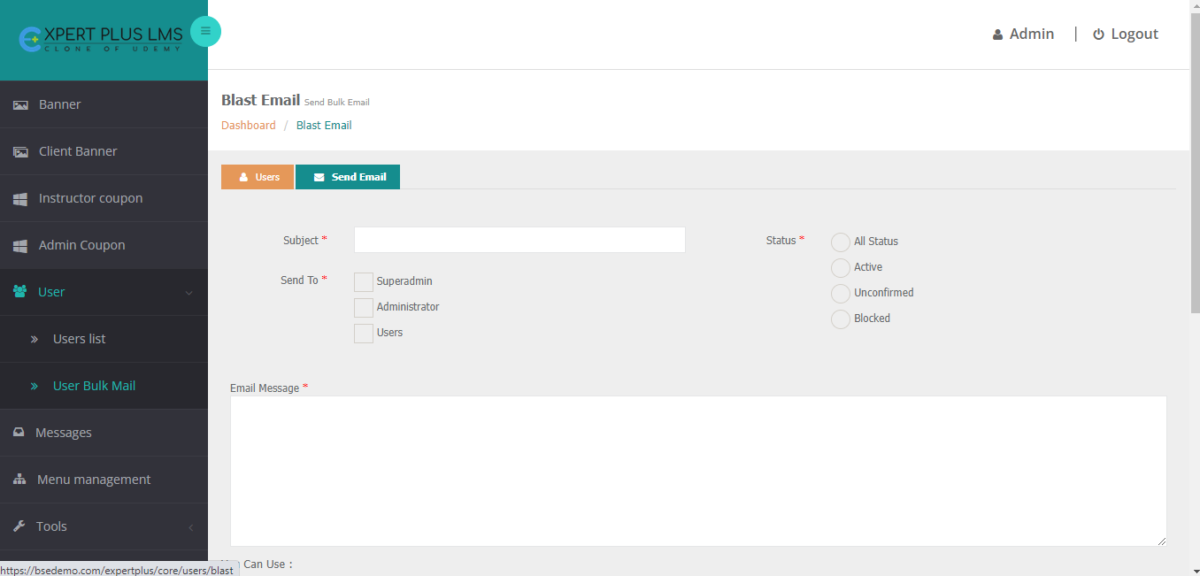
What is Expert Plus LMS?
Expert Plus LMS is a readymade open-source learning management system (LMS) to launch eLearning platforms instantly. It is designed and developed with SEO-friendly features to meet all your online course needs.
Why you should opt for ExpertPlus LMS:
Expert Plus LMS is
- Quick And Easy To Set Up.
- Intuitive And Responsive Design for improved User Experience.
- 100% Customizable Based On Your Needs and Niches.
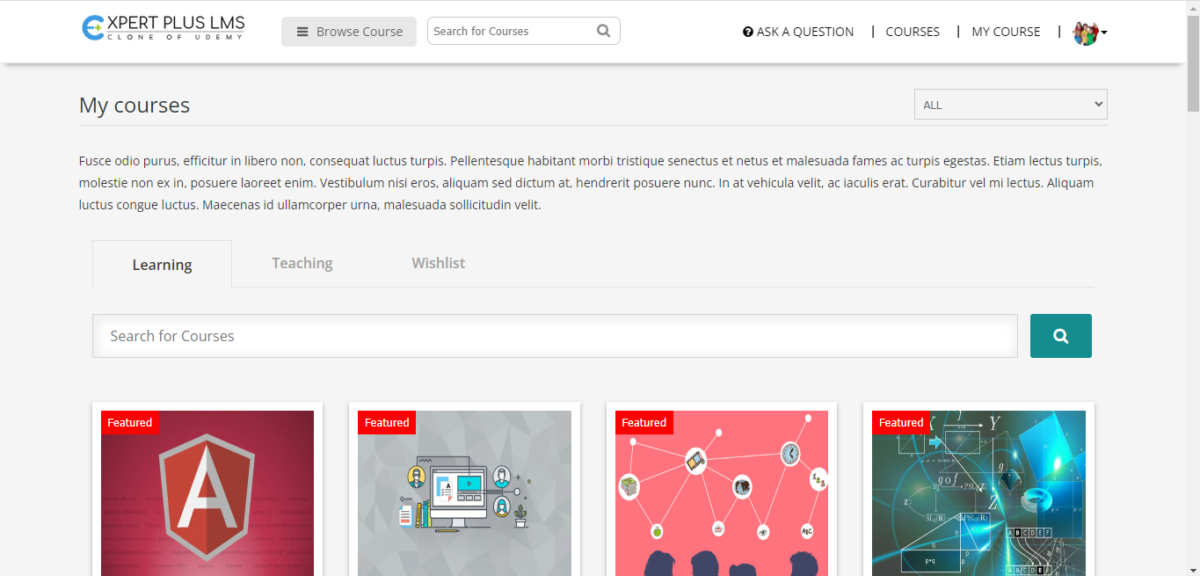
Above all, once you set up and launch your eLearning platform with our LMS software, setting up your course is so easy! All you have to do is just DRAG and DROP the contents of your course. Listing all your course resources like PDFs, interactive videos, other course materials, and PPTs is easy as ABC!
LMS Software for every niche:
It allows for simple branding and complete customization based on your niche. For example,
- If you are an enterprise, you can do employee onboarding easily by launching Employee training, product training, and Sales training modules using the LMS software.
- If you are an instructor, you can launch online courses for K12 Online schools, Udemy-like websites, or other specified core subjects.
- You can also create online courses based on your niche. You can launch online classes like online Zumba, Yoga, Music, and other niche-based courses.
Any instructor who is interested in launching their own eLearning or online education platform can check out the demo of this spectacular learning management system software!
Read more
Read less
Overview of Expert Plus LMS benefits
- Customizable and Responsive Design: You can personalize the website and the Responsive design is about creating a design that looks good on all devices. It automatically adjusts to different screen sizes and viewports.
- Organize And Safely Store Big Data: Our learning management systems employ AWS S3, so that you may collect all of your big data in one place.
- Gamification: With our Gamification feature, you can Gamify the course, to make learning easy and fun.
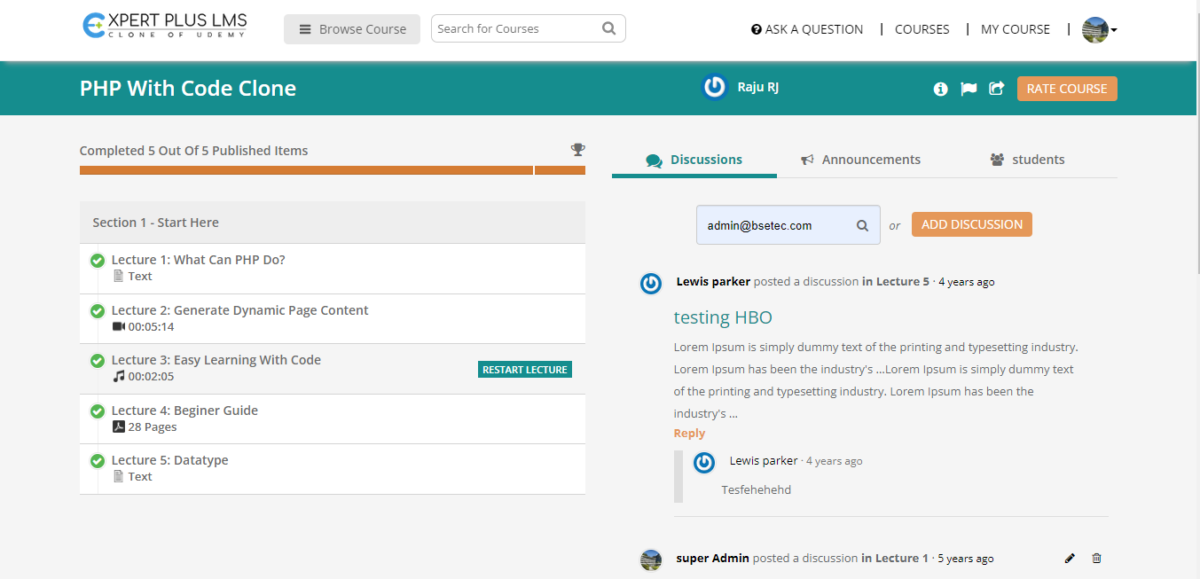
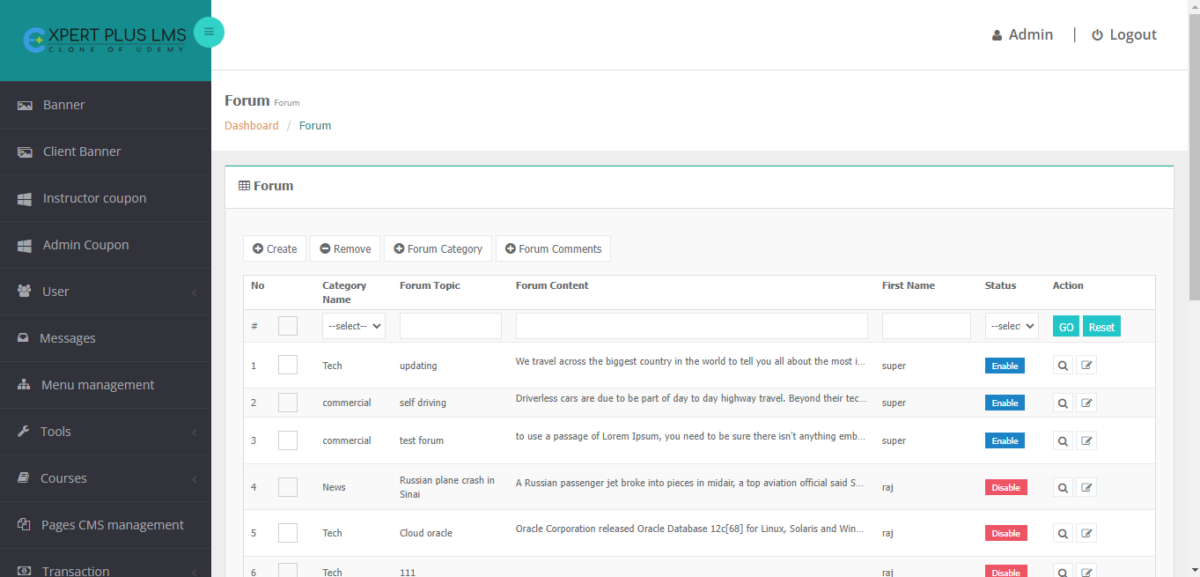
- Discussion Forums: Discussion forums where peer-to-peer interactions, happen, they clarify doubts, discuss topics and create a healthy community for learning from one another.
- Social Learning Support: Social Media Sharing in our LMS helps to post links that can be shared through social media. This helps to give recommendations and promotes your LMS to reach a greater audience and helps in gaining widespread popularity.
- Blog Management: An unsung hero when it comes to marketing tools is blogging. They also increase the amount of potential traffic from the target demographic.
- Multi-Language Settings: With Multi-language settings, you can reach students from every part of the world and it gives you options for launching an eLearning platform in your native language.
- eLearning Accessibility: With our RTL Content, a feature you can easily launch online courses in several East Asian regions.
- Quizzes or Online Assessments: Our LMS has Quizzes or Online assessment facilities to test the knowledge of the enrolled users.
- Course Certifications: Enrolled students or users can avail of Course completion certificates after he or she completes a course.
Features
Learn more about Expert Plus LMS features that set it apart from the competition. Discover how its unique tools and capabilities enhance your processes.
Accounts
Add a new user
Allows administrators to add new users directly to their LMS for streamlined user management.
Archive users
Upload users
Activity grading
Course History
Gradebook
Gradebook audit trail
Gradebook comments
Manual Grading ("Marking")
Multiple grading scales
AI Features
Adaptive Learning
AI Powered
Chatbot
Content development
Content Translation
Intelligent recommendations
Natural Language Processing
Predictive analysis
Quiz generation
Text-to-speech
Authentication
Active Directory/LDAP Integration
Manual Accounts
No login
SAML2/API Integration
Categories
Priced Categories (Bundle)
Certificate management
Certification life-cycle
Predefined certification templates
Unique Certificate by Course
Unique Certification by Curriculum
Compliance management
Certificate expiration notifications
Certification Expiration Management
Due Date notifications
Soft/Hard Stop Due Dates
Course Creation
Assignments Engine
Built-In Authoring Tool
Consume online video content
Content Library
Course backup Options
Drag & Drop Interactions
Hybrid Learning Courses
LRS
Tests Engine
Upload courses
Customization
Personalized views
Enrollment
Attendance Tracking
Automated Enrollment (based on User data)
Manual Enrollment
Progress Tracking
Self-enrollment (with a PIN #)
Survey enrollment (based on a response)
Format
Learner Upload
LIVE Chat Option
Social Format
Topics Format
Weekly Format
Gamification
Badges
Award digital achievements.
Levels
Define progression stages.
Points
Award points for activity.
Rewards
Offer incentives for achievements.
Interface options
Block Management
Calendar Settings
Learning Accessibility
Location Settings
Media embedding settings
Learning types
Asynchronous Instructor-led
Blended Learning
Synchronous Virtual Classroom
Mobile learning
Offline (disconnected Mobile app)
Reports
Automated Report Scheduling
Canned Reports
Dashboards and Graphic Reports
Email delivery of Reports
Exporting Reports in variety of formats
Grading Report Settings
Learning Analytics Tools
Training Record Maintenance
Roles
Define roles
Role Assignment
System Permissions per role
Teams and Team Hierarchies
Security
Anti-spam
Anti-virus
IP Blocker
Restrict registration to specific domains
Strong Passwords
Shopping cart
Built-In Shopping Cart
Shopping Cart as Plug-In
System reports
Automatic email reports in predefined intervals
Custom reports generator
Live Logs
Pricing
Learn more about Expert Plus LMS's pricing options, cost, and plans so you can make a well-informed, business-wise decision on the best software to use for organization.
Pricing Model
-
Free
-
Free Trial
-
One-time purchased license
To Sign up for the DEMO and for other pricing options, Visit → https://www.bsetec.com/udemy-clone/
Integrations
Learn more about Expert Plus LMS's integration options.
Have you used Expert Plus LMS before?
Answer a few questions and help the community to make the best decisions
Alternatives
Not a match? Find software alternatives that better suit your needs and compare them to discover the one that's right for you.