Customers
- Academic
- Freelancers
- Large Enterprises (>10,000)
- Non Profits
- Small/Medium Businesses
Deployment
- Self-Hosted Cloud-based
- Self-Hosted System
- Software as a Service / Cloud
Browsers
- Apple Safari
- Google Chrome
- Internet Explorer
- Mozilla Firefox
Training
- Documentation
- In Person
- Live Online
- Online Tutorials
Support
- 24/7
- Email
- FAQ
- Knowledge Base
- Live Online
- Online Community
- Phone
What is Leantime?
Leantime is an open source project management system for startup minded teams, combining the fundamentals of design thinking, lean principles and agile practices in an all-in-one system that allows startups and small teams to effectively ideate, plan and execute from start to finish.
Successful project managers are proactive in every stage of the project life cycle. They know that delivering business value requires looking ahead and evaluating ideas, milestones & tasks early for risks that might derail the project.
Increasing Project Success involves structured, consistent tools that manage scope creep. Leantime has simplified this fundamental work flow to accomplish these steps naturally.
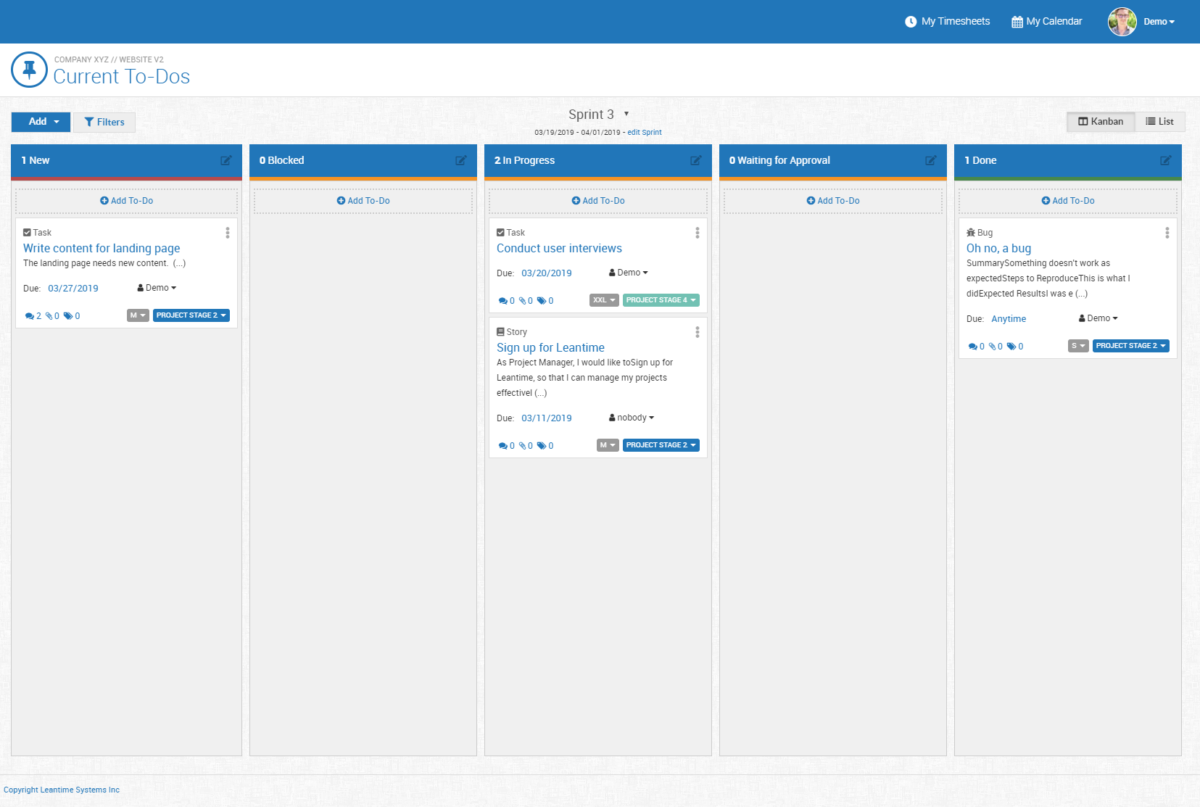
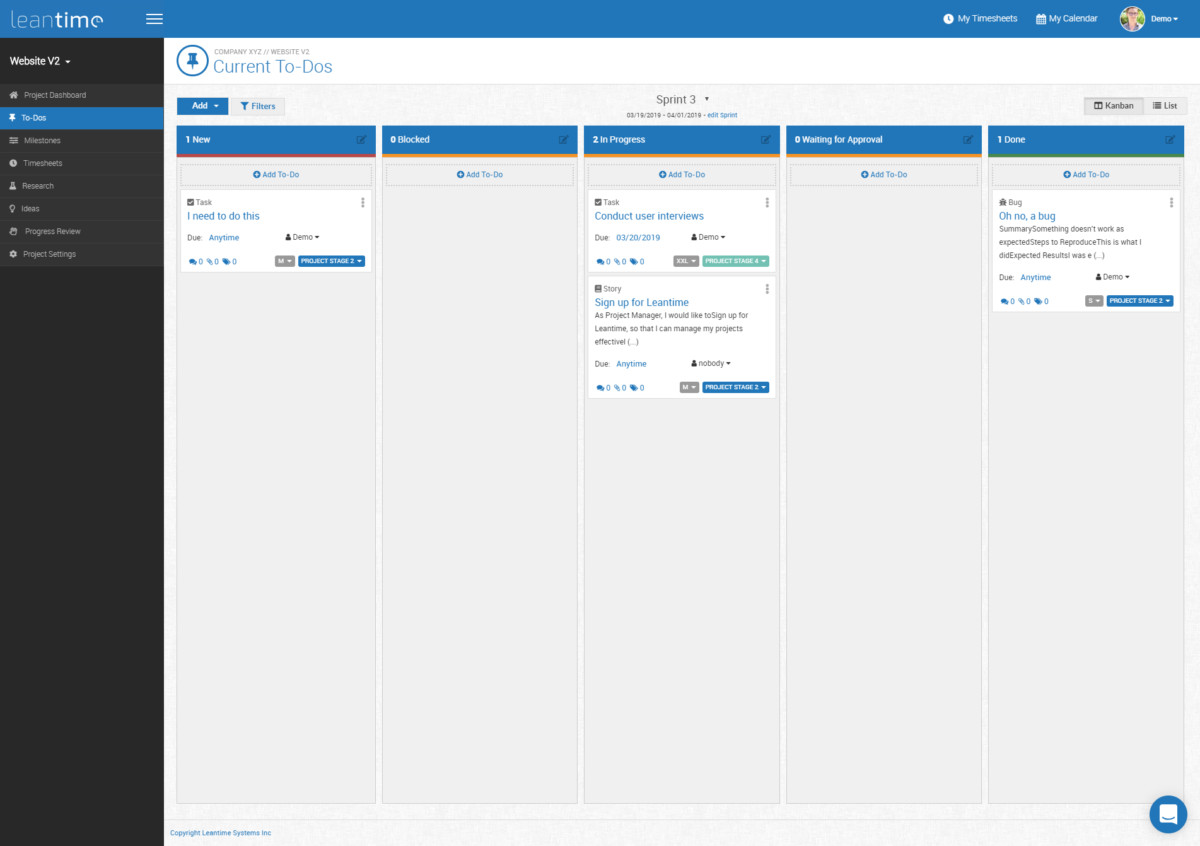
- With Leantime you can manage your projects using kanban boards and task lists.
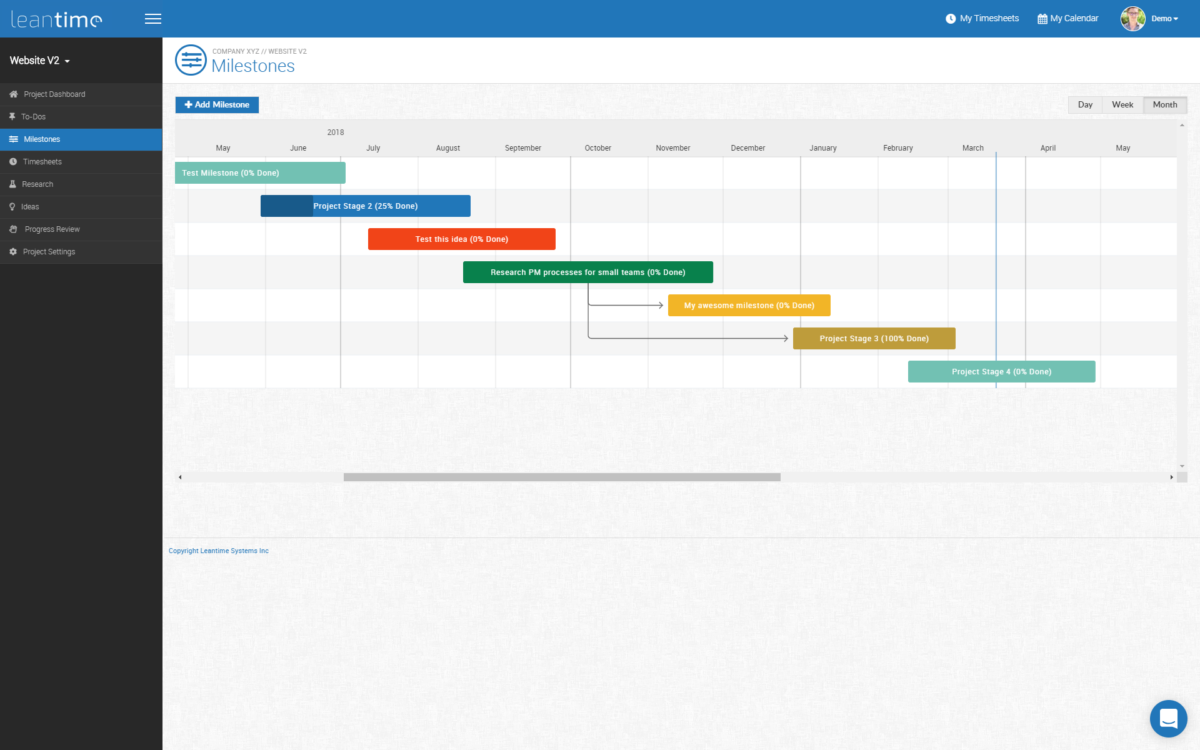
- Plan your roadmap using Gantt charts
- Collect and discuss ideas via our idea boards
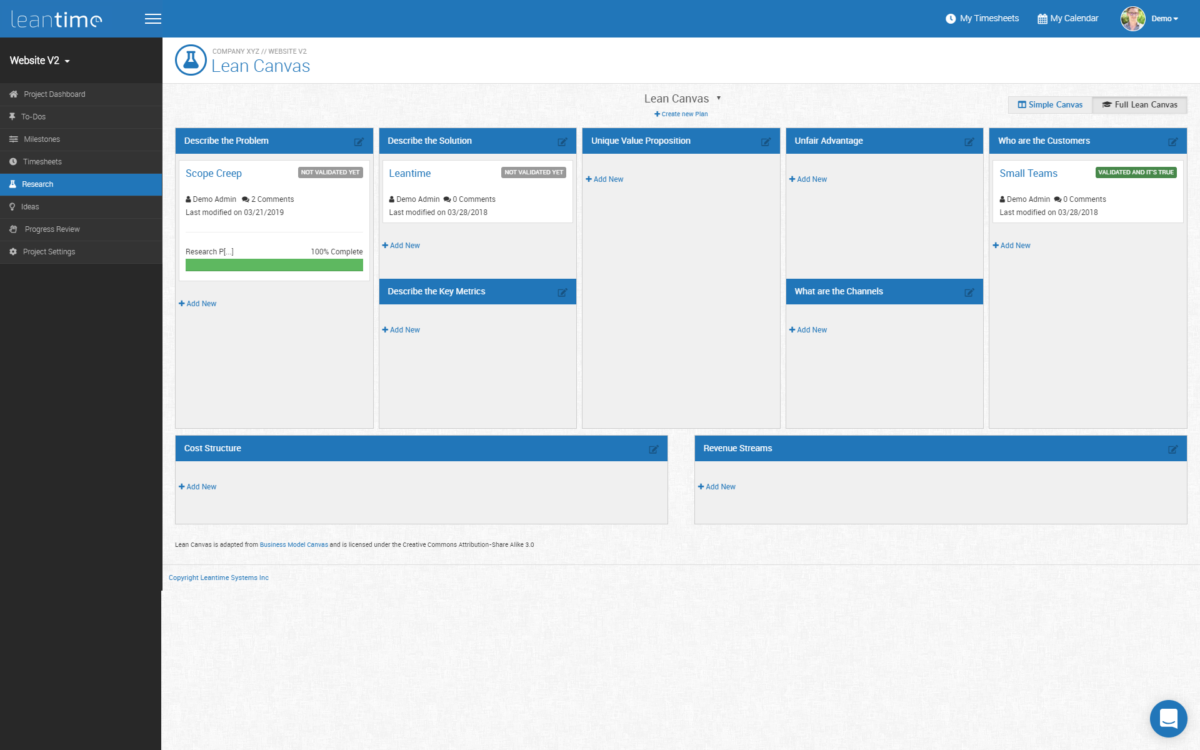
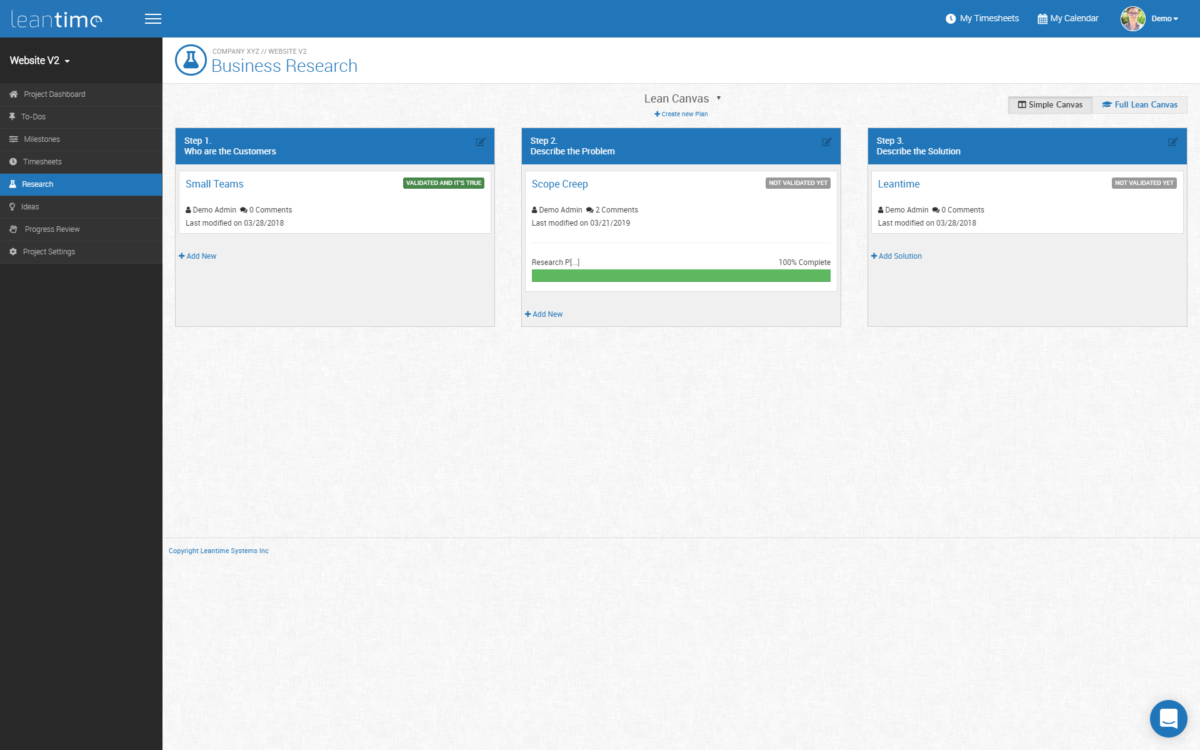
- Develop product ideas with our research boards based on the lean canvas
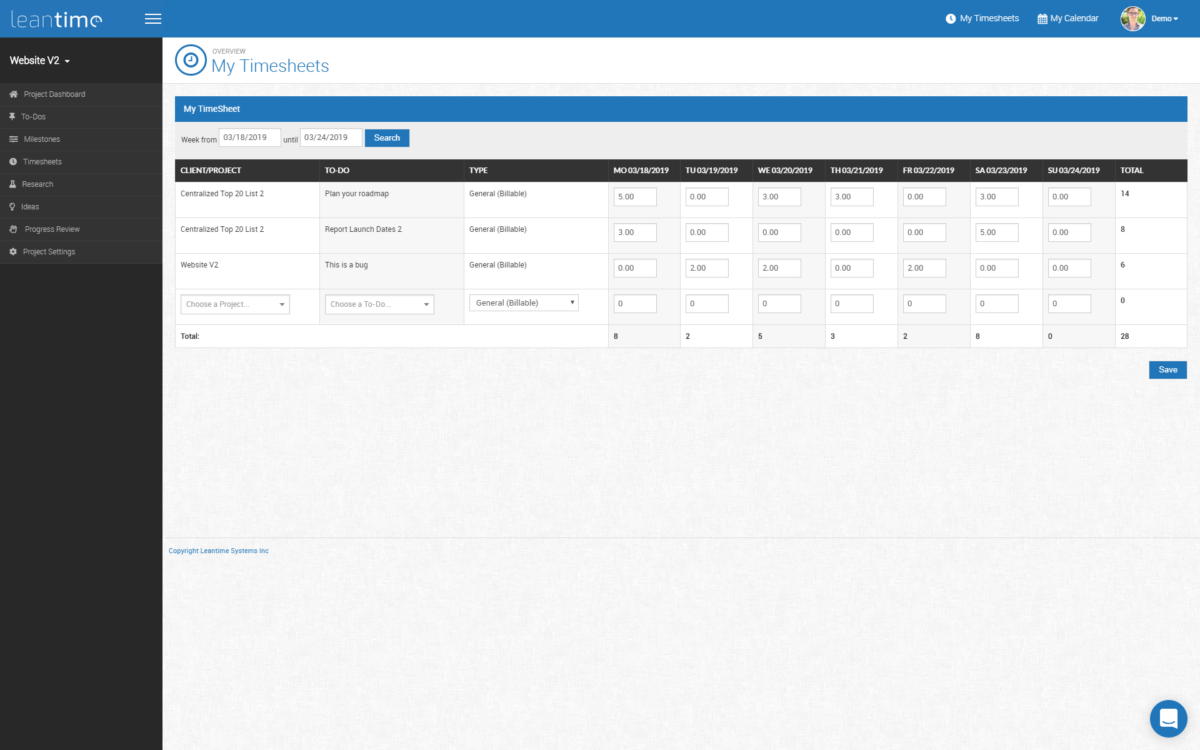
- Track time via timesheets
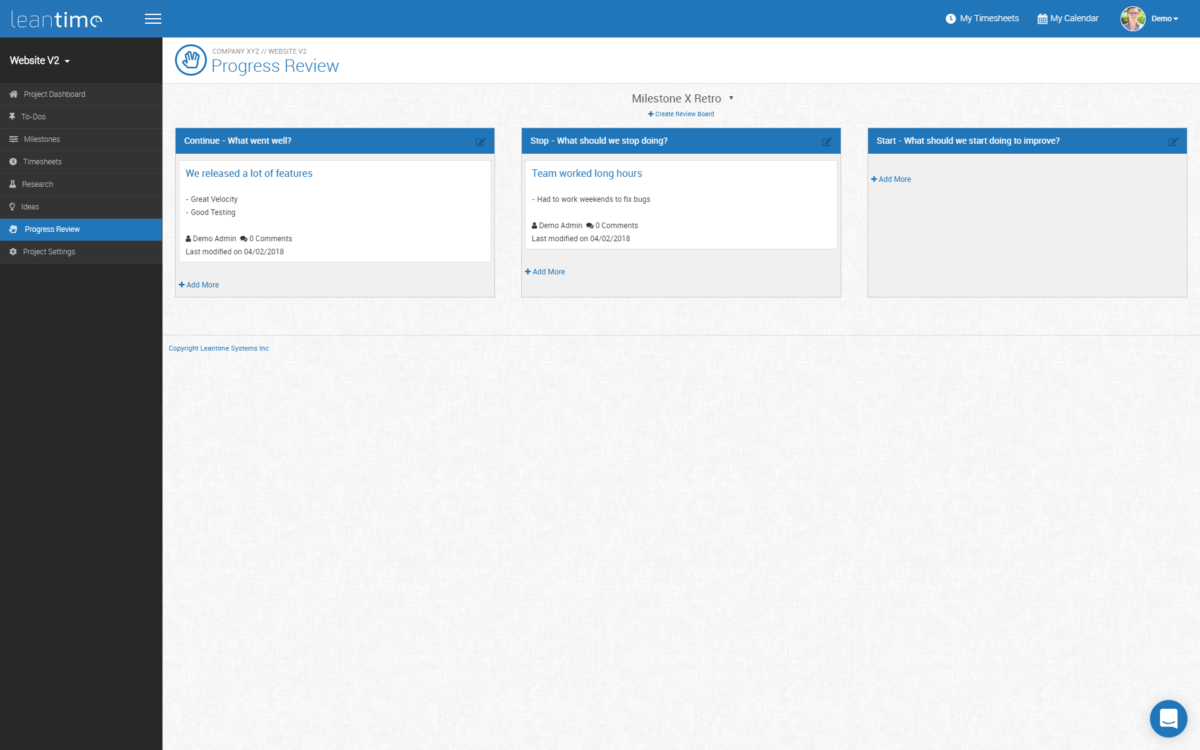
- Improve team dynamics via retrospective boards
- Discussion boards, file sharing and calendar support
Overview of Leantime benefits
Research & Ideation
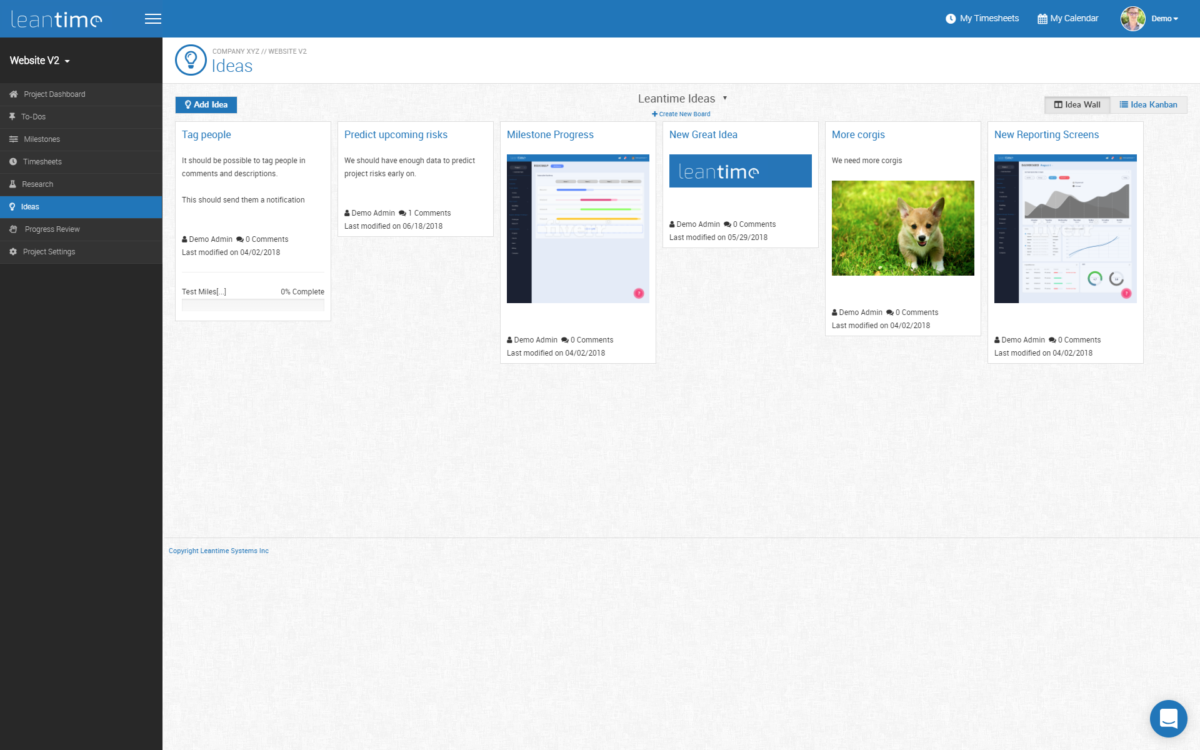
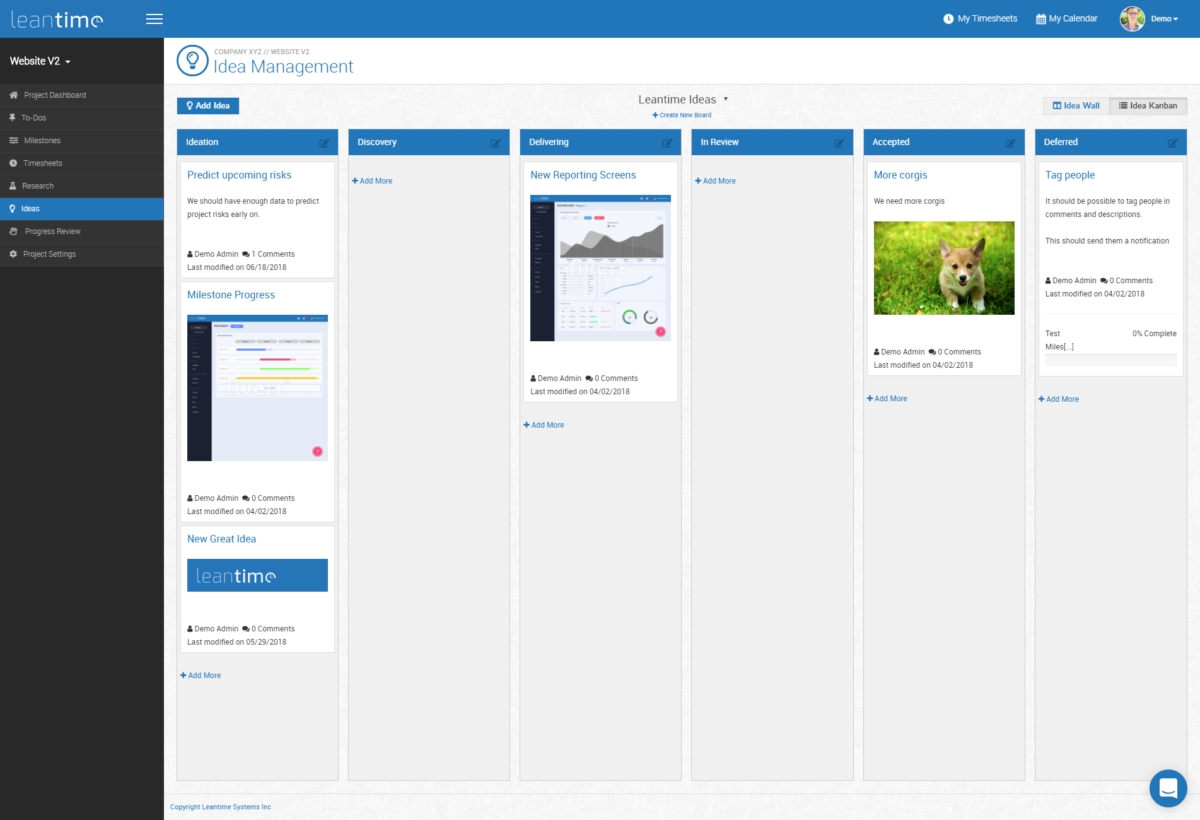
Successful innovation starts with a solution (idea) to a problem. Our Idea Manager allows you to store ideas, communicate them with team members, discuss and move them from idea to validation.
Planning
You don’t head to a new place without pulling out your maps app and you shouldn’t run a project without some idea of where you want to be. Roadmaps are a great way to track your milestones and set goal dates for when you want to get there.
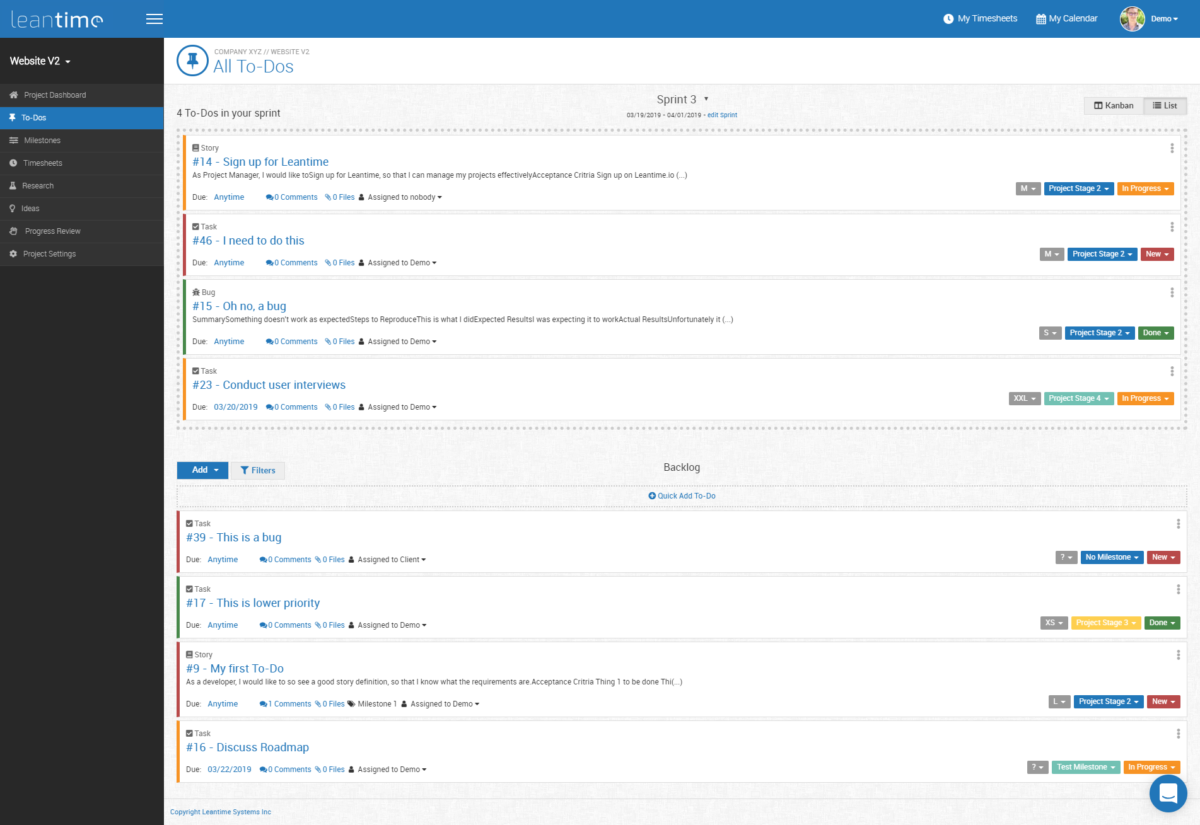
Our Backlog is how you’ll break your work’s tasks into small manageable chunks. It makes it easy to assign, communicate, and let others know where the work is going.
Deliver & Execute
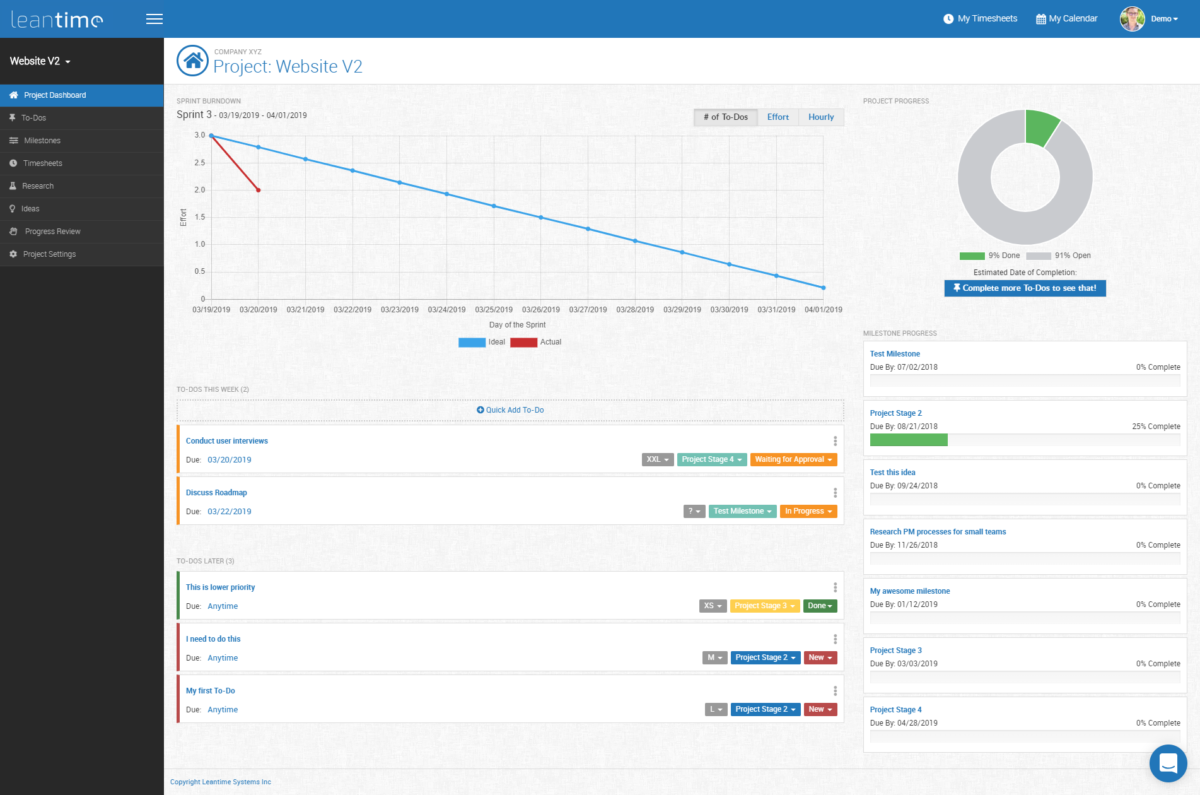
Our Project Dashboard gives you the break down on milestone progress, project progress, and an estimated completion date based on our intelligent algorithms. It’s here that our system will show your priority tasks and what needs to be worked on right now.
Know where your time is going with our Timesheet Manager. Easily track time on your To Do screen when you start your work or set your time in the Timesheet Manager itself.
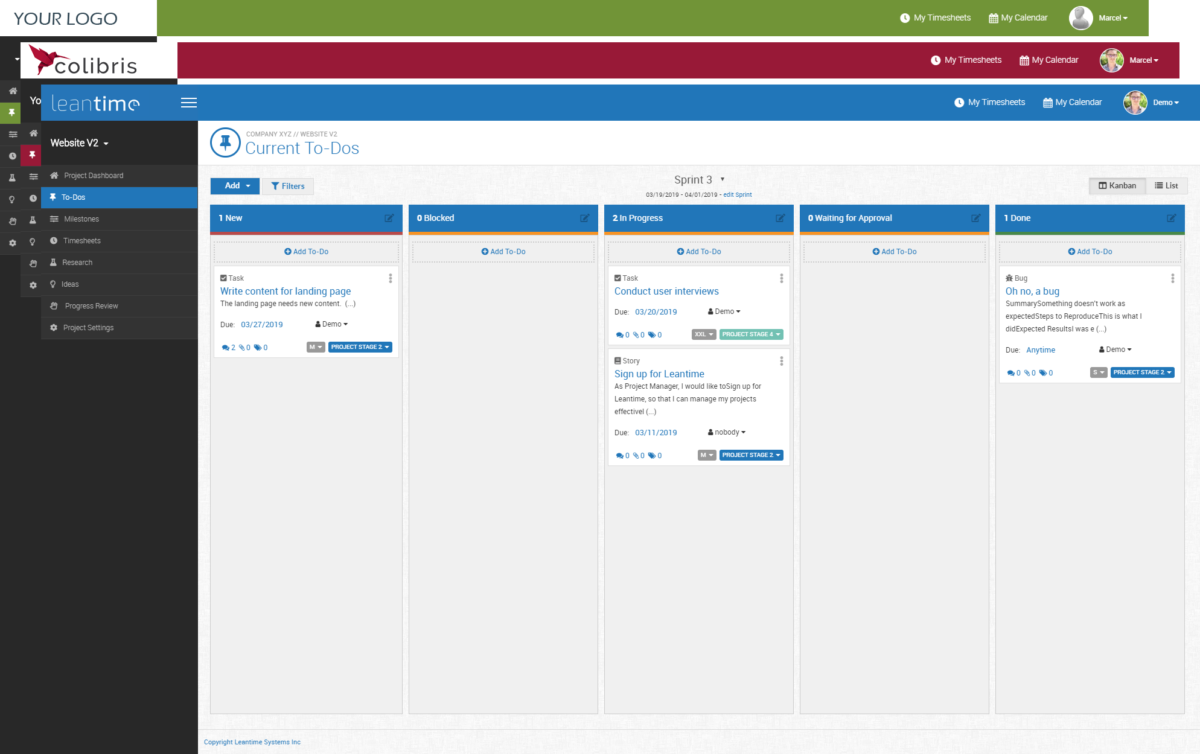
The To Do Manager works in a Kanban fashion. Easily move your tasks from New, In Progress, Blocked, Ready for Review and Done. Sign up for the Business plan and change the columns for what you need.
Read more
Read less
Features
Learn more about Leantime features that set it apart from the competition. Discover how its unique tools and capabilities enhance your processes.
Budgeting Tracking
Capacity Tracking
Cost Tracking
Portfolio Budgeting
Project Budgeting
Risk Analysis
ROI and Forecasting
Time Tracking
Workload Capacity
Communication
Discussions
Document Collaboration
Employee Online Status
File Sharing
Instant Messaging
Project Conversations
Tagging
Notifications
Email Notifications
In-App Notifications
Live Notifications
Status Updates
Platform
Custom Fields
Customizable Forms
Customizable Templates
Multi-Language Support
Sections & Columns
Start Dates/Due Dates
Portfolios
Portfolio Coordination
What-If Scenarios
Workflows
Project Planning
Advanced Project Management Features
Collaborative Project Planning
Gantt Charts / Project Mapping
Kanban Board
Milestones
Progress Monitoring
Resource Management
Scheduling
Reporting
Detailed Graphs
Expense Reports
Portfolio Reports
Real-Time Analytics
Real-Time Reporting
Resource Workload Reports
Timesheet Reports
Tasks Management
Idea Management
Subtasks
Task Creation & Assignment
Task Prioritization
To-Do Lists
Team Management
Agile Teams
Comment-Only projects
Comments
Dependencies
Guest Access
Permissions
Teams & Followers
Views
Activity Feed
Calendar View
Files View
My Inbox
My Tasks
Timeline View
Pricing
Learn more about Leantime's pricing options, cost, and plans so you can make a well-informed, business-wise decision on the best software to use for organization.
Pricing Model
-
Free
-
Free Trial
-
Subscription
- Free open source self hosted version - Hosted cloud version
Have you used Leantime before?
Answer a few questions and help the community to make the best decisions
Alternatives
Not a match? Find software alternatives that better suit your needs and compare them to discover the one that's right for you.






![]project-open[ logo](https://cdn.elearningindustry.com/wp-content/uploads/2019/06/156802f572053180015d902d5faa6800.gif)