Customers
- Large Enterprises (>10,000)
- Non Profits
- Public Administrations
- Small/Medium Businesses
Use Cases
- Competency Management
- Compliance Training
- Customer Training
- Employee Onboarding
- Employee Training
- Public Sector External
- Workforce Development
Industries
- Airlines/Aviation
- Banking
- Construction
- Financial Services
- Insurance
- Manufacturing
Deployment
- Software as a Service / Cloud
Browsers
- Apple Safari
- Google Chrome
- Mozilla Firefox
Training
- Documentation
- In Person
- Live Online
- Online Tutorials
- Webinars
Support
- 24/7
- Business Hours
- Email
- Knowledge Base
- Live Online
- Phone
Supported Specifications
- AICC
- SCORM 1.1
- SCORM 1.2
- SCORM 2004
- SCORM 2004 3rd Edition
- SCORM 2004 4th Edition
What is Lumofy?
At Lumofy, we believe that the right insights are the key to a winning talent strategy. That’s why we developed the Lumofy skills-first ecosystem—a holistic approach to skills transformation that consolidates multiple tools into a single, powerful platform.
This ecosystem empowers organizations to align employee skills with their goals, values, and industry demands, using AI to map competencies in real-time. Lumofy then analyzes skill proficiency through talent assessments, 360-degree feedback, and skill evaluations, providing deep insights into workforce strengths and gaps. By building targeted, skill-based pathways tailored to specific needs, Lumofy boosts employee performance by turning these insights into actionable strategies that drive both individual and organizational success.
Whether it's upskilling employees, enhancing leadership capabilities, or streamlining onboarding, Lumofy’s dynamic pathways help employees develop expertise that drives strategic success.
Overview of Lumofy benefits
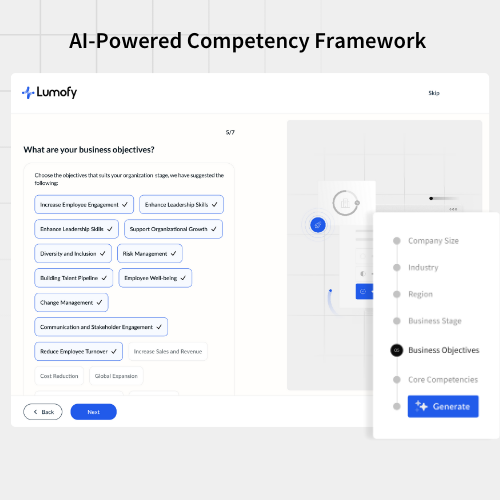
Identify Skills
- Build your unique competency framework with AI precision.
Use AI to tailor a competency framework that aligns with your organization’s specific goals, industry, stage of business, and values.
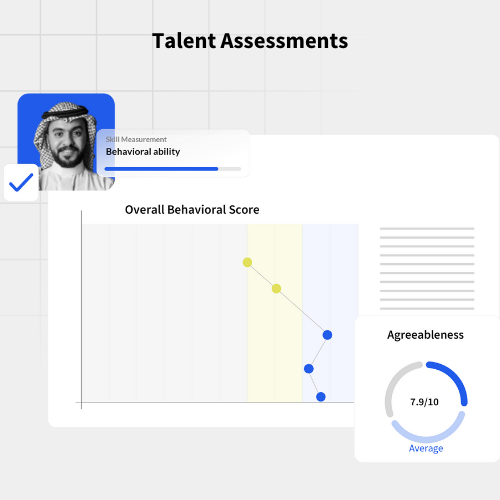
Assess Skills
- Assess talent abilities, skills, and potential with talent assessments
Evaluate employee capabilities with targeted assessments, providing actionable insights for informed talent management decisions.
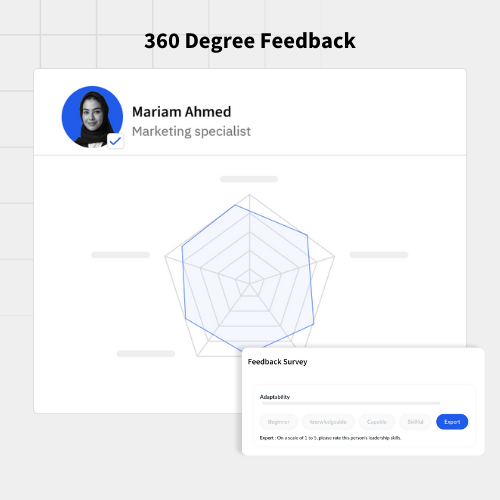
- Gather 360-degree feedback for well-rounded insights
Obtain comprehensive feedback from peers, managers, and subordinates to gain a full perspective on employee performance.
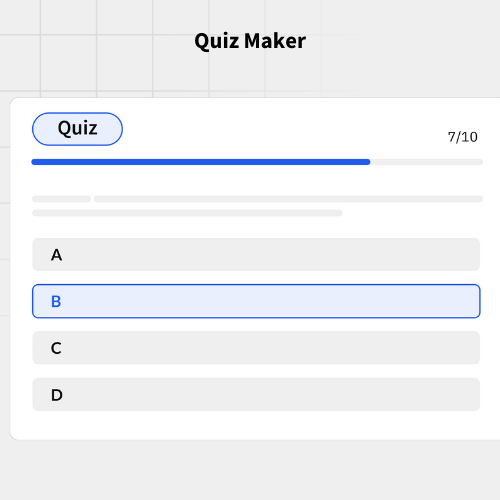
- Create quizzes to test and validate knowledge.
Develop customized quizzes that assess and confirm your team's understanding of concepts and skills.
Develop Skills
- Deliver personalized skilling programs with LXP
Offer individualized learning paths through a flexible LXP, ensuring each employee receives relevant and engaging content.
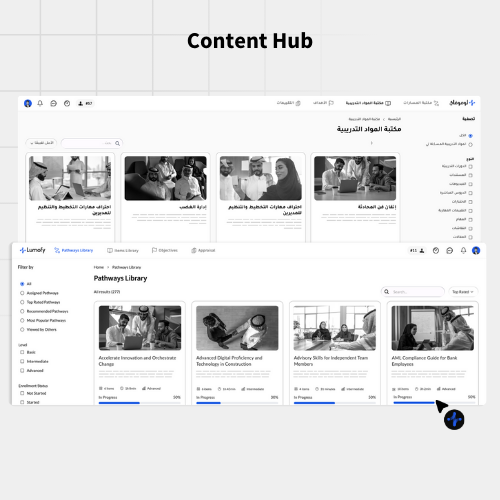
- Unlock a vast library of skills-based resources with the Content Hub
Access an extensive collection of training materials, supporting diverse development needs and enhancing skill acquisition.
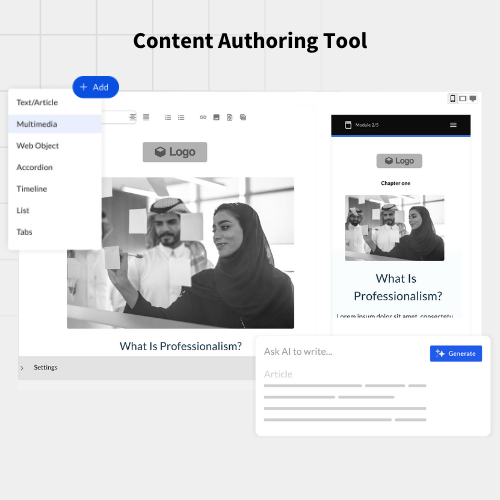
- Create your own courses with multimedia and interactivity
Design interactive courses with multimedia elements, making learning more engaging and effective for your employees.
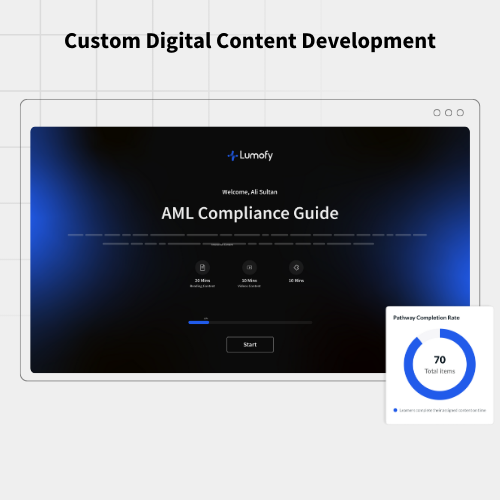
- Get experts to design custom content tailored to your specific needs
Work with our experts to create custom content that fits your organization’s unique requirements and objectives.
Track Skill Growth
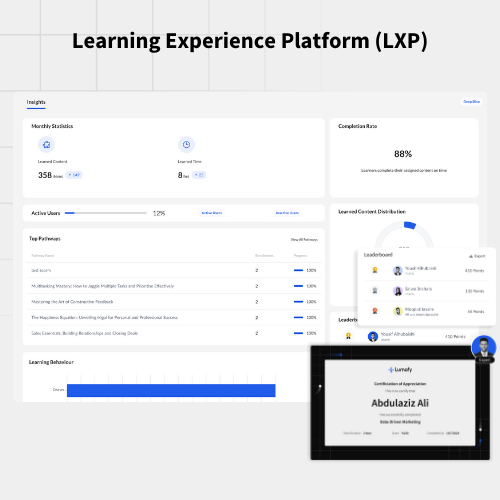
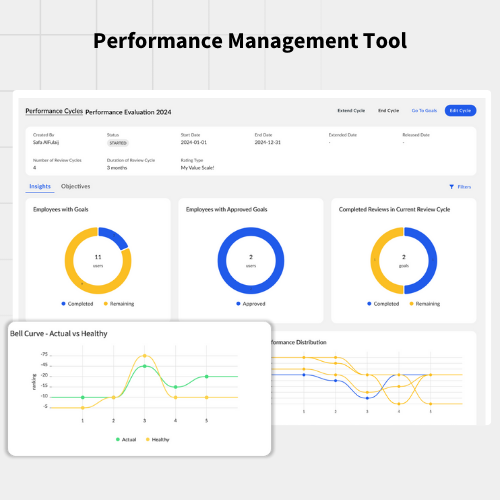
- Monitor progress with a simplified dashboard
Easily track employee development and skill growth with a user-friendly dashboard that provides real-time insights.
Activate Skills
- Set goals, track progress, and enhance employee performance
Establish clear objectives, monitor progress, and drive continuous improvement to boost overall performance and achieve business goals.
Features
Learn more about Lumofy features that set it apart from the competition. Discover how its unique tools and capabilities enhance your processes.
Accounts
Add a new user
Allows administrators to add new users directly to their LMS for streamlined user management.
Archive users
Deactivate and store user accounts without deleting them.
Activity grading
Gradebook
Gradebook audit trail
Gradebook comments
Manual Grading ("Marking")
Multiple grading scales
AI Features
AI Powered
Chatbot
AI assistant for learner support.
Text-to-speech
Authentication
Active Directory/LDAP Integration
Manual Accounts
No login
SAML2/API Integration
Self-Registration w. Admin Confirmation
Categories
Priced Categories (Bundle)
Certificate management
Certification life-cycle
Manage certification templates
Unique Certificate by Course
Compliance management
Certificate expiration notifications
Certification Expiration Management
Soft/Hard Stop Due Dates
Course Creation
Content Library
A repository of pre-made templates, existing content, multimedia sets, and learning outlines.
Hybrid Learning Courses
LRS
Survey Engine
Customization
Personalized views
Enrollment
Automated Enrollment (based on User data)
Guest Access Settings
Self-enrollment (with a PIN #)
Survey enrollment (based on a response)
Gamification
Badges
Award digital achievements.
Customize Gamification mechanics
Levels
Points
Award points for activity.
Rewards
Offer incentives for achievements.
Interface options
Additional external pages
Block Management
Learning Accessibility
Location Settings
Media embedding settings
Ready-made Themes
Learning types
Asynchronous Instructor-led
Mobile learning
Offline (disconnected Mobile app)
Offline
Support for offline access to content
Reports
Automated Report Scheduling
Canned Reports
Grading Report Settings
Security
Anti-spam
Anti-virus
Restrict registration to specific domains
Shopping cart
Built-In Shopping Cart
Shopping Cart as Plug-In
System reports
Live Logs
Monitor system activity in real time.
Pricing
Learn more about Lumofy's pricing options, cost, and plans so you can make a well-informed, business-wise decision on the best software to use for organization.
Integrations
Learn more about Lumofy's integration options.
Have you used Lumofy before?
Answer a few questions and help the community to make the best decisions
Alternatives
Not a match? Find software alternatives that better suit your needs and compare them to discover the one that's right for you.
![Connecteam - Mobile Teams LMS logo]()
Connecteam - Mobile Teams LMS
4.0/5
Compare