Customers
- Academic
- Freelancers
- Small/Medium Businesses
Industries
- Education Management
- eLearning
- Management Consulting
- Primary/Secondary Education
- Professional Services (Agency, Business)
- Professional Training & Coaching
- Research
Deployment
- Desktop Application
- Mobile Application
- Software as a Service / Cloud
Browsers
- Apple Safari
- Google Chrome
- Internet Explorer
- Mozilla Firefox
Training
- Documentation
- Online Tutorials
What is NoteDex?
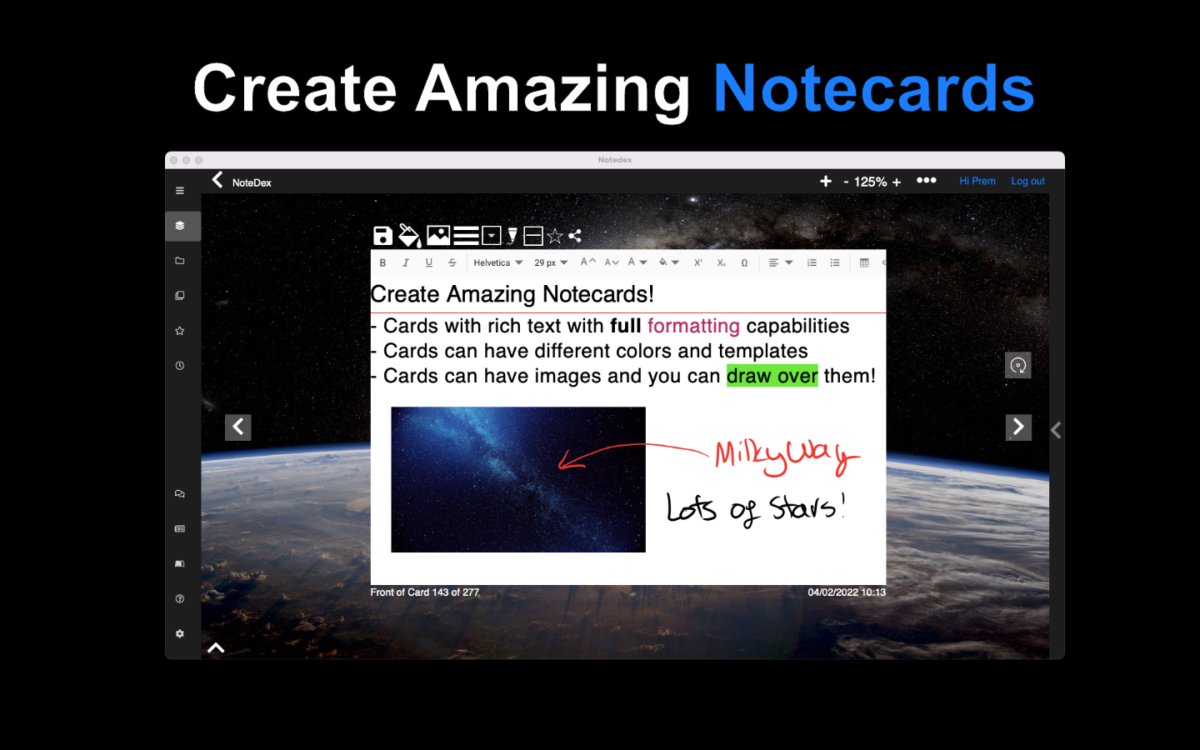
NoteDex helps students and teachers plan, revise, take notes and study by providing tools inspired by physical index cards and flashcards. Rich text formatting tools, images, and tables ensure your cards support your intentions. Multi-format support (iOS, Android, Mac, Windows and web app) and optional stylus utilisation grant flexibility and ease of use.
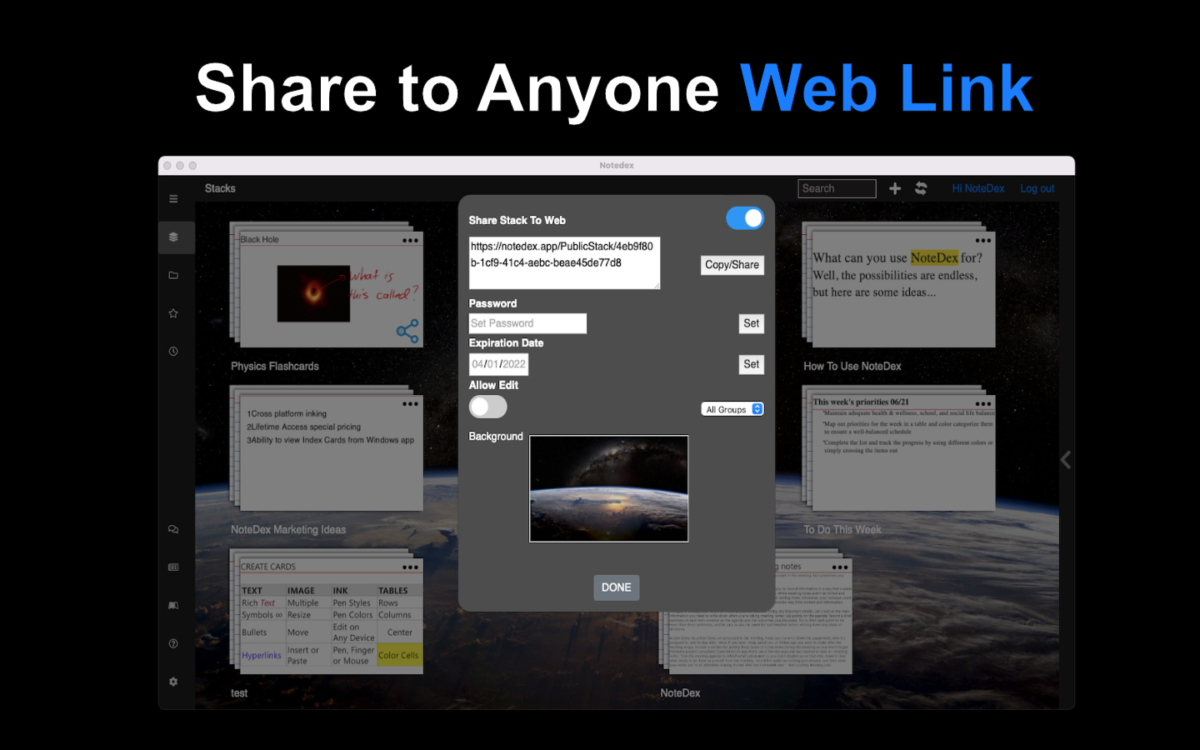
NoteDex supports collaboration making it suitable for teachers and college-aged students. After a fully-featured seven-day trial, you can choose from an ongoing subscription or a lifetime licence to continue using the app. Anything you create during the trial will remain accessible for viewing whether you subscribe or not.
Overview of NoteDex benefits
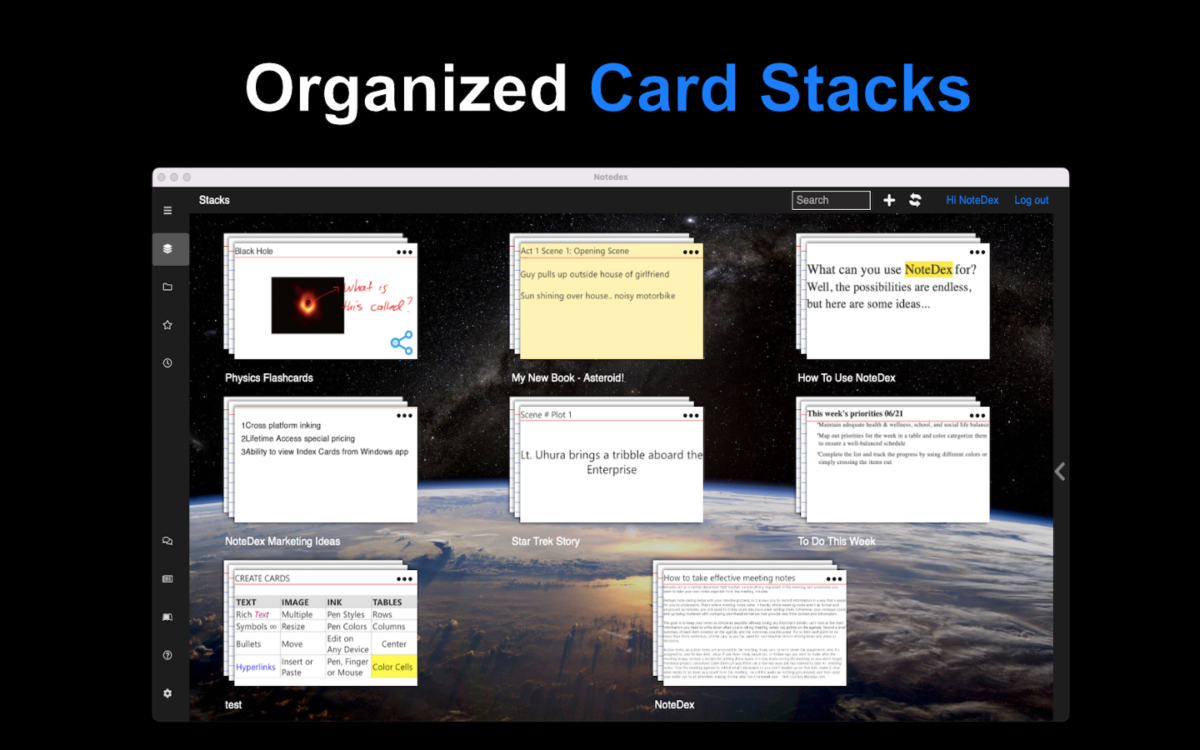
NoteDex simulates having a never-ending supply of index cards for creating planning, notetaking and organisational aids. It also provides a portable library of all of your creations which you can use for future reference and collaborative or sharing purposes.
NoteDex is available for various formats. Android, Windows, Mac, iOS and Web devices have downloadable apps, while all devices can access the platform through the web app. The app will synchronise across all devices logged into the same user account.
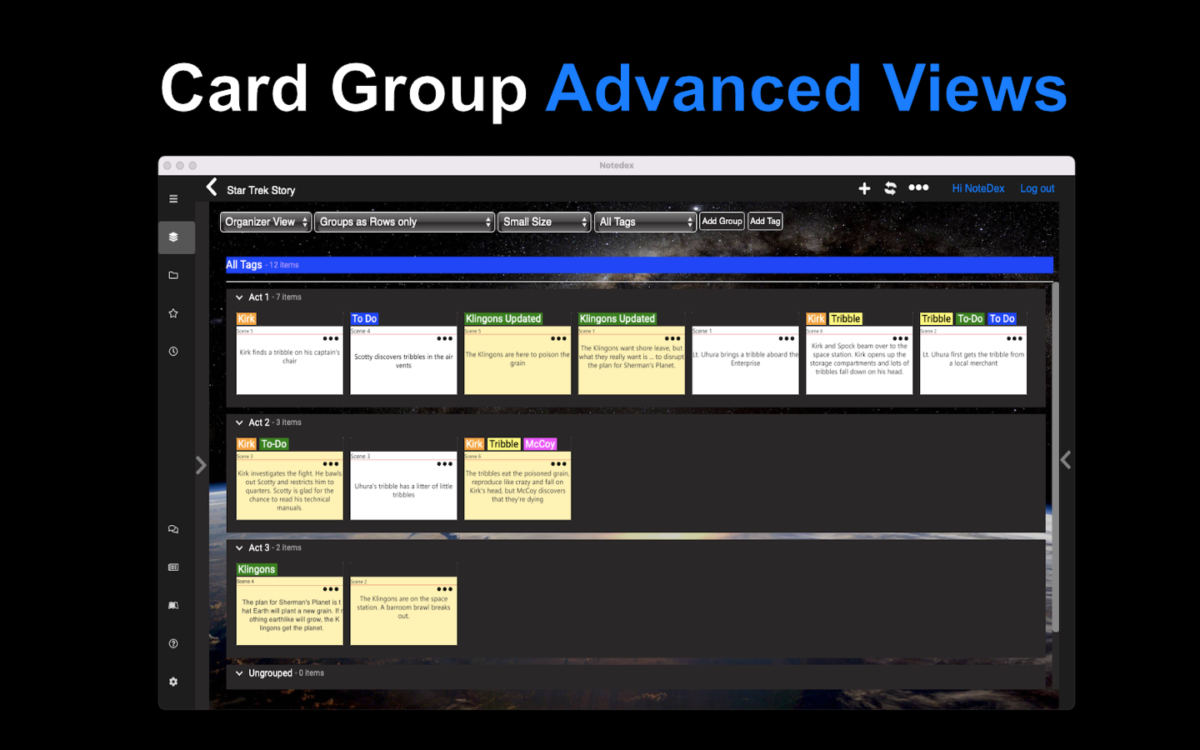
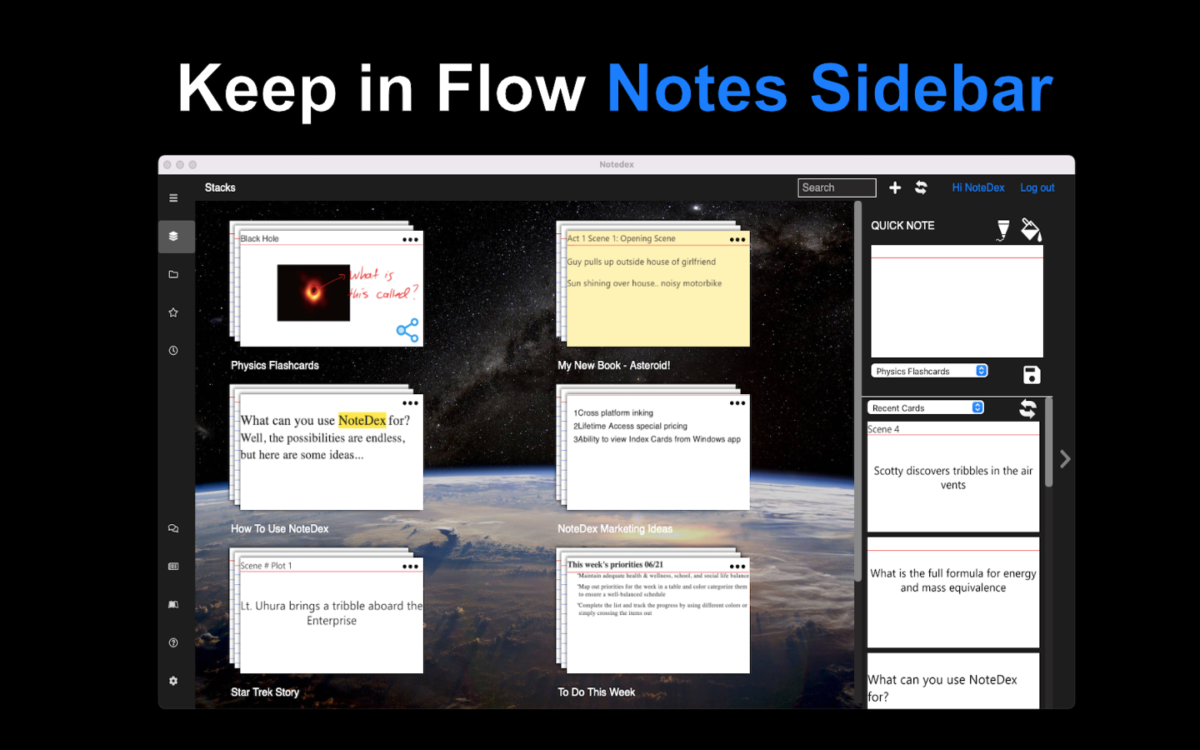
The card organisation and viewing tools make it an excellent app for planning, similar to how people use physical sticky notes and index cards. If you switch the app to organiser mode, you can arrange the cards as thumbnails and position cards as you see fit to help organise your thoughts and intentions. You have the advantage of preserving and taking away your final layout.
Features
Learn more about NoteDex features that set it apart from the competition. Discover how its unique tools and capabilities enhance your processes.
Budgeting Tracking
Capacity Tracking
Cost Tracking
Portfolio Budgeting
Project Budgeting
Risk Analysis
ROI and Forecasting
Time Tracking
Workload Capacity
Communication
Discussions
Document Collaboration
Employee Online Status
File Sharing
Instant Messaging
Project Conversations
Tagging
Notifications
Email Notifications
In-App Notifications
Live Notifications
Status Updates
Platform
Custom Fields
Customizable Forms
Customizable Templates
Multi-Language Support
Sections & Columns
Start Dates/Due Dates
Portfolios
Portfolio Coordination
What-If Scenarios
Workflows
Project Planning
Advanced Project Management Features
Collaborative Project Planning
Gantt Charts / Project Mapping
Kanban Board
Milestones
Progress Monitoring
Resource Management
Scheduling
Reporting
Detailed Graphs
Expense Reports
Portfolio Reports
Real-Time Analytics
Real-Time Reporting
Resource Workload Reports
Timesheet Reports
Tasks Management
Idea Management
Subtasks
Task Creation & Assignment
Task Prioritization
To-Do Lists
Team Management
Agile Teams
Comment-Only projects
Comments
Dependencies
Guest Access
Permissions
Teams & Followers
Views
Activity Feed
Calendar View
Files View
My Inbox
My Tasks
Timeline View
Pricing
Learn more about NoteDex's pricing options, cost, and plans so you can make a well-informed, business-wise decision on the best software to use for organization.
Pricing Model
-
Free Trial
-
One-time purchased license
-
Subscription
One-Time Lifetime Purchase Available. 50% Educational Discount Available.
Have you used NoteDex before?
Answer a few questions and help the community to make the best decisions
Alternatives
Not a match? Find software alternatives that better suit your needs and compare them to discover the one that's right for you.






![]project-open[ logo](https://cdn.elearningindustry.com/wp-content/uploads/2019/06/156802f572053180015d902d5faa6800.gif)