Customers
- Academic
- Freelancers
- Large Enterprises (>10,000)
- Non Profits
- Public Administrations
- Small/Medium Businesses
Use Cases
- Academic Learning
- Association Learning
- Channel Training
- Competency Management
- Continuing Education
- Immersive Learning
- Microlearning
Industries
- Education Management
- Education: K-12
- eLearning
- Government: State/Local
- Higher Education
- Professional Training & Coaching
Deployment
- Software as a Service / Cloud
Browsers
- Apple Safari
- Google Chrome
- Internet Explorer
- Mozilla Firefox
Training
- Documentation
- In Person
- Live Online
- Online Tutorials
- Webinars
Support
- 24/7
- Email
- FAQ
- Live Online
- Online Community
- Phone
What is Professor?
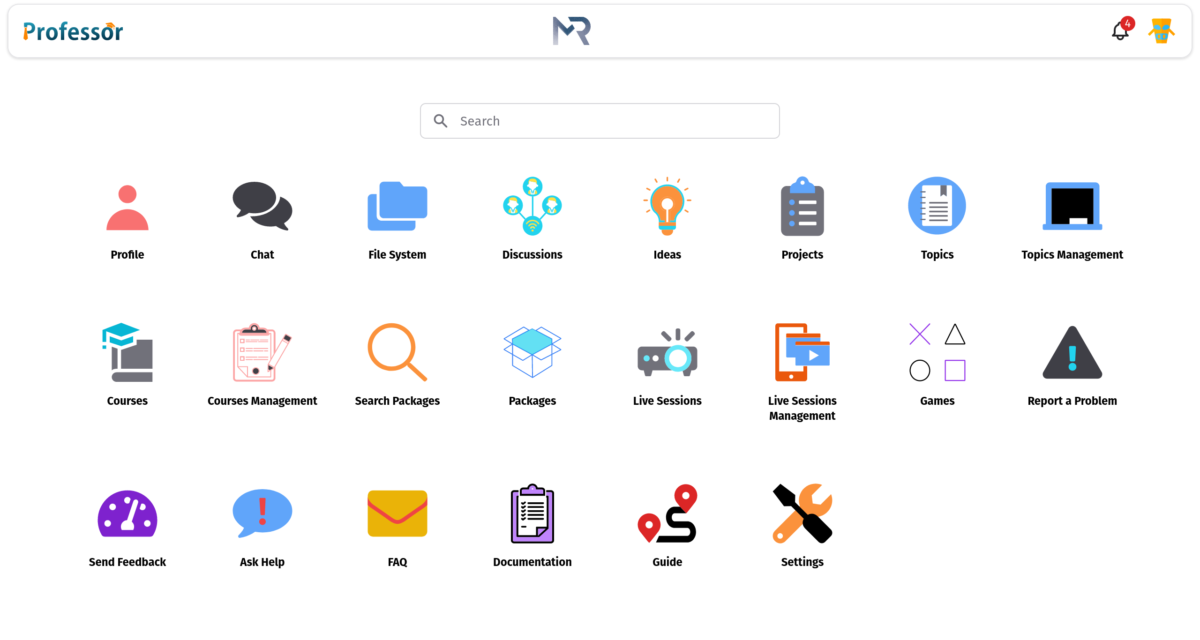
Professor is an Institute Management System automates Institution management workflows with innovative ways to provide and handout scholastic, assisting institutions saving time and money. It is designed to serve the modern education equipped with an intuitive and responsive interface that allows revamping.
Professor includes lessening the workload of teachers and administration by providing an interface that is user-friendly, easy to use and can be accessed from any electronic device (Phone, Laptop, Tab etc.) It focuses on amplifying the learning activity of the student, making them more productive.
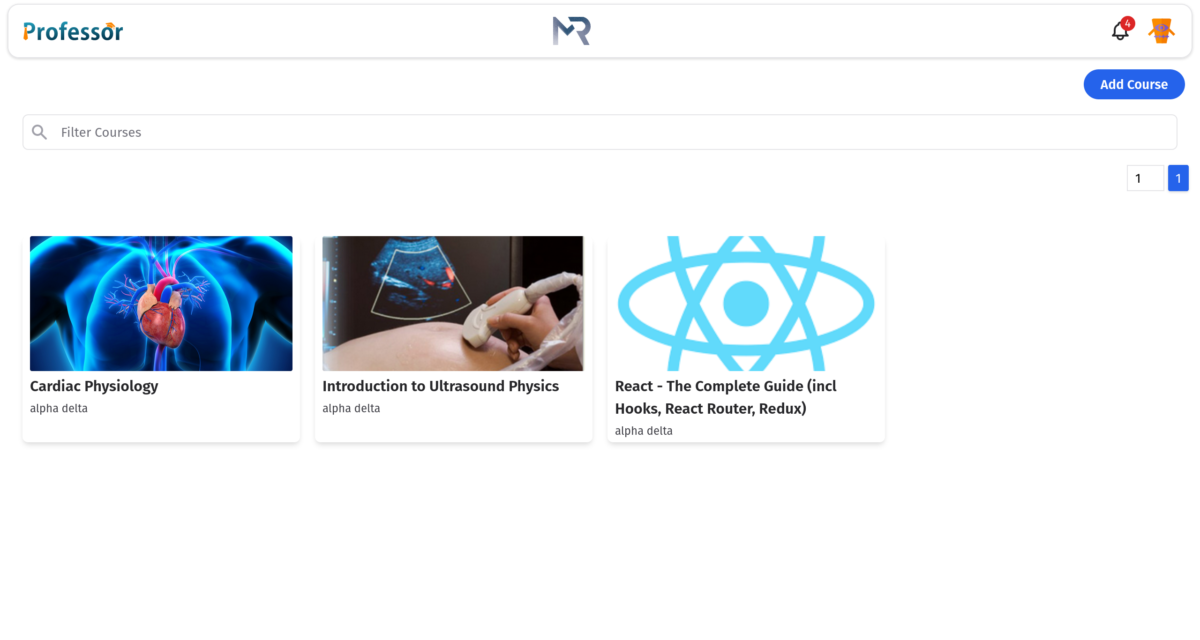
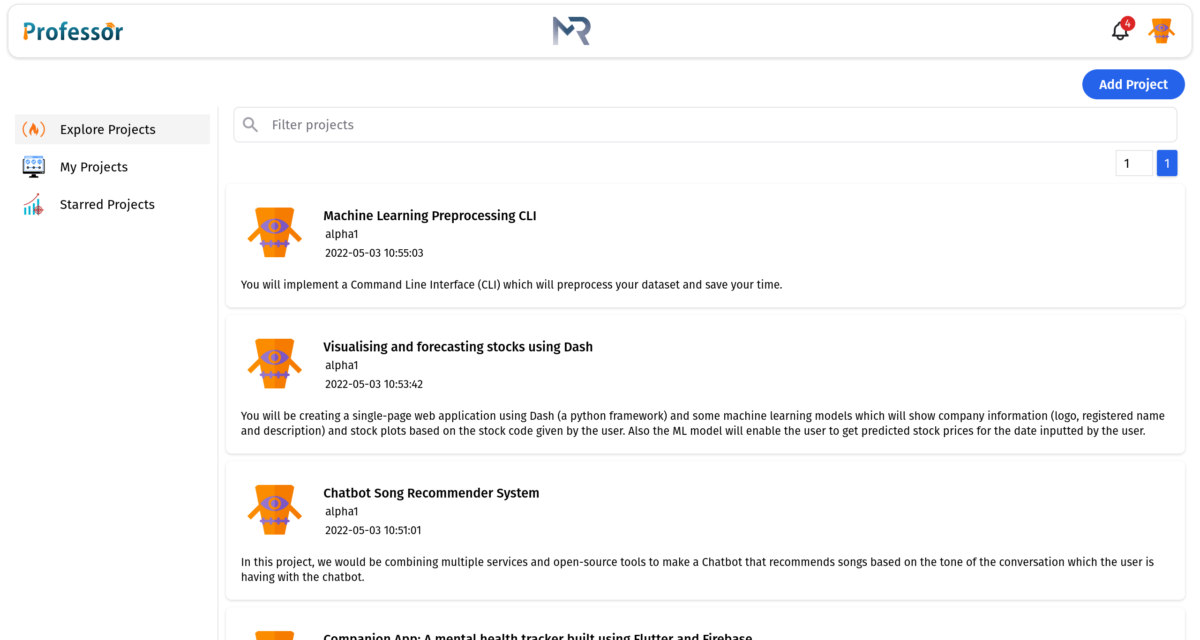
It is a web-based application under use 24/7, aligned to all education institutions obedience to standards and best market practices in terms of security and frame. The platform straightaway supports all tools and features needed to create a robust and economical education system, as the most comprehensive education solution provider. With the features like course management, chat communications and storage systems etc. Professor is empowering teachers with the best tools to support their institute's approach.
Overview of Professor benefits
PROFESSOR BENEFITS:
Cloud Based System: in this system, professor can be accessed from anywhere anytime. It's beneficial because the information can be accessed from anywhere around the world which makes it flexible in nature.
Convenience and Flexibility: Professor provides students full control and accountability. They can allocate their time to learning. This control allows coordinating their education and ensures the best time for learning. Example: many students may work better in the evening but traditional education restricts them. Online education is available anytime & anywhere allows students to decipher with their capabilities.
Pay as go: According to the pay as you go rates you just need to pay for what you use.
Accessibility: Full rights are given within the infrastructure. They can make changes to vital details and keep an eye on goof-up in data. It makes administration in touch with students and caters problems easily.
Customization: Institutes can personalize the application from enabling/disabling the whole Resource to customizing the data lists to setting up a student/prospect attribute.
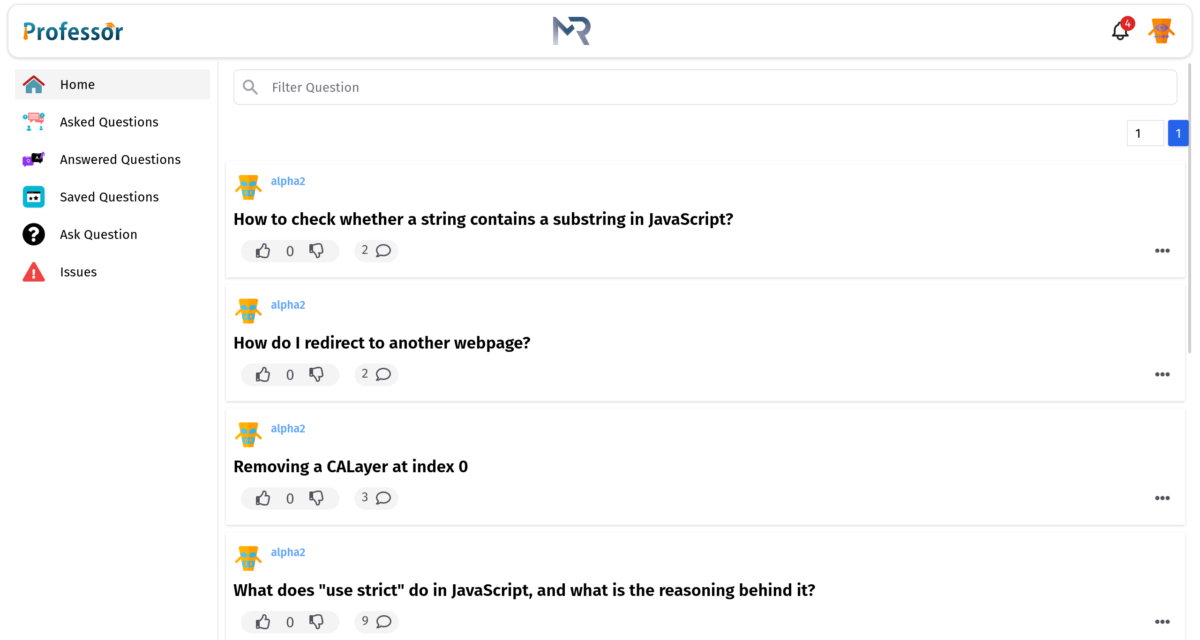
Student-Teacher Collaboration: Using Professor adds beyond the classroom increases the interaction between faculty and students. Solving queries online makes the atmosphere friendly.
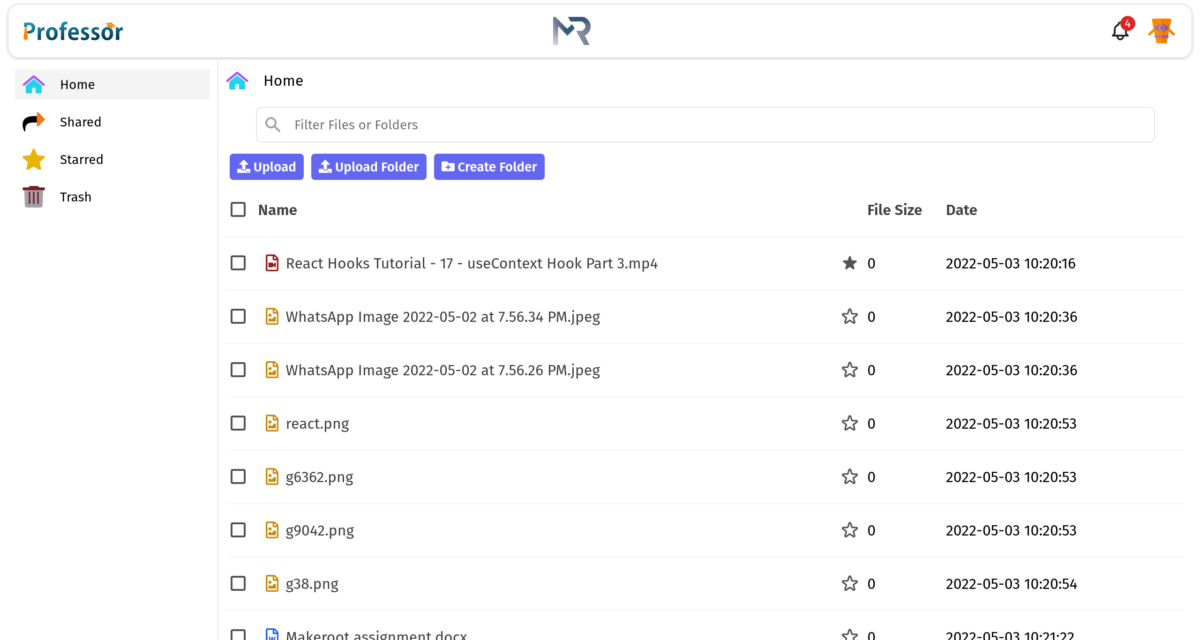
Organizes and safely stores big data: It offers advanced encryption so that one doesn’t have to worry about failing in wrong hands. Thus, maintaining and updating becomes easier and all big data can be placed at a single location.
Features
Learn more about Professor features that set it apart from the competition. Discover how its unique tools and capabilities enhance your processes.
Accounts
Add a new user
Allows administrators to add new users directly to their LMS for streamlined user management.
Archive users
Deactivate and store user accounts without deleting them.
Activity grading
Gradebook
Gradebook audit trail
Gradebook comments
Manual Grading ("Marking")
Multiple grading scales
AI Features
Adaptive Learning
AI Powered
Chatbot
Content development
Content Translation
Intelligent recommendations
Natural Language Processing
Predictive analysis
Quiz generation
Text-to-speech
Authentication
Active Directory/LDAP Integration
Manual Accounts
No login
SAML2/API Integration
Self-Registration
Self-Registration w. Admin Confirmation
Certificate management
Certification life-cycle
Manage certification templates
Predefined certification templates
Unique Certificate by Course
Unique Certification by Curriculum
Compliance management
Certificate expiration notifications
Certification Expiration Management
Due Date notifications
Soft/Hard Stop Due Dates
Course Creation
Assignments Engine
Built-In Authoring Tool
Content Library
Hybrid Learning Courses
Learning Paths (Curriculums)
LRS
Survey Engine
Tests Engine
Enrollment
Attendance Tracking
Automated Enrollment (based on User data)
Guest Access Settings
Manual Enrollment
Progress Tracking
Self-enrollment
Self-enrollment (with a PIN #)
Survey enrollment (based on a response)
Format
Gamification Format
Learner Upload
Social Format
Weekly Format
Gamification
Badge customization
Badges
Customize Gamification mechanics
Leaderboards
Levels
Points
Rewards
Interface options
Additional external pages
Block Management
Calendar Settings
Language settings
Learning Accessibility
Location Settings
Media embedding settings
Multilanguage Support
Ready-made Themes
Learning types
Asynchronous Instructor-led
Asynchronous Self-paced
Blended Learning
Synchronous Virtual Classroom
Mobile learning
Offline (disconnected Mobile app)
Offline
Support for offline access to content
Reports
Automated Report Scheduling
Canned Reports
Dashboards and Graphic Reports
Email delivery of Reports
Exporting Reports in variety of formats
Grading Report Settings
Learning Analytics Tools
Training Record Maintenance
Shopping cart
Built-In Shopping Cart
Shopping Cart as Plug-In
System reports
Custom reports generator
Live Logs
Pricing
Learn more about Professor's pricing options, cost, and plans so you can make a well-informed, business-wise decision on the best software to use for organization.
Pay As Go: You enable resources directly from the platform. You only pay for exactly what you use, according to the specified pay-as-you-go rates.
Integrations
Learn more about Professor's integration options.
-
Have you used Professor before?
Answer a few questions and help the community to make the best decisions
Alternatives
Not a match? Find software alternatives that better suit your needs and compare them to discover the one that's right for you.
![Connecteam - Mobile Teams LMS logo]()
Connecteam - Mobile Teams LMS
4.0/5
Compare