


Trending Learning Management Systems (LMS)
About the vendor
-
Customers
  • Large Enterprises (>10,000)
  • Non Profits
  • Public Administrations
  • Small/Medium Businesses
Use Cases
  • Academic Learning
  • Association Learning
  • Competency Management
  • Compliance Training
  • Continuing Education
  • Customer Training
  • Employee Training
Industries
-
Deployment
  • Software as a Service / Cloud
Platforms
  • Linux
  • Mac
  • Windows
Browsers
  • Apple Safari
  • Google Chrome
  • Internet Explorer
  • Mozilla Firefox
Training
  • Documentation
  • In Person
  • Live Online
  • Online Tutorials
Support
  • Business Hours
  • Email
  • FAQ
  • Knowledge Base
  • Live Online
  • Phone
Supported Specifications
  • AICC
  • IMS Common Cartridge
  • IMS LTI
  • IMS QTI
  • SCORM 1.1
  • SCORM 1.2
  • SCORM 2004
  • SCORM 2004 3rd Edition
  • SCORM 2004 4th Edition
  • Section 508
  • xAPI/Tin Can API
Languages Supported
-
LinkedIn Page
-
X
-

What is ScholarLMS?

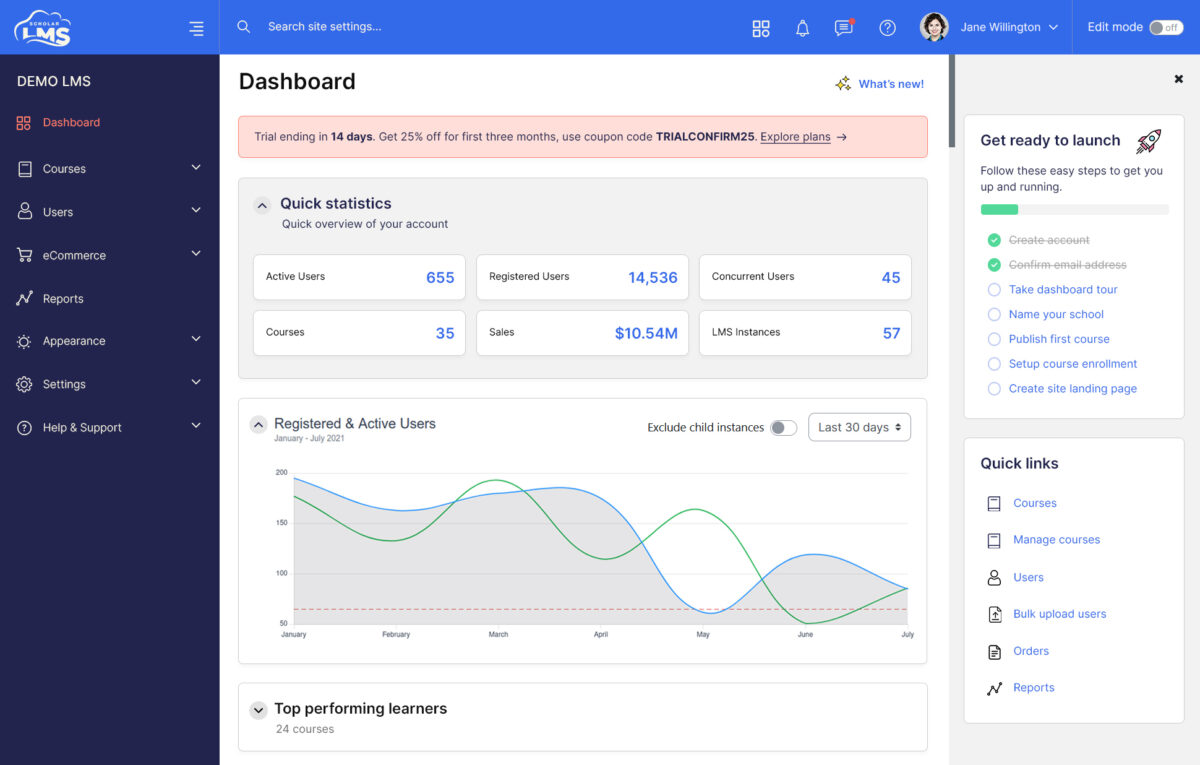
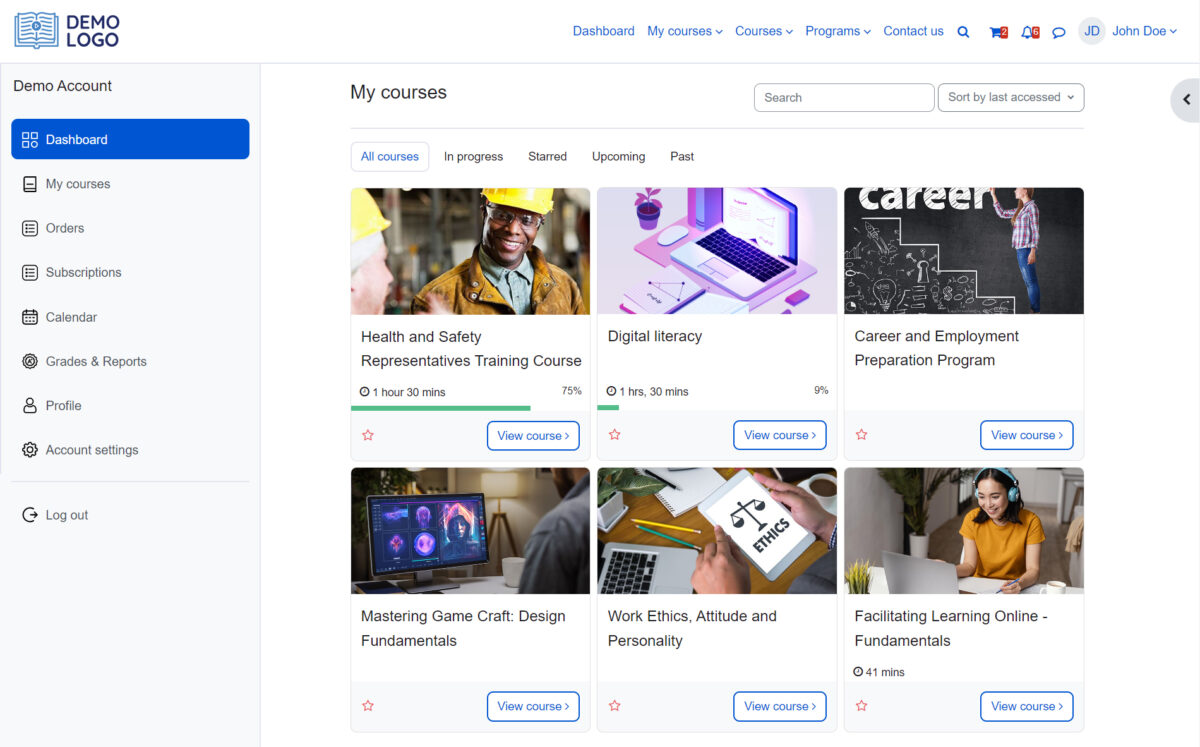
ScholarLMS is a comprehensive Learning Management System (LMS) designed to facilitate online education and training. It serves as a digital platform where educators can create, manage, and deliver courses, while learners can access course materials, interact with instructors, and track their progress.

USE CASES

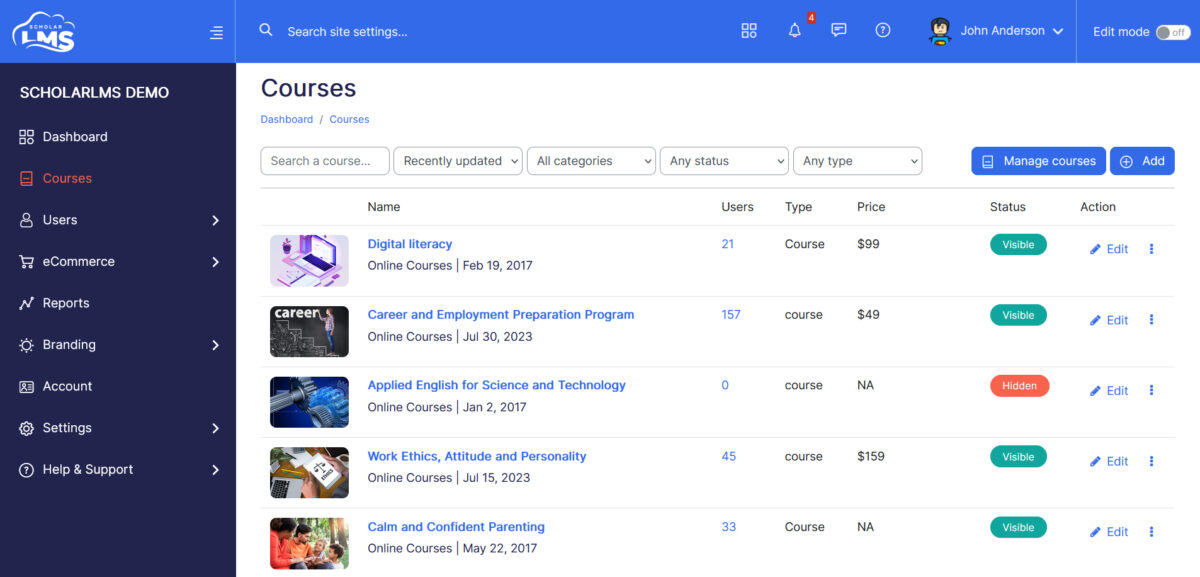
1. Educational Institutions: ScholarLMS serves as a dynamic platform for schools, colleges, and universities to streamline course management, distribute resources, conduct assessments, and facilitate seamless communication between students and educators.

2. Corporate Training: Organizations can leverage ScholarLMS to deliver tailored training modules to their workforce, whether for onboarding new employees, ensuring compliance, fostering skill development, or facilitating ongoing professional growth initiatives.

3. Professional Certification: Institutions offering professional certifications or continuing education courses can harness ScholarLMS to develop and administer course content, monitor learner progress, and issue certifications upon successful completion, ensuring accreditation and proficiency.

4. Blended Learning: ScholarLMS supports blended learning environments by seamlessly integrating online learning activities with traditional classroom instruction, enabling educators to supplement face-to-face teaching with online resources, assignments, and collaborative discussions.

5. Professional Development: ScholarLMS caters to the professional development needs of educators, trainers, and professionals across various sectors by enabling the creation of customized courses tailored to specific skill sets or industry requirements.

6. Training and Development for NGOs and Nonprofits: NGOs and nonprofit organizations can leverage ScholarLMS to efficiently train staff, volunteers, and beneficiaries, delivering cost-effective training programs on topics such as health education, community development, and capacity building.


Overview of ScholarLMS benefits

KEY BENEFITS:

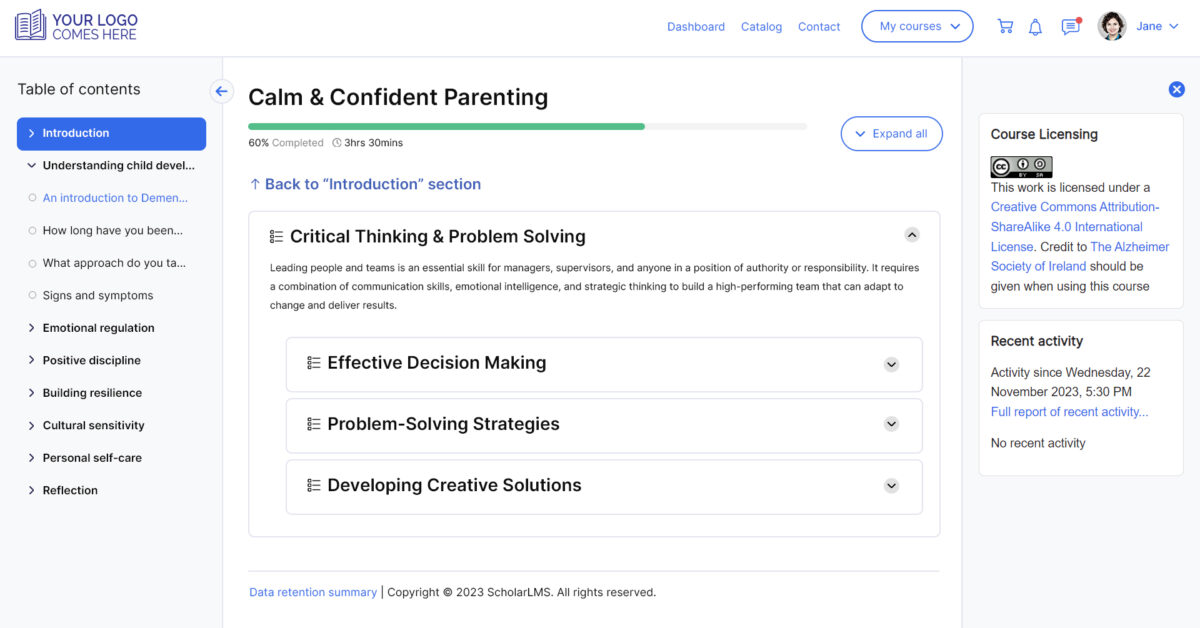
1. User-Friendly Interface — With an intuitive design, ScholarLMS ensures both educators and learners can effortlessly navigate the platform, simplifying course creation, content management, and student interaction.

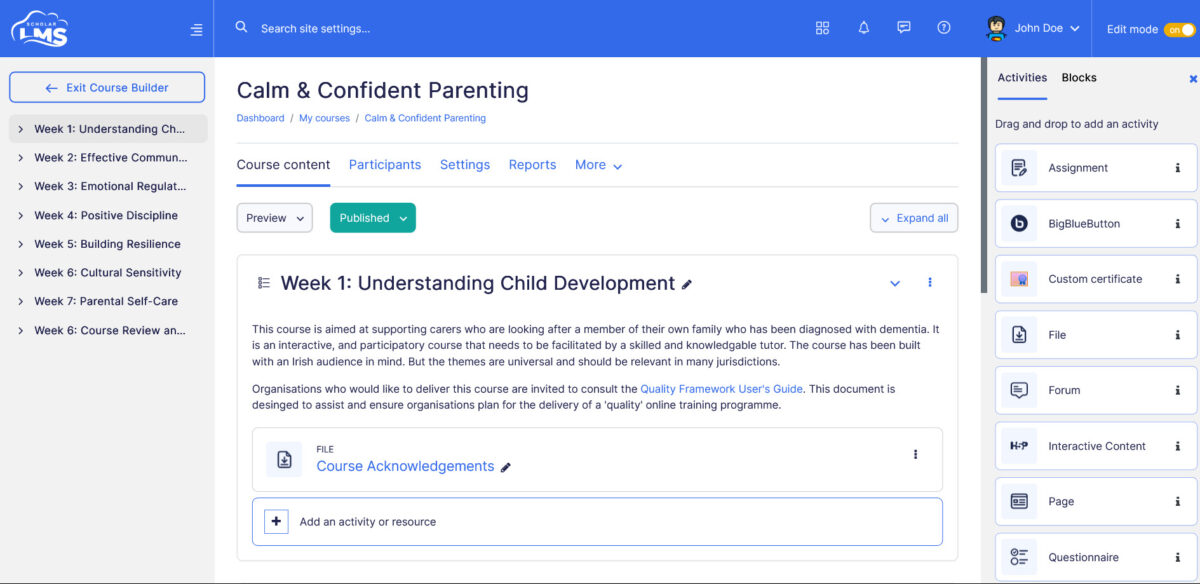
2. Comprehensive Course Creation Tools — Educators benefit from robust tools to craft dynamic courses, integrating multimedia elements like videos, presentations, quizzes, virtual classrooms, and assignments tailored to diverse learning styles.

3. Customization and Branding — Organizations can personalize ScholarLMS to reflect their brand identity, fostering a cohesive learning environment aligned with their values and image.

4. Scalability and Flexibility — ScholarLMS adapts seamlessly to the needs of any institution, accommodating both small educational setups and large corporations with ease, without compromising performance or usability.

5. Learning Analytics and Reporting — Robust analytics provide valuable insights into learner progress, engagement, and performance, empowering educators to track metrics like course completion rates, quiz scores, and participation levels for informed decision-making.

6. Collaboration and Communication Tools — ScholarLMS fosters collaboration and communication among instructors and learners through discussion forums, messaging, virtual classrooms, and live chat, promoting a sense of community and peer-to-peer support.

Features

Learn more about ScholarLMS features that set it apart from the competition. Discover how its unique tools and capabilities enhance your processes.

Accounts

Add a new user
Archive users
Browse list of users
Bulk User Actions
Custom/Mandatory User profile fields
Upload users

Activity grading

Course History
Gradebook
Gradebook audit trail
Gradebook comments
Manual Grading ("Marking")
Multiple grading scales

AI Features

Adaptive Learning
AI Powered
Chatbot
Content development
Content Translation
Intelligent recommendations
Natural Language Processing
Predictive analysis
Quiz generation
Text-to-speech

Authentication

Active Directory/LDAP Integration
Custom User login page
Manual Accounts
No login
SAML2/API Integration
Self-Registration
Self-Registration w. Admin Confirmation

Categories

Assign Courses to categories
Create new Categories
Manage Categories
Priced Categories (Bundle)

Certificate management

Certification life-cycle
Manage certification templates
Predefined certification templates
Unique Certificate by Course
Unique Certification by Curriculum

Compliance management

Certificate expiration notifications
Certification Expiration Management
Due Date notifications
Soft/Hard Stop Due Dates

Course Creation

Assignments Engine
Built-In Authoring Tool
Can reuse PPTs, PDFs, Videos
Changing Course default settings
Consume online video content
Content Library
Course backup Options
Drag & Drop Interactions
Hybrid Learning Courses
Learning Paths (Curriculums)
LRS
Scheduling LIVE events
Survey Engine
Tests Engine
Upload courses

Customization

Mobile Learning Support
Personalized views

Enrollment

Attendance Tracking
Automated Enrollment (based on User data)
Guest Access Settings
Manual Enrollment
Progress Tracking
Self-enrollment
Self-enrollment (with a PIN #)
Survey enrollment (based on a response)

Format

Course Discussions
Gamification Format
Learner Upload
LIVE Chat Option
Social Format
Topics Format
Video Conferencing Integration
Weekly Format

Gamification

Badge customization
Badges
Customize Gamification mechanics
Leaderboards
Levels
Points
Rewards

Interface options

Additional external pages
Block Management
Calendar Settings
Language settings
Learning Accessibility
Location Settings
Media embedding settings
Multilanguage Support
Ready-made Themes

Learning types

Asynchronous Instructor-led
Asynchronous Self-paced
Blended Learning
Synchronous Virtual Classroom

Mobile learning

Offline (disconnected Mobile app)
Online (Internet connected)

Offline

Support for offline access to content

Reports

Automated Report Scheduling
Canned Reports
Dashboards and Graphic Reports
Email delivery of Reports
Exporting Reports in variety of formats
Grading Report Settings
Learning Analytics Tools
Training Record Maintenance

Roles

Define roles
Role Assignment
System Permissions per role
Teams and Team Hierarchies

Security

Anti-spam
Anti-virus
IP Blocker
Restrict registration to specific domains
Strong Passwords

Shopping cart

Built-In Shopping Cart
Shopping Cart as Plug-In

System reports

Automatic email reports in predefined intervals
Custom reports generator
Email notification settings
Live Logs
Pricing

Learn more about ScholarLMS's pricing options, cost, and plans so you can make a well-informed, business-wise decision on the best software to use for organization.

Pricing Model
  • Free
  • Free Trial
  • Subscription
License
  • Free
  • Paid
Starting Price
  • 49/month
Free Trial
  • Yes

ScholarLMS offer multiple plans which should fit to your needs. We include special plans for Non for Profit organizations.

Integrations

Learn more about ScholarLMS's integration options.

API

API

BigBlueButton

BigBlueButton

Dropbox

Dropbox

G Suite

G Suite

Google Calendar

Google Calendar

OneDrive

OneDrive

Paypal

Paypal

Stripe

Stripe

WooCommerce

WooCommerce

Wordpress

Wordpress

Zoom

Zoom

ScholarLMS logo
Have you used ScholarLMS before?
Answer a few questions and help the community to make the best decisions
Alternatives

Not a match? Find software alternatives that better suit your needs and compare them to discover the one that's right for you.

ScholarLMS

Bridge

4.6/5
Compare

Acorn

4.6/5
Compare

SkyPrep LMS

4.4/5
Compare

TalentLMS

4.8/5
Compare

GoSkills

4.4/5
Compare

Synergy Learning LMS

Compare

Thought Industries

4.3/5
Compare