Customers
- Academic
- Freelancers
- Large Enterprises (>10,000)
- Non Profits
- Public Administrations
- Small/Medium Businesses
Use Cases
- Compliance Training
- Continuing Education
- Customer Training
- Employee Onboarding
- Microlearning
- Training Companies
- Workforce Development
Industries
- Computer Software
- Financial Services
- Government: State/Local
- Higher Education
- Human Resources
- Logistics and Supply Chain
- Other
Deployment
- Self-Hosted System
- Software as a Service / Cloud
Browsers
- Apple Safari
- Google Chrome
- Internet Explorer
- Mozilla Firefox
Training
- Documentation
- Live Online
- Online Tutorials
- Webinars
Support
- Email
- Knowledge Base
- Live Online
Supported Specifications
- SCORM 1.1
- SCORM 1.2
- SCORM 2004
- SCORM 2004 3rd Edition
- SCORM 2004 4th Edition
- xAPI/Tin Can API
What is Wellms?
Wellms is a headless LMS with free core and paid extensions. Free core allows quick propagation within the IT sector. The extensions allow Clients to pay for implementation and customization across all industries.
Headless technology means that the front end and back end, or the visual side and the code of an app, are separated. This creates infinite integration possibilities with different devices, systems and front personalization.
- Preparation for the display of content on devices such as AR and VR goggles, smartwatches, SmartTV, PlayStation and HHT
- Direct links to LMS from virtually any system: communication, HR systems, marketing software and CRMs
- Designed from the scratch front end of your headless LMS platform.
- Multiple frontends are controlled by one admin panel.
Overview of Wellms benefits
Key Benefits of Wellms:
- Immediate creation of dedicated LMS for any type of organisation following 3 stage process:
- Setting up a meeting with a new business manager for a demo.
During the call: analysis of client needs and wants, what are the main goals to be achieved with LMS, is the company experienced in using any other LMS, what are the liking of the client, presentation of current offer (documents and all features)
- Workshop / Brainstorm (1-2 days)
In-depth client needs analysis with a group of experts - front and backend developers and graphic and UX designers. Establishing if what is already included is sufficient to deliver the end product or if there are any needed modifications.
- Action
One or multiple phone calls: implementation process, confirmation of the plan and gathered data, alternatively establishing areas to be changed. Each implementation is tailored to the client and end product and looks differently
- Our self-hosted version installation is easy. One command creates a sophisticated docker environment on your computer or server. The process is straightforward and thoroughly documented.
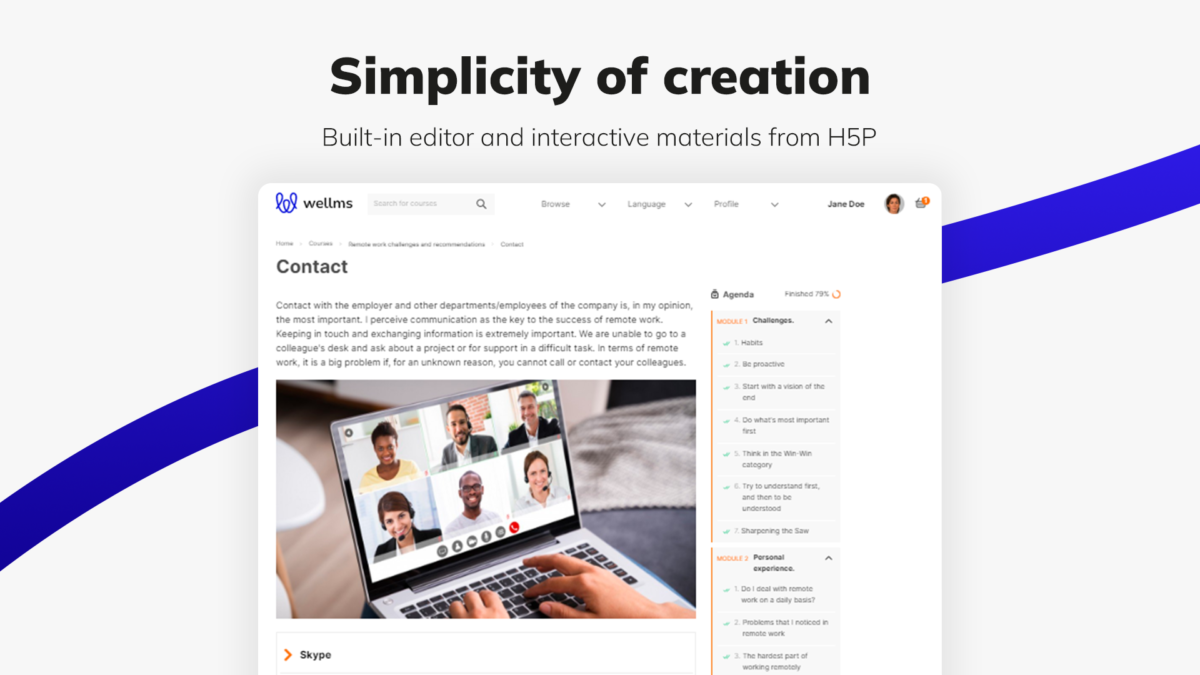
- Powerful administrative interface
- Lack of single presentation layer
- Publishing content across multiple platforms
- Boundless integration possibilities with APIs
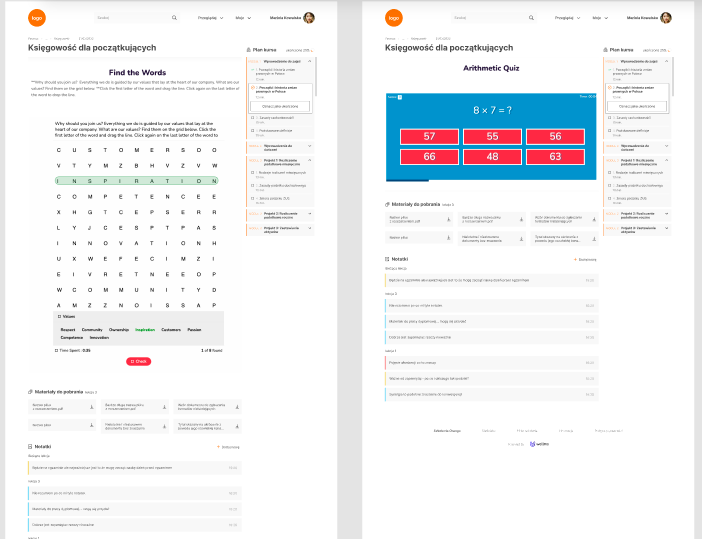
- H5P interaction support
- Swift expansion and modernisation
- Learner behaviour’s in-depth tracking and analysis
Features
Learn more about Wellms features that set it apart from the competition. Discover how its unique tools and capabilities enhance your processes.
Accounts
Add a new user
Allows administrators to add new users directly to their LMS for streamlined user management.
Archive users
Deactivate and store user accounts without deleting them.
Activity grading
Gradebook
Gradebook audit trail
Gradebook comments
Manual Grading ("Marking")
Multiple grading scales
AI Features
Adaptive Learning
AI Powered
Chatbot
Content development
Content Translation
Intelligent recommendations
Natural Language Processing
Predictive analysis
Quiz generation
Text-to-speech
Authentication
Manual Accounts
No login
Allow content access without authentication.
Certificate management
Unique Certificate by Course
Compliance management
Certificate expiration notifications
Certification Expiration Management
Course Creation
Assignments Engine
Content Library
Hybrid Learning Courses
LRS
Learning Record Store for xAPI data.
Enrollment
Self-enrollment (with a PIN #)
Survey enrollment (based on a response)
Format
Topics Format
Weekly Format
Gamification
Badge customization
Badges
Award digital achievements.
Leaderboards
Levels
Define progression stages.
Points
Award points for activity.
Rewards
Offer incentives for achievements.
Interface options
Block Management
Learning Accessibility
Ready-made Themes
Mobile learning
Offline (disconnected Mobile app)
Offline
Support for offline access to content
Reports
Automated Report Scheduling
Email delivery of Reports
Grading Report Settings
Learning Analytics Tools
Training Record Maintenance
Security
Anti-spam
Anti-virus
Shopping cart
Shopping Cart as Plug-In
System reports
Live Logs
Monitor system activity in real time.
Pricing
Learn more about Wellms's pricing options, cost, and plans so you can make a well-informed, business-wise decision on the best software to use for organization.
Pricing Model
-
One-time purchased license
More information upon request
Integrations
Learn more about Wellms's integration options.
Have you used Wellms before?
Answer a few questions and help the community to make the best decisions
Alternatives
Not a match? Find software alternatives that better suit your needs and compare them to discover the one that's right for you.
![Connecteam - Mobile Teams LMS logo]()
Connecteam - Mobile Teams LMS
4.0/5
Compare