




Branding Icon 1
Tech Solutions to HR Problems
About the vendor
-
Customers
  • Small/Medium Businesses
Industries
-
Deployment
  • Desktop
  • Mobile Application
Platforms
  • Mac
  • Windows
Browsers
  • Apple Safari
  • Google Chrome
  • Internet Explorer
  • Mozilla Firefox
Training
  • Documentation
  • Live Online
  • Online Tutorials
  • Webinars
Support
  • Business Hours
  • Email
  • FAQ
  • Knowledge Base
Languages Supported
-
LinkedIn Page
-
X
-
Change your privacy settings to see the content.
In order to watch this video you need to have advertising cookies enabled.
You can adjust your cookie preferences here.

What is ZoomShift?

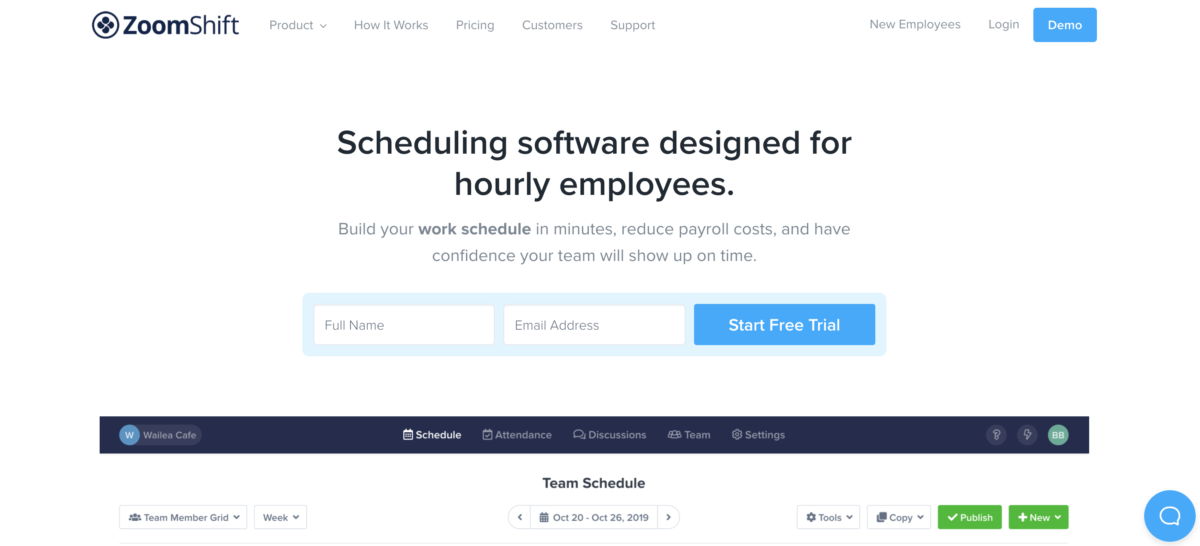
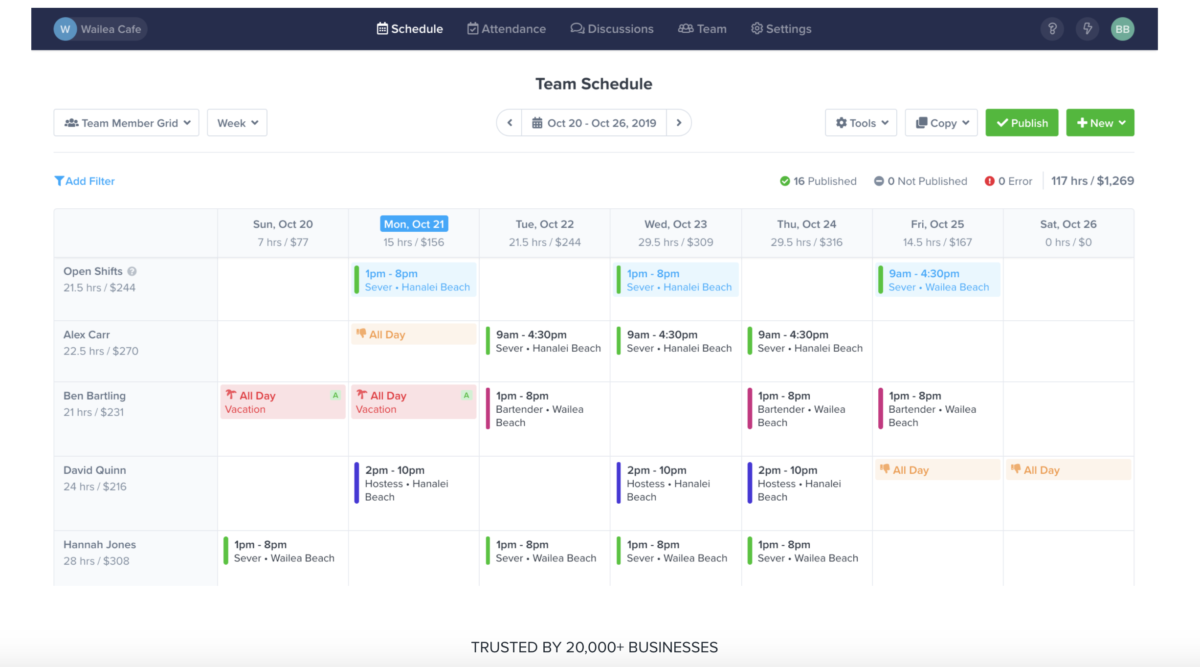
ZoomShift is a scheduling software designed for hourly employees. ZoomShift is designed to help your business make work schedules faster, save money on payroll, and let your employees clock-in and view their hours with ease. The software helps your business keep all of its employee schedule information in one place, and can help improve the accountability of your staff.

The application also helps to monitor the time and performance of the employee. ZoomShift is an affordable yet powerful shift scheduling solution for small businesses.

ZoomShift Employee Scheduling Features: Automated Scheduling, Mobile Access, Payroll Management, Shift Swapping, Messaging, Online Time Clock, Reporting/Analytics, Schedule Distribution.


Overview of ZoomShift benefits

Track time easily:
Use their free web and mobile time clocks to track hours. No clunky extra hardware. Track GPS and whitelist IP addresses.

Save on labor costs:
Avoid costly timesheet errors before they happen. Block early clock-ins, block overtime, and fix missed punches easily.

Run payroll faster:
Customize your payroll report to export all the information you need and none that you don't.

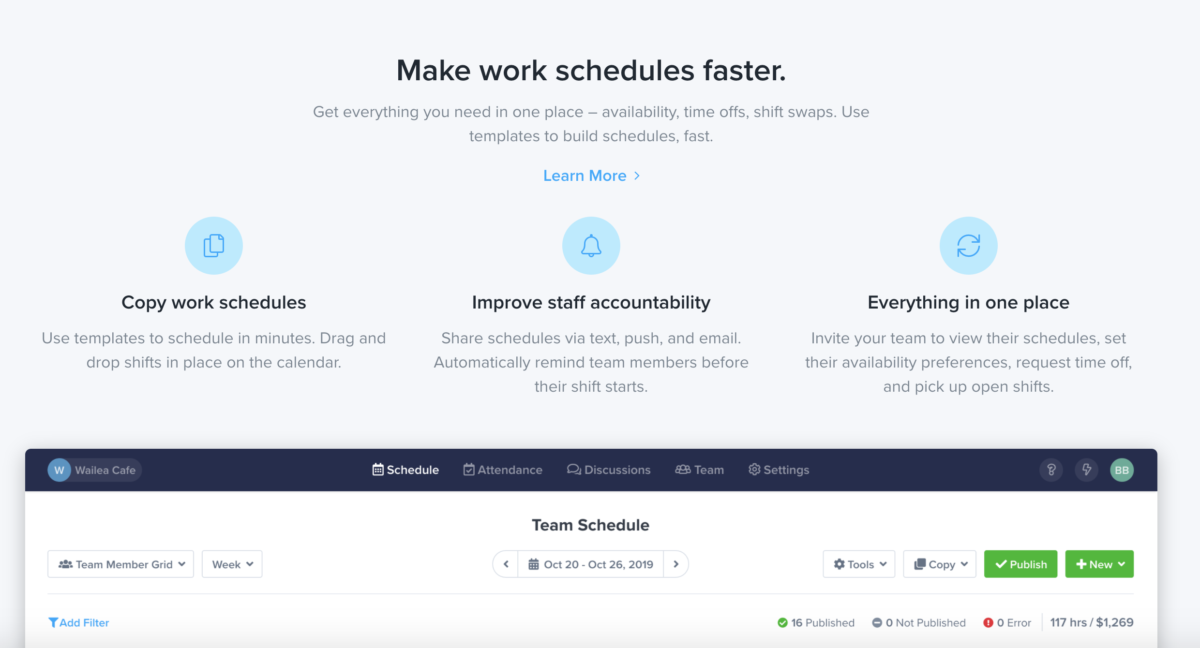
Improve staff accountability:
Share schedules via text, push, and email. Automatically remind team members before their shift starts.

Make work schedules faster:
Get everything you need in one place – availability, time offs, shift swaps. Use templates to build schedules, fast.

Everything in one place:
Invite your team to view their schedules, set their availability preferences, request time off, and pick up open shifts.

Features

Learn more about ZoomShift features that set it apart from the competition. Discover how its unique tools and capabilities enhance your processes.

Accounts and Permissions

Access Control
Approval Process Control
Collaboration Tools
Employee Profiling
Permission Management
Role-Based Permission

Budget & Cost Management

Audit Trail
Billing & Invoicing
Budgeting
Estimating
Expense Tracking
Job Costing
Multi-Currency
Multiple Billing Rates
Payroll Management
Project Budgeting

Customization

Custom Fields
Customizable Branding
Customizable Reporting
Customizable Templates
Template Management

Data Management

Data Import
Data Import/ Export
Document Management
Document Storage
Employee Database
Secure Data Storage
Tagging

Integrations

Accounting Integration
API
Email Integration
Mobile Integration
Payroll Integration
QuickBooks Integration
Third Party Integration
Time Clock Integration

Interaction Features & UX

Automatic Notifications
Commenting
Communication Management
Drag & Drop Interface
Email Notifications
Employee Portal
Employee Self-Service
Reminders
Search Functionality
Self-Service Portal

Location & Telematics

GPS
Location Tracking
Multi-Location

Real Time Features

Real Time Analytics
Real time Data
Real Time Monitoring
Real Time Notifications
Real Time Reporting
Real Time Updates

Reporting

Forecasting
Gantt Charts
Performance Reports
Projections
Reporting & Statistics
Summary Reports
Timesheet Management

Scheduling

Activity Dashboard
Activity Management
Automated Scheduling
Calendar Management
Project Planning
Task Planning
Task Scheduling

Security

Compliance Management
SSL Security

Time Management

Time Clock
Timer
Timesheets

Tracking Methods

Automatic Time Capture
Clock In/ Out
Manual Time Tracking
Mobile Time Tracking
Offline Time Tracking

Tracking Options

Absence Management
Attendance Management
Attendance Tracking
Billable & Non-Billable Hours
Employee Time Tracking
Overtime Calculation
Overtime Tracking
Time & Expense Tracking
Vacation/ Leave Tracking

Workflow Tracking

Activity Tracking
Assignment Management
Employee Management
Monitoring
Multiple Projects
Progress Tracking
Project Management
Project Time Tracking
Project Tracking
Status Tracking
Task Management
Task Tracking
Workflow Management
Pricing

Learn more about ZoomShift's pricing options, cost, and plans so you can make a well-informed, business-wise decision on the best software to use for organization.

Pricing Model
  • Free Trial
  • Subscription
License
  • Free
  • Paid
Starting Price
  • $2 per active team member/month
Free Trial
  • Yes

Starter - $2 per active team member/month Premium - $4 per active team member/month Enterprise - Custom per active team member/month Full details - https://www.zoomshift.com/pricing

ZoomShift logo
Have you used ZoomShift before?
Answer a few questions and help the community to make the best decisions
Alternatives

Not a match? Find software alternatives that better suit your needs and compare them to discover the one that's right for you.

ZoomShift

actiTIME

5.0/5
Compare

Connecteam - Time Tracking Software

Compare