
 ChatGPT
 Perplexity
 Claude
 Grok
Grok
AR In Education: A Powerful Glimpse Into the Future
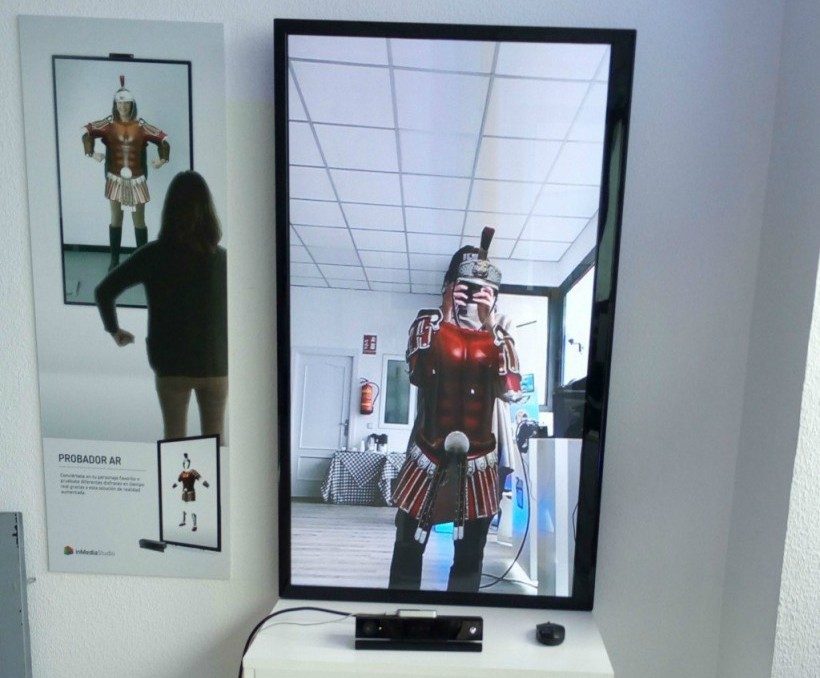
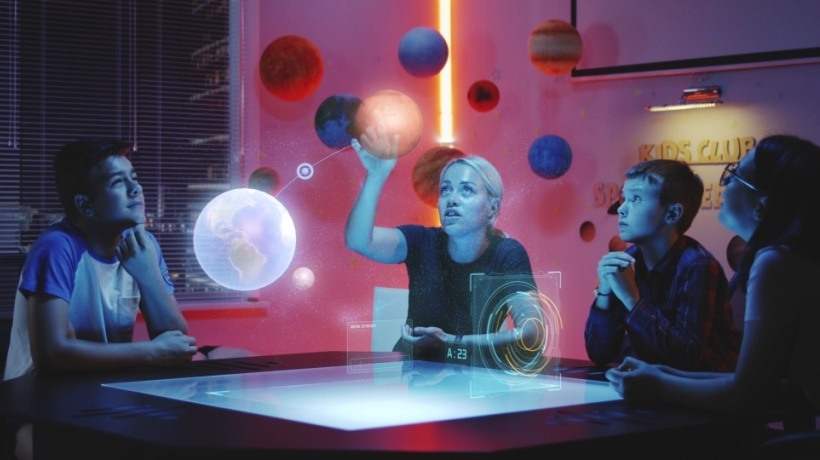
Augmented Reality (AR) combines the physical world with the virtual world. It superimposes computer-generated images onto the real world. This technology allows students to interact with virtual elements while staying connected to their surroundings. They can imagine complex biological 3-D models or planetary systems, for instance. Unlike Virtual Reality, Augmented Reality does not replace the physical environment. Instead, it enhances real-world surroundings by overlaying digital content, allowing learners to stay connected to their environment while interacting with virtual objects. If you want to learn the benefits and applications of Augmented Reality, then this guide is for you. We will also discuss how to use it to support education.
How Augmented Reality Is Transforming Education
Augmented Reality is transforming education in numerous ways. Students use 3D or 4D models to understand and grasp complex topics. If they find it difficult to understand cellular mechanisms, they can actually take a walk inside a cell and understand its functions in detail. If they want to understand the human body and its organs, they can interact with it.
| AR Capability | Educational Impact |
| 3D visualization | Better concept understanding |
| Interactive simulations | Hands-on learning |
| Real-time feedback | Improved engagement |
| Gamified learning | Higher motivation |
| Mobile accessibility | Flexible learning |
Benefits Of Augmented Reality In Education
The interactive element of Augmented Reality helps improve engagement. When schools integrate this digital resource into their classrooms, students can interact and engage with concepts. They are not confined to using only reading or writing in their worksheets. Instead, they can hold and examine the topic-specific learning resources. Students can visualize concepts using various 3-D models and better understand them.
Improved Student Engagement
When schools use Augmented Reality in classrooms, students are completely immersed in learning. They can look at various interactive models to understand complex concepts. For example, students no longer need to rely on 2-D diagrams of cells to grasp their functions. Instead, they can explore the interior of cells, which makes learning more engaging.
Better Knowledge Retention
In traditional learning, students have to memorize difficult topics just by reading and writing from textbooks. Augmented Reality lets students interact with virtual objects in real-time. It converts 2-D images to multisensory learning experiences. When students are immersed in learning, they tend to remember it better.
Interactive And Practical Learning
Augmented Reality brings complex 2-D structures to life, which encourages interactive and practical learning. It can be used to study anatomy and biology, chemistry, physics, and math. For example, students can safely simulate chemical reactions and molecular bonding.
Personalized Learning Experiences
When Augmented Reality is paired with Artificial Intelligence (AI), it can be used to track students' performance. If a student struggles to understand a concept, then the AR module slows down and explains the concept, matching their pace. Students can view historic sites with a digital simulation and plan their own exploration, too.
Enhanced Collaboration And Participation
AR experiences generate curiosity, and students can collaborate with their peers to discuss and learn new concepts. When students can touch and feel a human heart or walk inside a cell, it takes them to an entirely different dimension of learning.
Real World Examples Of AR In Education
Now, let us look at some real-world examples of AR in education to help you understand the concept in detail.
Google Expeditions
Google Expeditions was a tool for Virtual and Augmented Reality from Google. It was created for exploring locations with 360-degree VR scenes and projecting 3D objects using AR features. Teachers used this tool to guide students on virtual trips to Mars, the deep sea, or the Great Wall of China on their smartphones.
Merge Cube
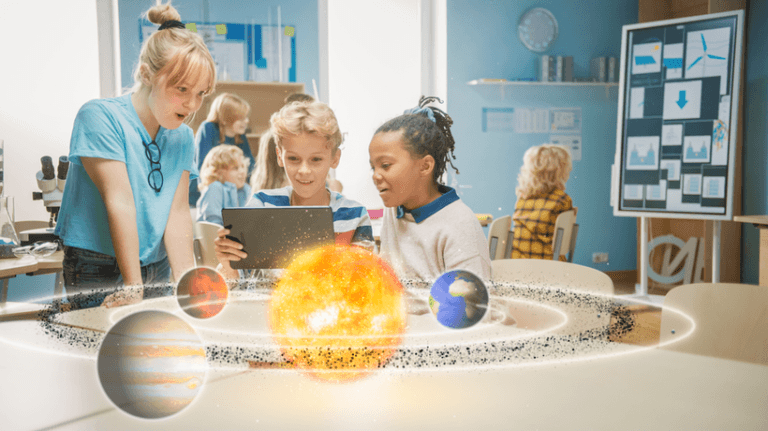
Merge Cube is a physical block made of very soft but durable foam. AR helps students interact with 3-D objects using this cube. When you look at the cube through a smartphone, the device's app transforms it into various shapes. They can be organs, cells, historic artifacts, or the solar system.
Elements 4D
Elements 4D is an app that was developed to help students learn chemistry in a fun and engaging way. It is an educational app based on the AR concept, and it was created by DAQRI. It uses a set of physical blocks, which are inscribed with symbols for 36 elements from the periodic table. The app superimposes 4D visuals of actual elements onto the screen.
Microsoft HoloLens
Microsoft HoloLens is a pair of mixed-reality smart glasses developed by Microsoft. It superimposes 3D holograms onto your physical environment. It merges digital objects in your real world seamlessly. You can interact with the system using eye tracking, hand gestures, and voice commands.
Applications Of AR In Different Education Sectors
With AR, students do not always have to read from traditional workbooks or write in worksheets. Instead, they can interact with 3D objects and immerse themselves in the topics that interest them. They can do all sorts of chemistry experiments digitally without the fear of causing real-world accidents. They can do medical dissections and learn about each organ properly. AR is transforming the way students learn and enhancing their experience.
| Education Sector | AR Application |
| K-12 Education | Interactive classroom learning |
| Higher Education | Medical and engineering simulations |
| Corporate Training | Employee skill training |
| Healthcare Education | Surgical practice |
| STEM Learning | 3D scientific visualization |
AR In eLearning And Corporate Training
AR in eLearning superimposes digital 3D models and animations onto the physical world. It can be done through smart glasses, smartphones, or tablets. It allows students to conduct safe simulations. As it turns passive learning into interactive participation, it increases students' engagement, fostering collaboration between instructors and students.
In corporate training, AR can be used to deliver real-time guidance to trainees. They can wear smart glasses, or they can use an app to understand step-by-step instructions. Employees can use them at their own pace, and AR models give them feedback on their mistakes in real time.
AR is also widely used in high-risk industries such as aerospace, aviation, manufacturing, and defense, where employees can practice procedures in safe, simulated environments before performing them in real-world situations. This reduces training costs while minimizing operational risks.
Augmented Reality Vs. Virtual Reality In Education
There are some key differences between Augmented Reality and Virtual Reality.
- Augmented Reality allows students to interact with the digital and physical world at the same time. Virtual Reality takes students to a completely simulated 3D environment, which blocks the physical surroundings.
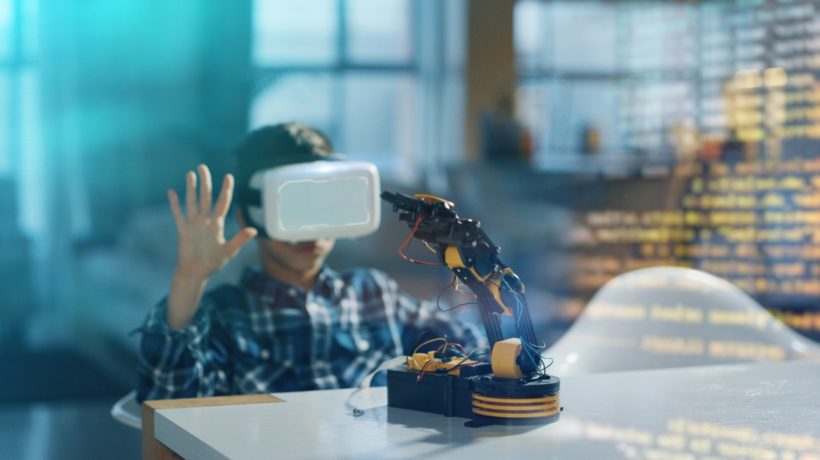
- AR works on the same devices that students already have, whereas VR requires specialized and fully enclosed headsets.
- AR is beneficial for understanding abstract subjects and physical models. VR is suitable for virtual field trips and expensive practical training.
| Factor | Augmented Reality | Virtual Reality |
| Learning environment | Real-world enhanced | Fully virtual |
| Equipment | Smartphones, tablets, AR glasses | VR headsets |
| Accessibility | More accessible | Higher cost |
| Best use case | Interactive learning | Full simulations |
How Schools And Organizations Can Implement AR
Schools and organizations need to first identify the areas where AR will be helpful for enhancing the learning and training experience. Schools can use AR tools to explain difficult concepts in subjects like science, mathematics, and history. Organizations can apply AR in employee training, equipment maintenance, and safety simulations to provide hands-on learning.
Identify Learning Objectives
The first and important step is to identify learning objectives for implementing AR in schools and organizations. Some schools might need better engagement or knowledge retention from students to teach difficult subjects, while others might need more collaboration and active participation. Some organizations want to train their employees seamlessly for equipment maintenance that may be expensive to conduct in real life. Other organizations might need AR to provide hands-on training for day-to-day processes.
Choose The Right AR Tools
Schools and corporations need to choose the right AR tools for successful implementation. Smart glasses, smartphones, and tablets are required to get started. JigSpace, Curiscope, and CoSpaces Edu can be very useful for schools.
JigSpace lets educators and students bring high-quality 3D models to the real world. Curiscope allows students to learn human anatomy using AR technology. CoSpaces Educ allows students to build and code their own 3D and AR environments.
Organizations can benefit from tools such as Arvizio and Zappar. Arvizio allows an individual to create interactive AR workflows for field technicians. One does not need any programming skills to work with this tool. Zappar offers drag-and-drop authoring schools to help users create training programs.
Train Educators And Learners
Educators and instructors need to learn how to use AR tools before training students and employees. They need to understand how to integrate them with school curricula and employee training programs. They also need to be trained for basic hardware operation and classroom as well as workplace management strategies during lectures and training.
Integrate AR Into Existing LMS Platforms
When you integrate AR into Learning Management Systems (LMSs), it creates interactive and immersive experiences. You should choose an AR solution that is compatible with smartphones and tablets that your students and employees already use. It is important to configure them to show you the progress report with various metrics, such as time spent, task completion, and accuracy. It is important to test AR learning modules among a small group of students and employees before large-scale implementation.
Measure Learning Outcomes
Once AR tools are rolled out in day-to-day operations and learning, it is important to measure learning outcomes and increases in engagement. It is also important to consider the knowledge retention of learners and trainees to understand if they are able to grasp what was being discussed using AR. These outcomes help you identify how AR is received by users, and you can then modify the implementation approach to better meet your goals.
The Future Of AR In Education
AR is helping students by revolutionizing their learning experience. It helps students understand complex and difficult subjects, as it bridges the gap between theory and practice. To study anatomy and physiology, students can interact with human organs in real time, for instance. AR fosters active participation and collaboration among students and instructors, which increases engagement and knowledge retention.