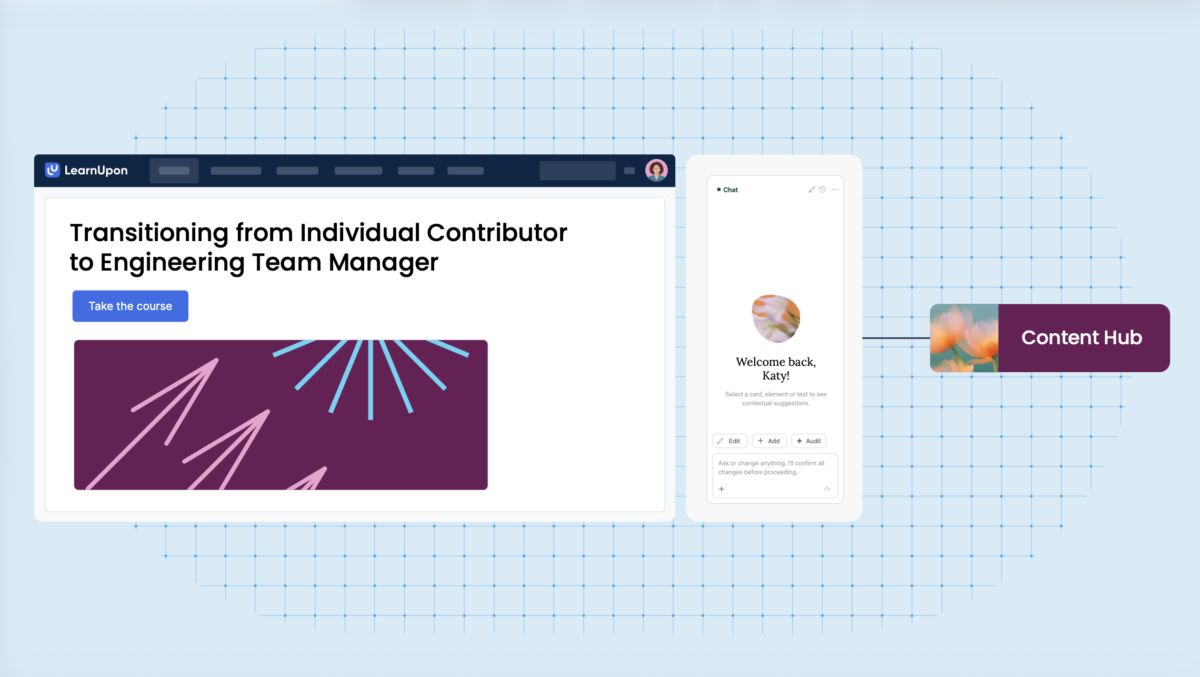
LearnUpon is an Agentic Learning Platform that moves beyond the limits of the traditional LMS with intelligent agents that take on the operational load, freeing your team's energy to focus on strategic impact.
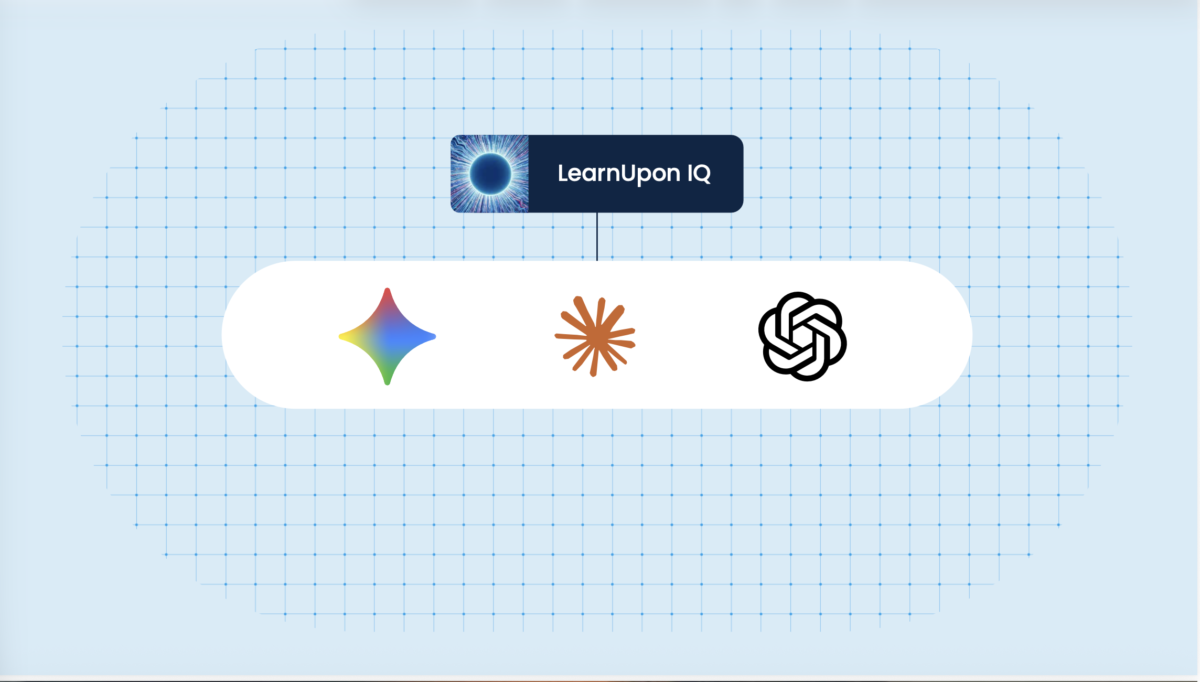
LearnUpon’s Agentic Learning Platform is the LMS of the future, built to elevate human capability in the AI era. By pairing human ingenuity with specialized AI agents, our platform automates heavy administrative workflows to deliver hyper-personalized learning experiences, empowering learning leaders to recapture energy and elevate strategic impact.
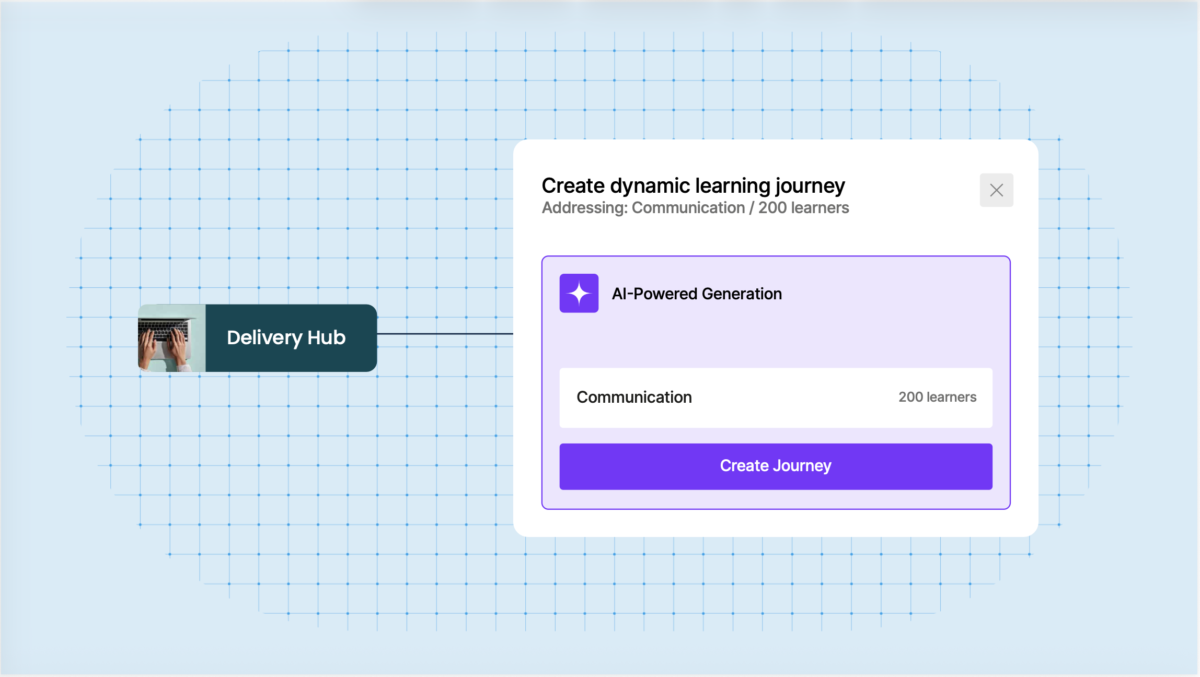
The platform's user management features facilitate the scalable administration of training programs, automating tasks such as user creation and enrollments. LearnUpon's AI-powered learning solutions transform the way businesses create, deliver, and engage with learning, eliminating repetitive manual tasks and enabling the development of dynamic, personalized learning programs. The platform's portals functionality empowers organizations to establish unique training environments for different audiences from a centralized location, while the LearnUpon Anywhere feature seamlessly integrates customer education directly into the product experience.
Comprehensive reporting capabilities allow users to measure the impact of training initiatives, providing valuable insights to drive continuous improvement. LearnUpon's extensive integration and partnership options enable the automation of training tasks and the flow of data between the platform and other frequently used systems.
Overview of LearnUpon benefits
From admins to learning architects: Your team didn't get into L&D to manage spreadsheets. LearnUpon takes the operational grind off their plate so they can shape strategy, drive impact, and think bigger.
A unified operational loop: AI-powered content creation, library management, learner insights—all in one place. No more stitching tools together. With everything connected, nothing falls through the cracks.
Humans leading the loop: Your team handles the vision. AI agents handle the heavy lifting. LearnUpon amplifies human expertise—not replace it—giving your people the tools to do their best work while staying firmly in control.
A team as invested as you are: Get more than software; get a team. With our customer experience team’s deep industry know-how and hands-on product expertise, we'll work with you to build a tailored strategy for success.
Features
Learn more about LearnUpon features that set it apart from the competition. Discover how its unique tools and capabilities enhance your processes.
Accounts
Add a new userAllows administrators to add new users directly to their LMS for streamlined user management.
Archive usersDeactivate and store user accounts without deleting them.
Based on eLearning Industry reviews from the past 4 years
Company Size
Areas of Focus
Top Industries
Elearning
13%
Nonprofit Organization Management
6%
Financial Services
6%
Education - Higher
6%
Hospital & Health Care
6%
Other
63%
Pricing
Learn more about LearnUpon's pricing options, cost, and plans so you can make a well-informed, business-wise decision on the best software to use for organization.
Pricing Model
Subscription
License
Paid
Starting Price
N/A
Free Trial
No
https://www.learnupon.com/pricing/
Integrations
Learn more about LearnUpon's integration options.
Adobe Connect
API
G Suite
Google Calendar
GoToMeeting
GoToTraining
GoToWebinar
HubSpot
Okta
OneLogin
Outlook Calendar
Paypal
Salesforce CRM
Shopify
Stripe
WebEx
Zapier
Zendesk
Zoom
Have you used LearnUpon before?
Answer a few questions and help the community to make the best decisions
Is LearnUpon the right solution for you? Read verified LearnUpon reviews from people in industries like yours to make a confident choice.
Pros
Ease of Use & NavigationUsers frequently describe LearnUpon as intuitive and easy to navigate, allowing both administrators and learners to get up to speed quickly without technical complexity.
Customer Support & ServiceCustomer support is one of the most consistently praised aspects, with reviewers highlighting responsive, knowledgeable teams and strong customer success guidance.
Implementation & OnboardingMany reviewers note a smooth implementation process, supported by onboarding assistance that helps teams configure and launch the platform efficiently.
User Experience & EngagementThe platform delivers a positive user experience for both admins and learners, with a clean interface and workflows that support engagement and usability.
Performance & ReliabilityLearnUpon is commonly described as stable and reliable, performing well across different training use cases without major technical disruptions.
Cons
Reporting & Analytics IssuesSeveral users mention that reporting functionality could be more advanced or flexible, especially for organizations needing deeper analytics.
Limited Features / Missing ToolsSome reviews point out that certain advanced LMS features or automations are missing or less developed compared to more complex enterprise platforms.
Complexity in Specific WorkflowsWhile generally easy to use, certain workflows (e.g. webinar registration or specific admin actions) can feel less intuitive and require extra steps.
Feature Activation & ConfigurationA few users note that some features require activation or assistance from Customer Success, adding friction during setup.
Minor Performance or Usability QuirksOccasional small delays or usability inconsistencies are mentioned, though they do not significantly impact overall platform usage
Performance Overview
Overall Rating
92%
Usefulness
Usability
Customer Experience
Likelihood to Recommend
user-friendly and customer centric program that is always improving
Oct 17, 2026
Overall Rating
96%
Usefulness
Usability
Customer Experience
Likelihood to Recommend
What do you like best?
The content creation tool create+ is my new favourite thing. The user interface is super simple and you can create seemless learning journeys for users.
What do you dislike?
Tough question to answer. I believe you can be limited by not integrating your HRIS. The experience is a little manual and setting up an org structure is a little patchy, However, this is easily solved by integrating your HRIS.
The platform is very intuitive, reliable, & easy to navigate. Great for learners & administrators!
Sep 30, 2026
Overall Rating
91%
Usefulness
Usability
Customer Experience
Likelihood to Recommend
What do you like best?
The entire LearnUpon team. They are always responsive, helpful, and genuinely invested in our success. When issues or questions arise, they not only work quickly to resolve them but also keep us informed every step of the way with clear updates and realistic timelines for fixes. That level of communication and partnership gives us confidence and makes a real difference, especially when time-sensitive situations come up.
What do you dislike?
The only downside we've encountered is the absence of a true sandbox environment. It would be extremely helpful to have a dedicated testing space where changes can be validated before going live, with the ability to easily push approved updates into production.
LearnUpon has made my job so much easier! I've received a ton of positive feedback from users.
Jul 15, 2026
Overall Rating
100%
Usefulness
Usability
Customer Experience
Likelihood to Recommend
What do you like best?
It's so user friendly and we rarely have to provide technical support to our users. There's a ton of customer support provided which made the migration, implementation, and management of the system easy.
What do you dislike?
That there isn't a way to prevent users from enrolling in a course with a live learning date without first selecting a live learning date.
A straight-forward, easy to use LMS that meets the needs of our growing company.
Jun 18, 2026
Overall Rating
97%
Usefulness
Usability
Customer Experience
Likelihood to Recommend
What do you like best?
Customer service is top notch. A user friendly platform overall, but when assistance is needed, the customer service support is quick to respond with a solution.
What do you dislike?
There is not one major thing that comes to mind. Sometimes navigation can be a bit laborious. We have a lot of courses and being limited to searching 10 courses at a time with not "skip to end" option means I need to click that "next page" arrow often when searching courses with titles in the latter half of the alphabet.
Flexible and User-Friendly LMS with Great Long-Term Value
Jun 11, 2026
Overall Rating
78%
Usefulness
Usability
Customer Experience
Likelihood to Recommend
What do you like best?
After five years, it’s still a reliable solution for our software training. Multiple portals let us track different user groups with ease. We’re now exploring HubSpot integration to automate processes—very promising for scaling our efforts.
What do you dislike?
Some features require manual activation via Customer Success, which adds a step. Still, the support team is quick to respond, so it’s a minor inconvenience overall.
Extremely positive experience for users, admins and customers.
Jun 3, 2026
Overall Rating
78%
Usefulness
Usability
Customer Experience
Likelihood to Recommend
What do you like best?
Extremely positive experience for users, admins and customers. Integrates everyday business software with the LMS for easy admin, and the new UI makes for an intuitive learner experience.
What do you dislike?
The standard reports available can sometimes be limited, but the LU support team are always happy to help with something else if they can.
LearnUpon is User-Friendly, Scalable, and Continuously Improving with Great Integrations
May 29, 2026
Overall Rating
78%
Usefulness
Usability
Customer Experience
Likelihood to Recommend
What do you like best?
It’s intuitive, scalable, and perfect for both admins and learners. The interface is clean, and integrations like Salesforce streamline communication. Reporting and automation features keep improving year after year.
What do you dislike?
Time zones aren't set automatically—learners must select them manually. This can cause confusion or scheduling issues, especially with a global user base. Auto-detection would enhance the experience.
Great LMS for Internal Teams and External Customer Training
May 16, 2026
Overall Rating
100%
Usefulness
Usability
Customer Experience
Likelihood to Recommend
What do you like best?
It’s helped us scale our learning offerings and share them with customers effectively. The interface is intuitive and user-friendly. Support is excellent—our account manager is responsive, and calls are easy to schedule when needed.
What do you dislike?
Feature updates roll out a bit slowly, but it doesn’t take away from the platform’s overall value. The core tools are reliable, and the LMS meets our needs well.
Excellent Support and Smooth Implementation for Our Team
Apr 19, 2026
Overall Rating
100%
Usefulness
Usability
Customer Experience
Likelihood to Recommend
What do you like best?
Implementation was quick and cost-effective—no heavy customization needed. It’s been a strong fit for our Telehealth Institute. Support has been top-notch, and integrations with Zoom, LinkedIn, and eCommerce are especially valuable.
What do you dislike?
The UX could be more intuitive in some areas. That said, the product team is responsive, shares their roadmap, and genuinely considers client feedback for ongoing improvements.
LearnUpon LMS: Excellent Learner UX with Backend Limitations
Mar 13, 2026
Overall Rating
100%
Usefulness
Usability
Customer Experience
Likelihood to Recommend
What do you like best?
It’s intuitive and customizable, with a clean interface that learners find easy to navigate. Strong organizational tools and regular updates show LearnUpon’s focus on customer-driven improvements.
What do you dislike?
Course setup takes time, and admins can’t act as group managers. Course organization is clunky, and old versions clutter the dashboard. Better backend controls would improve efficiency.
You've viewed 10 out of 69
Alternatives
Not a match? Find software alternatives that better suit your needs and compare them to discover the one that's right for you.