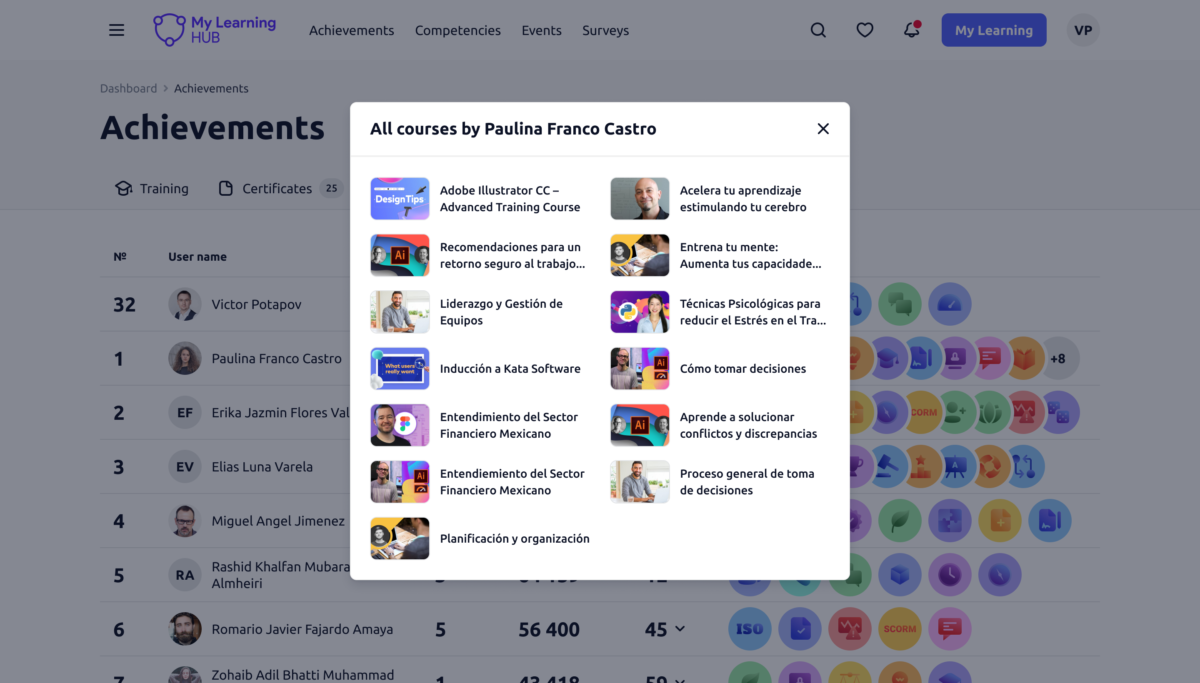
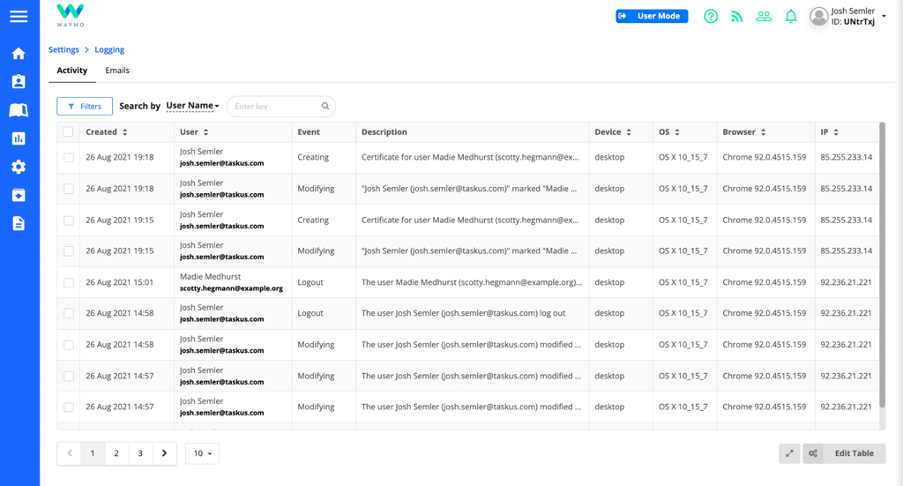
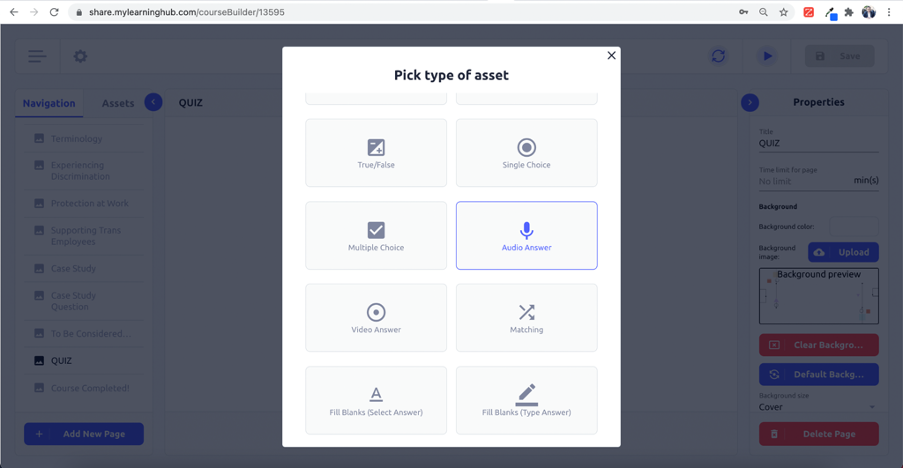
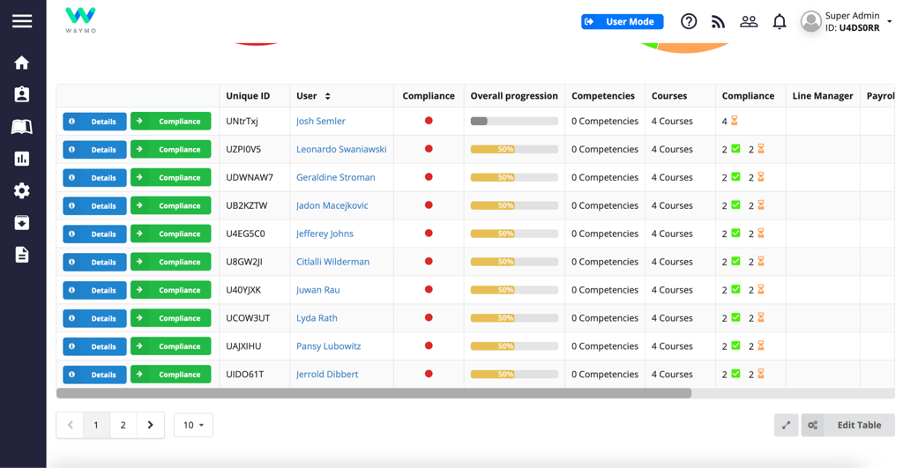
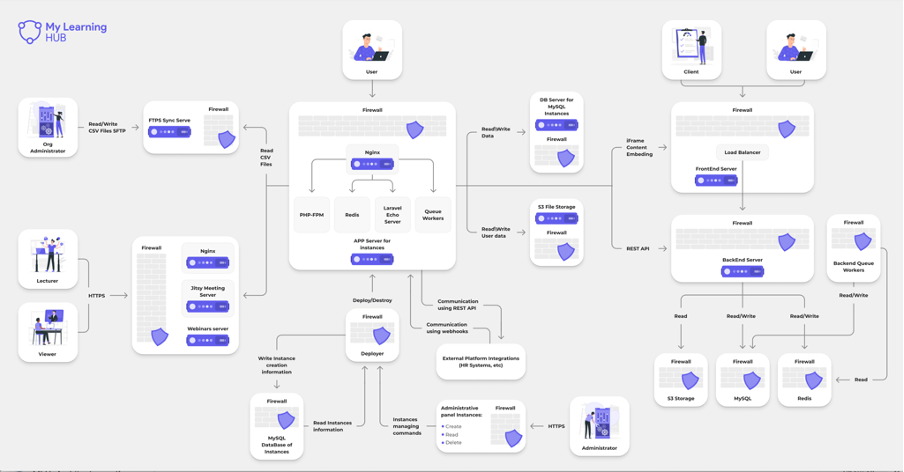
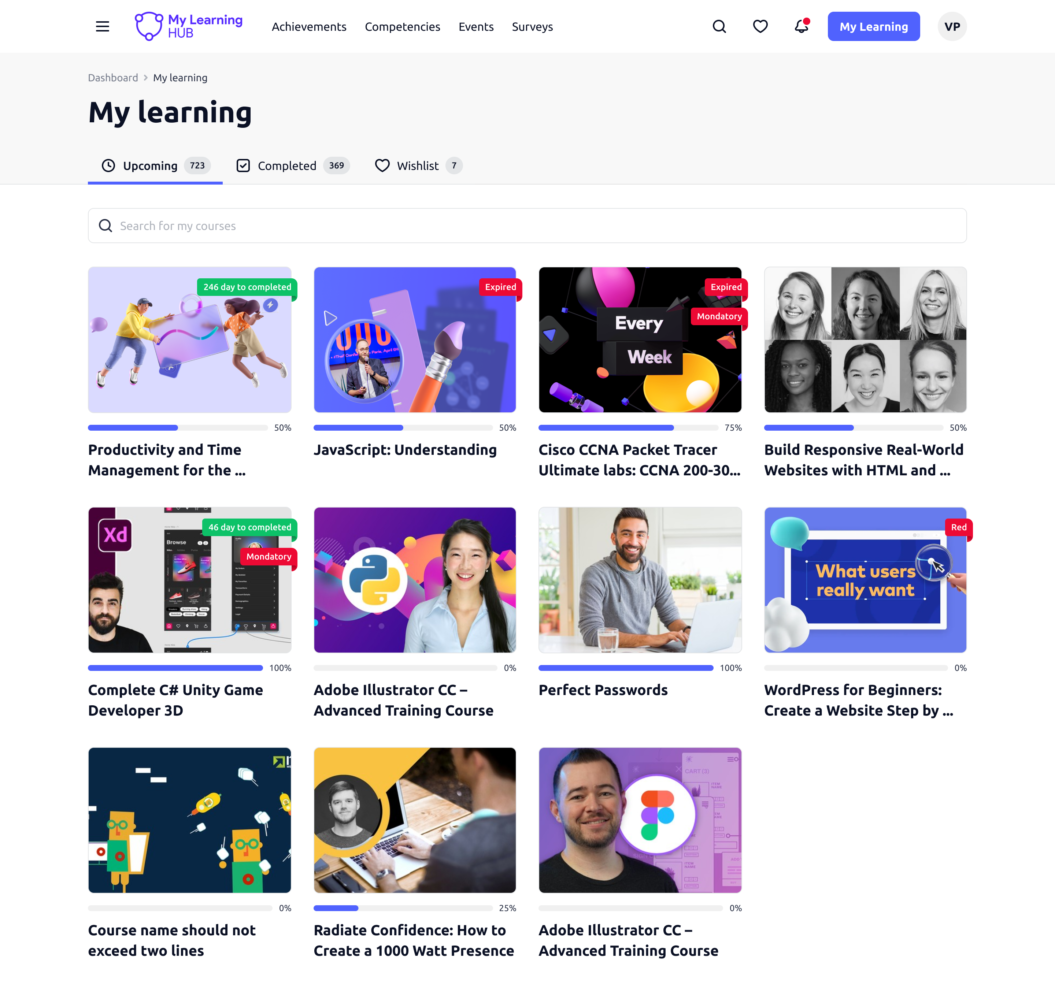
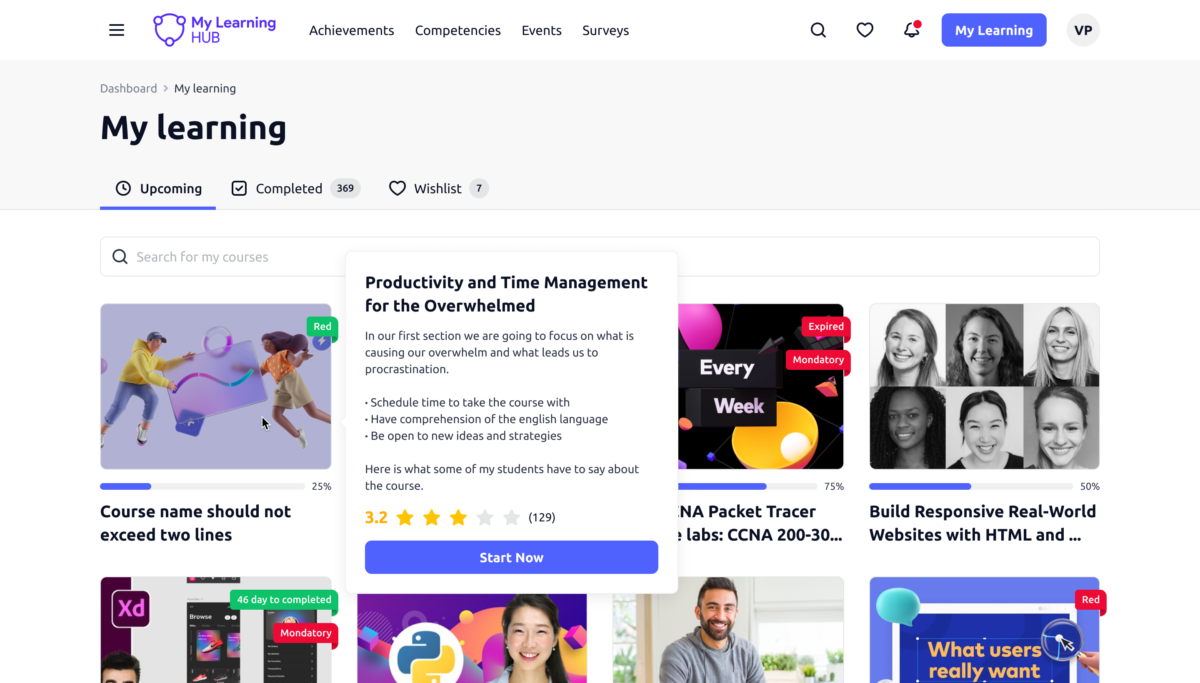
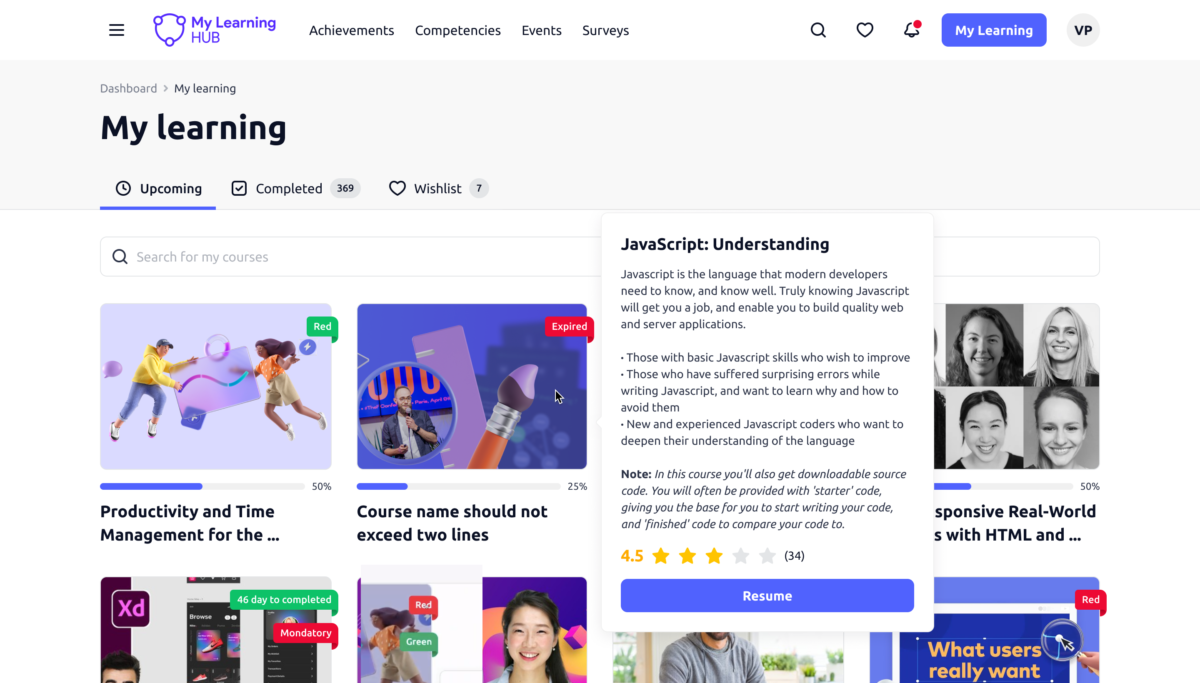
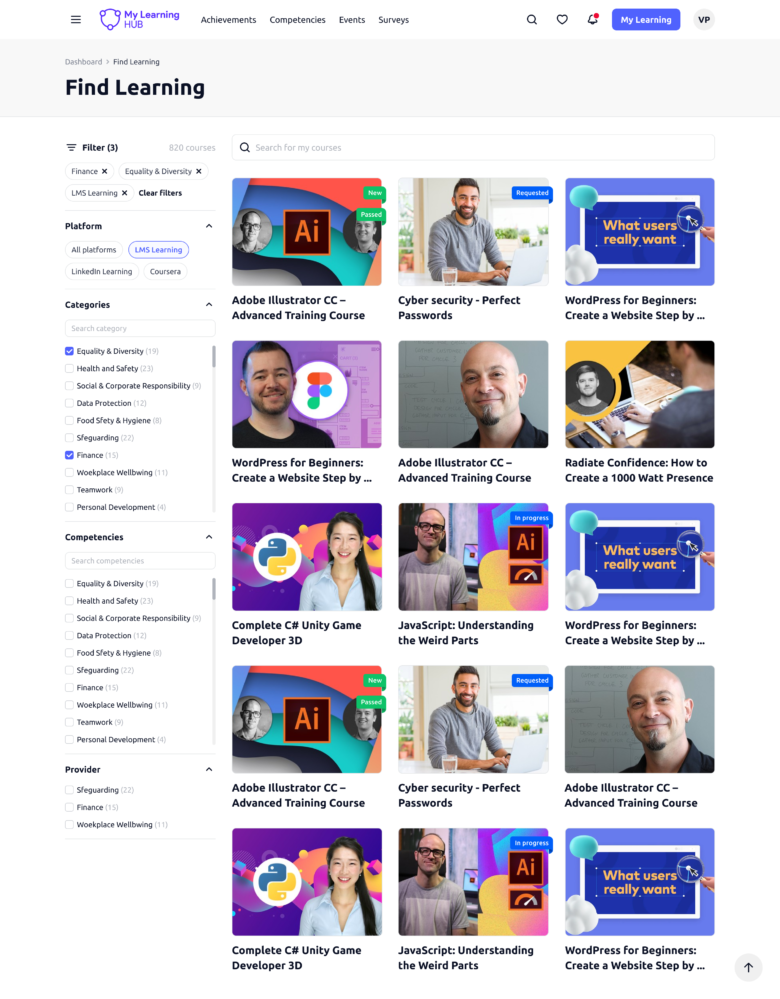
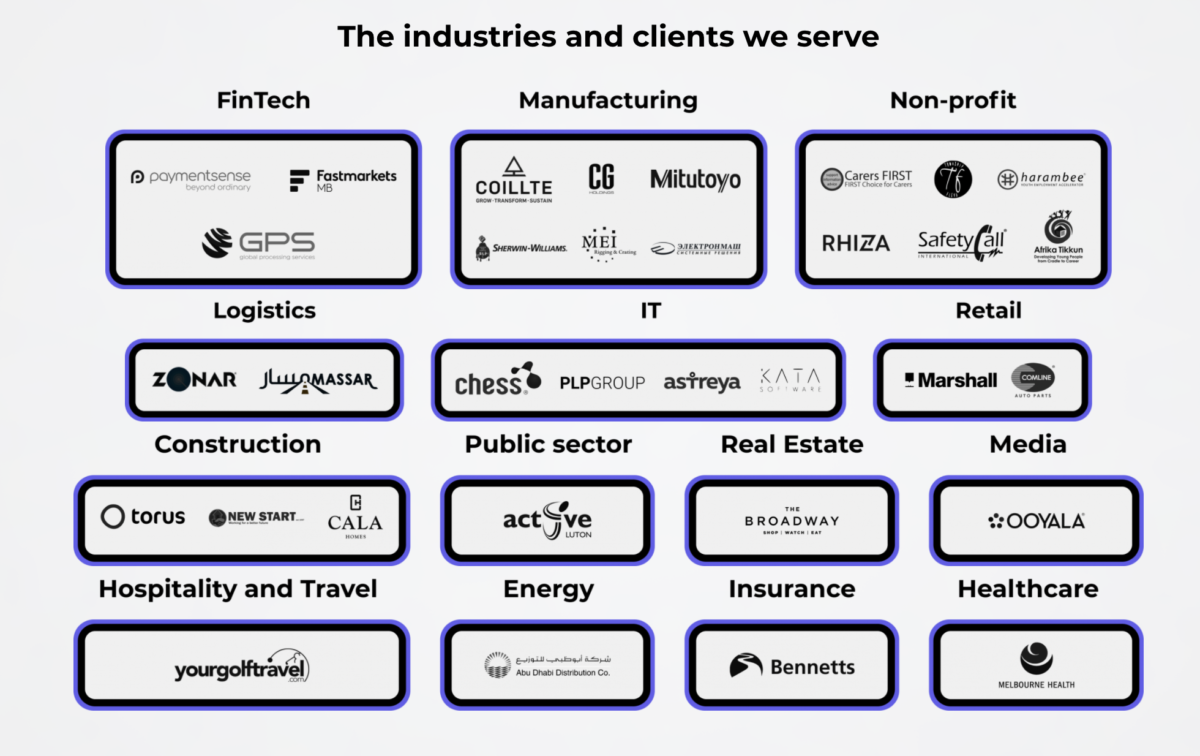
Medium to Large size enterprises with 100-500k users across Europe, North America, Australia, UAE and South Africa. Industries include Automotive, Food & Beverage, Healthcare, Hospitality, Manufacturing, Non-profit, Professional Services, Retail, IT, Logistics & others.
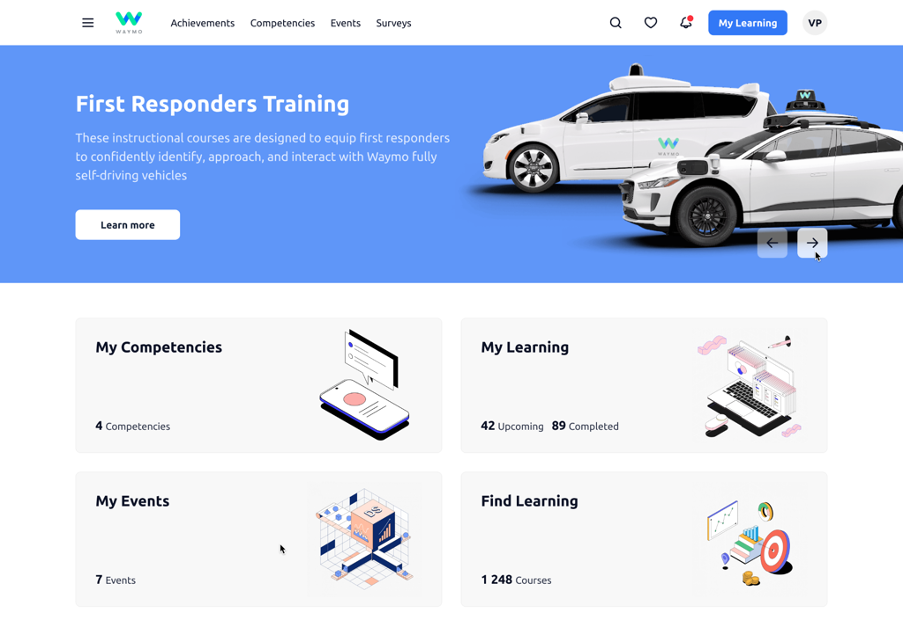
My Learning Hub is a cloud-based suite of learning tools that allows you to create, distribute, track and recommend the knowledge your employees, partners and customers need to grow. Build a custom learning space in minutes and ensure efficient training within your organisation and business network.
Course builder
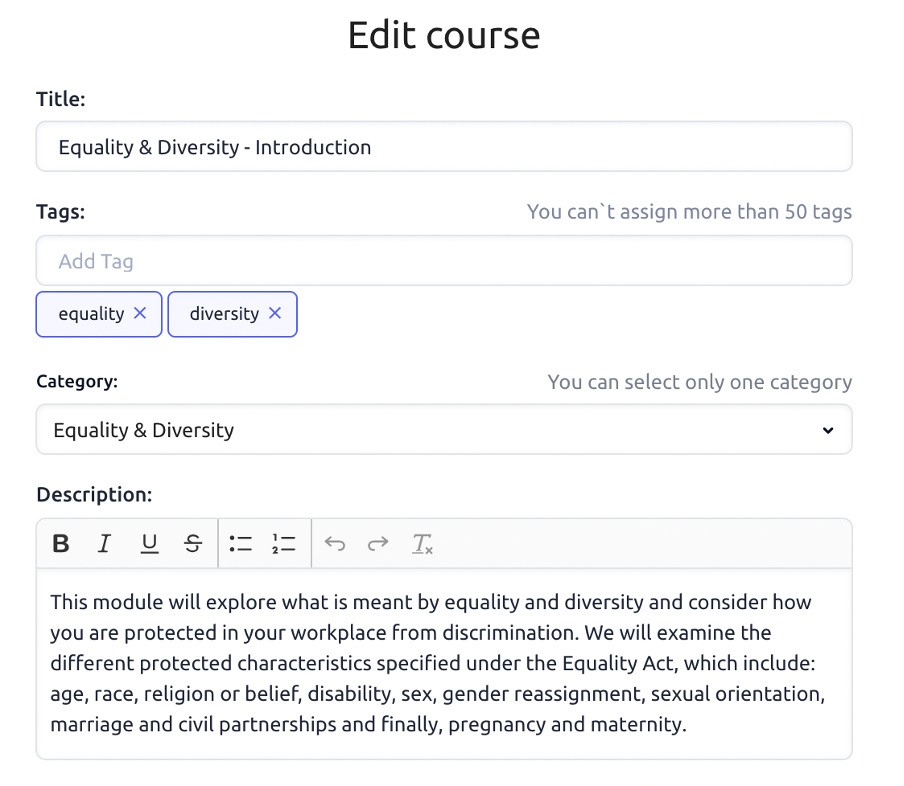
Create interactive learning content with no design skills required, export in one click, and facilitate learning at your company.
Key benefits:
Easy to use with no design skills required
SCORM-compliant course builder that is suitable for any LMS
Synced file updates across distribution channels from the cloud
Beautifully designed, white-labelled templates ready to use
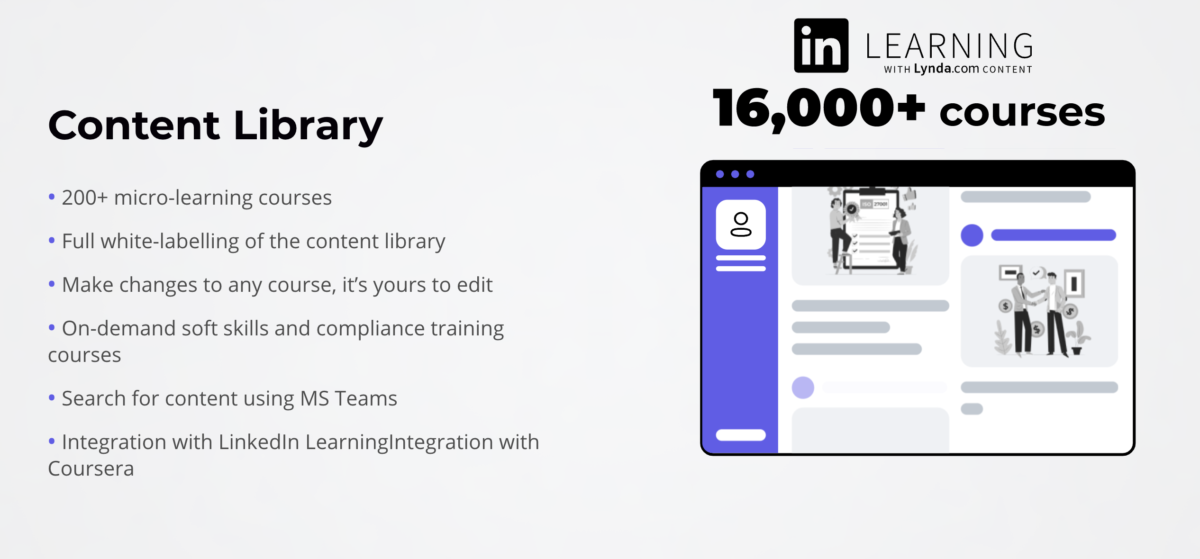
Integrated library of 30,000+ unique interactive courses
LMS
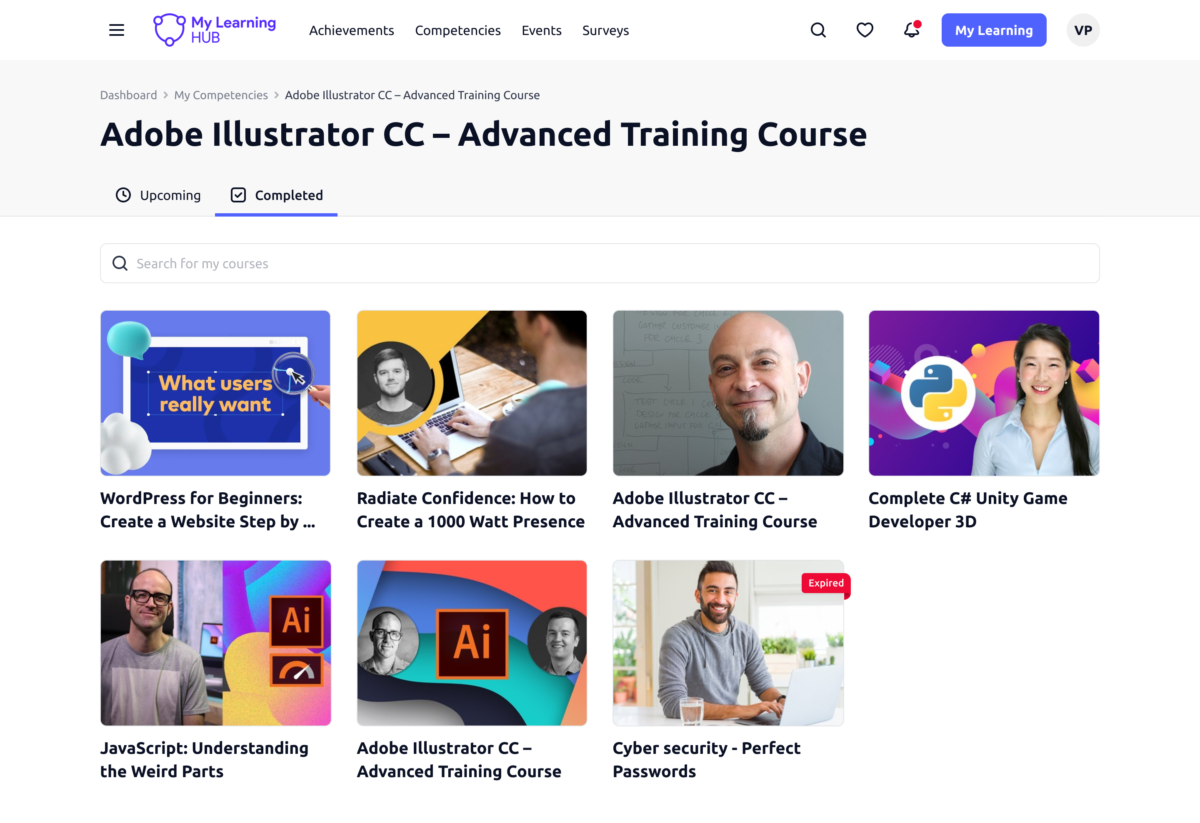
Use our central management system to easily customise, deliver and analyse the training your employees need.
Key benefits:
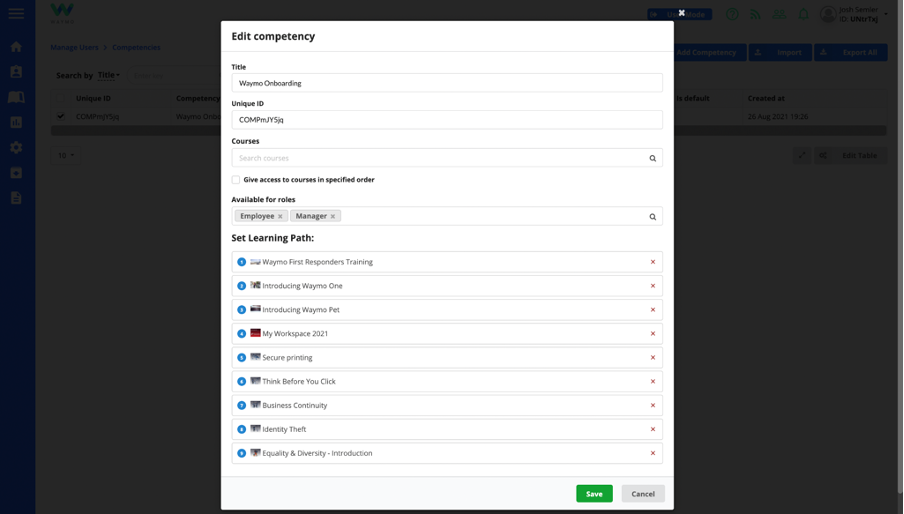
Personalised learning paths for career growth and skill improvement
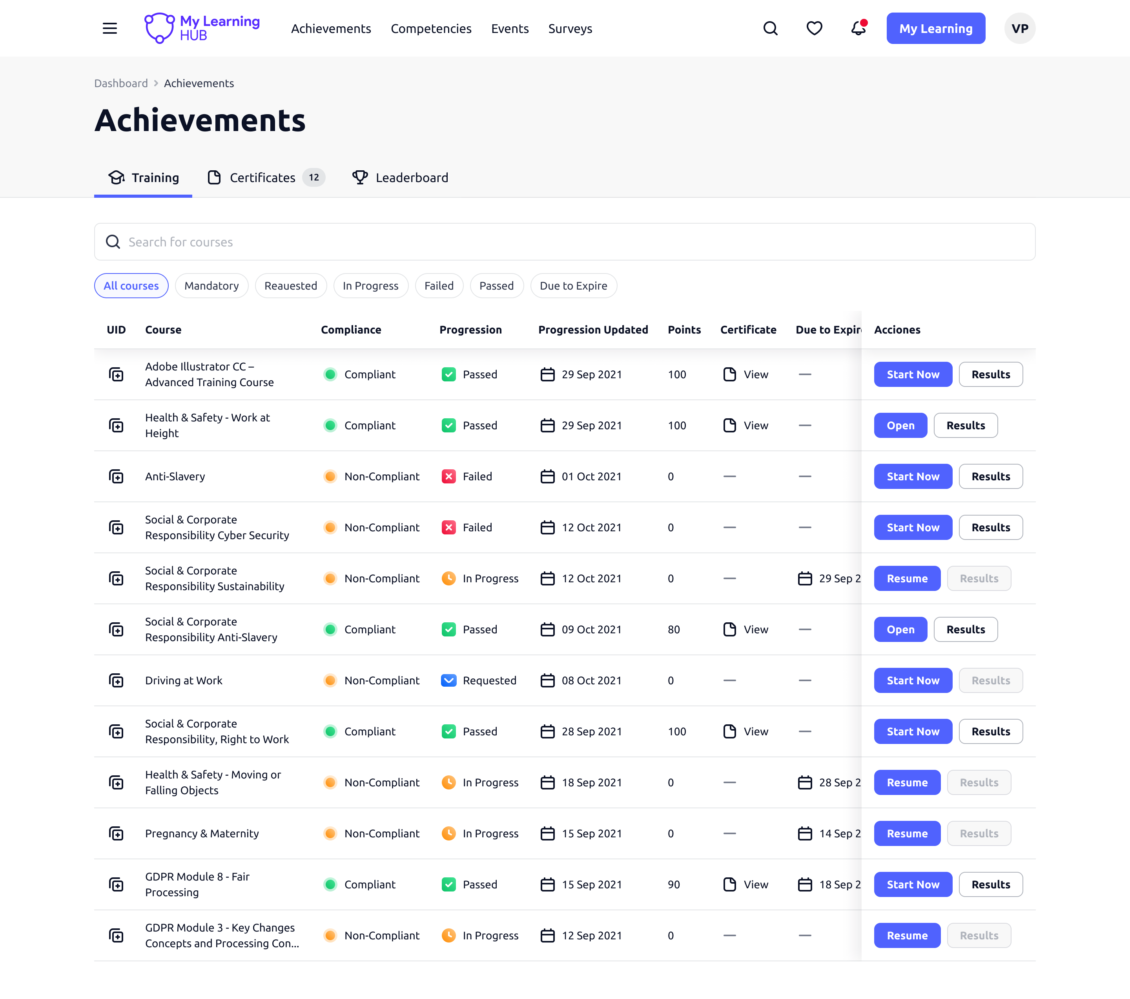
Consistent training – both compulsory and on-demand – for users across all levels
Successful user adoption thanks to intuitive UX and other apps integration
Course recommendations and updates via Slack and MS Teams bot
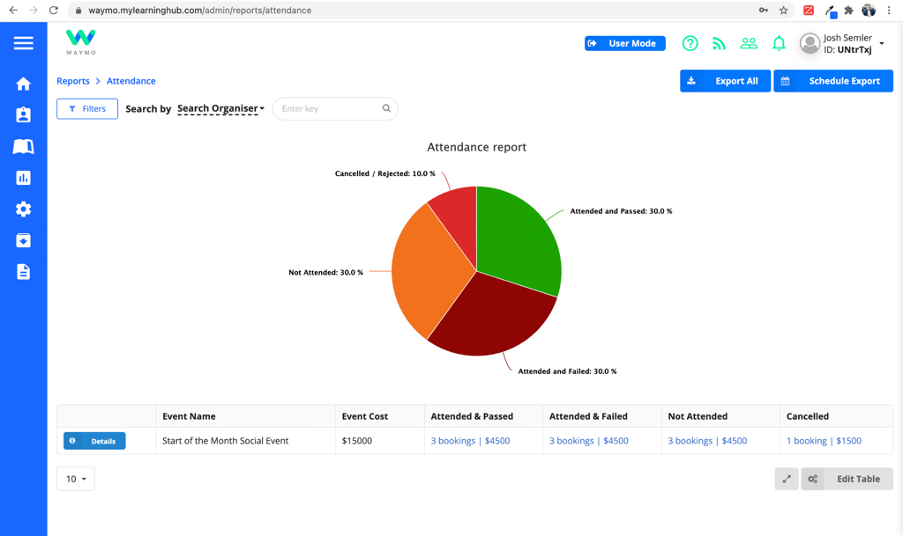
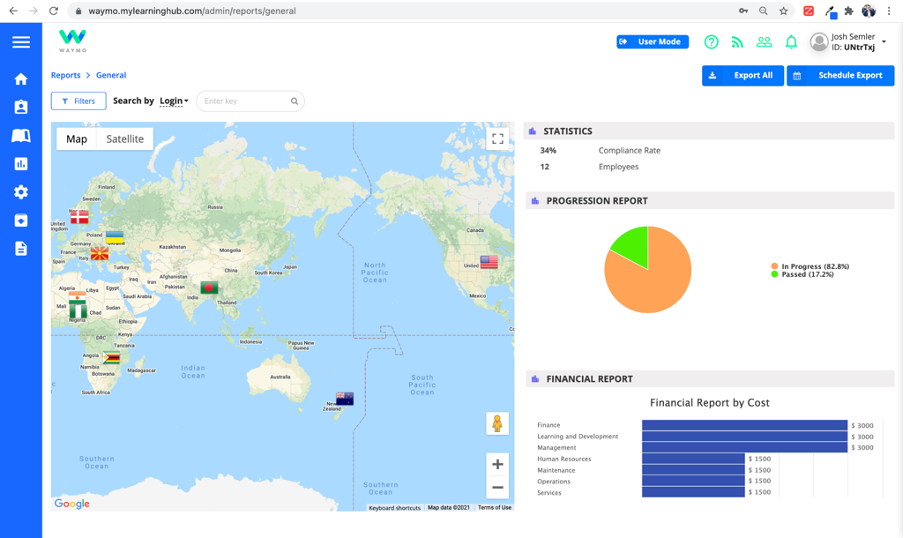
Smart data analytics and easy management reporting
Hubs
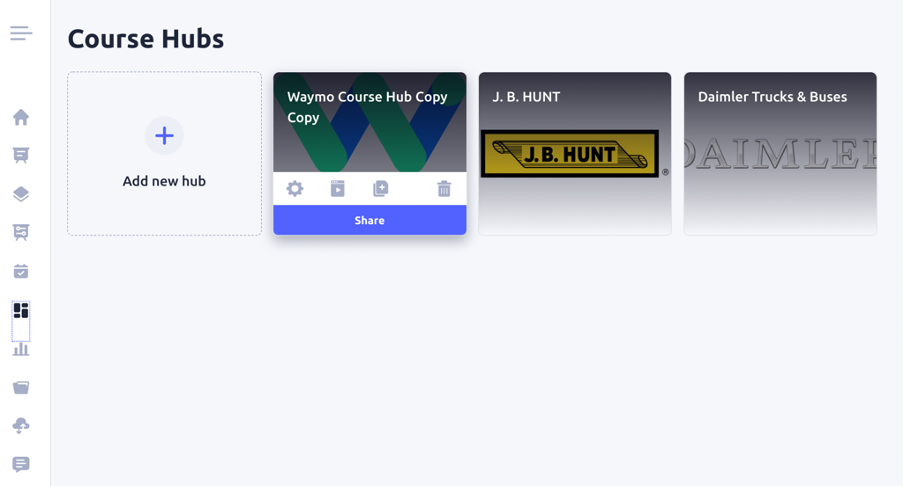
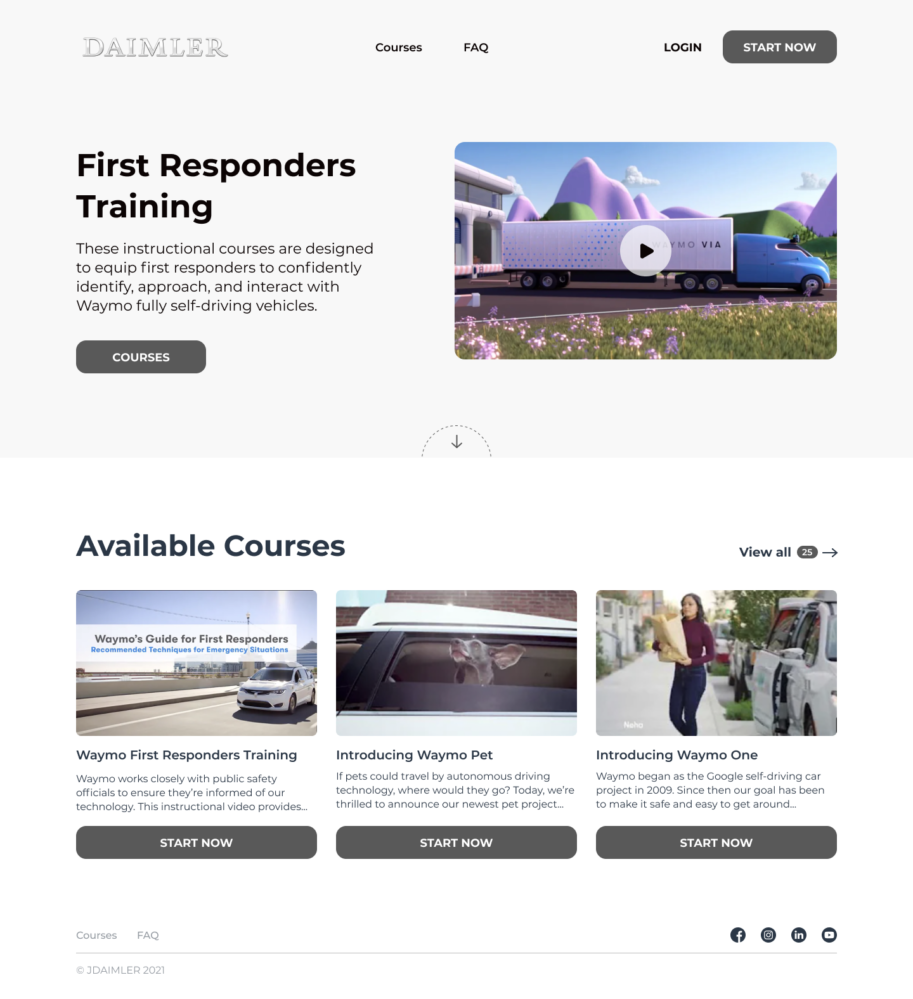
Create a b2b education space for your customers, distributors or partners and scale across an unlimited user base.
Key benefits:
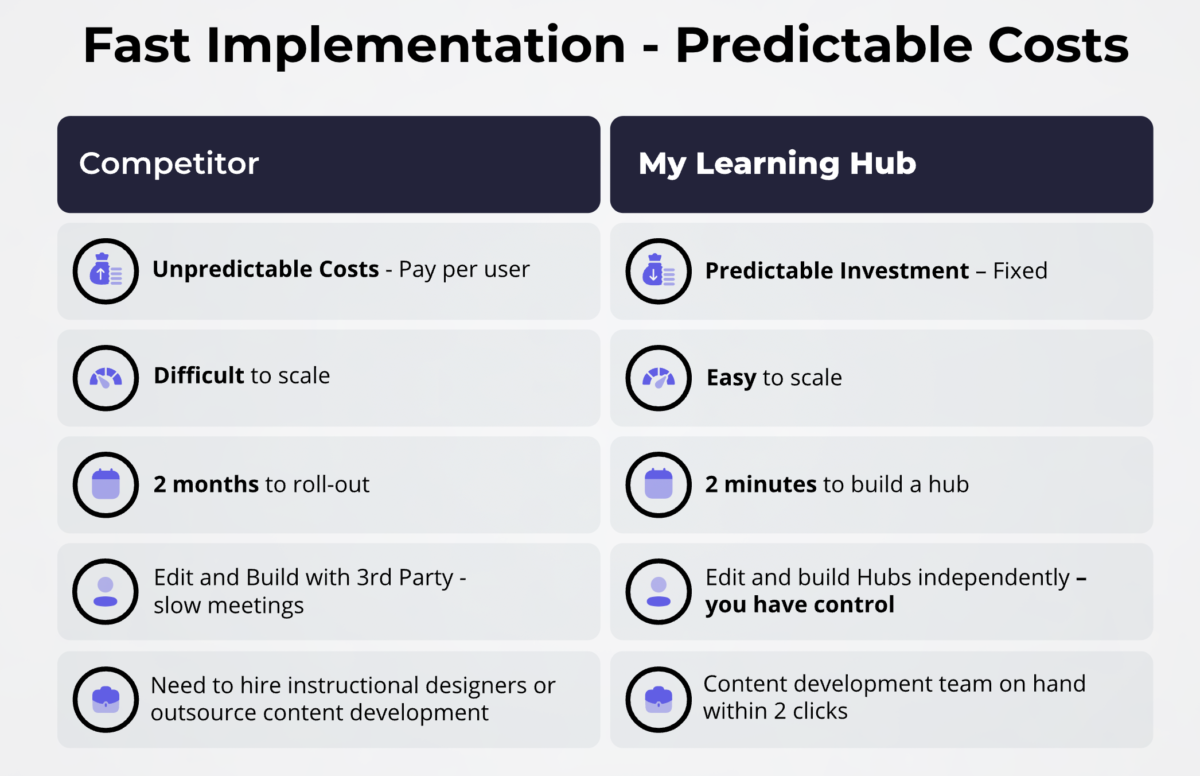
Easy setup in 2 minutes and maintenance-free user management
Tiered pricing that allows you to scale with no limits and grow your user base
Optional e-commerce functionality for on-demand paid training
Real-time data tracking to shape and improve your sales strategy
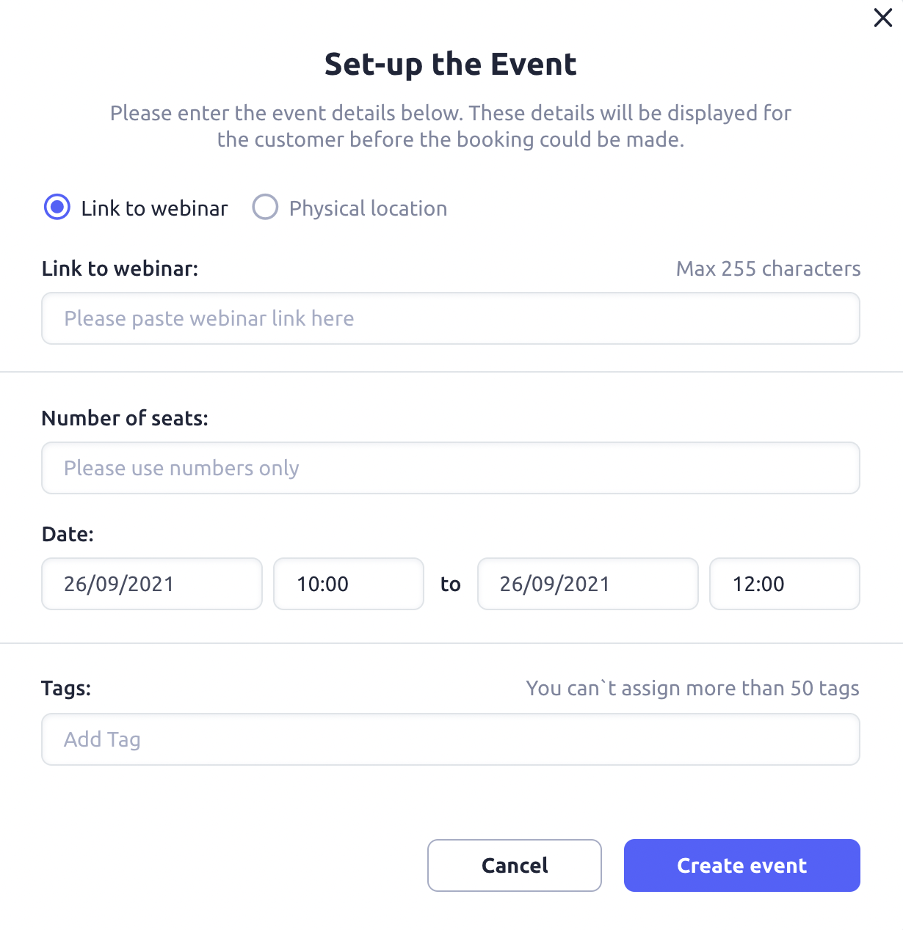
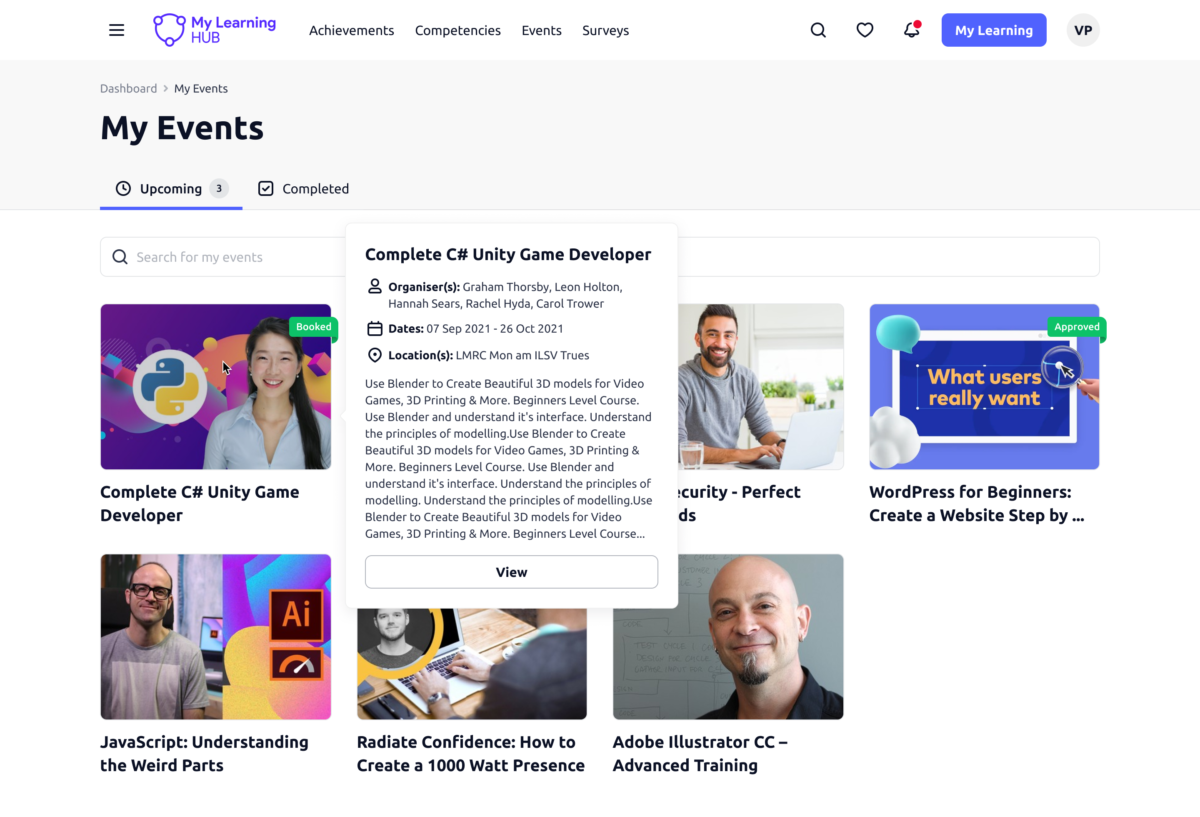
Scheduling partner & customer events to sustain your relationships
Our software suite brings together a course builder, an internal learning management system (LMS), and a public-facing customer education platform (Hubs). All products can be used together as an all-in-one learning system or as standalone tools.
Design-first approach
Meticulously designed for a consistently good learning experience, our tools are accessible for non-designers to create compelling training content.
White-labelling
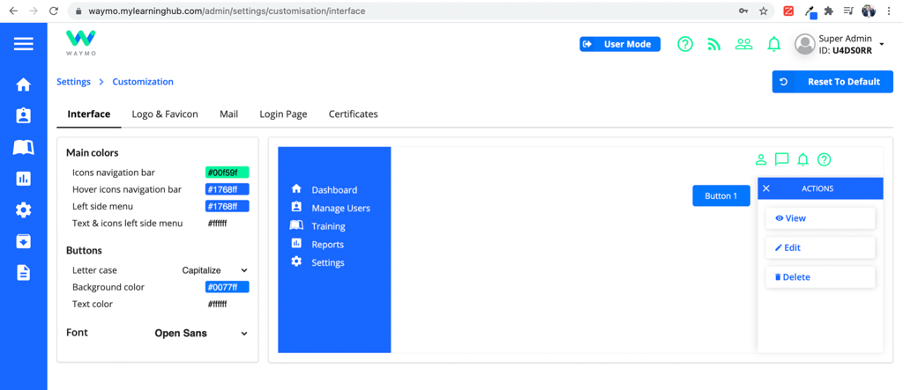
Stay on-brand with your training interface and content. Our ready-made themes are easy to white-label and customise to your needs.
User adoption
Instantly access relevant courses via MS Teams or Slack to integrate learning in your work-life and get the skills you need to grow.
Pricing for scale
Reach more users in less time, at a lower cost, with our tiered pricing model that allows you to scale training within your growing user base.
Data insights
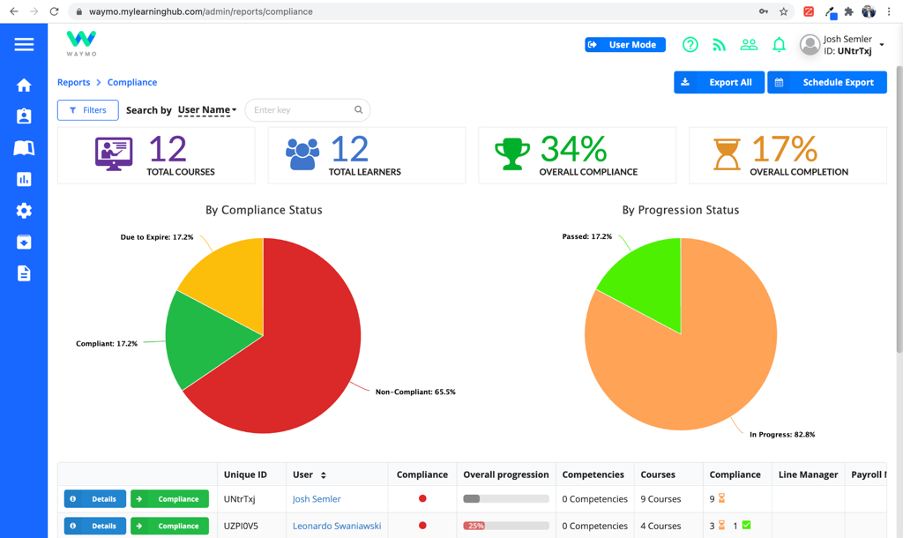
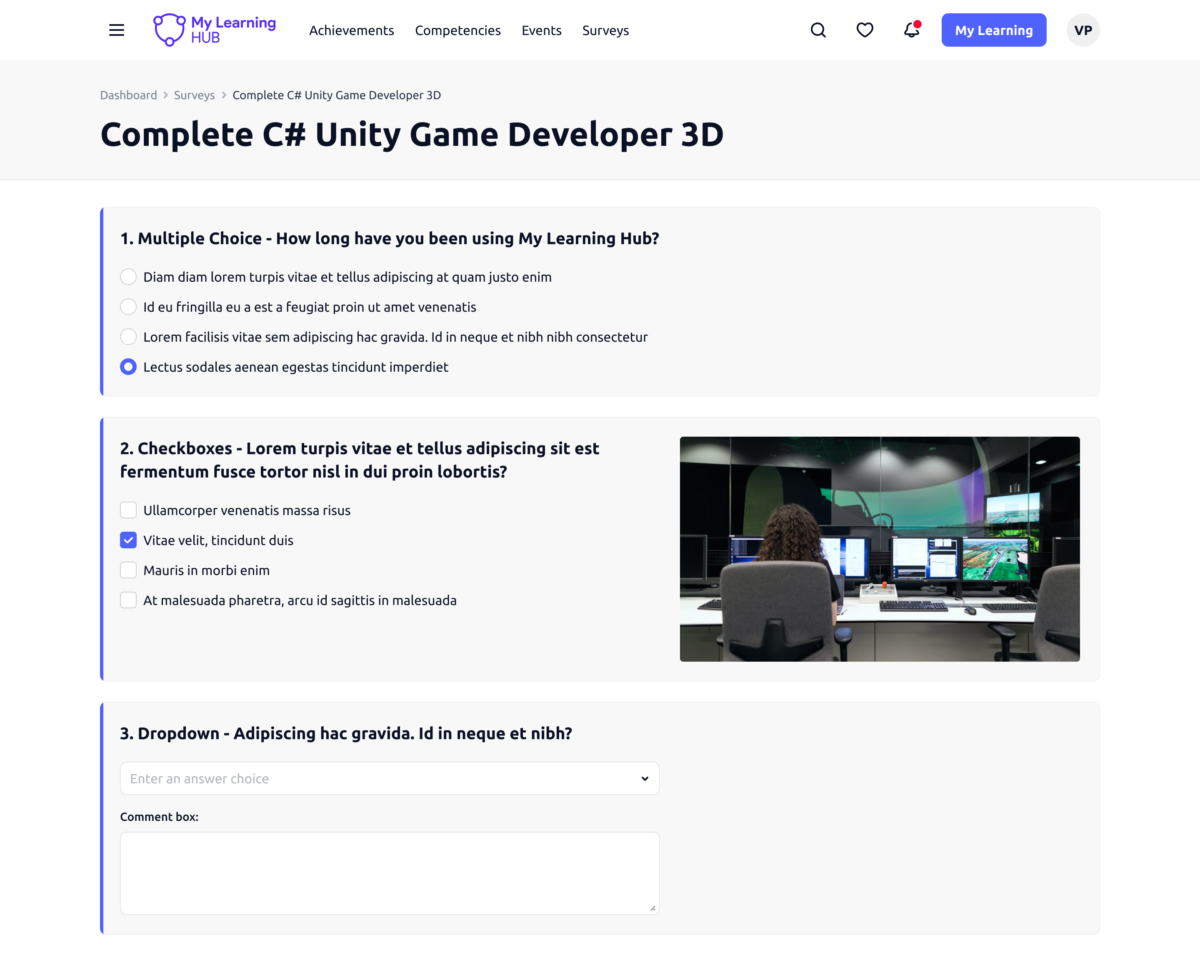
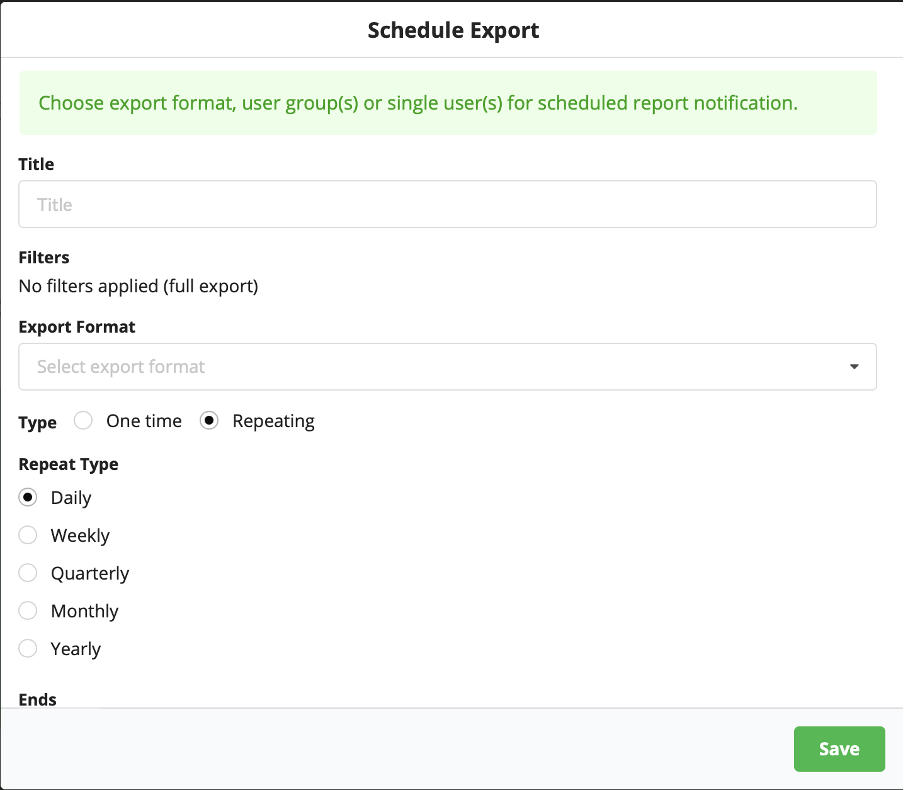
Whether exported reports or a real-time analytics dashboard, we have your covered. Access the data you need to make informed decisions.
Personal connection
From an intro email to a demo call to ongoing customer support, we strive to get to know you as a person and the company you represent.
Product co-creation
With a shared product roadmap, our user community helps us prioritise the most needed features that lead to desired outcomes for all.
Learn more about My Learning Hub features that set it apart from the competition. Discover how its unique tools and capabilities enhance your processes.
Accounts
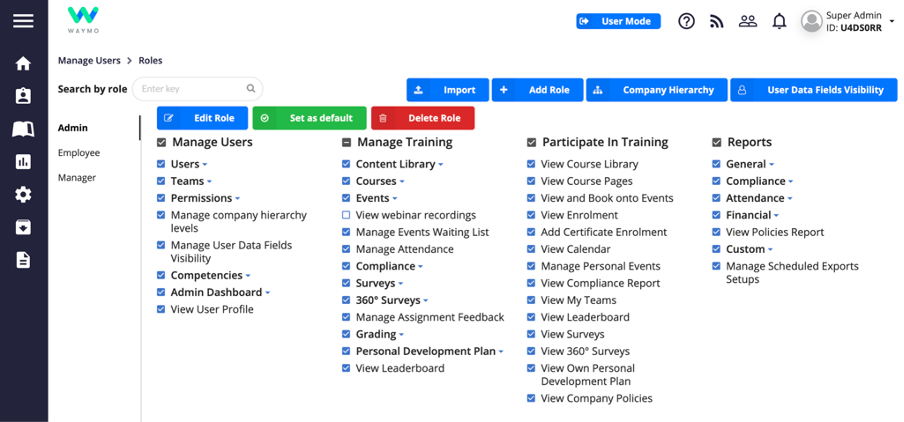
Add a new userAllows administrators to add new users directly to their LMS for streamlined user management.
Archive usersDeactivate and store user accounts without deleting them.
Learn more about My Learning Hub's pricing options, cost, and plans so you can make a well-informed, business-wise decision on the best software to use for organization.
Pricing Model
Subscription
License
Paid
Starting Price
$99
Free Trial
No
LMS LICENSE – Up to 100 users: from $3,900-$8,900/year; Up to 500 users: from $15,900-$24,900/year; Up to 1000 users: from $24,900-$33,900/year; Up to 2000 users: from $28,900-$42,900/year; Up to 5000 users: from $42,900-$59,900/year; Up to 10,000 users: from $59,900-$79,900/year. HUBS LICENSE – Up to 1,000 users: $10,000/year; Up to 5,000 users: $20,000/year; Up to 10,000 users: $30,000/year; Up to 100,000 users: $70,000/year; Unlimited: $100,000/year
Integrations
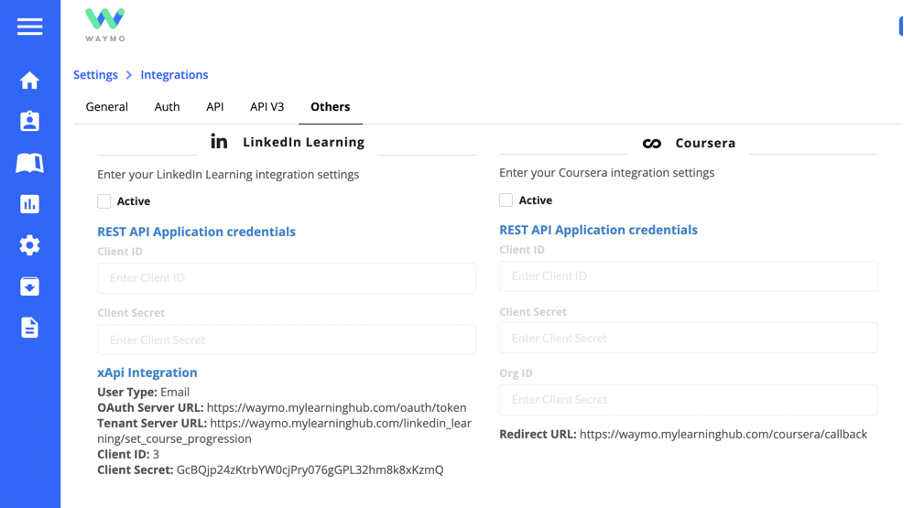
Learn more about My Learning Hub's integration options.
Adobe Connect
API
BambooHR
Dropbox
G Suite
Google Calendar
GoToMeeting
GoToTraining
GoToWebinar
Microsoft Dynamics CRM
Office 365
Okta
OneDrive
OneLogin
Oracle Sales Cloud CRM
Outlook Calendar
Paypal
Salesforce CRM
SAP CRM
SharePoint
Slack
Stripe
WebEx
Zapier
Zoom
Have you used My Learning Hub before?
Answer a few questions and help the community to make the best decisions
Is My Learning Hub the right solution for you? Read verified My Learning Hub reviews from people in industries like yours to make a confident choice.
Performance Overview
Overall Rating
91%
Usefulness
Usability
Customer Experience
Likelihood to Recommend
Friendly and easy to deal with. Care about their product.
Feb 13, 2019
Overall Rating
78%
Usefulness
Usability
Customer Experience
Likelihood to Recommend
What do you like best?
Very good user experience. Easy to use and good support from the team. All questions answered and taken care of.
What do you dislike?
Some unnecessary features. Would be better to focus on making sure all features are required and necessary.
Amazing customer service team! My Learning Hub understood our needs from day 1
Feb 13, 2019
Overall Rating
92%
Usefulness
Usability
Customer Experience
Likelihood to Recommend
What do you like best?
Setting up courses was very easy and being able to assign them within 'competencies' was a great feature. This helped with things like 'new starter packs' which will instantly assign multiple courses/events to a user when they join our team. Also the ability to see the leaderboard - makes learning interesting!
What do you dislike?
Nothing at the moment, any further requirements from our company have been added to their future roadmap and are being implemented in order of priority
Great learning management system which exceeded my expectations
Feb 12, 2019
Overall Rating
95%
Usefulness
Usability
Customer Experience
Likelihood to Recommend
What do you like best?
The ease of viewing and filtering my reports. The reports are sent to my emails automatically on a weekly basis. I do not have to log in to the system to view users progress on courses. User-friendly design for users and administrators.
What do you dislike?
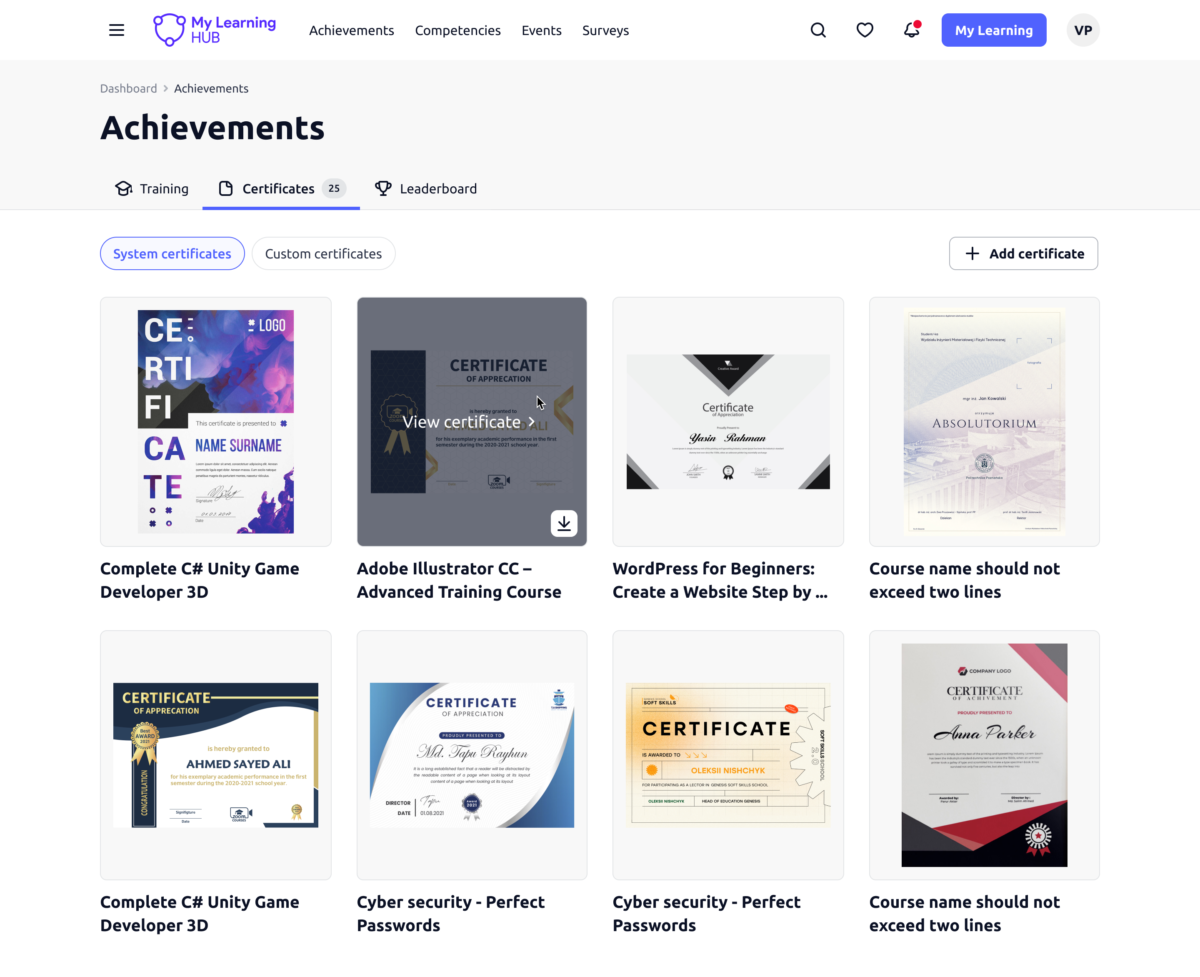
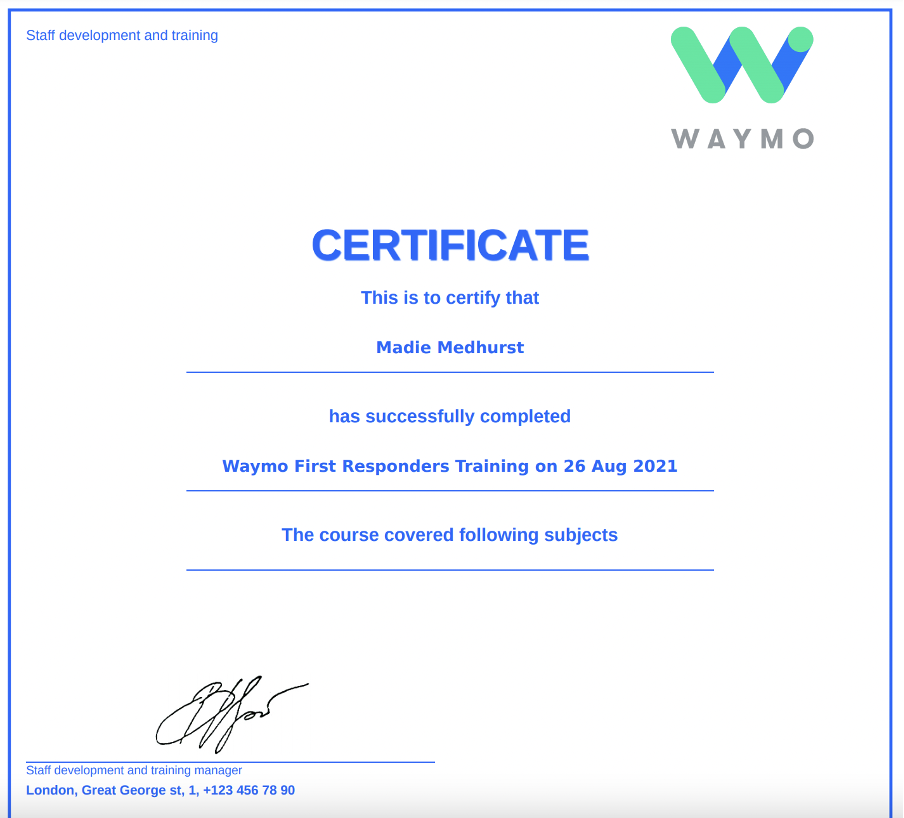
Creating custom certificates can be time-consuming. This is currently on their development roadmap to make this process more user-friendly.
Works well, operates as it should 'does what it says on the tin!'
Feb 12, 2019
Overall Rating
87%
Usefulness
Usability
Customer Experience
Likelihood to Recommend
What do you like best?
The design means that users of all abilities can easily access, view and use the software. It only took the administration team a short period to get to grips with it
What do you dislike?
Although we have only been using the software for a short period of time, we have no major issues with it.
Great online learning portal. I dont see any rooms to improve. Greatly satisfied.
Feb 12, 2019
Overall Rating
92%
Usefulness
Usability
Customer Experience
Likelihood to Recommend
What do you like best?
A good value-for-money. The subject content was very good and guided my learning. It has plenty of references to the literature and allows to go deeper into detail. The notes make you think about the subject. There are some tricky questions that pick up on minor details.
What do you dislike?
The structure of the presentations, requiring constant clicking to move between slides and to open popups hinders reading. Scrolling support and having all required information inline (instead of popups) would be much better. Also the font size on some slides is pretty small, while the slides themselves don't behave so well when resizing (zooming in).
Great Platform to share and tack educational content in your company.
Feb 12, 2019
Overall Rating
93%
Usefulness
Usability
Customer Experience
Likelihood to Recommend
What do you like best?
I like, the ability to separate teams by their competences and skills, the tools to track their professional development and Gamification features.
What do you dislike?
I would like to be easier to check Training progression when people haven't finished the course in hand yet.
Achieves exactly what we would like it to. Great system, very impressed.
Feb 12, 2019
Overall Rating
90%
Usefulness
Usability
Customer Experience
Likelihood to Recommend
What do you like best?
Easy to use, straight to the point. These things tend to be more complicated than they need to be, not the case here.
What do you dislike?
Nothing, UI is great. Easy to use, straight to the point. These things tend to be more complicated than they need to be, not the case here.
We looked at over 20 LMS systems, this was the only one to fit all of our requirements.
Feb 12, 2019
Overall Rating
95%
Usefulness
Usability
Customer Experience
Likelihood to Recommend
What do you like best?
They customised the platform very quickly! A lot of the larger well know LMS brands couldn’t offer a practical solution that worked with our budget and timing.
What do you dislike?
Wish we found them sooner to be honest, they aren’t on many advertised channels!
They really won us over with the customer service and response times
Feb 12, 2019
Overall Rating
100%
Usefulness
Usability
Customer Experience
Likelihood to Recommend
What do you like best?
We use the system mainly for compliance purposes, we get audited a lot and need 100% accuracy on our training records, if we cannot provide the right data when required, our business would come to a standstill. We ran some tests before we started with My Learning Hub, there were no issues with the data then and now.
What do you dislike?
Cannot complain, does everything it says on the tin. We turn off a lot of the features, as they have a lot more than we need.. We thought it would be a problem, but the permission settings seem to block everything quite easily.
Easy to use and to keep up with my training within work
Feb 12, 2019
Overall Rating
83%
Usefulness
Usability
Customer Experience
Likelihood to Recommend
What do you like best?
I can see immediately the compulsory training that I need to complete and I also have the opportunity to browse the library of 'optional' courses for additional training in areas that I am interested in.
What do you dislike?
It would be great to have a larger selection of courses available for in the library for further progression of skills outside of my role.
You've viewed 10 out of 17
Alternatives
Not a match? Find software alternatives that better suit your needs and compare them to discover the one that's right for you.