


Trending Learning Management Systems (LMS)
About the vendor
-
Customers
  • Academic
  • Freelancers
  • Large Enterprises (>10,000)
  • Non Profits
  • Public Administrations
  • Small/Medium Businesses
Use Cases
  • Academic Learning
  • Association Learning
  • Continuing Education
  • Employee Onboarding
  • Employee Training
  • Social Learning
  • Training Companies
Industries
  • Education Management
  • Education: K-12
  • Higher Education
  • Hospital & Health Care
  • Human Resources
  • Nonprofit Organization Management
  • Professional Training & Coaching
Deployment
  • Software as a Service / Cloud
Platforms
  • Linux
  • Mac
  • Windows
Browsers
  • Apple Safari
  • Google Chrome
  • Internet Explorer
  • Mozilla Firefox
Training
  • Live Online
  • Webinars
Support
  • 24/7
  • Email
  • Knowledge Base
  • Live Online
  • Phone
Supported Specifications
  • SCORM 1.2
  • SCORM 2004
  • SCORM 2004 3rd Edition
  • xAPI/Tin Can API
Languages Supported
  • Arabic
  • German
  • English
  • Spanish
  • French
  • Italian
  • Japanese
  • Korean
  • Dutch
  • Portuguese
  • Chinese
LinkedIn Page
-
X
-

What is Teachfloor?

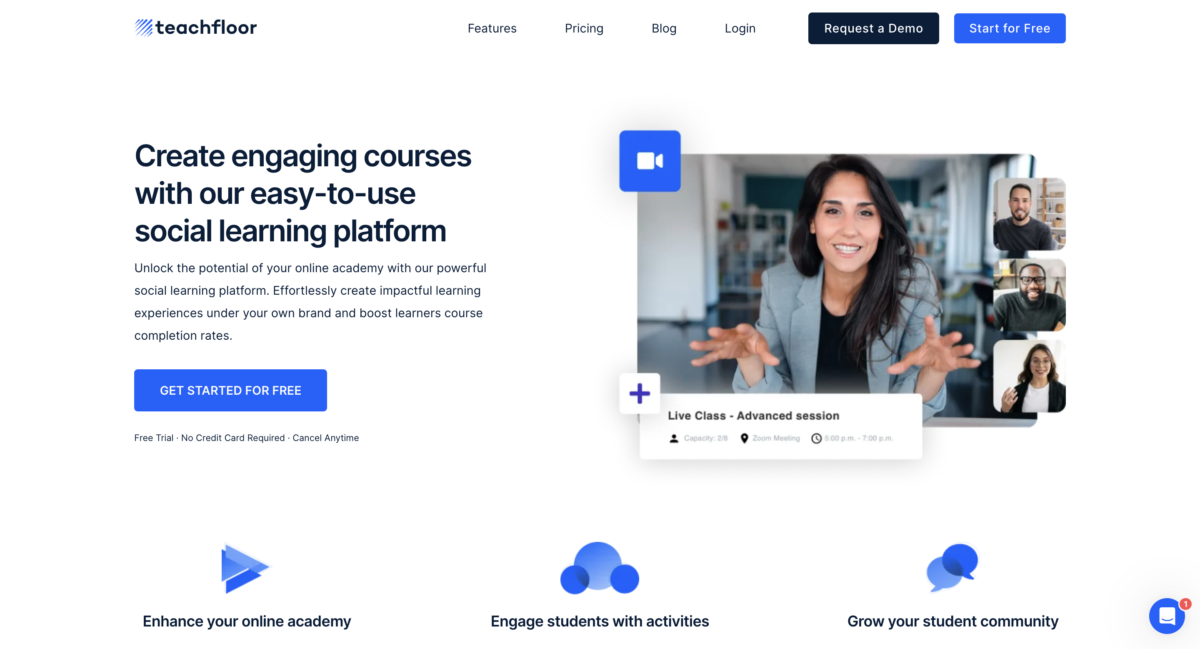
Teachfloor is a flexible platform for building and selling online courses under your own brand. Run courses self-paced, live, cohort-based, or a mix of all three, matching the format to what you're actually teaching.

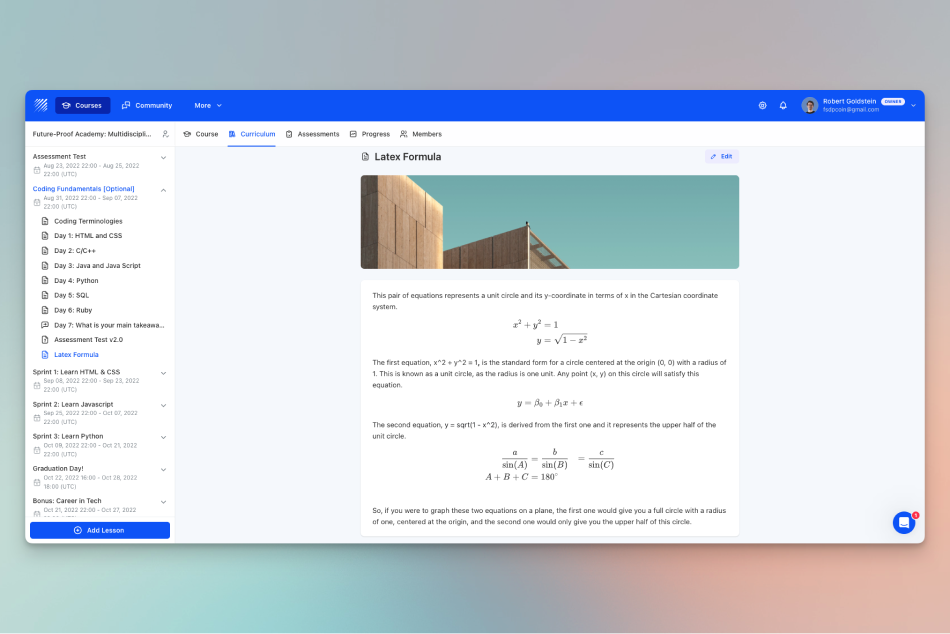
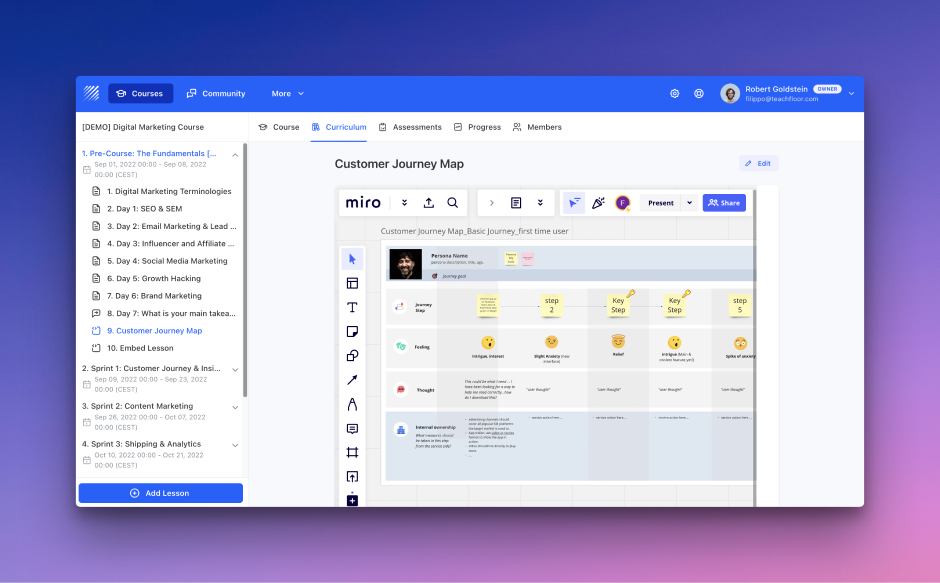
Combine video, text, SCORM, PDFs, live Zoom sessions, quizzes, and peer review into a single curriculum, then layer in community features (discussion boards, group chat, group activities) so even self-paced courses feel social instead of static.

Built-in AI tools help generate course outlines, descriptions, and quiz questions, while white-label branding (custom domain, logo, colors, a multilingual interface in 15+ languages) keeps the experience entirely yours. Manage students, grade submissions, issue certificates, and collect payments without leaving the platform.

Overview of Teachfloor benefits

  • Launch self-paced, live, cohort-based, or blended courses under your own brand

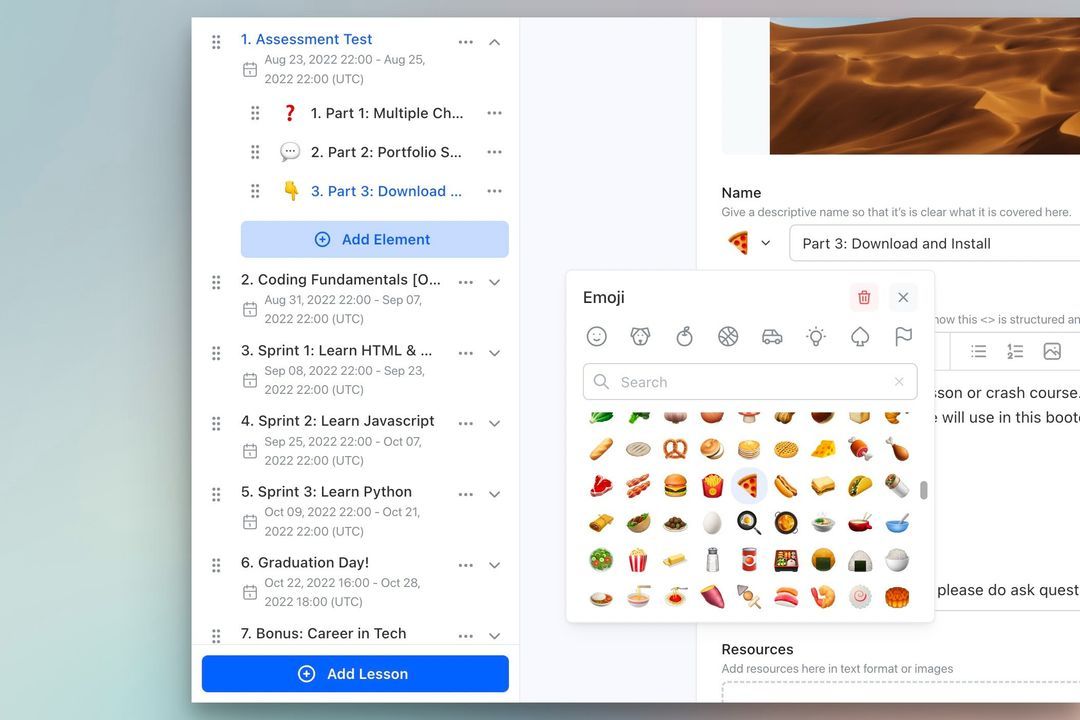
  • Combine video, text, SCORM, PDF, podcast, and live sessions in one curriculum

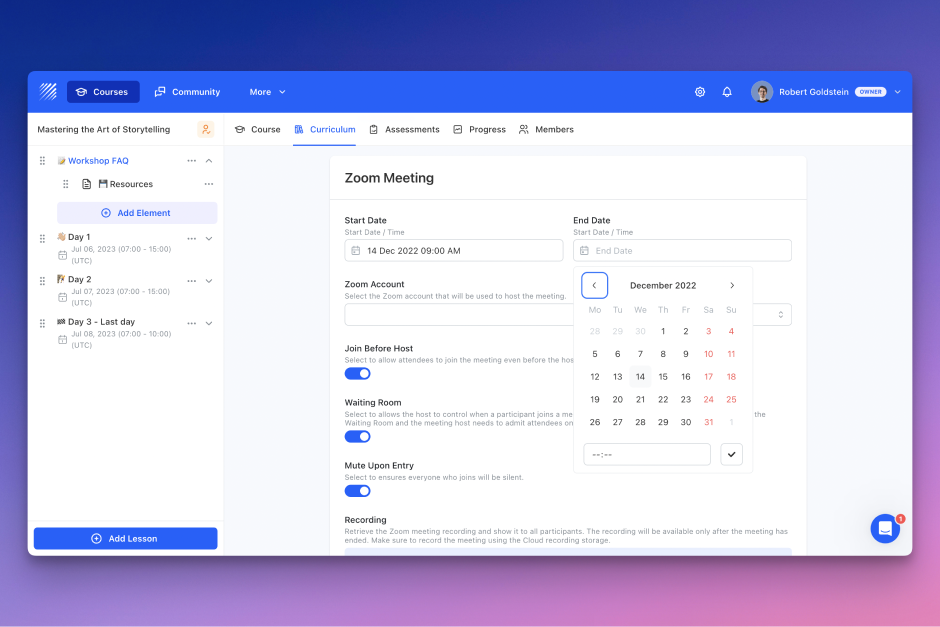
  • Run live classes with Zoom or any video conferencing tool

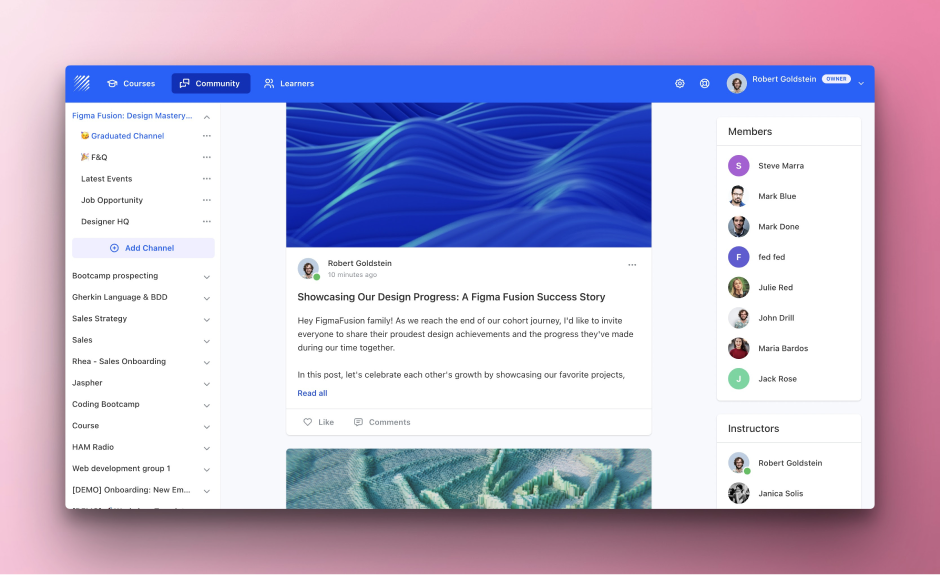
  • Drive engagement with peer review, group activities, discussion boards, and live chat

  • Use AI to generate course titles, descriptions, outlines, and quiz questions

  • Auto-grade quizzes and track performance with a smart gradebook and exportable reports

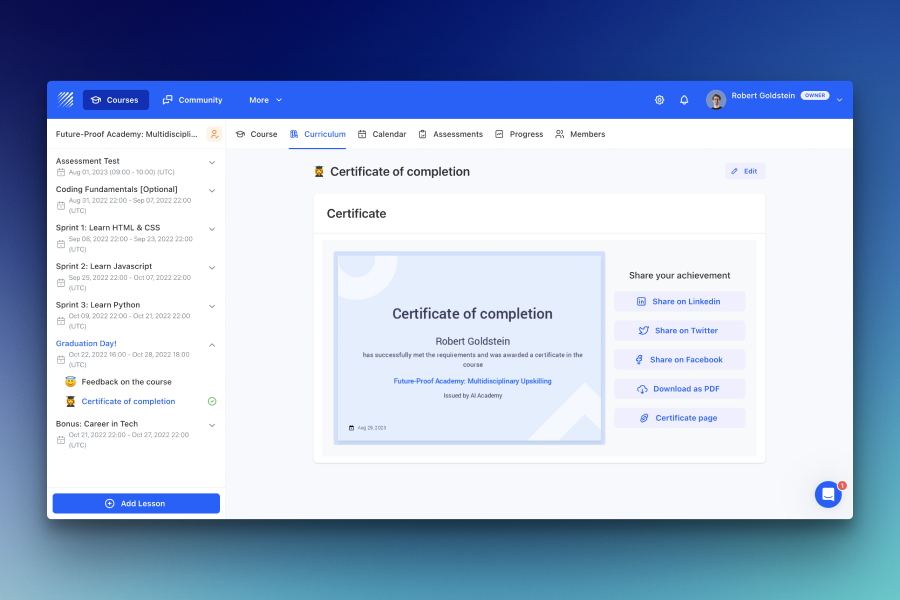
  • Issue customizable certificates on course completion

  • White-label everything: custom domain, logo, color palette, and a multilingual interface (15+ languages, including Japanese, Chinese, Korean, German)

  • Manage multiple branches with distinct branding and user roles from one account

  • Accept payments and recurring subscriptions via Stripe, with automated invoices

  • Automate workflows and notifications with Zapier, webhooks, and a public API/SDK

  • Enterprise-ready: SAML SSO, LTI, role-based permissions, WCAG 2.0 accessibility

  • Plans start at $89/month for up to 50 seats, with custom pricing for advanced branding and automation at scale

Features

Learn more about Teachfloor features that set it apart from the competition. Discover how its unique tools and capabilities enhance your processes.

Accounts

Add a new user Allows administrators to add new users directly to their LMS for streamlined user management.
Archive users Deactivate and store user accounts without deleting them.
Browse list of users View all registered users in the system.
Bulk User Actions Manage multiple user accounts at once.
Custom/Mandatory User profile fields Define required or optional fields for user profiles.
Upload users Import users via spreadsheet.

Activity grading

Course History View completed and ongoing courses for each user.
Gradebook Centralized view of all learner grades.
Gradebook audit trail
Gradebook comments
Manual Grading ("Marking") Manually review and grade submissions.
Multiple grading scales Support for different grading systems.

AI Features

Adaptive Learning Adjust learning paths based on learner behavior.
AI Powered
Chatbot
Content development Generate or enhance educational content.
Content Translation
Intelligent recommendations
Natural Language Processing
Predictive analysis
Quiz generation Automatically creates AI-generated quizzes.
Text-to-speech

Authentication

Active Directory/LDAP Integration
Custom User login page Personalized login interface.
Manual Accounts
No login
SAML2/API Integration Single sign-on and external authentication.
Self-Registration Users create their own accounts.
Self-Registration w. Admin Confirmation User signup requires admin approval.

Categories

Assign Courses to categories Organize courses under specific categories.
Create new Categories Add new organizational groups for courses.
Manage Categories Edit, delete, or update categories.
Priced Categories (Bundle)

Certificate management

Certification life-cycle Track generation, renewal, and expiration.
Manage certification templates Customize certificate formats.
Predefined certification templates Use ready-made certificate designs.
Unique Certificate by Course
Unique Certification by Curriculum Different certificate per learning path.

Compliance management

Certificate expiration notifications
Certification Expiration Management
Due Date notifications
Soft/Hard Stop Due Dates

Course Creation

Assignments Engine
Built-In Authoring Tool Create content directly inside the platform.
Can reuse PPTs, PDFs, Videos
Changing Course default settings
Consume online video content Embed or stream video lessons.
Content Library A repository of pre-made templates, existing content, multimedia sets, and learning outlines.
Course backup Options Backup and restore course data.
Drag & Drop Interactions Interactive content creation.
Hybrid Learning Courses Blend online and in‑person lessons.
Learning Paths (Curriculums) Sequence courses into structured programs.
LRS
Scheduling LIVE events Plan webinars or virtual classes.
Survey Engine Create learner surveys.
Tests Engine Build quizzes and exams.
Upload courses Import courses into the platform.

Customization

Mobile Learning Support
Personalized views

Enrollment

Attendance Tracking Track presence in sessions.
Automated Enrollment (based on User data) Enroll users automatically by rules.
Guest Access Settings
Manual Enrollment Manually assign users to courses.
Progress Tracking Monitor learner progress in real time.
Self-enrollment Allow learners to join courses freely.
Self-enrollment (with a PIN #)
Survey enrollment (based on a response)

Format

Course Discussions Forum-style communication.
Gamification Format
Learner Upload
LIVE Chat Option Real-time messaging inside courses.
Social Format Social interaction‑focused layout.
Topics Format
Video Conferencing Integration
Weekly Format

Gamification

Badge customization
Badges
Customize Gamification mechanics
Leaderboards
Levels
Points
Rewards

Interface options

Additional external pages
Block Management
Calendar Settings Configure system calendar.
Language settings Set default or custom system language.
Learning Accessibility Tools for users with disabilities.
Location Settings Configure regional settings.
Media embedding settings Control embedding permissions.
Multilanguage Support
Ready-made Themes

Learning types

Asynchronous Instructor-led Instructor-led but not in real time.
Asynchronous Self-paced Learners progress independently.
Blended Learning Mix online and face‑to‑face training.
Synchronous Virtual Classroom Live real-time classes.

Mobile learning

Offline (disconnected Mobile app)
Online (Internet connected) Access content with full connectivity.

Offline

Support for offline access to content

Reports

Automated Report Scheduling
Canned Reports
Dashboards and Graphic Reports Visual analytics dashboards.
Email delivery of Reports Send reports via email.
Exporting Reports in variety of formats Export data as PDF, Excel, etc.
Grading Report Settings Customize grade reporting.
Learning Analytics Tools Analyze learner behavior.
Training Record Maintenance

Roles

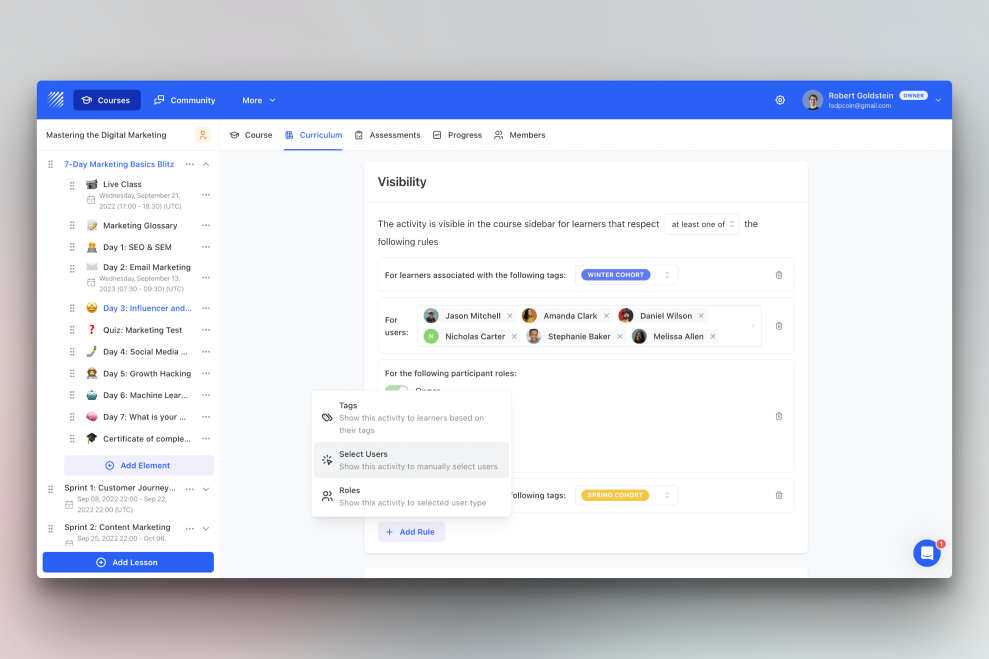
Define roles Create custom permission roles.
Role Assignment Assign roles to users.
System Permissions per role Control access rights.
Teams and Team Hierarchies

Security

Anti-spam
Anti-virus
IP Blocker
Restrict registration to specific domains
Strong Passwords

Shopping cart

Built-In Shopping Cart
Shopping Cart as Plug-In

System reports

Automatic email reports in predefined intervals
Custom reports generator Create custom report layouts.
Email notification settings Control notification rules.
Live Logs
Who uses Teachfloor ?

Based on eLearning Industry reviews from the past 4 years

Company Size

Areas of Focus

Top Industries

Education - Higher
11%
Accounting
7%
Marketing and Advertising
6%
Retail
6%
Education - Primary
6%
Other
64%
Pricing

Learn more about Teachfloor's pricing options, cost, and plans so you can make a well-informed, business-wise decision on the best software to use for organization.

Starting

$89 / month
Integrations

Learn more about Teachfloor's integration options.

API

API

BambooHR

BambooHR

G Suite

G Suite

Gmail

Gmail

Google Calendar

Google Calendar

GoToMeeting

GoToMeeting

GoToTraining

GoToTraining

HubSpot

HubSpot

Microsoft Dynamics CRM

Microsoft Dynamics CRM

Okta

Okta

Salesforce CRM

Salesforce CRM

SharePoint

SharePoint

Stripe

Stripe

WebEx

WebEx

Zapier

Zapier

Zendesk

Zendesk

Zoom

Zoom

Teachfloor logo
Have you used Teachfloor before?
Answer a few questions and help the community to make the best decisions
Reviews

Is Teachfloor the right solution for you? Read verified Teachfloor reviews from people in industries like yours to make a confident choice.

Pros
  • Customer Support & Service The support team is highly praised for providing a genuine partnership rather than an impersonal vendor relationship. Reviewers noted that support feels "human in a rare way: conversations, not scripts" and operates like "working with colleagues," with user feedback frequently translated into direct product updates.
  • Feature Set & Functionality The platform’s built-in AI tools are described as an incredible timesaver, successfully generating full course drafts, reflection prompts, and quizzes from short prompts. Reviewers also celebrated robust collaborative tools, such as automated peer reviews and integrated group activity forums.  
  • Ease of Use & Navigation The user interface is described as calm, modern, and inviting, ensuring that learners don't have to ask, "where do I click?" Administrators noted that the course builder is highly intuitive, making course creation feel "more like assembling ideas than configuring software."
  • Customization & Flexibility Reviewers valued how well the platform scales with organizational complexity, offering a rare mix of simplicity on the surface and power underneath. It cleanly adapts to variations in branding, permissions, course structures, multimedia assignment formats, and mixed synchronous or asynchronous cohort models.
  • Implementation & Onboarding Moving to the platform is straightforward even for first-time LMS users. Reviewers indicated that setting up the system was "actually pretty easy," allowing organizations to onboard community members quickly, backed by a success team that makes course migration effortless.
Cons
  • Reporting & Analytics Issues Data visualization and tracking are major targets for improvement. Multiple power users noted that "advanced reporting could be more detailed for heavy ops use" and that the analytics dashboard lacks the robustness needed to easily visualize group-level averages or compare cohort performance without digging into individual student data.
  • Customization Limitations Certain native design choices and settings feel restrictive to power users. Reviewers mentioned a desire for more granular control over course landing pages (such as changing fonts and color options), hidden advanced settings that require manual exploration, and rigid completion tracking that prevents setting specific conditions to unlock the next activity.
  • Performance or Reliability Issues As a living and rapidly changing product, minor stability issues occur. Reviewers pointed out that "some AI features are still maturing" and produce varying results that require extra testing, while others noted they occasionally hit "small bugs, especially when using newer features."
  • Limited Features / Missing Tools Users flagged minor workflow omissions, such as user management lacking a smart cleanup tool (meaning removing inactive users is a manual chore). Others noted the password reset workflow could be simplified for younger students and expressed a preference for a native mobile app rather than just a responsive mobile browser interface.
  • Cost & Add-ons Tiered package limitations can cause friction for growing small teams. A non-profit user noted that they "ran into storage limits sooner than expected" on the basic pricing plan, wishing that more space was natively included or that upgrading paths were more transparently communicated.
Performance Overview
Overall Rating 88%
  • Usefulness
  • Usability
  • Customer Experience
  • Likelihood to Recommend

It feels less like software and more like a place where learning actually happens.

Oct 3, 2026

Overall Rating 97%
  • Usefulness
  • Usability
  • Customer Experience
  • Likelihood to Recommend
What do you like best? The first thing I noticed was that nothing screams “corporate LMS”. The UI is calm, modern, and inviting. People don’t ask “where do I click? Creating courses feels more like assembling ideas than configuring software. Support feels human in a rare way: conversations, not scripts.
What do you dislike? It’s not magic. Sometimes you hit an edge case and think “oh, I need to think this through a bit more.” I’ve also seen a couple of small bugs over time, usually around new features. Nothing dramatic, but enough to remind you this is a living product, not a frozen one. You’re expected to engage, not just consume.
Reviewer photo

Reviewer verified by LinkedIn

Industry : Aviation & Aerospace | Company size : 201-500 | Level : Senior | Focus : Engineering | Experience using the software : 6-12 months as User

Outstanding support that feels like a real working partnership.

Sep 24, 2026

Overall Rating 90%
  • Usefulness
  • Usability
  • Customer Experience
  • Likelihood to Recommend
What do you like best? The people behind the product. Support never feels impersonal or rushed. You’re not treated like a ticket in a queue, but like someone they actually want to work with. They listen carefully, understand your context, and collaborate with you to improve how you use the platform.
What do you dislike? There’s nothing that really stands out as a negative. The platform evolves quickly, which sometimes means adapting to new things, but overall that’s a positive sign.
Reviewer photo

Erika L.

Industry : Education - Higher | Company size : 1,001-5,000 | Level : Consultant | Focus : Consulting | Experience using the software : 6-12 months as User

Support was great and it allowed us to get up and going in less than an month.

Jul 30, 2026

Overall Rating 99%
  • Usefulness
  • Usability
  • Customer Experience
  • Likelihood to Recommend
What do you like best? Quick way to get our cohort going online. Any time we had a question for support we were responded to right way.
What do you dislike? Wish it had better payment plan options not just one. The chat feature didn't get used a lot we thought it might just not sure if the users really found it as easy to message back and forth.
Reviewer photo

Reviewer verified by LinkedIn

Industry : Nonprofit Organization Management | Company size : 11-50 | Level : Director | Focus : Administrative | Experience using the software : 6-12 months as Administrator

A rare mix of simplicity on the surface and power underneath

May 21, 2026

Overall Rating 100%
  • Usefulness
  • Usability
  • Customer Experience
  • Likelihood to Recommend
What do you like best? It’s easy to get started, but it doesn’t feel limiting. You have flexibility with branding, permissions, course structure, and automation, without the platform becoming overwhelming.
What do you dislike? Some AI features are still maturing. Depending on how you use them, results can vary, so a bit of testing and experimentation is sometimes needed.
Reviewer photo

Reviewer verified by LinkedIn

Industry : Accounting | Company size : 1-10 | Level : Owner | Focus : Consulting | Experience using the software : 6-12 months as User

It feels like a product built by people who understand learning, not just software.

May 11, 2026

Overall Rating 83%
  • Usefulness
  • Usability
  • Customer Experience
  • Likelihood to Recommend
What do you like best? Features feel intentional. AI tools are practical, collaboration is meaningful, and the platform doesn’t feel bloated. Support feels like working with partners, not vendors.
What do you dislike? Sometimes advanced settings are a bit hidden. You need to explore or ask support.
Reviewer photo

Reviewer verified by LinkedIn

Industry : Information Technology and Services | Company size : 501-1,000 | Level : Senior | Focus : Engineering | Experience using the software : Free Trial as User

For me this platform make online learning more clear and more connected for students.

Apr 26, 2026

Overall Rating 83%
  • Usefulness
  • Usability
  • Customer Experience
  • Likelihood to Recommend
What do you like best? I really like how easy is to create courses and update them. Students interact more and ask less technical questions. Support team is very friendly and explain things in simple way.
What do you dislike? Advanced reporting could be more detailed for heavy ops use. Current reports are good, but there’s room to go deeper.
Reviewer photo

Leonardo D.

Industry : Environmental Services | Company size : 1-10 | Level : Consultant | Focus : Business Development | Experience using the software : Free Trial as Member of the procurement team

Once configured properly, it quietly does its job extremely well.

Apr 13, 2026

Overall Rating 83%
  • Usefulness
  • Usability
  • Customer Experience
  • Likelihood to Recommend
What do you like best? Updating content, onboarding new users, and managing cohorts is efficient. Automations and integrations save us time every week. The platform scales without becoming messy
What do you dislike? From time to time we encountered small bugs, especially when using newer features. Nothing blocking, but sometimes you need to refresh or contact support.
Reviewer photo

Reviewer verified by LinkedIn

Industry : Accounting | Company size : 10,000+ | Level : Senior | Focus : Administrative | Experience using the software : More than 1 year as Member of the procurement team

Teachfloor gave us structure and clarity when our learning operations were chaotic and fragmented.

Mar 30, 2026

Overall Rating 100%
  • Usefulness
  • Usability
  • Customer Experience
  • Likelihood to Recommend
What do you like best? The operational backbone is strong: user roles, permissions, course logic, and updates are predictable and stable. It feels designed for people who actually manage programs at scale, not just instructors creating content.
What do you dislike? Some configurations required trial and error at the beginning, especially when setting complex flows. Documentation was improving at that time, so we relied more on support.
Reviewer photo

Reviewer verified by LinkedIn

Industry : Financial Services | Company size : 1,001-5,000 | Level : Intern | Focus : Finance | Experience using the software : More than 1 year as User

A platform that feels built for the long run, not quick wins

Mar 29, 2026

Overall Rating 86%
  • Usefulness
  • Usability
  • Customer Experience
  • Likelihood to Recommend
What do you like best? Everything about the product suggests long-term thinking. The roadmap is coherent, updates are frequent but thoughtful, and user feedback clearly influences decisions. Pricing feels fair, and support feels more like working with colleagues than dealing with a vendor.
What do you dislike? Reporting could go even deeper for power users. It’s good, but there’s room for more advanced breakdowns.
Reviewer photo

Reviewer verified by LinkedIn

Industry : Construction | Company size : 51-200 | Level : Senior | Focus : Administrative | Experience using the software : Free Trial as User

A platform that feels built for the long run, not quick wins.

Mar 6, 2026

Overall Rating 97%
  • Usefulness
  • Usability
  • Customer Experience
  • Likelihood to Recommend
What do you like best? Everything about the product suggests long-term thinking. The roadmap is coherent, updates are frequent but thoughtful, and user feedback clearly influences decisions. Pricing feels fair, and support feels more like working with colleagues than dealing with a vendor.
What do you dislike? Reporting could go even deeper for power users. It’s good, but there’s room for more advanced breakdowns.
Reviewer photo

Nicole S.

Industry : Marketing and Advertising | Company size : 1-10 | Level : Entry | Focus : Administrative | Experience using the software : Less than 6 months as User

You've viewed 10 out of 70

Alternatives

Not a match? Find software alternatives that better suit your needs and compare them to discover the one that's right for you.

Teachfloor

4.4/5

TalentLMS

4.8/5
Compare

360Learning

4.7/5
Compare

Connecteam - Mobile Teams LMS

4.0/5
Compare

Acorn

4.6/5
Compare

SkyPrep LMS

4.4/5
Compare

iSpring LMS

4.7/5
Compare

Absorb

4.8/5
Compare