Customers
- Freelancers
- Large Enterprises (>10,000)
- Non Profits
- Public Administrations
- Small/Medium Businesses
Use Cases
- Compliance Training
- Customer Training
- Employee Onboarding
- Employee Training
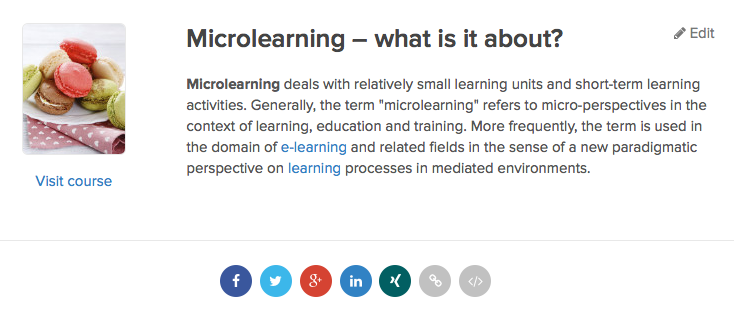
- Microlearning
- Social Learning
- Training Companies
Industries
- Automotive
- Banking
- Biotechnology
- Building Materials
- Chemicals
- Legal Services
- Textiles
Deployment
- Software as a Service / Cloud
Browsers
- Apple Safari
- Google Chrome
- Internet Explorer
- Mozilla Firefox
Training
- Documentation
- Online Tutorials
- Webinars
Support
- Email
- FAQ
- Knowledge Base
- Live Online
- Online Community
- Phone
Supported Specifications
- SCORM 1.1
- SCORM 1.2
- SCORM 2004
- SCORM 2004 3rd Edition
- SCORM 2004 4th Edition
- xAPI/Tin Can API
What is Fellow LMS?
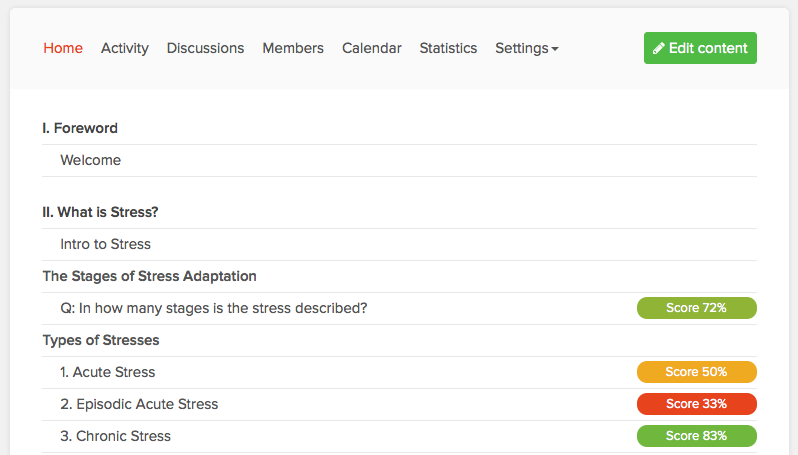
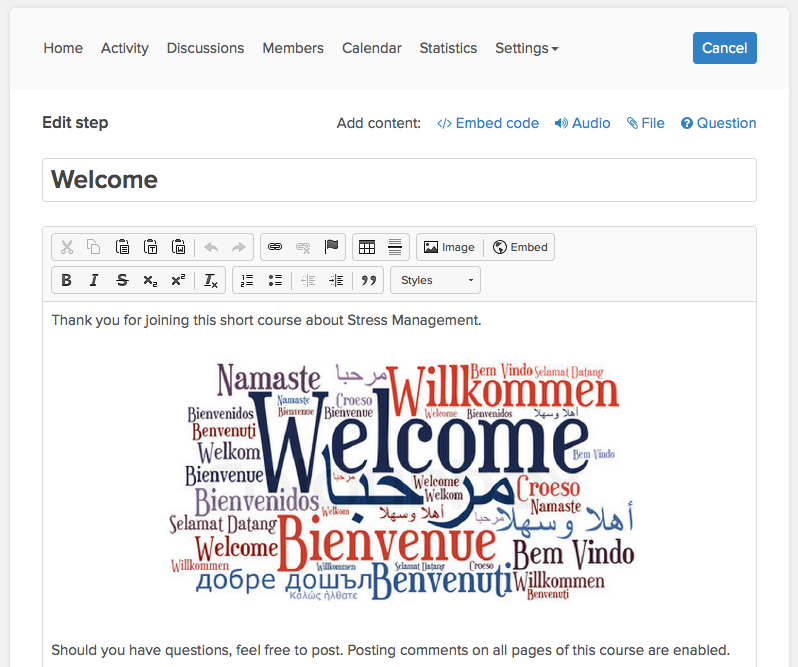
Create courses in a breeze
With these tools, you can create your eLearning courses easily and intuitively. Edit modules and learning steps later by drag & drop, and transfer your content to new courses easily.
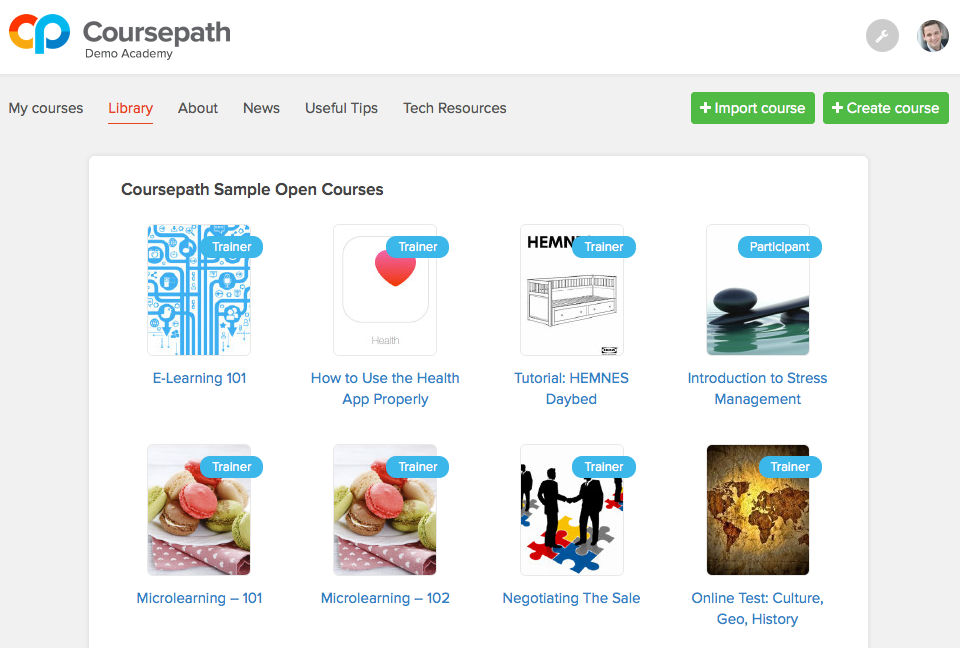
Academy management at your fingertips
Create an effective and constantly clear learning environment. With adjustments to your corporate design, your course participants will feel welcomed immediately.
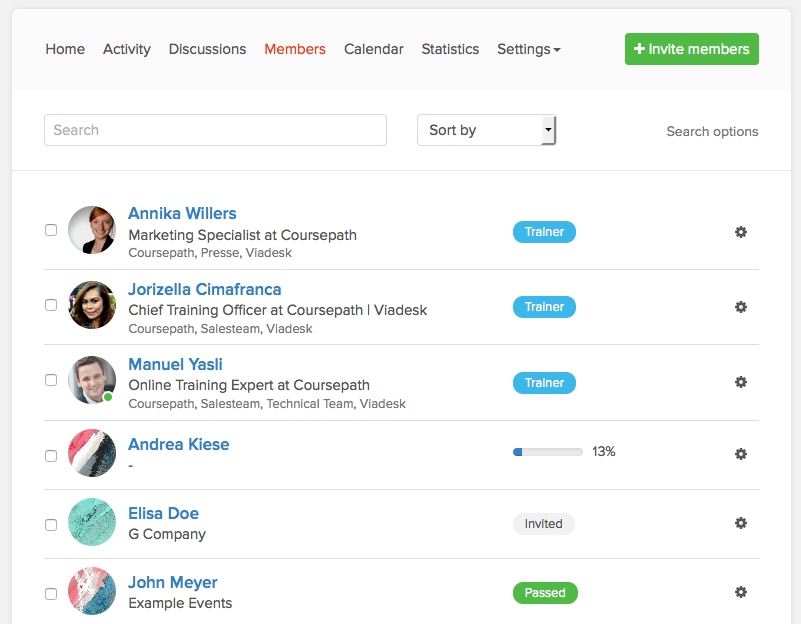
Many users, easy management
Set precise permissions for users uncomplicatedly. Groups simplify the overview and administration.
Experience a rewarding learning together
Coursepath is simple, easy and highly intuitive, meaning participants can get on board quickly, no matter where they are or which device they are using. Effective and sustainable learning – company-wide.
Integration, hosting and security
Coursepath is a Software-as-a-Service product, meaning that we take care of maintaining the server and software infrastructure for you. In addition to our helpdesk, we offer full technical support for implementation of these features.
Read more
Read less
Overview of Fellow LMS benefits
PowerPoint and PDF conversion
Tests and quizzes
Minimum score
HTML5 Upload
Email notifications
Automatic reminders
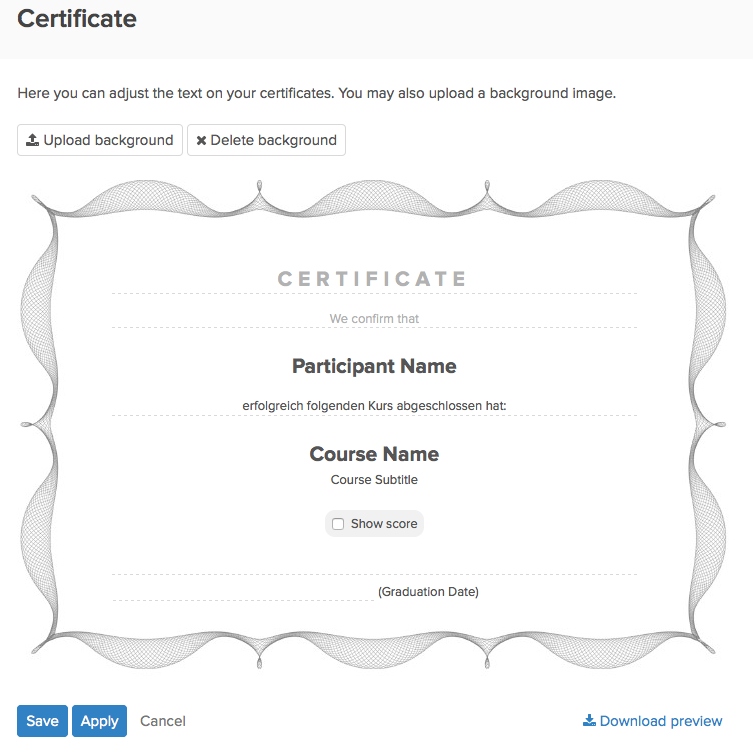
Certificates
Re-certification
Course programs
Academy in your corporate design
Academy pages
Own domain name
Single sign-on
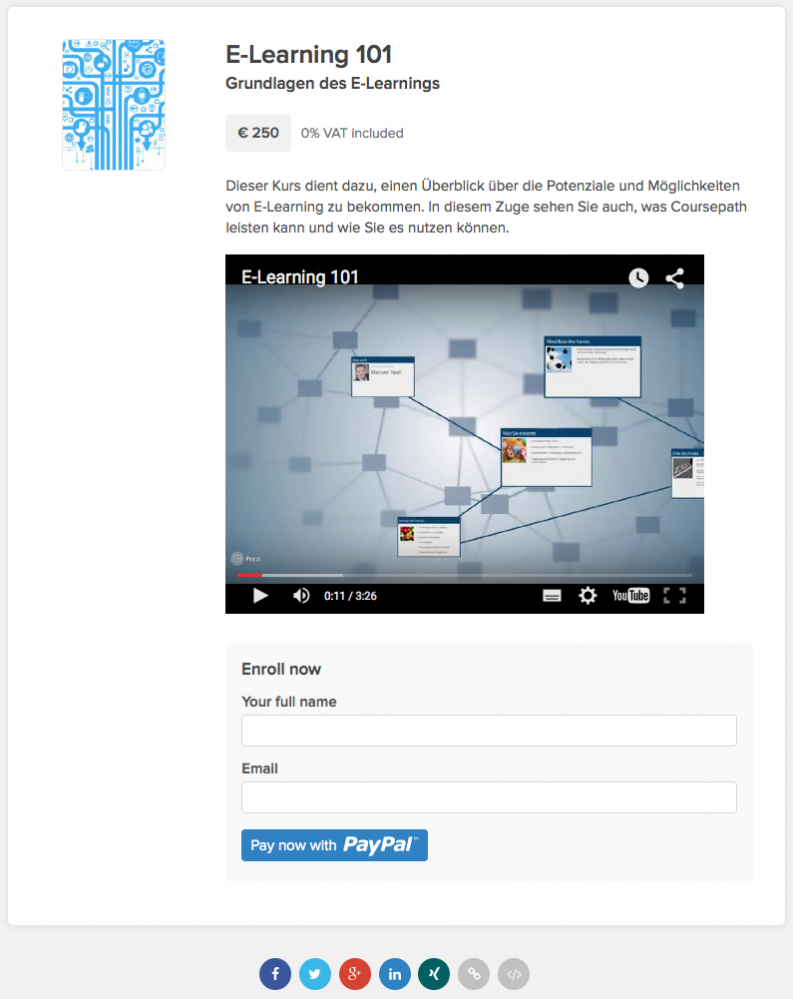
E-Commerce
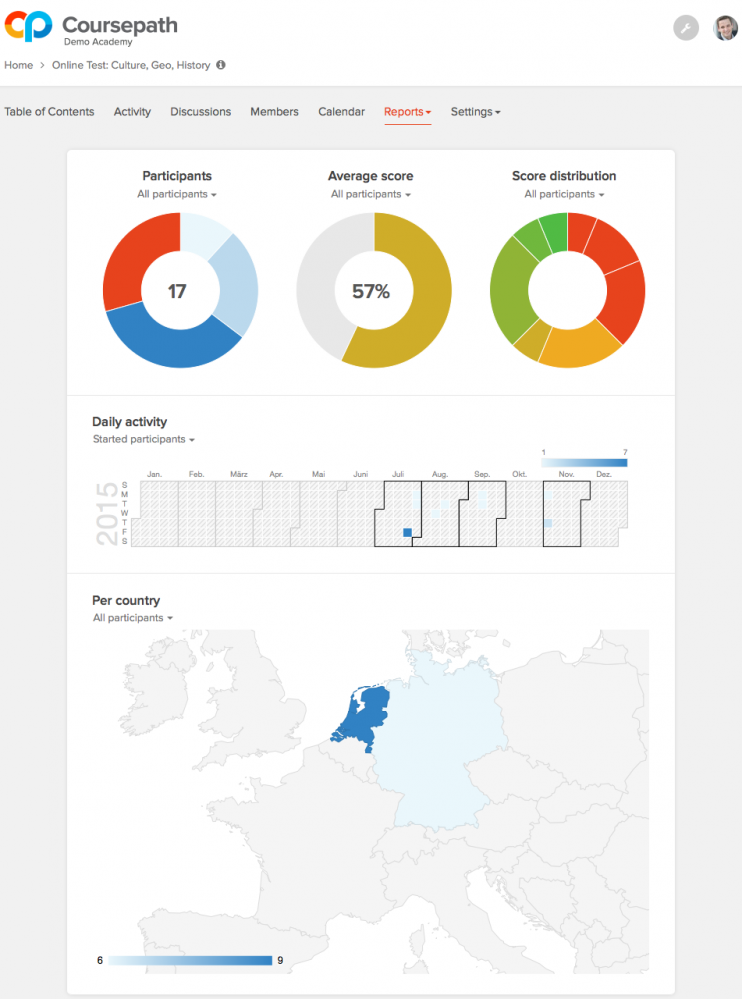
Reporting & monitoring
Download of Excel files
Integration of Google Analytics
21 languages
Calendar
Flexible roles and permissions
Group administration
Excel upload of user groups
User accounts without email
Flexibly adjust visibility of trainers and course participants
Personalized profiles
Self enrollment for courses
Intuitive navigation
Academy-wide full-text search
Comments and discussions
Direct messages
eLearning as reference
Blended learning
Upload own files
Certificates for download
Mobile access
Bookmarks for courses
See own progress
ISO 27001 certified hosting provider Exonet
Data center in the EU (BIT)
Contract processing agreement (AV)
SSL encryption (HTTPS)
Redundant servers
Regular backups
Uptime of 99,9%
High security standards
Integration of SCORM, Tin Can, and xAPI
API interface
Advanced developer options
Scalable
Helpdesk for academy owners (via phone and email)
Features
Learn more about Fellow LMS features that set it apart from the competition. Discover how its unique tools and capabilities enhance your processes.
Accounts
Add a new user
Allows administrators to add new users directly to their LMS for streamlined user management.
Archive users
Deactivate and store user accounts without deleting them.
Activity grading
Gradebook
Centralized view of all learner grades.
AI Features
Adaptive Learning
AI Powered
Chatbot
Content development
Content Translation
Intelligent recommendations
Natural Language Processing
Predictive analysis
Quiz generation
Text-to-speech
Authentication
Active Directory/LDAP Integration
Manual Accounts
No login
SAML2/API Integration
Categories
Priced Categories (Bundle)
Certificate management
Certification life-cycle
Unique Certificate by Course
Unique Certification by Curriculum
Compliance management
Certificate expiration notifications
Certification Expiration Management
Course Creation
Content Library
Drag & Drop Interactions
Hybrid Learning Courses
LRS
Customization
Mobile Learning Support
Personalized views
Enrollment
Progress Tracking
Self-enrollment (with a PIN #)
Survey enrollment (based on a response)
Format
Gamification Format
Video Conferencing Integration
Weekly Format
Gamification
Badge customization
Badges
Customize Gamification mechanics
Leaderboards
Levels
Points
Rewards
Interface options
Additional external pages
Block Management
Learning Accessibility
Ready-made Themes
Learning types
Synchronous Virtual Classroom
Mobile learning
Offline (disconnected Mobile app)
Offline
Support for offline access to content
Reports
Automated Report Scheduling
Canned Reports
Email delivery of Reports
Learning Analytics Tools
Security
Anti-spam
Anti-virus
IP Blocker
Restrict registration to specific domains
Strong Passwords
Shopping cart
Built-In Shopping Cart
Shopping Cart as Plug-In
System reports
Automatic email reports in predefined intervals
Custom reports generator
Live Logs
Monitor system activity in real time.
Pricing
Learn more about Fellow LMS's pricing options, cost, and plans so you can make a well-informed, business-wise decision on the best software to use for organization.
European hosting, ISO 27001 certified, Multi-language, Academy Pages & Branding, PowerPoint & PDF Conversion, Course Programs, E-commerce, integration into Digital Workplace applications
Integrations
Learn more about Fellow LMS's integration options.
Have you used Fellow LMS before?
Answer a few questions and help the community to make the best decisions
Alternatives
Not a match? Find software alternatives that better suit your needs and compare them to discover the one that's right for you.