





About the vendor
Located In Brighton, GB
Founded In 2025
Customers
  • Academic
  • Freelancers
  • Large Enterprises (>10,000)
  • Non Profits
  • Public Administrations
  • Small/Medium Businesses
Use Cases
  • Blended Learning
  • Compliance Training
  • Continuing Education
  • Customer Training
  • Employee Training
Industries
  • Design
  • Education Management
  • eLearning
  • Financial Services
  • Food & Beverages
  • Human Resources
Deployment
  • Desktop Application
  • Software as a Service / Cloud
Platforms
  • Linux
  • Mac
  • Windows
Browsers
  • Apple Safari
  • Google Chrome
  • Internet Explorer
  • Mozilla Firefox
Training
  • Online Tutorials
Support
  • Business Hours
  • Email
  • FAQ
  • Knowledge Base
  • Phone
Supported Specifications
  • SCORM 1.2
  • SCORM 2004
  • SCORM 2004 3rd Edition
  • SCORM 2004 4th Edition
Languages Supported
  • English
LinkedIn Page
@Linkedin
X
-
Change your privacy settings to see the content.
In order to watch this video you need to have advertising cookies enabled.
You can adjust your cookie preferences here.

What is QuikAuthor?

QuikAuthor makes professional e-learning and microlearning course creation fast and accessible for anyone. No authoring tool experience needed.

There are four ways to create courses.

#1 AI Video to Course. Upload a video and AI automatically transcribes, segments, and generates interactive lessons with quizzes and activities.

#2 AI PDF to Course. Upload a document and AI converts it into a structured, engaging course.

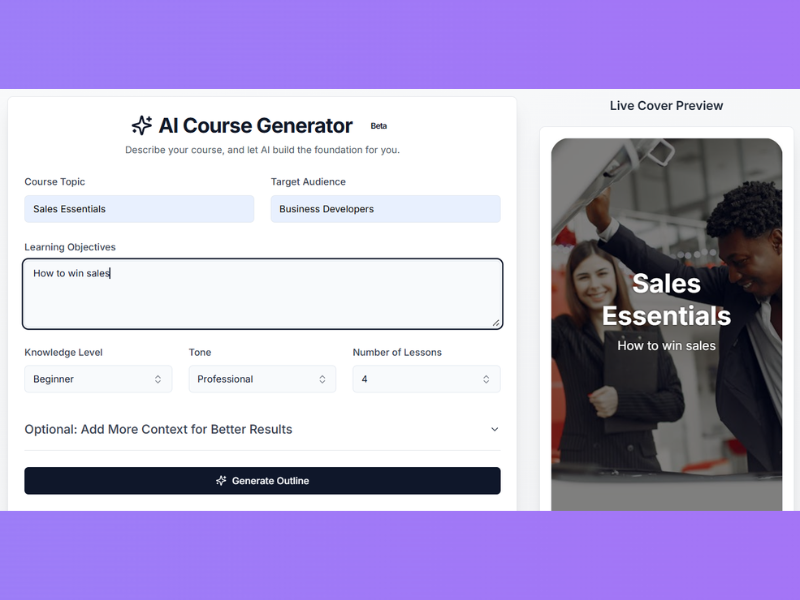
#3 AI Course Generator. Describe what you want to teach and AI builds the entire course from scratch, with optional prompting.

#4 Rapid Templates. Use our color-by-numbers templates to build interactive courses from the groung up in minutes.

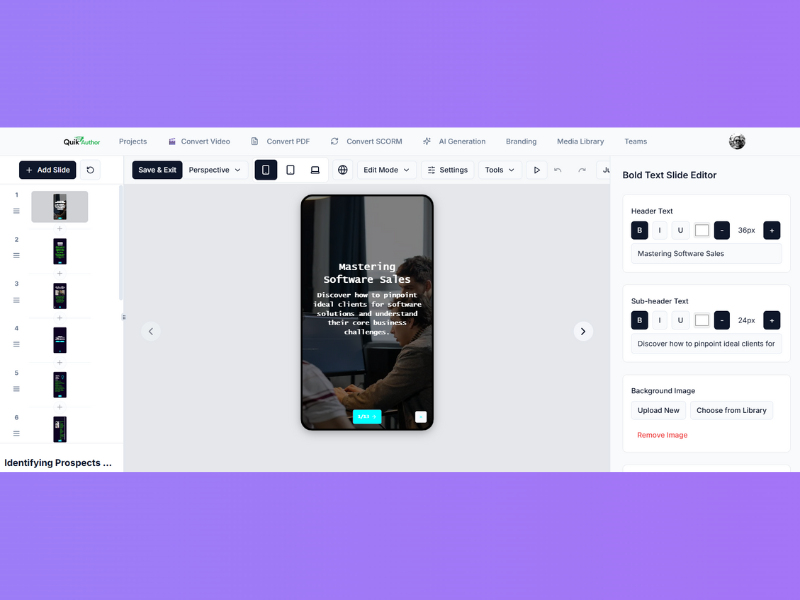
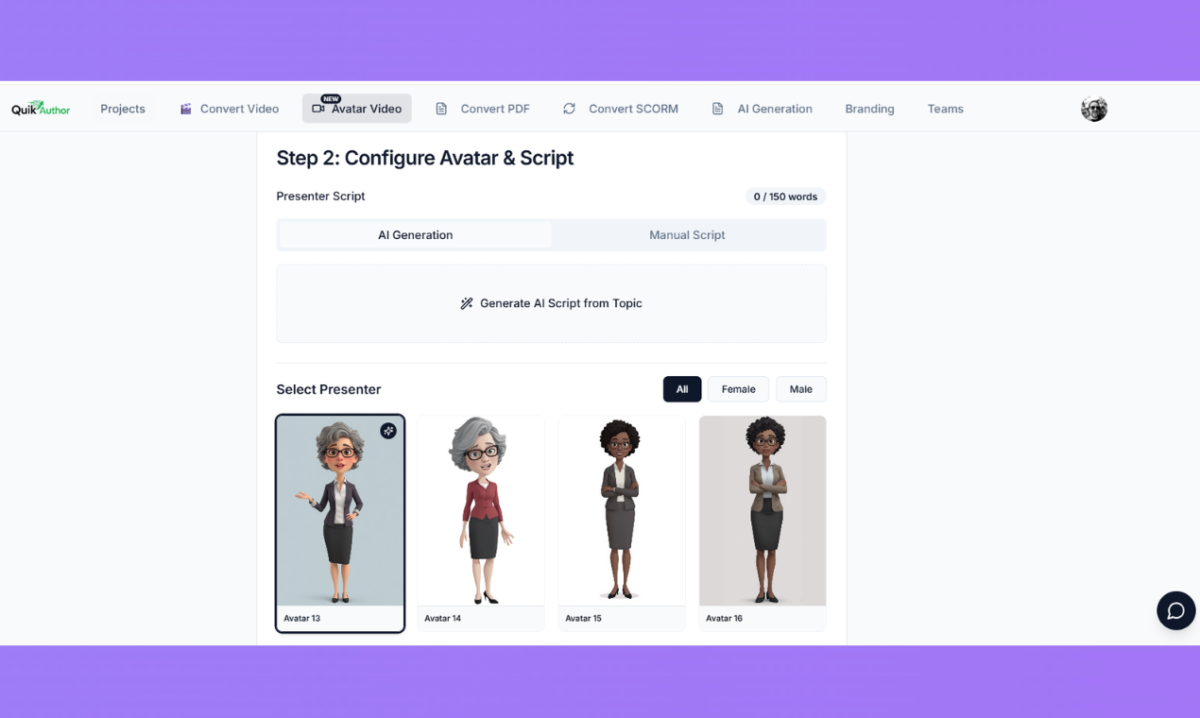
Over 60 interactive slide templates including drag and drop, swipe games, millionaire quizzes, and memory games. Built in AI video editor with timeline editing, breakpoint detection, transcript editing, and subtitling. Export as HTML, PDF, SCORM 1.2, and SCORM 2004 for seamless LMS integration. Custom branding at account, course, and lesson level. Branching scenarios using skip, confidence, and test out functions. Multi language support with AI powered translation. Fully responsive on desktop, tablet, and mobile.

Built for L&D teams, corporate trainers, instructional designers, and educators who need to produce high quality interactive courses quickly.

Overview of QuikAuthor benefits

QuikAuthor is an AI-powered microlearning and elearning authoring platform that makes interactive course creation fast and accessible, without specialist authoring tool experience.

The platform offers three AI-driven content creation methods. AI Video to Course automatically transcribes and segments uploaded videos, then generates interactive lessons with quizzes and activities. AI PDF to Course converts documents into structured, engaging courses. AI Course Generator builds complete courses from a simple text prompt with optional prompting to refine the output.

Courses are built using over 60 interactive slide templates including drag-and-drop matching, swipe games, millionaire-style quizzes, memory games, confidence sliders, and more. The built-in AI video editor provides timeline editing with breakpoint detection, transcript editing, and VTT subtitle export.

Exports are available in HTML, PDF, SCORM 1.2, and SCORM 2004 formats for compatibility with any LMS. Additional features include multi-level custom branding, branching scenarios using skip, confidence, and test-out logic, multi-language support with AI translation, team collaboration, and an integrated media library.

The platform is fully browser-based with no installation required. All course output is responsive across desktop, tablet, and mobile. Available in Free, Pro, and Team tiers, QuikAuthor is designed for L&D teams, corporate trainers, instructional designers, and educators looking to produce high-quality interactive courses in a fraction of the time required by traditional authoring tools.

Features

Learn more about QuikAuthor features that set it apart from the competition. Discover how its unique tools and capabilities enhance your processes.

Pricing

Learn more about QuikAuthor's pricing options, cost, and plans so you can make a well-informed, business-wise decision on the best software to use for organization.

Compare

Learn more about the top QuikAuthor competitors and alternatives. Read the latest reviews, pricing details, and features and and find the best software.