

 ChatGPT
 Perplexity
 Claude
 Grok
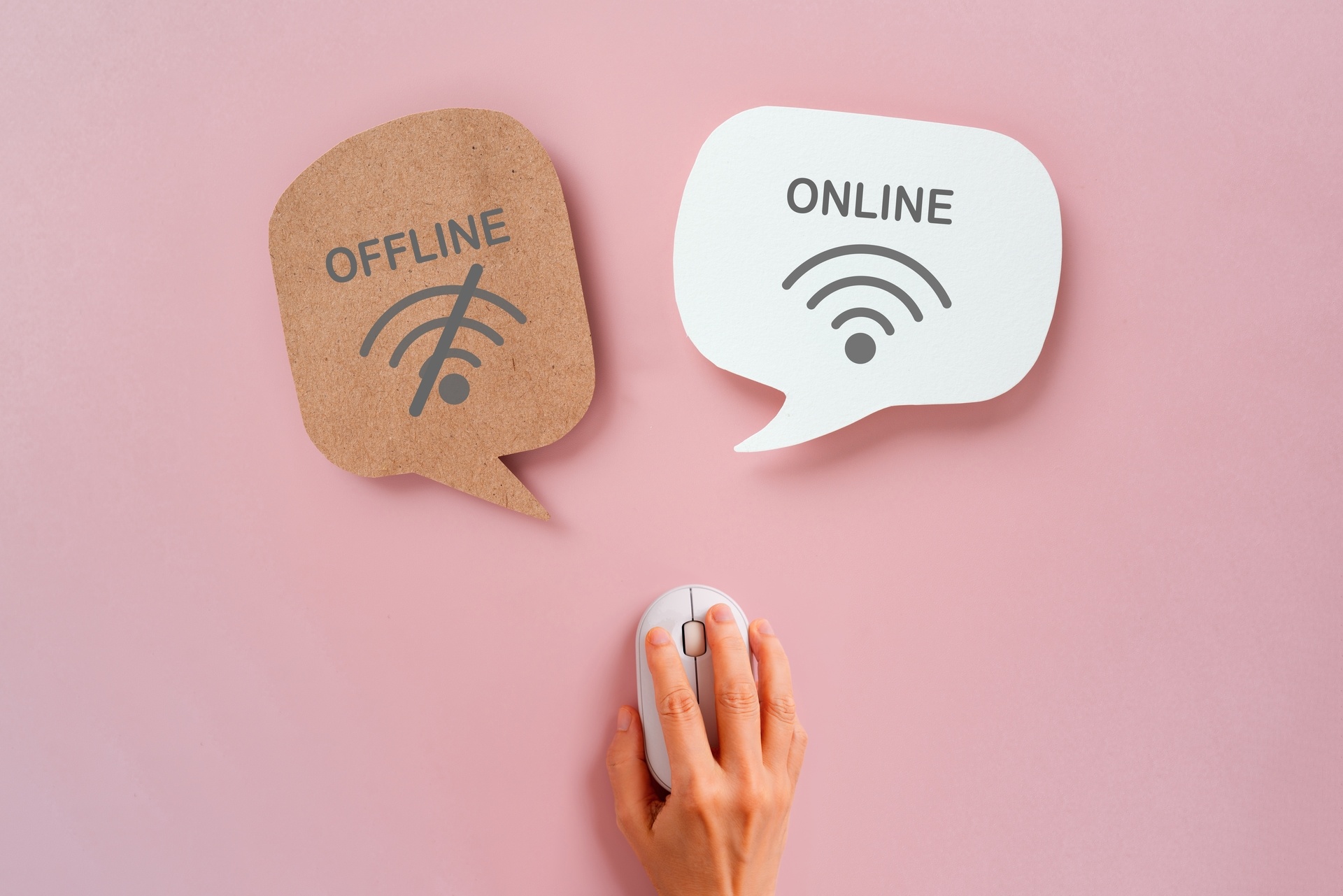
Design eLearning that works without the internet.
Offline-First Learning: Designing eLearning for People Without Reliable Internet
Most eLearning is built by people with fast connections, for learners assumed to have them too. It's a quiet assumption, and it rarely gets questioned until a learner is staring at a spinning wheel instead of a lesson.
The data suggests the assumption is shaky. In February 2026, Giga, the UNICEF–ITU school connectivity initiative, cited recent estimates that roughly half the world's schools remain offline and an estimated 1.3 billion children lack internet access at home. Even in wealthy markets the gap persists: Connected Nation's 2026 analysis of US data counts more than 15.7 million Americans unable to access broadband, more than 81 million without home broadband service, and 15 million with no computing device at home.
Access, adoption and devices are three separate gaps. A course that needs all three to line up every time will quietly leave people out. Offline-first design flips the question: instead of asking what happens when the connection drops, ask what happens when the connection is the exception.
Offline is an equity feature
Offline capability is often pitched as a convenience for commuters. That undersells it. For learners with patchy or expensive data, it separates taking part from watching from the sidelines, and it deserves the same seriousness we give accessibility or language support.
A simple framework: Carry, Work, Reconnect
When I review any learning experience, I run it through three questions.
Carry. Can learners take the content with them? Think whole units in one tap, resumable downloads, and a clear signal of what's saved. Weight matters too. A 2026 study in the Journal Evaluation in Education evaluated an offline-first app with feedback from 80 students and 15 teachers, testing it on low-end Android phones (1-2 GB RAM). Modules loaded in about 1.8 seconds, weekly data use stayed around 0.9-1.2 MB, offline access worked 98.7% of the time, and average post-test scores rose 24.6 points over pre-test. It's one small pre/post study, so treat those figures as benchmarks to aim for, not guarantees.
Work. Can they actually learn once offline? Reading is the easy part. Highlights, margin notes, bookmarks and read-aloud are how people make material on their own, so they have to survive without a signal. Read-aloud deserves nuance, though. A May 2026 eye-tracking study of 47 junior-high students found text-to-speech improved comprehension for students with ADHD-related reading difficulties. For students with dyslexia, it cuts reading time and effort while keeping comprehension comparable to silent reading. For typically developing readers, it disrupted fluent reading with no comprehension gain. About 30% of participants said the audio pace was too fast or too slow. The takeaway: offer read-aloud as the learner's choice, with speed control, never as a default.
Reconnect. What happens when the signal returns? Good systems sync quietly in the background, merging notes, progress and bookmarks without asking the learner to do anything. Bad ones overwrite work. A learner who loses a page of notes once won't rely on the tool again.
Operational lessons for content teams
- Design for the weakest link first. If a lesson works on an older device with intermittent access, it will work nearly everywhere.
- Keep the media lean, not absent. Let learners choose what to download instead of forcing all or nothing.
- Treat sync as a product feature. Decide early how conflicts resolve and what the learner sees while saving.
- Remember the educator. Reporting that counts only live activity makes resourceful offline learners look disengaged.
- Protect content without constant check-ins. Time-bound and device-based permissions can be verified offline, balancing publisher control with learner access.
Where is this heading?
My prediction: offline capability stops being a differentiator and becomes a baseline expectation, much as mobile responsiveness did. Buyers are asking harder questions about equitable access, and the gaps above show how much work remains. The platforms that win will also treat support tools, like read-aloud speed, as learner settings rather than fixed features.
Closing thought
Designing for low connectivity isn't about lowering ambitions. It widens the circle of who gets to learn well. Next time you review a course, ask whether learners can carry it, work with it, and reconnect gracefully. If any answer is "not really," you've found your next improvement.
Sources
- Giga (UNICEF–ITU), 17 Feb 2026
- Connected Nation, 19 Feb 2026
- Journal Evaluation in Education, vol. 7 no. 2, April 2026
- Reading and Writing, published 14 May 2026