Claro turns your documents into narrated, interactive courses. Visuals are timed to the narration, learners can ask an AI tutor about the slide they're on, and role plays and scenarios are built in. Export SCORM or xAPI to any LMS.
Compliance and operations managers, L&D teams and CE/CPE providers who need training built from their own policies, procedures and documents. Subject matter experts can build a course without learning an authoring tool.
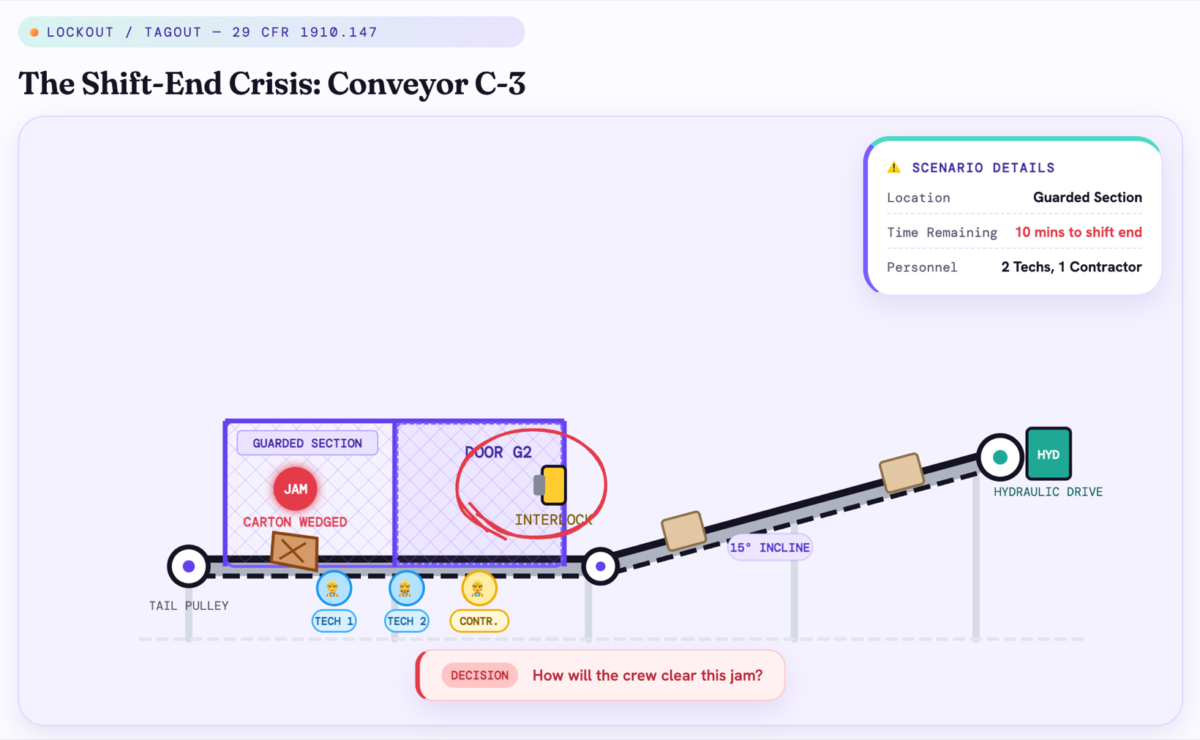
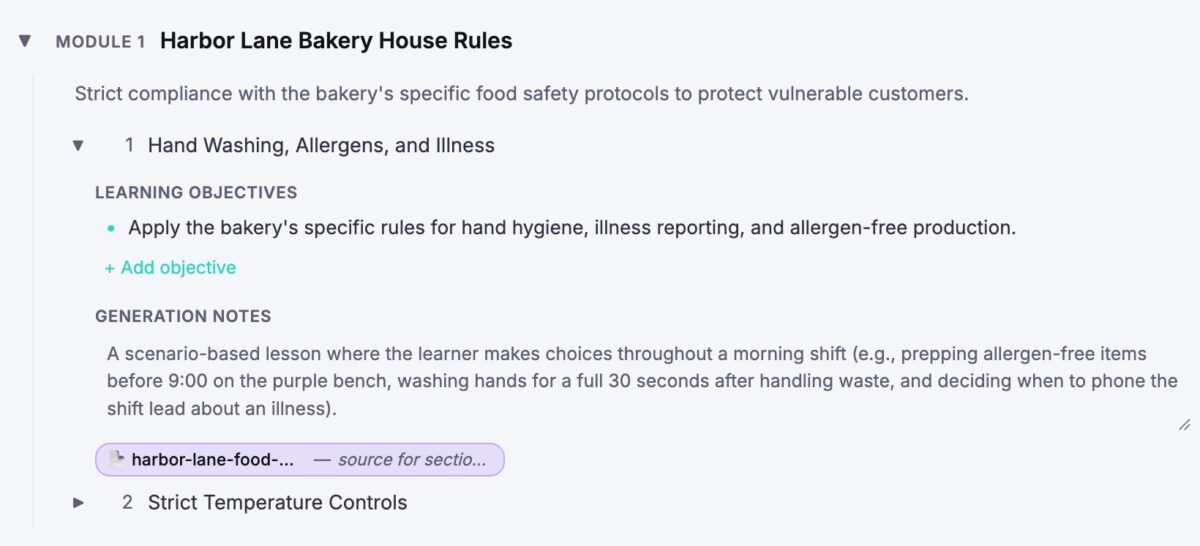
Claro is an AI course creator. Upload a PDF, a Word file, notes or a web link, or start from a topic, and Claro proposes a course plan you can edit. Then it builds the course: narrated lessons with animated slides timed to what the narrator is saying, quizzes right after the idea they test, branching scenarios, role plays with an AI character who answers out loud, and open answers graded by AI against a rubric.
Every course includes an AI tutor. Learners ask about the slide they're on, typed or spoken, and get a short narrated answer.
For compliance training, tell Claro to use only your own documents, and each lesson cites the file it draws on. When a policy changes, rebuild only the lessons it affects. Assign courses by email or company domain, track completion and quiz scores, or export SCORM or xAPI to your LMS. You can also translate a whole course, narration included, into 70+ languages.
Overview of Claro benefits
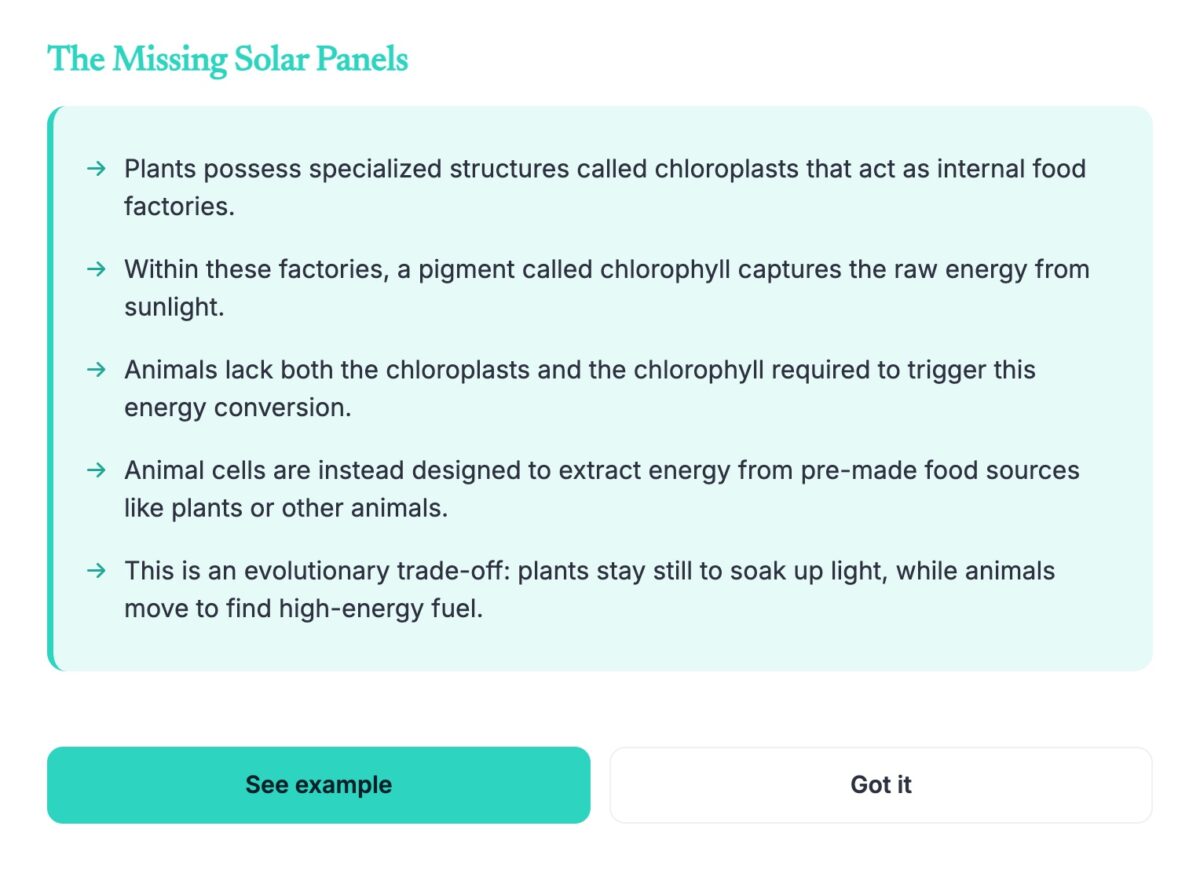
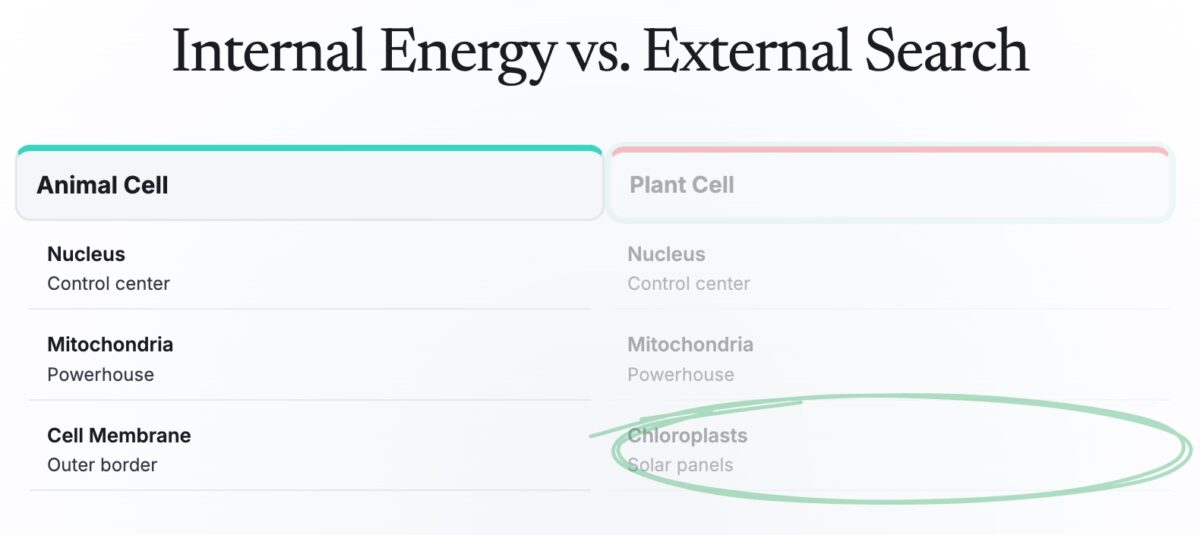
Visuals timed to the narration. Each slide animates in step with what the narrator is saying, so learners see each idea as they hear it.
Built from your documents. You approve the course plan before anything is built, and each lesson cites the file it draws on.
Practice in every lesson. Branching scenarios, role plays with an AI character, quizzes and open answers graded by AI.
An AI tutor on every slide. Learners ask about what they're looking at and get a narrated answer, in Claro and inside your LMS.
SCORM and xAPI export. Your LMS gets completion, every quiz answer with whether it was right, and the resume point.
No authoring skills needed. Subject matter experts build a course by describing it or uploading a file, then edit it by asking Claro AI.
Features
Learn more about Claro features that set it apart from the competition. Discover how its unique tools and capabilities enhance your processes.
Learn more about Claro's pricing options, cost, and plans so you can make a well-informed, business-wise decision on the best software to use for organization.
Free
Contact us for pricing
Up to 3 courses
Build and edit with AI, from your own documents
Narration synced to animations
Quizzes, role plays, simulations and open-question assessments
AI tutor for learners, typed or spoken
Unlimited learners
Share by making courses public
Basic analytics
Pro
Best value
$39/ month
Everything in Free
Up to 5 new courses a month
Share via link
Assign courses by email
SCORM and xAPI export
Your own branding and themes
Remix and translate courses into 70+ languages
Usage analytics with quiz scores
Team
$99/ month
Per seat, 2-seat minimum
Everything in Pro
Unlimited courses
Add co-authors to any course
Assign courses by company domain
Custom domain for your courses
Learner mastery and proficiency analysis
Agent access (MCP)
Guided onboarding and priority support
Have you used Claro before?
Answer a few questions and help the community to make the best decisions
Your first 3 courses are free, built from your own documents, for any number of learners. Pro is $39 a month for 5 new courses a month, and Team is $99 a seat a month.
PDF, Word (.docx), plain text or Markdown, images (PNG, JPG, WebP) and links to web pages, up to 50 MB per file.
Each lesson is tied to the file it draws on and cites it. By default Claro also checks the web for current practice. For a policy, or anything that has to match the source, tell it to use only your files.
Yes, on Pro and Team. Export a course as a SCORM or xAPI package. Your LMS gets completion, every quiz answer with whether it was right, and the resume point.
Yes. Learners can ask about the slide they're on, typed or spoken, in Claro and in exported courses.
Yes, on Pro and Team. Claro makes a new copy in any of 70+ languages, narration included, and your original course stays as it is.