

About the vendor
Located In Paris, FR
Founded In 2024
Customers
  • Academic
  • Large Enterprises (>10,000)
  • Public Administrations
  • Small/Medium Businesses
Use Cases
  • Blended Learning
  • Compliance Training
  • Continuing Education
  • Customer Training
  • Employee Training
  • Extended Enterprise
  • Public Sector External
Industries
  • Banking
  • Education Management
  • eLearning
  • Government Administration
  • Higher Education
  • Human Resources
  • Professional Training & Coaching
Deployment
  • Software as a Service / Cloud
Platforms
  • Linux
  • Mac
  • Windows
Browsers
  • Apple Safari
  • Google Chrome
  • Mozilla Firefox
Training
  • Documentation
  • Live Online
  • Online Tutorials
  • Webinars
Support
  • Business Hours
  • Email
  • FAQ
  • Knowledge Base
  • Phone
Supported Specifications
  • IMS LTI
Languages Supported
  • English
  • Spanish
  • French
  • Italian
  • Portuguese
  • Chinese
LinkedIn Page
@Linkedin
X
-
Change your privacy settings to see the content.
In order to watch this video you need to have advertising cookies enabled.
You can adjust your cookie preferences here.

What is Complement Learning?

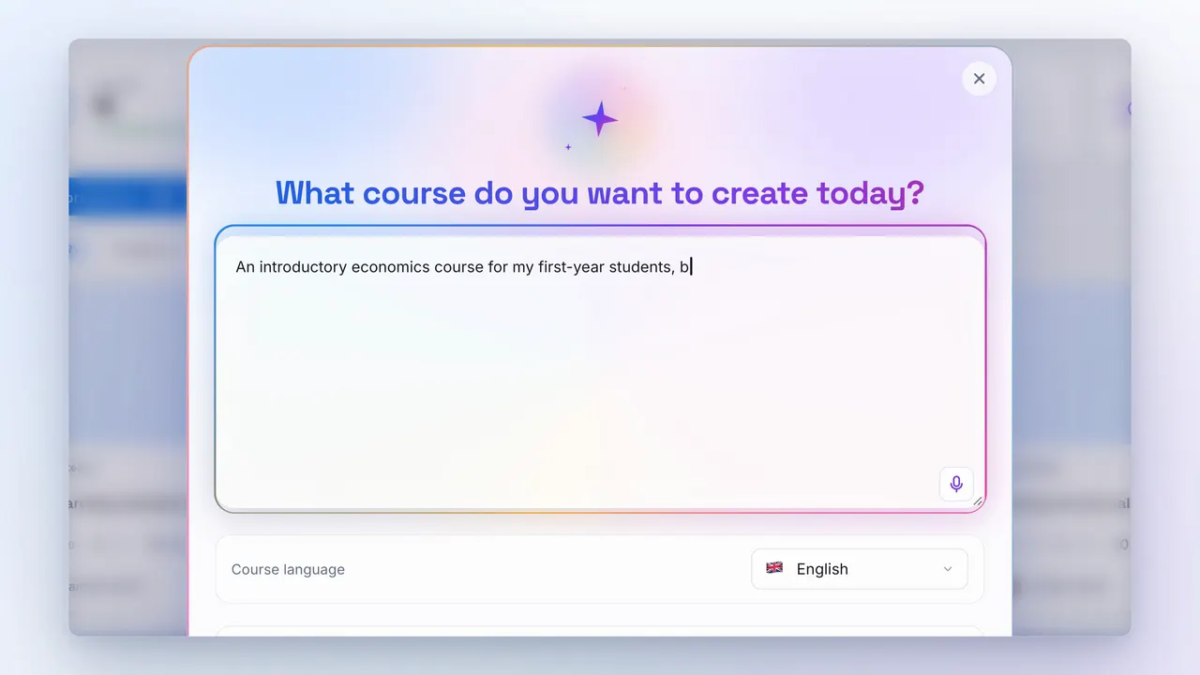
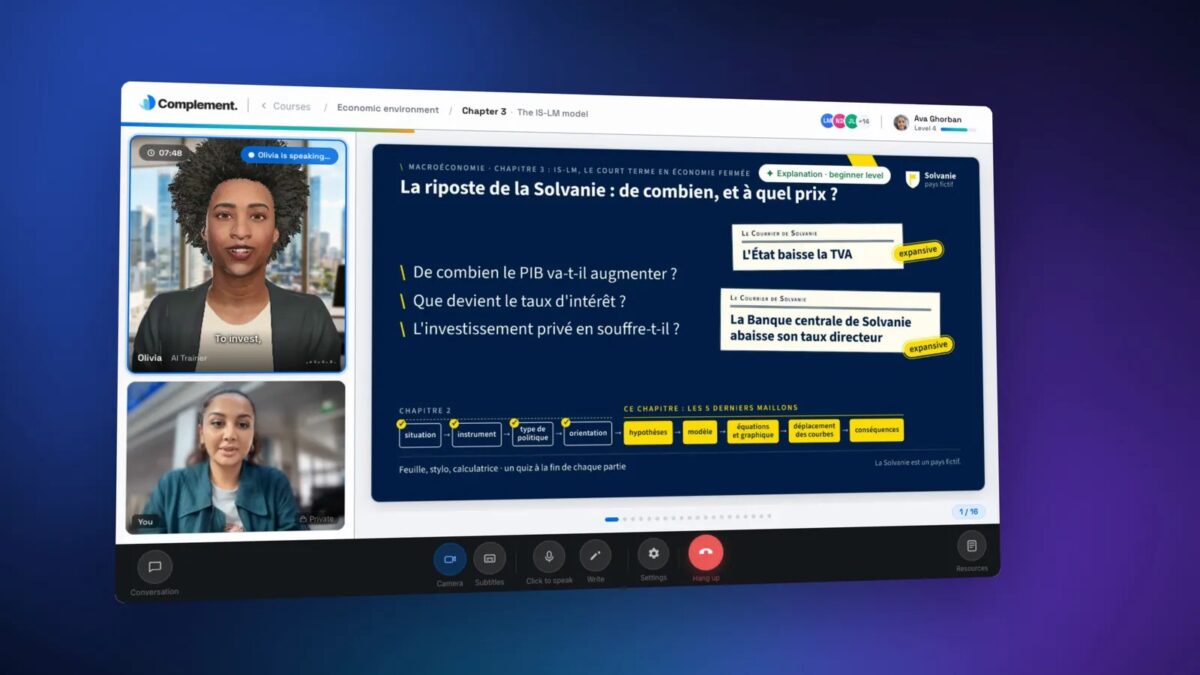
Complement is an AI authoring tool and learning platform that turns e-learning into a one-to-one conversation. Each learner takes the course with a conversational AI avatar that explains, answers questions and checks what they understood.

Create in hours, not weeks

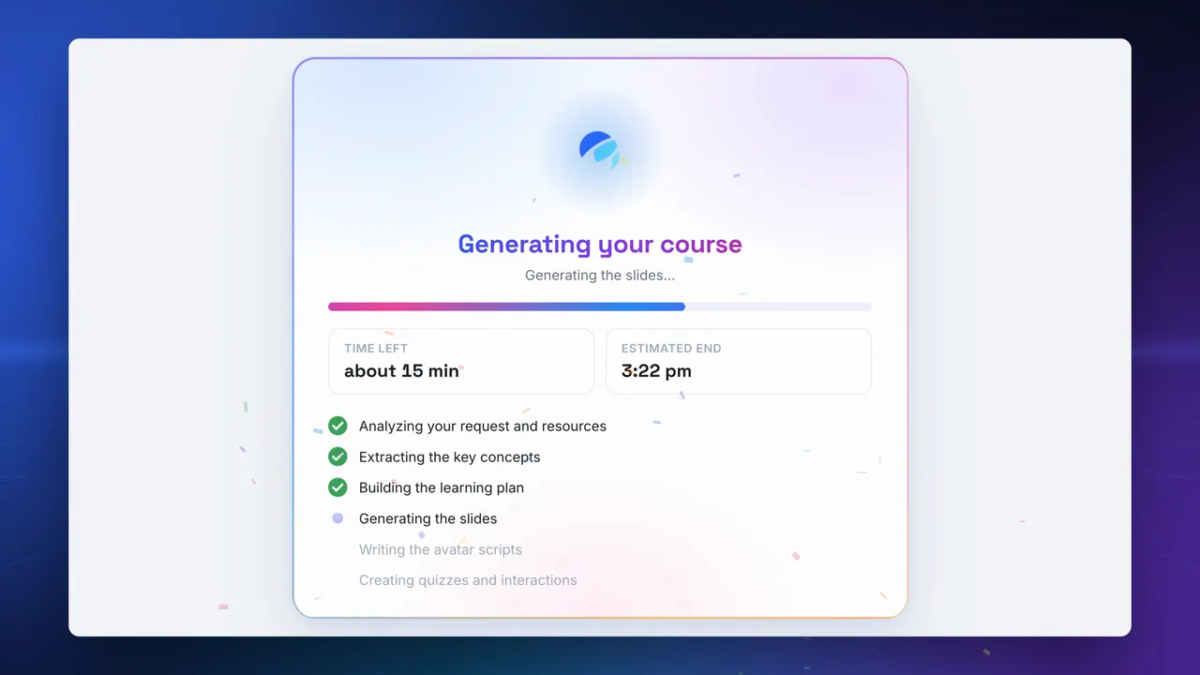
Upload your PDFs, Word or PowerPoint files, spreadsheets or existing SCORM packages. Complement drafts the chapters, slides, avatar script and quizzes; you review and edit everything, or build the module slide by slide. One hour of training takes about 1h30 to build, versus 50 to 100 hours with traditional authoring tools.

A trainer for every learner

The avatar presents the content slide by slide, answers questions in real time by voice or text and asks oral questions at the end of each chapter. Learners explain in their own words, so you see what they can actually do, not just that they reached the last slide.

Measure and improve

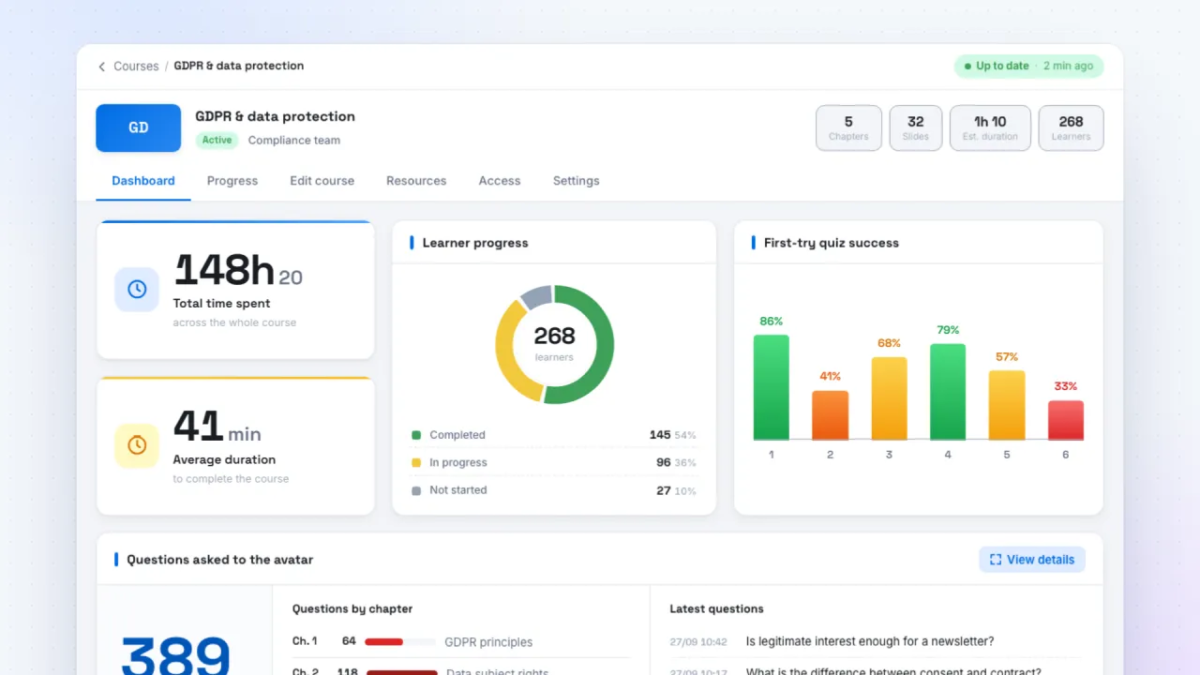
A dashboard tracks enrolment, progress, scores and time spent by group, so you know which teams are on track and which chapters need work.

Who it is for

L&D teams in mid-size and large companies, training providers, private business schools and public organisations. Used by schools such as IÉSEG, based at Station F in Paris and part of the Microsoft GenAI Studio programme. The AI avatar speaks English, French and Spanish, with Portuguese, Italian and Simplified Chinese in beta; the authoring interface is in English and French.


Overview of Complement Learning benefits

  • Fast creation: a 1-hour module in about 1h30 from your existing documents or SCORM packages, with AI-generated slides, avatar script and quizzes you can edit.
  • One-to-one learning at scale: every learner gets an AI trainer that presents the course and answers questions in real time, by voice or text.
  • Oral assessment: learners explain in their own words at the end of each chapter, and answers are scored against the expected answer.
  • Analytics: enrolment, progress, scores and time spent by group.
  • LTI 1.3 integrations: Moodle, Canvas, Blackboard, D2L Brightspace, Docebo, 360Learning, LearnWorlds, iSpring Learn, Apolearn and any other LTI 1.3 LMS. Learners launch courses from their LMS without a second login; progress, scores and completions flow back automatically.
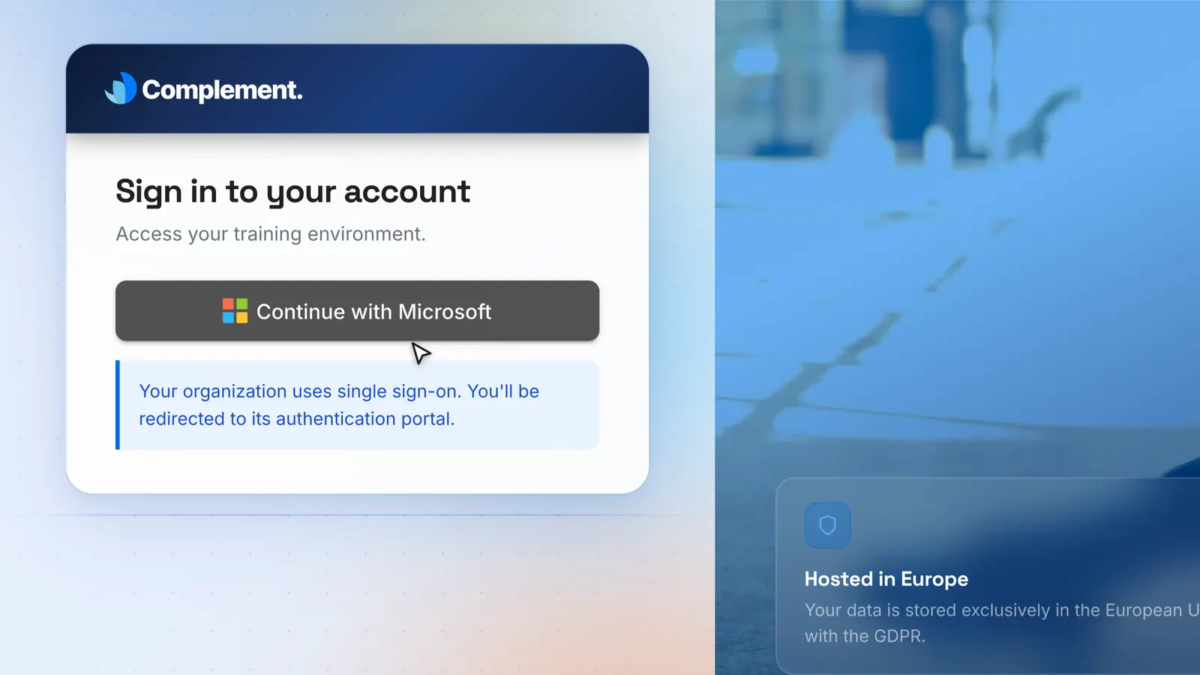
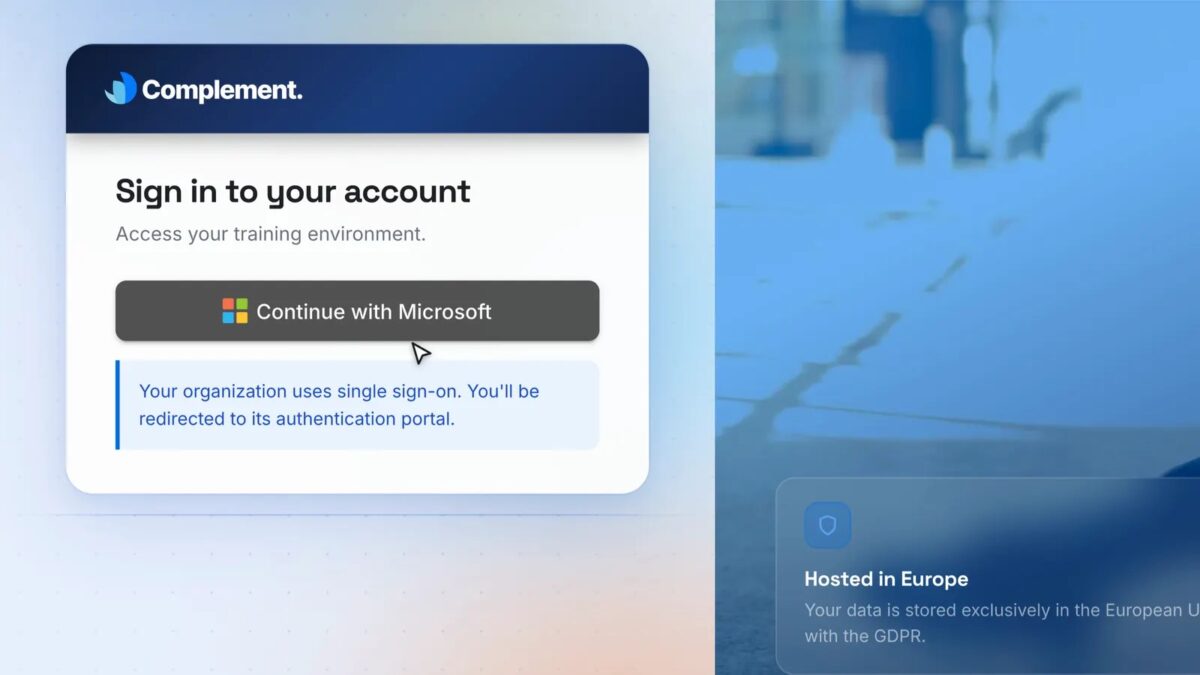
  • Single sign-on: Microsoft (Azure AD / Entra ID) and Google, with your logo on the learner space.
  • GDPR-compliant: data encrypted in transit and at rest and hosted in Europe on GCP, AI models run on Azure in Europe, DPA on request.
  • Pay for what you use: from €5 per learner-hour or €6 per learner per month, plus a €39/month creator licence. 7-day free trial, no credit card required.
  • Multilingual: the AI avatar speaks English, French and Spanish, with Portuguese, Italian and Simplified Chinese in beta.
Features

Learn more about Complement Learning features that set it apart from the competition. Discover how its unique tools and capabilities enhance your processes.

Administration

Access Controls/Permissions
Role-Based Permissions
Single Sign On

Communication Management

Alerts/Notifications
Collaboration Tools
Commenting / Notes
Contact Management
Employee Portal
Multi-Language
Student Portal

Content Development

508 Compliant
Activity Dashboard
Brand integration
Data Import/Export
Drag & Drop
Gamification
Interactivity

Content Management

Cataloging/Categorization
Content Library
Media Library
Search/Filter
Template Library

Integrations

API
Mobile App
Third Party Integrations
Pricing

Learn more about Complement Learning's pricing options, cost, and plans so you can make a well-informed, business-wise decision on the best software to use for organization.

Pricing Model
  • Free Trial
  • Subscription
License
  • Paid
Starting Price
  • $6
Free Trial
  • Yes

Two pricing options, authoring tool, AI avatar and analytics included in both. Pay-per-use: from $6 (€5) per learner-hour, minimum purchase $60 (€50). Learner licence: $7 (€6) per learner per month, billed monthly with no commitment. A creator licence at $49 (€39) per month is added to build content. Volume discounts and annual contracts on quote for large accounts. 7-day free trial, no credit card required: 1 designer seat, up to 5 learners and 5 hours of learner usage, all features unlocked.

Complement Learning logo
Have you used Complement Learning before?
Answer a few questions and help the community to make the best decisions
Alternatives

Not a match? Find software alternatives that better suit your needs and compare them to discover the one that's right for you.

Complement Learning

Compozer

5.0/5
Compare

TalentLMS

4.7/5
Compare

Jericho Content Studio

Compare

Articulate 360

4.4/5
Compare

iSpring Suite

4.7/5
Compare

Chameleon Creator

4.6/5
Compare
FAQs

Learn more about Complement Learning.

Complement imports your existing SCORM packages and uses their content to build a new conversational module. To deliver courses inside an LMS it uses LTI 1.3 rather than SCORM export: the AI avatar keeps the memory of the whole session across slides, which a SCORM package cannot do.

Any LMS that supports LTI 1.3, including Moodle, Canvas, Blackboard, D2L Brightspace, Docebo, 360Learning, LearnWorlds, iSpring Learn and Apolearn. Learners launch courses from their usual LMS without a second login, and progress, scores and completions are sent back automatically. Single sign-on is available with Microsoft (Azure AD / Entra ID) and Google.

About 1h30 for one hour of finished training, starting from your own PDFs, slides or documents. The AI drafts the chapters, slides, the avatar's script and the quizzes in a few minutes; you then review and adjust everything in the editor.

With quizzes and oral questions at the end of each chapter. Learners answer in their own words, by voice or text, and each answer is scored against the expected answer. Results by learner and by group appear in the dashboard.

In Europe, on GCP. AI models run on Azure in Europe, data is encrypted in transit and at rest, and nothing is transferred outside the EU. Complement is GDPR-compliant and a data processing agreement is available on request.

The AI avatar speaks English, French and Spanish, with Portuguese, Italian and Simplified Chinese in beta: each course can be delivered in any of these languages. The authoring interface is available in English and French.

Yes: 7 days, no credit card required, with 1 designer seat, up to 5 learners and 5 hours of learner usage, all features unlocked.