Customers
- Academic
- Large Enterprises (>10,000)
- Small/Medium Businesses
Use Cases
- Continuing Education
- Employee Training
Industries
- Computer Software
- eLearning
- Financial Services
- Information Technology and Services
- Professional Training & Coaching
Deployment
- Software as a Service / Cloud
Browsers
- Apple Safari
- Google Chrome
- Internet Explorer
- Mozilla Firefox
Support
- 24/7
- Email
- FAQ
- Knowledge Base
What is Educative?
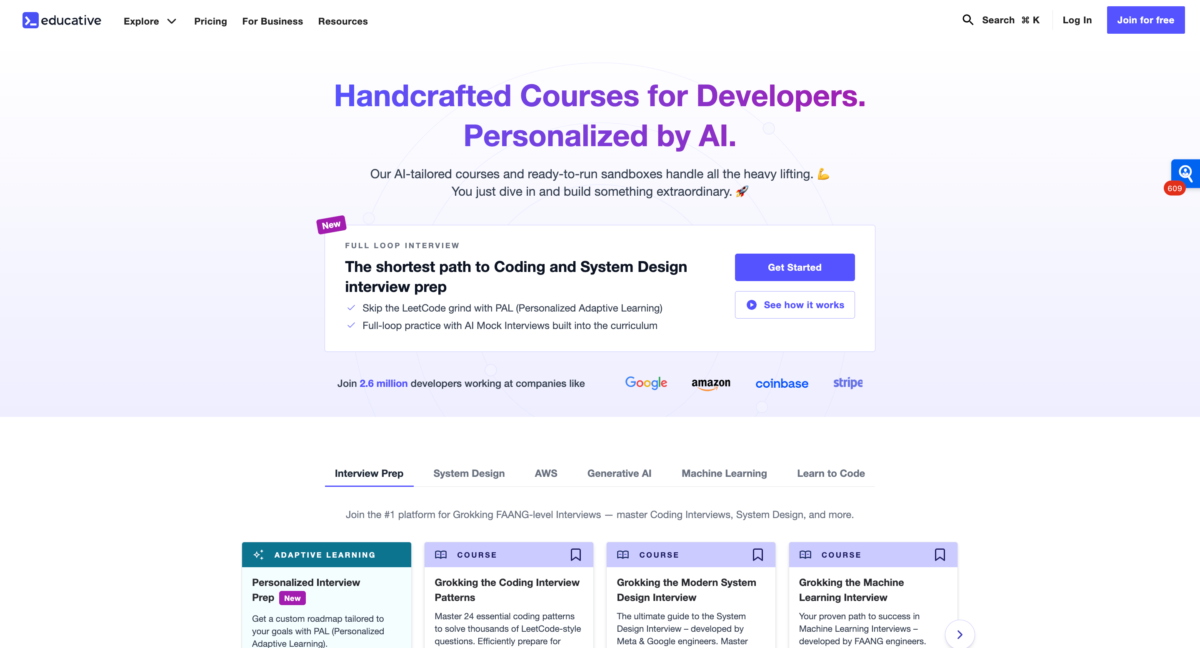
Educative is a technical interview preparation platform built for software engineers preparing for interviews at FAANG and other leading tech firms. It is particularly known for System Design interview preparation and its Grokking series, which uses structured, pattern-based learning to help developers understand complex interview concepts and apply them under real interview conditions.
Grokking System Design helped establish this approach to System Design preparation and has since evolved into Grokking Modern System Design Interview, expanding its coverage to reflect how System Design interviews and engineering roles have changed. The same Grokking framework now extends across interview-focused learning in areas such as coding interviews and Generative AI. Alongside its courses, Educative provides hands-on practice, interactive coding environments, and AI-powered mock interviews so developers can move from learning concepts to practicing how they would apply and communicate them in an interview.
Overview of Educative benefits
Educative combines structured technical interview preparation with hands-on practice, with resources designed around the skills developers need for FAANG and other competitive software engineering interviews.
Educative combines structured technical interview preparation with hands-on practice, helping developers build the knowledge, problem-solving skills, and confidence needed for interviews at FAANG and other leading tech firms.
- The Grokking approach: Educative is best known for its Grokking series, which breaks complex interview topics into reusable patterns and structured frameworks. Beginning with Grokking System Design and evolving into Grokking Modern System Design Interview, this approach has become central to Educative’s interview preparation experience.
- Preparation across technical interview topics: The Grokking framework now extends beyond System Design to coding interviews, Generative AI, data science, and other skills increasingly relevant to software engineering roles.
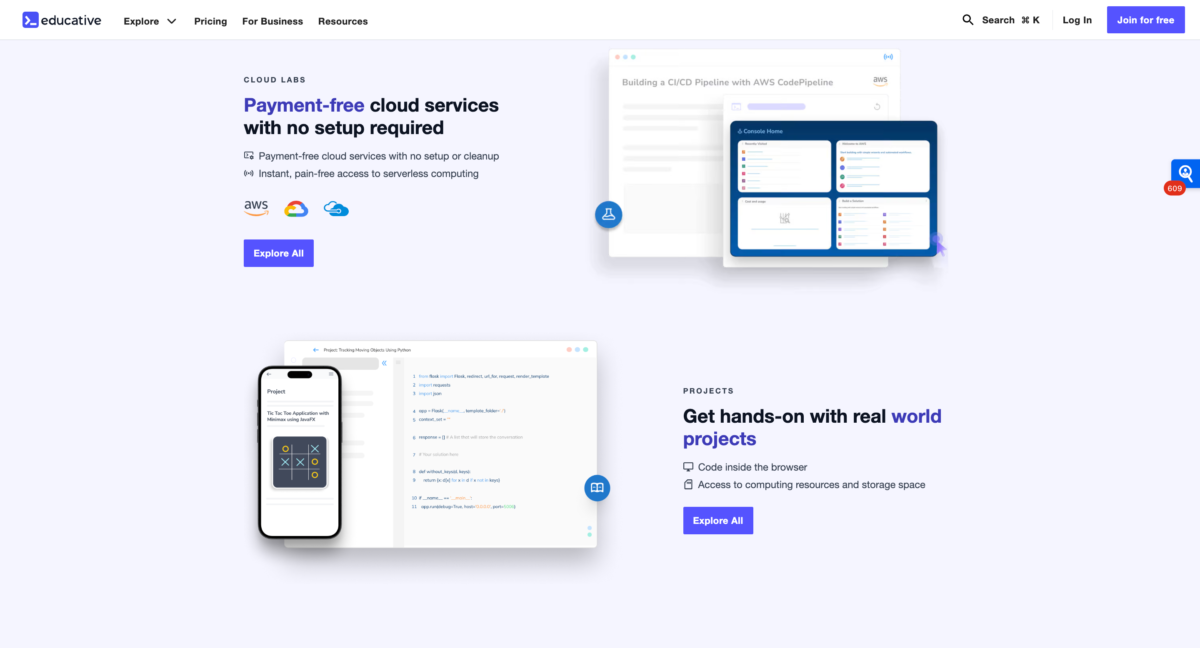
- Hands-on practice: Interactive coding environments, exercises, and practice opportunities allow developers to apply what they learn directly in the browser without spending time on additional setup.
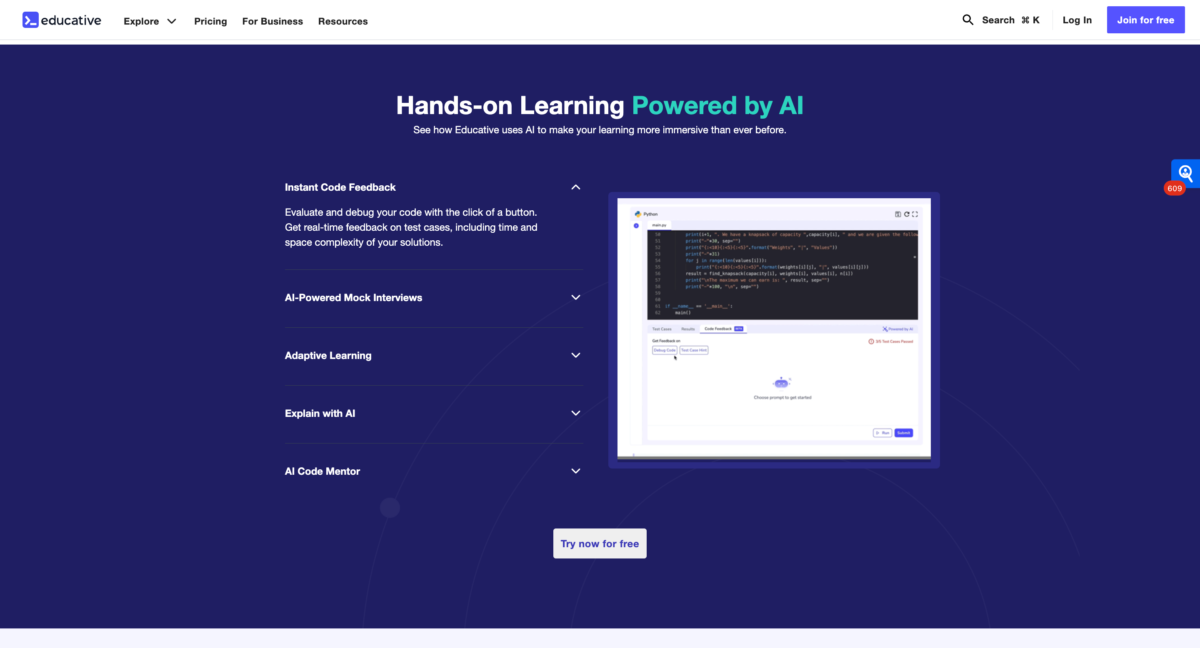
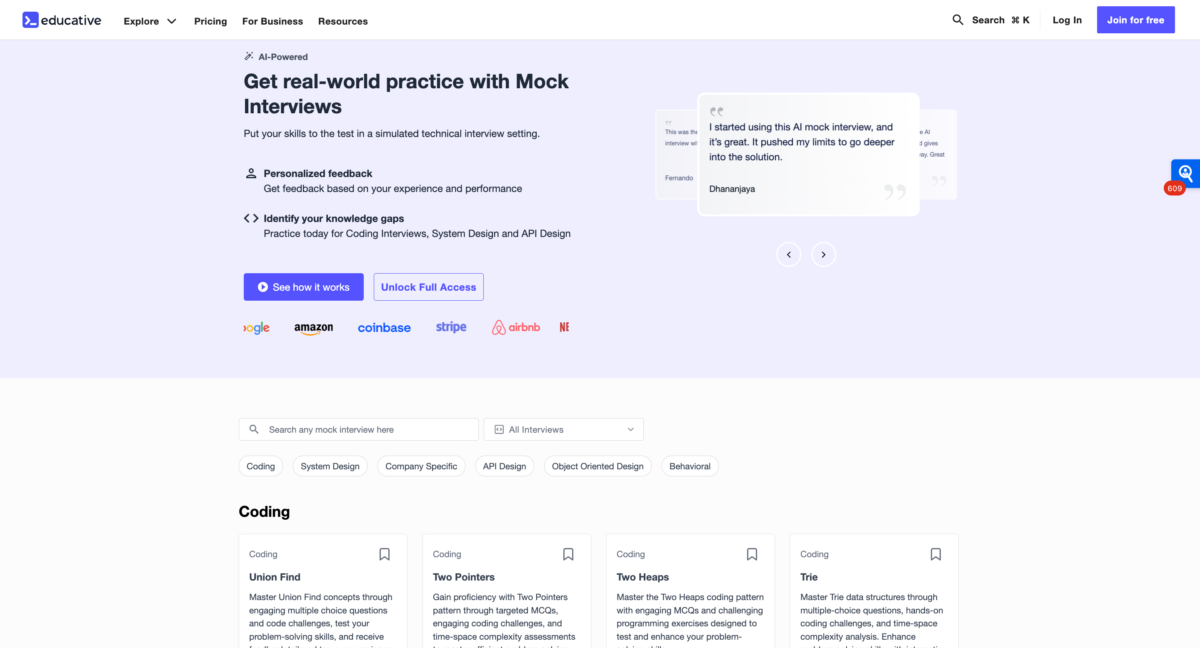
- AI-powered mock interviews: Developers can practice technical interviews in realistic simulations, receive feedback on their performance, and identify areas to improve before the real interview.
- Structured learning for interview readiness: Courses are designed to take developers from understanding core concepts to applying them to interview-style problems, helping bridge the gap between knowing a topic and being able to demonstrate that knowledge during an interview.
Features
Learn more about Educative features that set it apart from the competition. Discover how its unique tools and capabilities enhance your processes.
Accounts
Add a new user
Allows administrators to add new users directly to their LMS for streamlined user management.
Archive users
Bulk User Actions
Custom/Mandatory User profile fields
Activity grading
Gradebook
Gradebook audit trail
Gradebook comments
Manual Grading ("Marking")
Multiple grading scales
AI Features
AI Powered
Chatbot
AI assistant for learner support.
Content Translation
Natural Language Processing
Authentication
Active Directory/LDAP Integration
Custom User login page
Manual Accounts
No login
SAML2/API Integration
Categories
Priced Categories (Bundle)
Certificate management
Manage certification templates
Predefined certification templates
Unique Certificate by Course
Unique Certification by Curriculum
Compliance management
Certificate expiration notifications
Certification Expiration Management
Due Date notifications
Soft/Hard Stop Due Dates
Course Creation
Assignments Engine
Built-In Authoring Tool
Changing Course default settings
Consume online video content
Content Library
A repository of pre-made templates, existing content, multimedia sets, and learning outlines.
Course backup Options
Drag & Drop Interactions
Hybrid Learning Courses
LRS
Scheduling LIVE events
Survey Engine
Tests Engine
Customization
Mobile Learning Support
Enrollment
Attendance Tracking
Automated Enrollment (based on User data)
Guest Access Settings
Self-enrollment (with a PIN #)
Survey enrollment (based on a response)
Format
Gamification Format
Social Format
Video Conferencing Integration
Gamification
Badges
Award digital achievements.
Customize Gamification mechanics
Levels
Define progression stages.
Points
Award points for activity.
Rewards
Offer incentives for achievements.
Interface options
Block Management
Calendar Settings
Language settings
Location Settings
Media embedding settings
Multilanguage Support
Ready-made Themes
Learning types
Asynchronous Instructor-led
Blended Learning
Synchronous Virtual Classroom
Mobile learning
Offline (disconnected Mobile app)
Offline
Support for offline access to content
Reports
Canned Reports
Exporting Reports in variety of formats
Grading Report Settings
Roles
Role Assignment
System Permissions per role
Security
IP Blocker
Restrict registration to specific domains
Shopping cart
Built-In Shopping Cart
Shopping Cart as Plug-In
System reports
Custom reports generator
Live Logs
Pricing
Learn more about Educative's pricing options, cost, and plans so you can make a well-informed, business-wise decision on the best software to use for organization.
Educative Subscription Plans: Individual Plans: Monthly: Unlimited access for 30 days. Annual & 2-Year Standard: Access for 12 or 24 months. Premium Plans: Includes Projects, Personalized Learning Plans, and CloudLabs. Team & Enterprise Plans: Tailored for team and organization-wide training needs.
Integrations
Learn more about Educative's integration options.
Have you used Educative before?
Answer a few questions and help the community to make the best decisions
Alternatives
Not a match? Find software alternatives that better suit your needs and compare them to discover the one that's right for you.
![Connecteam - Mobile Teams LMS logo]()
Connecteam - Mobile Teams LMS
4.0/5
Compare