




Branding Icon 1
Tech Solutions to HR Problems
About the vendor
Located In Boulder, CO, US
Founded In 2011
Customers
  • Large Enterprises (>10,000)
  • Small/Medium Businesses
Industries
  • Construction
  • Hospital & Health Care
  • Logistics and Supply Chain
  • Manufacturing
  • Restaurants
  • Retail
  • Staffing and Recruiting
Deployment
  • Self-Hosted Cloud-based
Platforms
  • Mac
  • Windows
Browsers
  • Apple Safari
  • Google Chrome
  • Internet Explorer
  • Mozilla Firefox
Training
  • Documentation
  • In Person
  • Live Online
  • Online Tutorials
  • Webinars
Support
  • 24/7
  • Business Hours
  • Email
  • FAQ
  • Knowledge Base
  • Live Online
Languages Supported
  • English
  • Spanish
LinkedIn Page
@Linkedin
X
-
Change your privacy settings to see the content.
In order to watch this video you need to have advertising cookies enabled.
You can adjust your cookie preferences here.

What is WorkBright?

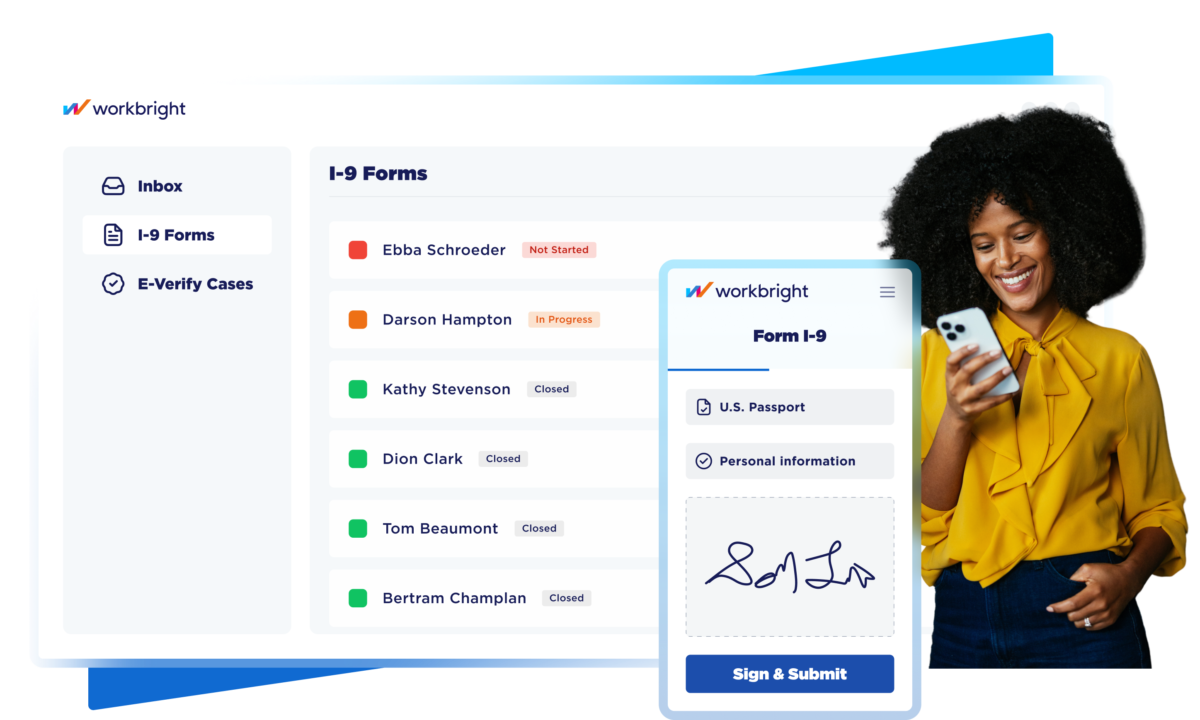
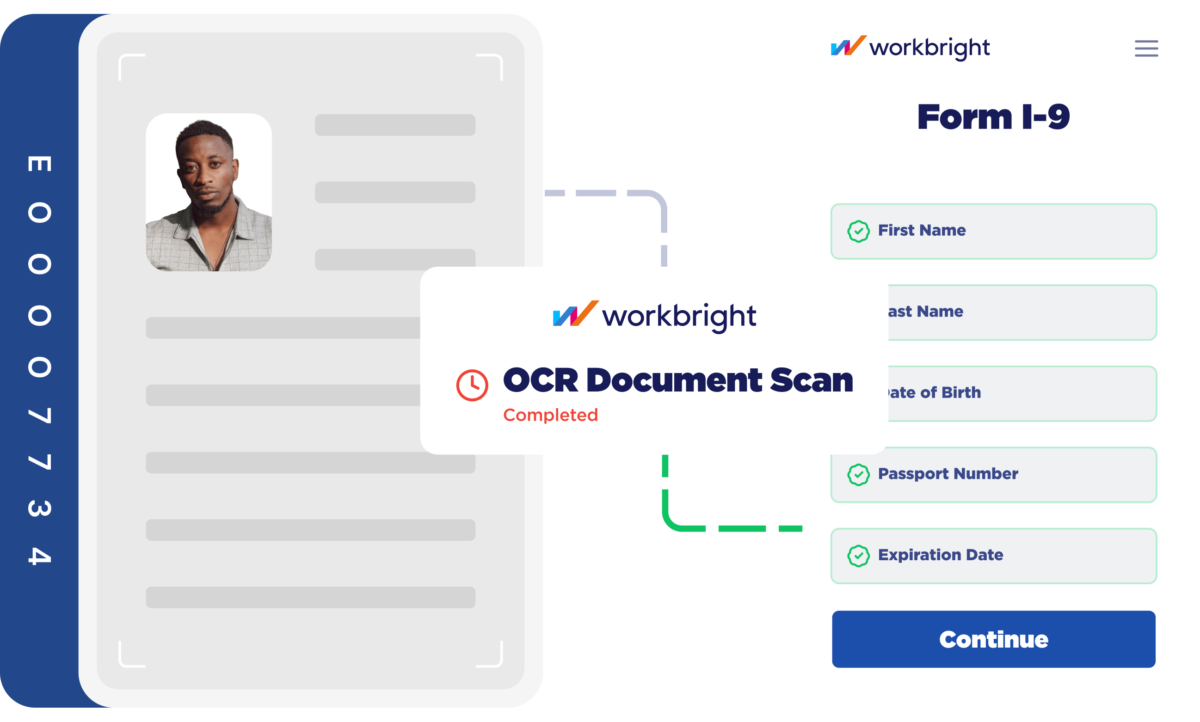
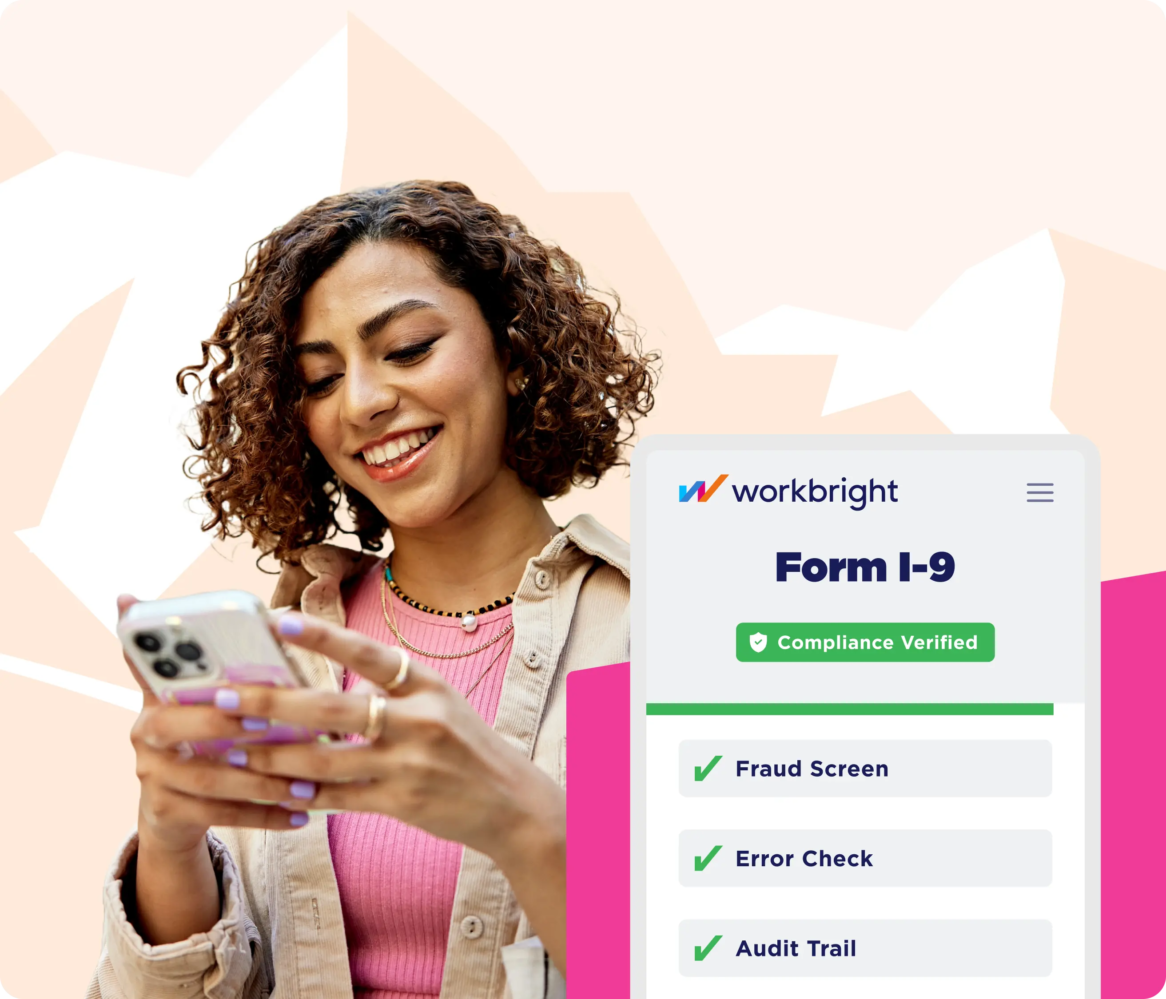
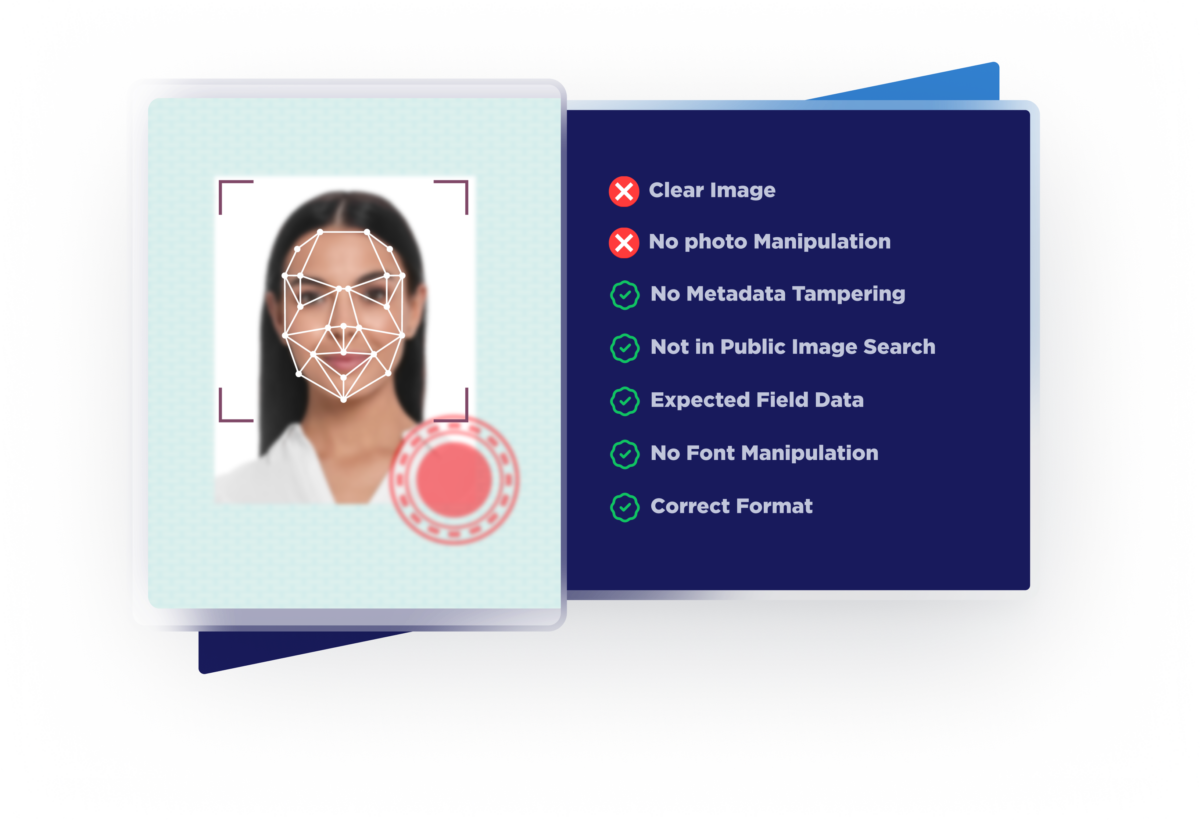
WorkBright is a compliance-first HR software platform that helps companies hire and onboard employees quickly while staying compliant with employment laws. It digitizes and automates critical processes like Form I-9 verification, E-Verify, and onboarding paperwork, replacing manual, paper-based workflows with a streamlined digital experience. Built-in compliance checks help reduce errors and flag issues early, lowering audit risk and ensuring every hire is properly documented from day one.

Designed for companies hiring at scale or managing distributed workforces, WorkBright connects the entire onboarding process—from offer to completed compliance—into one system. New hires can complete forms from any device, while employers gain real-time visibility, automated workflows, and centralized recordkeeping. The result is faster hiring, less administrative burden, and a more consistent, audit-ready process that supports both operational efficiency and regulatory confidence.


Overview of WorkBright benefits

WorkBright is a compliance-first onboarding platform that helps companies hire faster while reducing risk. It replaces manual, paper-based processes with a fully digital system that automates Form I-9, E-Verify, and onboarding workflows—making hiring more efficient, consistent, and audit-ready.

Faster Hiring
Streamlines onboarding so new hires can complete paperwork before day one, reducing delays and helping teams get employees productive sooner.

Reduced Compliance Risk
Built-in validation and guided workflows catch errors early and ensure I-9 and E-Verify processes are completed correctly and consistently.

Less Administrative Work
Automates repetitive tasks like data entry, reminders, and status tracking, freeing up HR teams to focus on higher-value work.

Improved Candidate Experience
Mobile-friendly, intuitive workflows make it easy for employees to complete onboarding from anywhere, leading to higher completion rates.

Centralized, Audit-Ready Records
Stores all onboarding and compliance documentation in one secure system, making it easy to access, manage, and prepare for audits.

Scalability for High-Volume Hiring
Supports companies hiring at scale or across distributed locations by standardizing processes and maintaining consistency across every hire.

Better Visibility & Control
Provides real-time insights into onboarding progress, helping teams identify bottlenecks and ensure nothing falls through the cracks.

Features

Learn more about WorkBright features that set it apart from the competition. Discover how its unique tools and capabilities enhance your processes.

Accounts & Permissions

Access Control
Approval Process Control
Role Based Permissions
Single Sign In

Attendance Reporting Features

Absence Management
Progress Tracking
Sick Leave Tracking
Time Attendance
Vacation Tracking

Communication Management

Communication Management
Email Notifications
Multi Language
Real Time Notifications

Customization

Custom Fields
Custom Forms
Custom Landing Pages
Customizable Branding
Customizable Reporting
Customizable Templates
Email Templates
Forms Management
Template Management

Data Management Features

Business Intelligence
Content Management
Data Import Export
Document Management
Document Storage
Employee Database
Employee Profile
Feedback Collection
Knowledge Base
Real Time Data
Timesheets

Financial Features

Benefits Management
Billing Invoicing
Direct Deposit
Payroll Management

HR Features

360 Degree Feedback
Career Development Planning
Competency Management
Employee Management
Employee Onboarding
HR Management
Performance Appraisal
Performance Management
Recruiting Management

Integration

API
Application Integration
CRM Integration
Email Integration
Mobile Integration
Social Media Integration
Third Party Integration

Interaction Features & UX

Activity Dashboard
Collaboration Tools
Drag Drop Interface
Employee Self Service
New Employee Portal
Search Functionality
Self Service Portal

L&D Features

Asynchronous Learning
Blended Learning
Content Library
Gamification
Learning Management
Training Management

Monitoring Features

Configurable Workflow
Monitoring
Task Management
Workflow Management

Reporting & Analytics

Audit Trail
Engagement Analytics
Goal Setting Tracking
Overtime Tracking
Performance Reports
Real Time Analytics
Real Time Reporting
Real Time Updates
Reporting Statistics
Surveys Feedback

Scheduling & Planning

Activity Tracking
Automated Scheduling
Automatic Reminders
Calendar Management
Interview Scheduling

Security & Compliance

Compliance Management
Digital Signature
Electronic Signature Capture
HIPAA Compliance
Secure Data Storage
SSL Security

Signalling & Screening

Applicant Tracking
Assessment Management
Certificate Management
Job Application Management
Reference Checking
Resume Parsing
Skills Assessment
Skills Tracking
Status Tracking
Pricing

Learn more about WorkBright's pricing options, cost, and plans so you can make a well-informed, business-wise decision on the best software to use for organization.

Pricing Model
  • Free Trial
  • Subscription
License
  • Paid
Starting Price
  • $178
Free Trial
  • Yes

WorkBright logo
Have you used WorkBright before?
Answer a few questions and help the community to make the best decisions
Reviews

Is WorkBright the right solution for you? Read verified WorkBright reviews from people in industries like yours to make a confident choice.

Performance Overview
Overall Rating 91%
  • Usefulness
  • Usability
  • Customer Experience
  • Likelihood to Recommend

A lifesaver for managing summer camp staff onboarding - it saved me countless hours

Mar 18, 2024

Overall Rating 94%
  • Usefulness
  • Usability
  • Customer Experience
  • Likelihood to Recommend
What do you like best? WorkBright has been an incredible solution for managing our seasonal summer camp staff of about 250 employees each year. It has been a huge time-saver! The platform's ability to centralize all staff hiring paperwork in one place has significantly streamlined my workload. The platform’s automated reminders are a game-changer — they continue prompting staff until missing paperwork is submitted.
What do you dislike? One challenge I’ve encountered is the inability to make minor corrections to non-tax documents. For example, I often see staff mistakenly enter the current date instead of the date they completed their training. Since I can’t edit this myself, I frequently have to reject documents and request corrections. It would be much more efficient if I could simply adjust these small errors directly.
Reviewer photo

Reviewer verified by LinkedIn

Industry : Events Services | Company size : 201-500 | Level : Manager | Focus : Administrative | Experience using the software : More than 1 year as Administrator

A reliable solution. It providers peace of mind especially for employers who staff seasonal workers

May 7, 2023

Overall Rating 97%
  • Usefulness
  • Usability
  • Customer Experience
  • Likelihood to Recommend
What do you like best? WorkBright is great for managing any onboarding process. And if you’re staffing seasonal workers, it’ll make your life so much easier. Admins will love it as it’s pretty easy to use. Knowing that our forms will be filled out correctly and that I can easily track staff progress on the back end has removed much of the stress from our onboarding process. The system ensures everything flows consistently, which is critical when managing seasonal hires.
What do you dislike? Honestly, I have no complaints. The customer service team has been outstanding — they go above and beyond to ensure the entire process runs smoothly and that we’re fully supported. We previously used Campanion, but customizing forms was extremely difficult, and ensuring staff could complete them efficiently was frustrating. WorkBright completely eliminated those issues, offering a streamlined, frustration-free experience that has significantly improved our workflow.
Reviewer photo

Reviewer verified by LinkedIn

Industry : Health, Wellness and Fitness | Company size : 201-500 | Level : Manager | Focus : Program and Project Management | Experience using the software : More than 1 year as Administrator

Highly recommended for onboarding - Excellent for recruiters looking to simplify their workload

Oct 4, 2022

Overall Rating 98%
  • Usefulness
  • Usability
  • Customer Experience
  • Likelihood to Recommend
What do you like best? WorkBright has been an excellent solution! For sure it has made my role as a recruiter much easier while saving me valuable time. The platform has been particularly impactful in streamlining the I-9 process, significantly reducing onboarding times. One standout feature is the secondary identity verification step, which adds an extra layer of security and provides peace of mind.
What do you dislike? The only minor drawback I've encountered is that geolocation doesn’t always work immediately. In these instances, scanning a QR code is sometimes required to complete the process. While this isn’t a major issue, it can add an extra step on occasion.
Reviewer photo

Reviewer verified by LinkedIn

Industry : Financial Services | Company size : 501-1,000 | Level : Manager | Focus : Human Resources | Experience using the software : 6-12 months as User, Administrator

An incredibly valuable solution for hiring and onboarding with a user-friendly interface.

Feb 24, 2022

Overall Rating 89%
  • Usefulness
  • Usability
  • Customer Experience
  • Likelihood to Recommend
What do you like best? WorkBright has been an invaluable tool for managing our competitive hiring process, especially with over 100+ new applications each year. The platform excels at tracking the application process, providing a clear and organized system that simplifies decision-making for our hiring team. One of the standout features is the ability for team members to collaborate directly within the platform, making communication easy and efficient, making candidate evaluation easier.
What do you dislike? While the platform is highly effective, one drawback is the lack of direct editing options for applications and onboarding documents. Any changes to these documents must be submitted to the WorkBright team, which adds an extra step. While their support team is responsive, having the ability to make these edits independently would improve flexibility.
Reviewer photo

Reviewer verified by LinkedIn

Industry : Financial Services | Company size : 201-500 | Level : Director | Focus : Human Resources | Experience using the software : More than 1 year as Administrator

An Effortless paper-to-digital onboarding solution

Oct 12, 2021

Overall Rating 88%
  • Usefulness
  • Usability
  • Customer Experience
  • Likelihood to Recommend
What do you like best? WorkBright has made the transition to a fully digital system incredibly smooth. We successfully converted 50 ISO forms into the platform, creating a comprehensive digital record that is fully auditable — a significant win for our compliance processes. I really like the platform’s time-stamping capability, which has been a major benefit for our legal department. It’s made audits far simpler.
What do you dislike? Currently, the platform does not integrate with our HRIS system. While this may seem like a drawback, we’ve found that in some ways, this separation is beneficial. Keeping WorkBright as a standalone platform provides added flexibility for corporate oversight, especially when managing multiple locations and various HR authorities.
Reviewer photo

Reviewer verified by LinkedIn

Industry : Consumer Electronics | Company size : 201-500 | Level : Director | Focus : Human Resources | Experience using the software : More than 1 year as Administrator

The best I-9 software for seamless onboarding. A true game-changer!

Aug 23, 2021

Overall Rating 80%
  • Usefulness
  • Usability
  • Customer Experience
  • Likelihood to Recommend
What do you like best? The platform is incredibly easy to use and has completely transformed the way we handle employee onboarding. Ensuring I-9 compliance is now effortless, and we couldn’t be more thankful for finding this solution! WorkBright has saved us time, reduced errors, and simplified what used to be a tedious process.
What do you dislike? While the software is highly effective, we’ve encountered occasional issues with edge case reverifications. However, the WorkBright support team has been fantastic — responsive, knowledgeable, and always willing to help resolve these issues quickly. Additionally, some of the admin pages can feel a bit tricky to navigate at first, but attending their office hours has been incredibly helpful in learning the system.
Reviewer photo

Reviewer verified by LinkedIn

Industry : Professional Training & Coaching | Company size : 201-500 | Level : Manager | Focus : Program and Project Management | Experience using the software : More than 1 year as Administrator

It’ll make your process far more efficient and less time-consuming for both new hires and rehires

Jun 18, 2021

Overall Rating 95%
  • Usefulness
  • Usability
  • Customer Experience
  • Likelihood to Recommend
What do you like best? The platform itself is extremely user-friendly. I love its ability to easily add or remove forms from our onboarding packets, giving us the flexibility to keep our documentation up to date without hassle. The option to assign specific forms to designated hire groups has also streamlined the process, ensuring employees only receive the forms that are relevant to their roles.
What do you dislike? The only minor drawback we've encountered is the inability to view an employee’s assigned supervisor directly from the main staff page. Currently, we need to click into each employee’s profile to find this information. Adding a sortable supervisor field on the main page would make it much easier to contact supervisors and manage staff information efficiently.
Reviewer photo

Reviewer verified by LinkedIn

Industry : Financial Services | Company size : 201-500 | Level : Director | Focus : Human Resources | Experience using the software : More than 1 year as Administrator

A fantastic onboarding solution with excellent support, very user-friendly

May 2, 2021

Overall Rating 95%
  • Usefulness
  • Usability
  • Customer Experience
  • Likelihood to Recommend
What do you like best? I can’t say enough positive things about this platform! The system makes it incredibly easy to send staff their onboarding paperwork and continuing training materials with minimal effort. The platform’s integration with ABS has also been a major advantage for us. WorkBright’s flexibility and ability to adapt to our specific needs have been invaluable.
What do you dislike? The only improvement I’d suggest is adding a mass resubmission feature for incomplete forms. While I can easily see which staff members haven’t completed certain documents or tests, I currently have to go into each individual profile to request a resubmission. It would be incredibly helpful to have the option to select multiple incomplete forms from the forms folder and resend them in bulk.
Reviewer photo

Reviewer verified by LinkedIn

Industry : Information Services | Company size : 51-200 | Level : Director | Focus : Human Resources | Experience using the software : More than 1 year as Administrator

++++++ Ease of use | Fast, efficient, and new hire approved

Aug 11, 2020

Overall Rating 80%
  • Usefulness
  • Usability
  • Customer Experience
  • Likelihood to Recommend
What do you like best? Compared to the overwhelming task of receiving a packet of paperwork, WorkBright’s digital process feels far less daunting — plus, it’s helped us cut down on printing costs.The platform’s ability to let new hires upload information and sign documents directly from their mobile device or computer makes the process incredibly convenient. Plus, the system’s group management feature is a huge time-saver!
What do you dislike? New hires consistently provide positive feedback about how simple and stress-free it is to submit their required forms. Adminis can easily accept or reject submissions, sign Form I-9s, and manage contract requests with minimal effort. The only drawback I found is that when a new form is added to a group, it’s automatically sent to all staff in that group — not just new hires. This can create some unnecessary confusion and extra communication.
Reviewer photo

Reviewer verified by LinkedIn

Industry : Business Supplies and Equipment | Company size : 201-500 | Level : Manager | Focus : Human Resources | Experience using the software : More than 1 year as Administrator

You've viewed 9 out of 9

Alternatives

Not a match? Find software alternatives that better suit your needs and compare them to discover the one that's right for you.

WorkBright

4.5/5

Connecteam - Employee Onboarding

4.4/5
Compare

iSpring LMS - Onboarding

Compare