

About the vendor
-
Customers
  • Academic
  • Freelancers
  • Large Enterprises (>10,000)
  • Non Profits
  • Public Administrations
  • Small/Medium Businesses
Use Cases
  • Compliance Training
  • Customer Training
  • Employee Training
  • Extended Enterprise
Industries
-
Deployment
Platforms
  • Linux
  • Mac
  • Windows
Browsers
  • Apple Safari
  • Google Chrome
  • Internet Explorer
  • Mozilla Firefox
Training
Support
  • Email
  • FAQ
Supported Specifications
  • SCORM 1.1
  • SCORM 1.2
  • SCORM 2004
  • SCORM 2004 3rd Edition
  • SCORM 2004 4th Edition
Languages Supported
  • English
LinkedIn Page
-
X
-

What is XtoSCORM?

# XtoSCORM – PDF, PowerPoint & Video to SCORM Converter

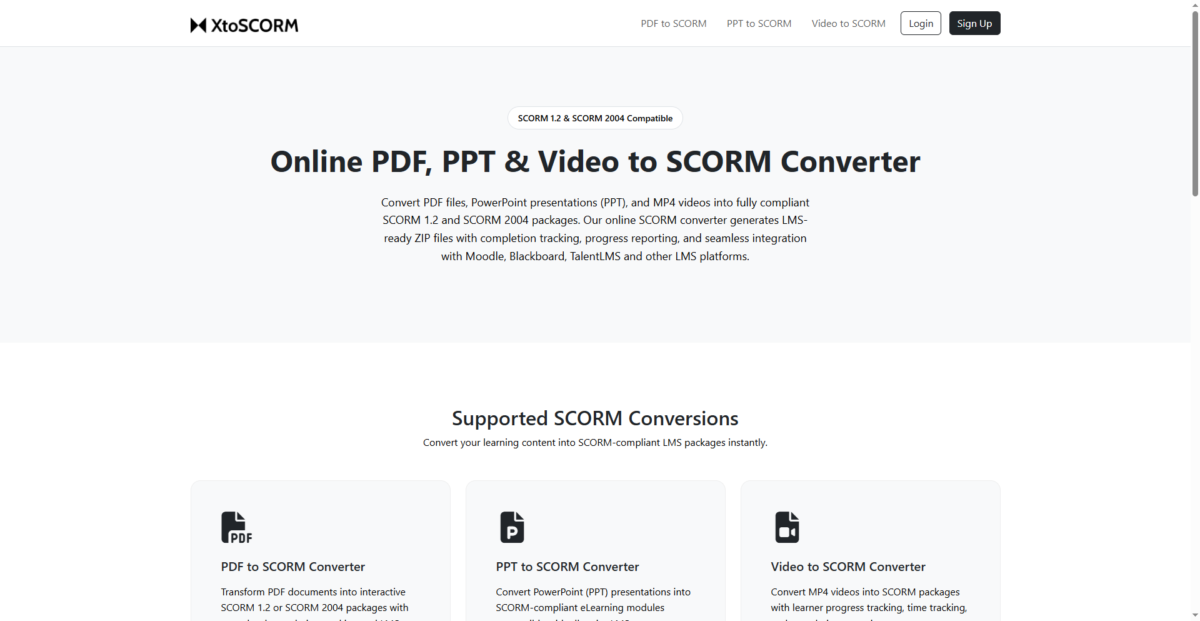
Convert PDFs, PowerPoint presentations, and videos into SCORM 1.2 or SCORM 2004 packages in minutes. XtoSCORM helps educators, instructional designers, LMS administrators, and corporate training teams create LMS-ready content without complex authoring tools.

## Supported Conversions

* PDF to SCORM
* PPT / PPTX to SCORM
* Video (MP4, MOV) to SCORM

## SCORM Standards

Generated packages support:

* SCORM 1.2
* SCORM 2004

## Why Choose XtoSCORM?

Traditional SCORM authoring software can be expensive, difficult to learn, and unnecessary for simple content conversion.

XtoSCORM is built for speed and simplicity:

* Fast SCORM generation
* Easy browser-based workflow
* No complex authoring required
* Compatible with major LMS platforms

## LMS Compatibility

Generated packages work with most SCORM-compliant learning management systems, including:

* Moodle
* IOMAD
* Blackboard
* Canvas
* TalentLMS
* Docebo
* SAP SuccessFactors
* LearnDash
* Cornerstone
* And other SCORM-compatible platforms

## Privacy & Security

Your content is processed with privacy in mind.

* Secure SSL file transfer
* Automatic file deletion after processing
* Isolated conversion environment
* No permanent file storage

## Disclaimer

XtoSCORM simplifies the creation of SCORM packages from PDFs, PowerPoint presentations, and videos. Compatibility may vary depending on LMS implementation, SCORM player, browser, or device. Tracking, completion status, resume behavior, and playback features are subject to the capabilities of the target LMS.

While every effort is made to preserve formatting and media during conversion, complex layouts, animations, embedded objects, fonts, or interactive elements may not behave identically after conversion. Users are responsible for validating generated packages and ensuring they meet their organizational, licensing, and compliance requirements before production deployment.


Overview of XtoSCORM benefits

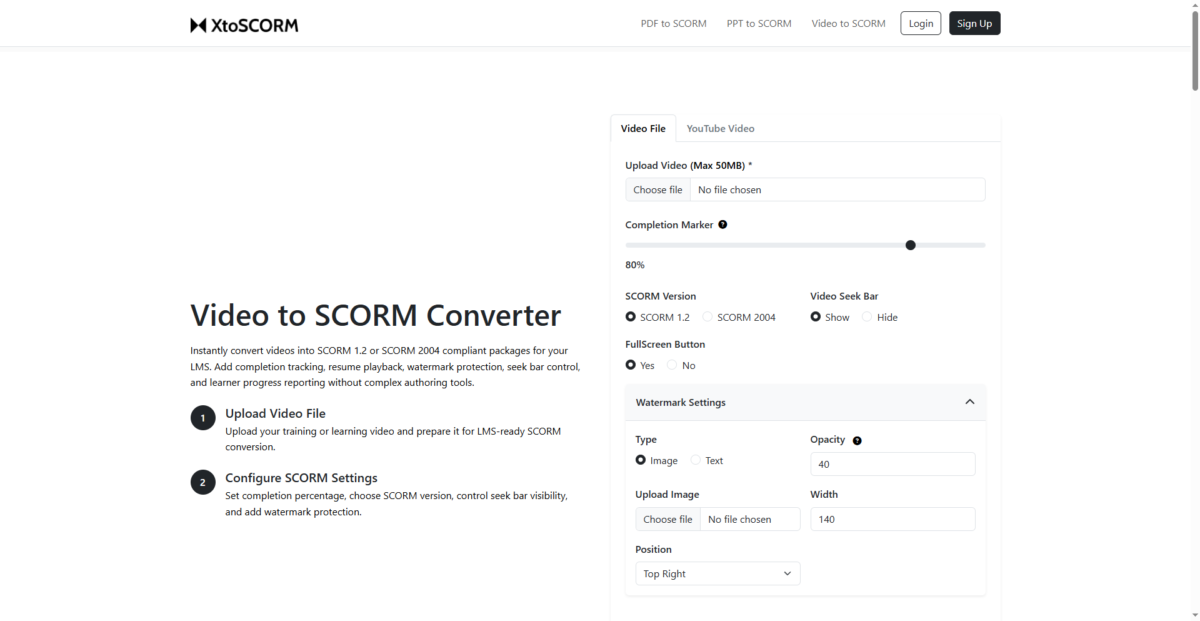
Video to SCORM Features
Convert videos into fully trackable SCORM learning modules.

Supported formats:
- MP4
- MOV

Features include:
- Watch percentage tracking
- Completion percentage control
- Playback progress tracking
- Pause/resume tracking
- Resume playback support
- Video seek bar controls
- SCORM 1.2 & 2004 support
---------------------------------------------------------------------------
PPT/PPTX to SCORM Features
Convert PowerPoint presentations into SCORM-compliant LMS courses without requiring traditional authoring tools.

Features include:
- Slide-level tracking
- Custom completion slide selection
- SCORM 1.2 & 2004 export
- LMS completion reporting
- Instant SCORM ZIP packaging

---------------------------------------------------------------------------
PDF to SCORM Features
Convert static PDF documents into fully trackable SCORM learning modules.

The generated SCORM packages allow LMS platforms to track:
- Page completion
- Learner progress
- Time spent
- Completion status

Key features include:
- Page-level tracking
- Completion rules
- Sequential or scroll viewing modes
- Width/height fitting options
- SCORM 1.2 & 2004 support
- LMS-ready ZIP generation

Features

Learn more about XtoSCORM features that set it apart from the competition. Discover how its unique tools and capabilities enhance your processes.

Pricing

Learn more about XtoSCORM's pricing options, cost, and plans so you can make a well-informed, business-wise decision on the best software to use for organization.

XtoSCORM logo
Have you used XtoSCORM before?
Answer a few questions and help the community to make the best decisions
Alternatives

Not a match? Find software alternatives that better suit your needs and compare them to discover the one that's right for you.

Ask me anything