



Branding Icon 1
Tech Solutions to HR Problems

CheckMark Payroll Software

Payroll Software

CheckMark Payroll Software is simple, affordable desktop payroll software for small businesses and accountants. Manage unlimited employees and payrolls, calculate taxes, pay by check or direct deposit, and prepare payroll reports on Windows or macOS.

Last updated: October 2026

Pricing

Contact us for pricing

Who Uses This Software?

CheckMark Payroll Software is designed for small business owners, accountants, CPAs, bookkeepers, and payroll professionals who want to process payroll in-house, manage employee payments, and handle payroll for one or multiple companies.

About the vendor
Located In Fort Collins, US
Founded In 1984
Customers
  • Small Businesses (SMBs)
Industries
  • Accounting
  • Agriculture
  • Construction
  • Financial Services
  • Human Resources
  • Manufacturing
  • Retail
Deployment
  • Desktop
Platforms
  • Mac
  • Windows
Browsers
Training
  • Documentation
  • Online Tutorials
Support
  • Business Hours
  • Email
  • FAQ
  • Knowledge Base
  • Live Online
  • Phone
Languages Supported
  • English
LinkedIn Page
@Linkedin
X
@X
Change your privacy settings to see the content.
In order to watch this video you need to have advertising cookies enabled.
You can adjust your cookie preferences here.

What is CheckMark Payroll Software?

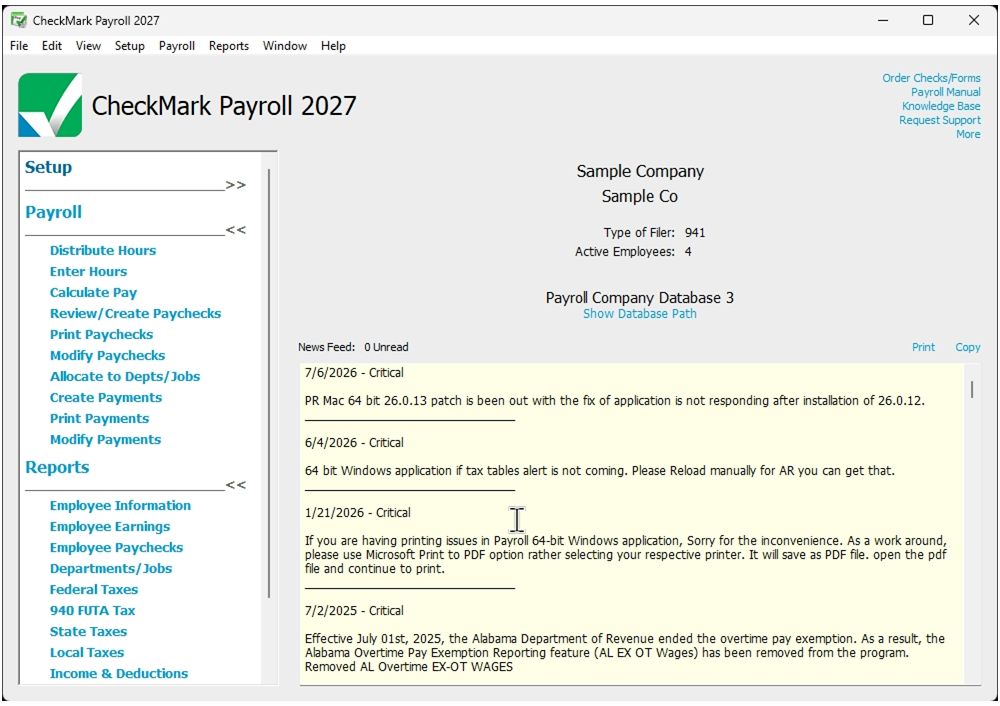
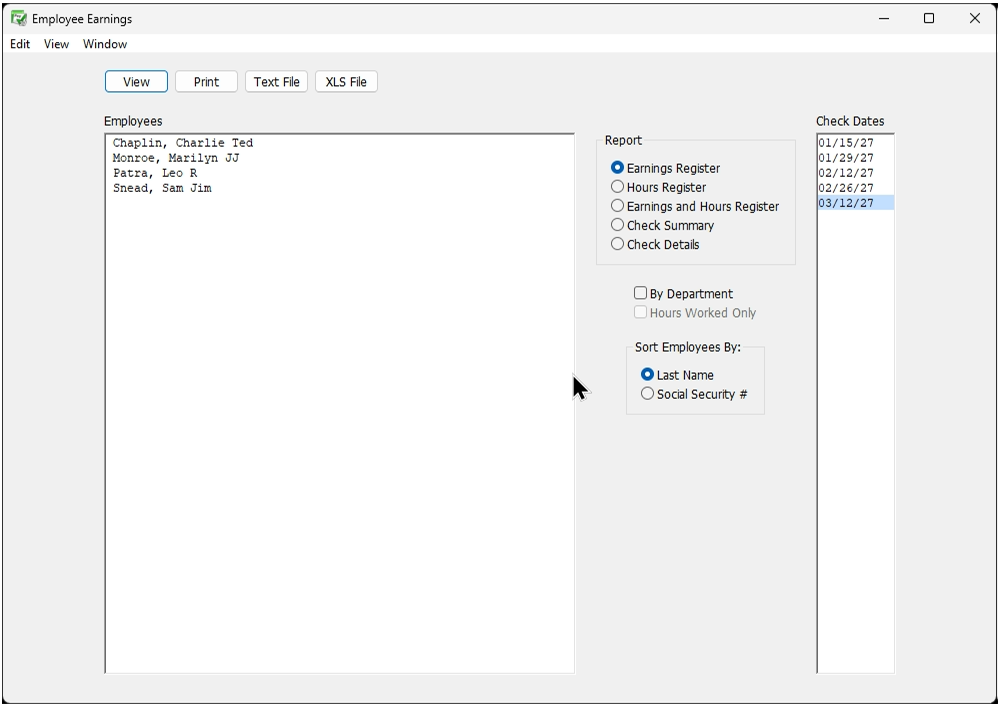
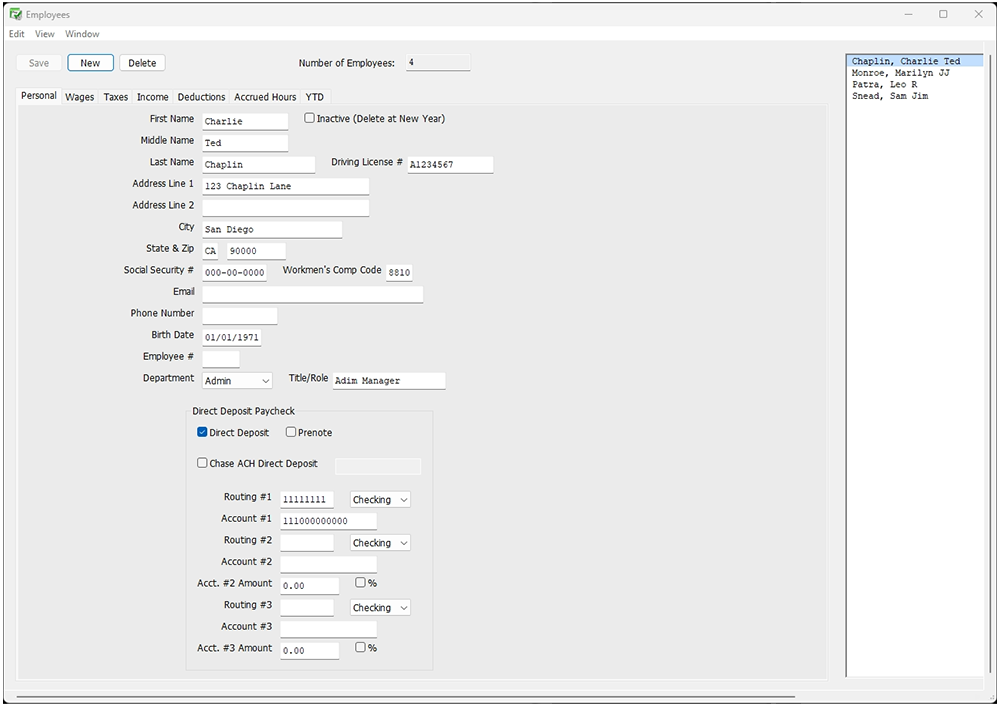
CheckMark Payroll Software is a simple and affordable desktop software for small businesses, accountants, bookkeepers, CPAs, and payroll professionals who prefer to manage payroll in-house. Available for Windows and macOS, it combines employee management, payment options, tax reporting, and year-end documentation in one application.

The software supports unlimited employees and payrolls, along with multiple company management. This makes it suitable for businesses of different sizes and accounting professionals who handle payroll for multiple clients.

Key features of CheckMark Payroll Software

  • Unlimited employees and payrolls: Manage employee records and run payroll as often as needed.
  • Multiple company management: Maintain separate company payroll information within one application.
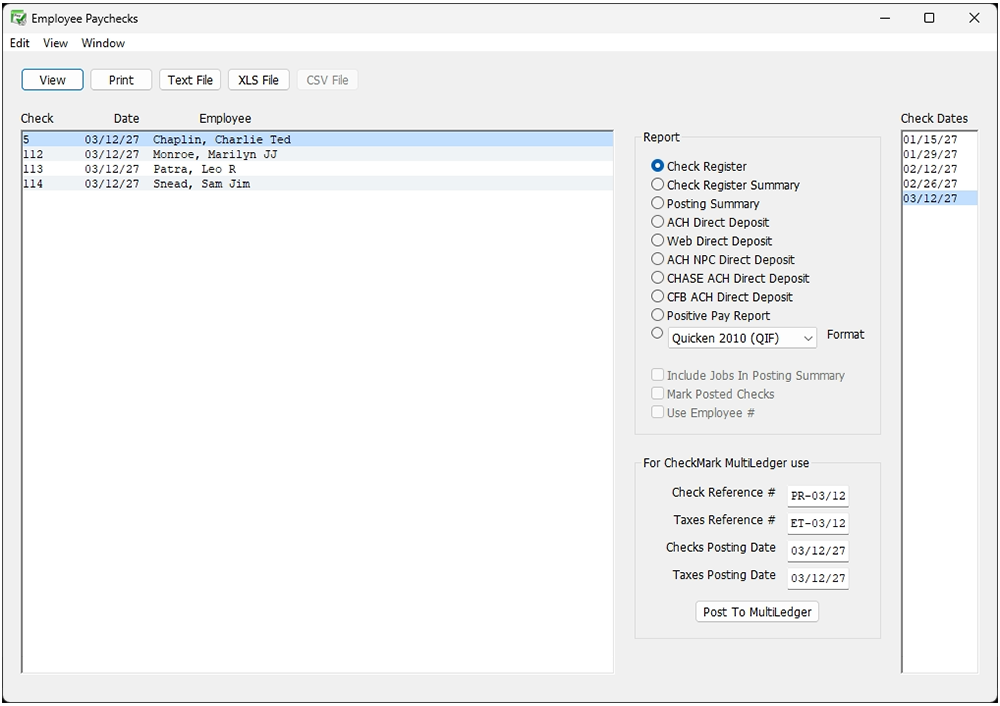
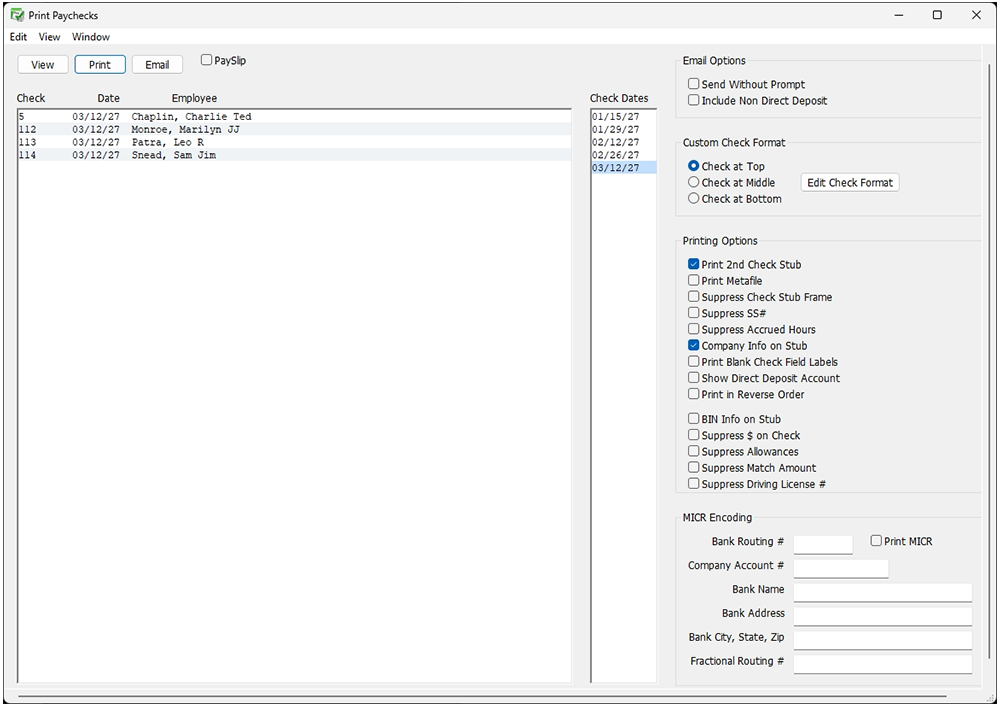
  • Direct deposit and check printing: Create ACH files for bank submission or print MICR checks on blank or pre-printed stock.
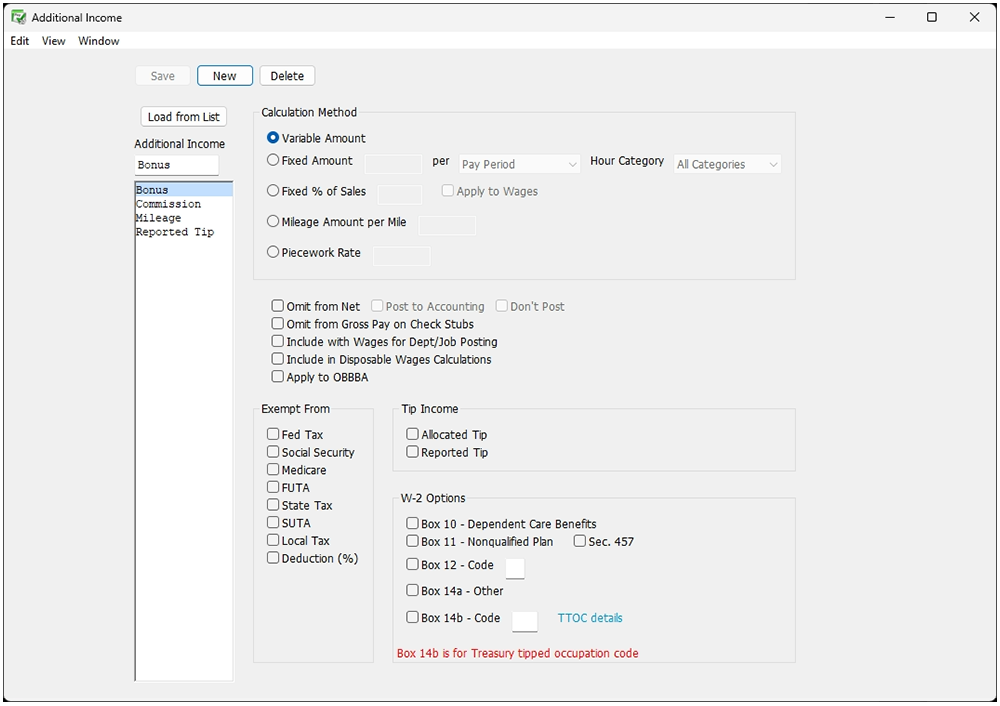
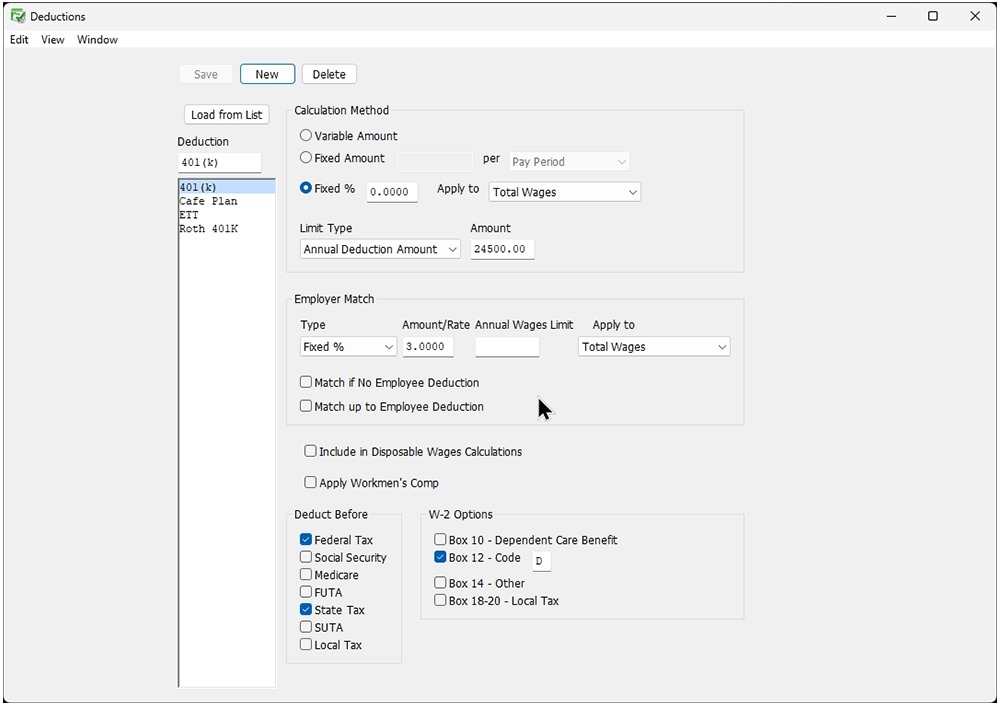
  • Customizable income and deductions: Set up bonuses, commissions, insurance deductions, 401(k) contributions, and employer matching.
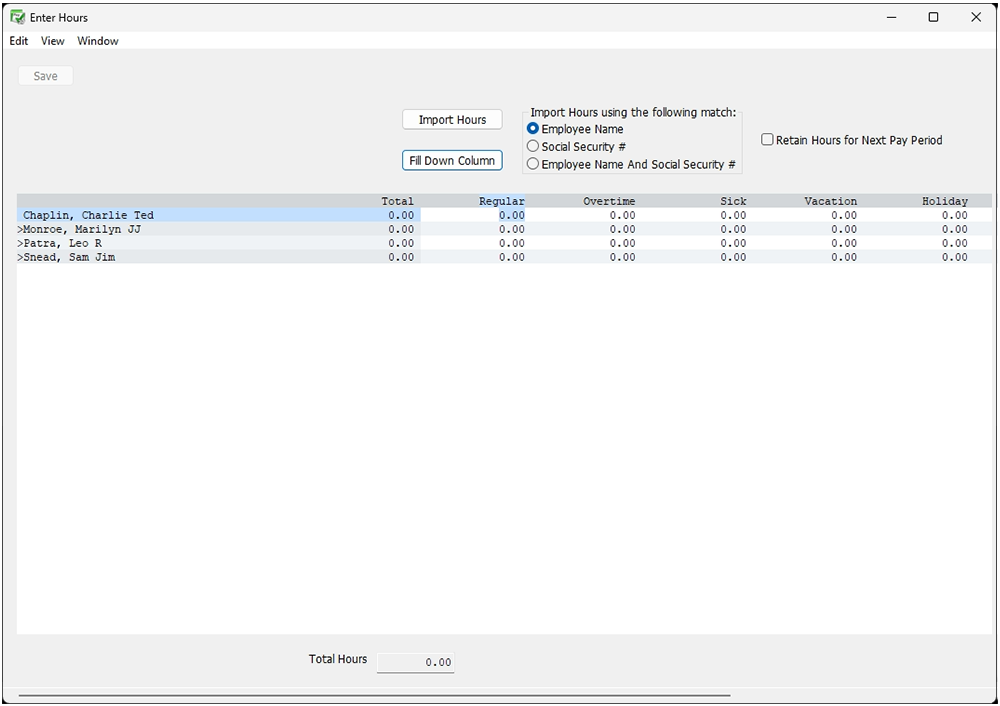
  • Time and attendance support: Import employee hours from time clocks or spreadsheets.
  • Paid time off tracking: Track accrued sick and vacation hours.
  • Payroll tax reporting: Prepare Forms 941, 940, 943, and 944.
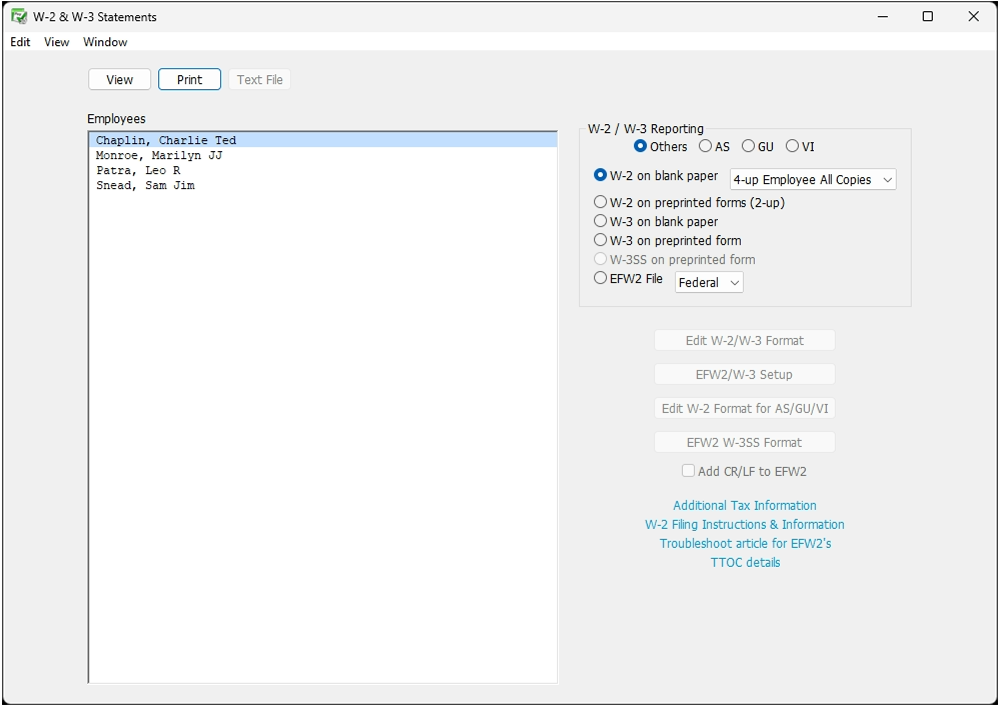
  • Year-end forms: Print W-2 and W-3 forms and electronically file W-2 information where supported.
  • Accounting integration: Work with accounting software such as QuickBooks and CheckMark MultiLedger.

Designed for in-house control

CheckMark Payroll Software is intended for businesses and accounting professionals who want to handle payroll themselves rather than outsource the process. Its desktop-based approach gives users direct control over payroll settings, employee records, payment methods, and reporting, while offering the flexibility to manage multiple companies from one solution.


Overview of CheckMark Payroll Software benefits

CheckMark Payroll Software helps small businesses and accountants manage payroll in-house with greater control and less reliance on outsourced services. Its straightforward, affordable approach helps users manage payroll responsibilities while keeping costs predictable.

Key benefits of CheckMark Payroll Software

  • Save time: Simplify routine payroll tasks and keep payroll information organized.
  • Save effort: Manage payroll internally with tools and settings suited to your business needs.
  • Save money: Choose an affordable solution that reduces reliance on external payroll services.
  • Maintain control: Manage payroll on your own schedule and keep direct oversight of your processes.
  • Support growth: Handle unlimited employees and payrolls as your business expands.
  • Manage multiple businesses: Help accountants and bookkeepers organize payroll for different clients.
  • Fit your workflow: Customize payroll settings to match your business practices.
  • Connect with accounting tools: Integrate with QuickBooks and CheckMark MultiLedger.
  • Choose your platform: Use the desktop software on Windows or macOS.
  • Get support: Access US-based customer support and product resources when you need assistance.

A practical payroll solution

CheckMark Payroll Software gives businesses and accounting professionals an affordable way to handle payroll independently. By managing payroll in-house, users can maintain control over their processes, organize their work, and choose an approach that fits their day-to-day operations.

Features

Learn more about CheckMark Payroll Software features that set it apart from the competition. Discover how its unique tools and capabilities enhance your processes.

Pricing

Learn more about CheckMark Payroll Software's pricing options, cost, and plans so you can make a well-informed, business-wise decision on the best software to use for organization.

CheckMark Payroll Software logo
Have you used CheckMark Payroll Software before?
Answer a few questions and help the community to make the best decisions
Alternatives

Not a match? Find software alternatives that better suit your needs and compare them to discover the one that's right for you.

FAQs

Learn more about CheckMark Payroll Software.