Learnwick is a simple, affordable LMS for small and growing teams: build courses with AI, assign training, track completions and issue certificates. Free plan for up to 30 learners.
Small and mid-sized businesses (10-1,000 employees), HR and training managers, and compliance-heavy teams in healthcare, manufacturing, retail, restaurants, call centers and training companies.
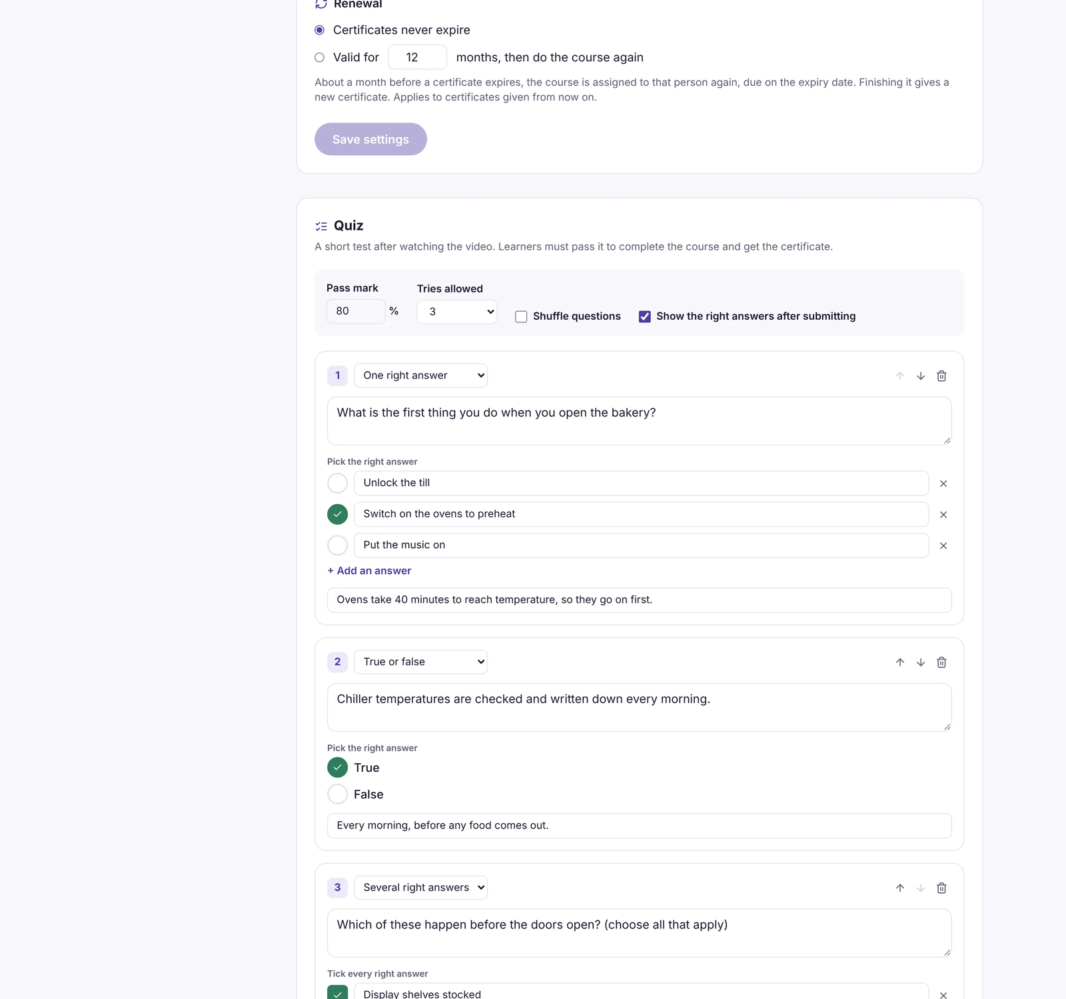
Learnwick LMS is a cloud learning management system built for small and mid-sized businesses that want training to run itself, without the cost and complexity of enterprise LMS platforms. Upload SCORM 1.2 packages, videos or PDFs, or build a course in the editor. Ember, Learnwick's AI assistant, can turn a Word policy document or a recording into a course with lessons and quiz questions, update a course when a policy changes, translate a course, and check quiz questions. Assign courses to people or groups with due dates; group rules and next-course automations build learning paths, and Learnwick sends due-date and overdue reminders, manager summaries and onboarding check-ins. Dashboards, completion reports, custom reports, a training matrix and training-gap views show who is done, overdue or missing required training. Learners earn certificates with a public verification page. Free plan for up to 30 learners with no time limit; paid plans from $79/month billed yearly.
Overview of Learnwick LMS benefits
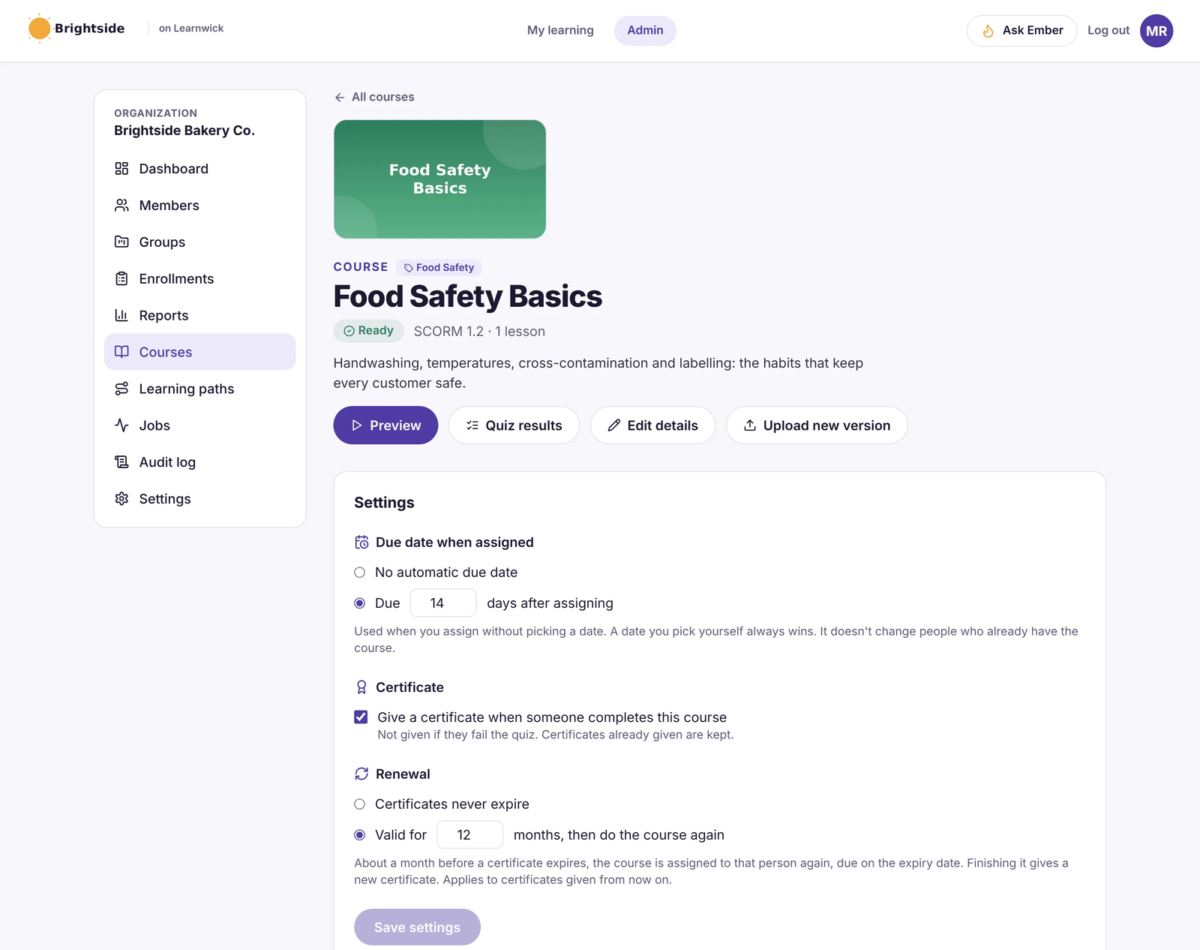
Training that runs itself. Assign a course once with a due date. Learnwick sends the reminders, follows up on overdue training and emails managers a weekly summary.
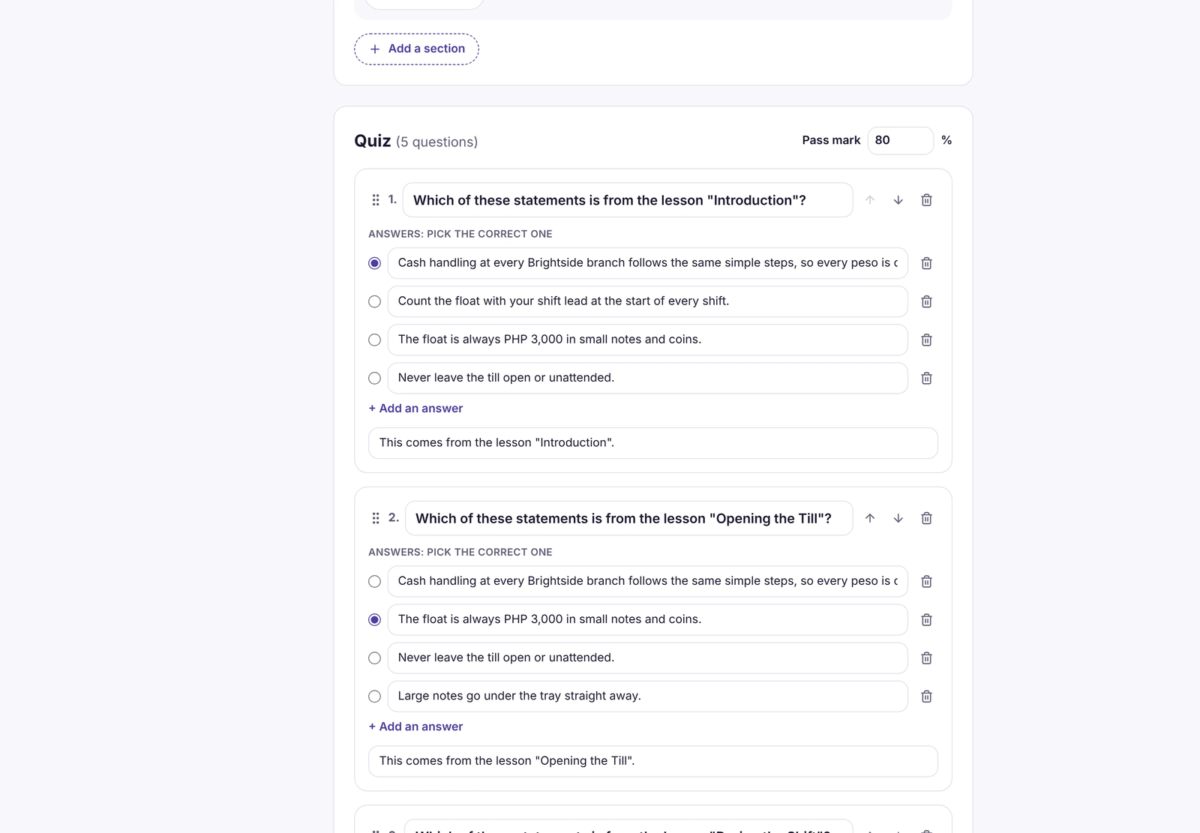
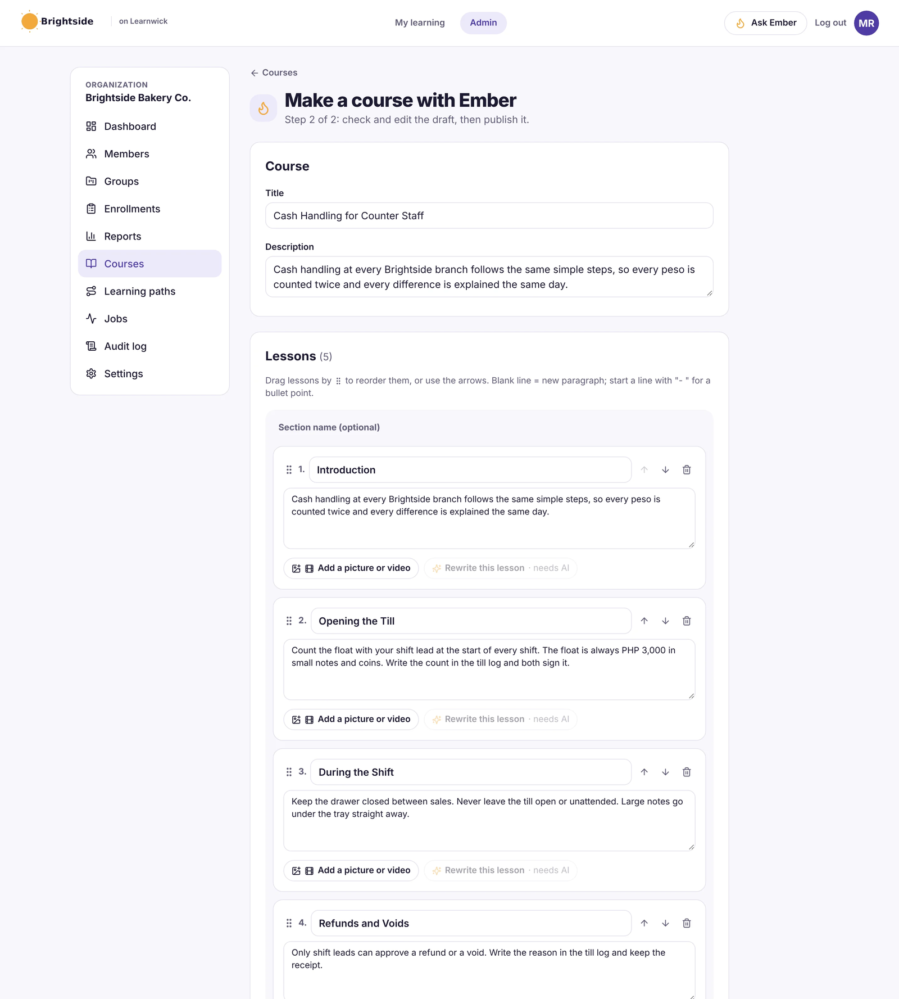
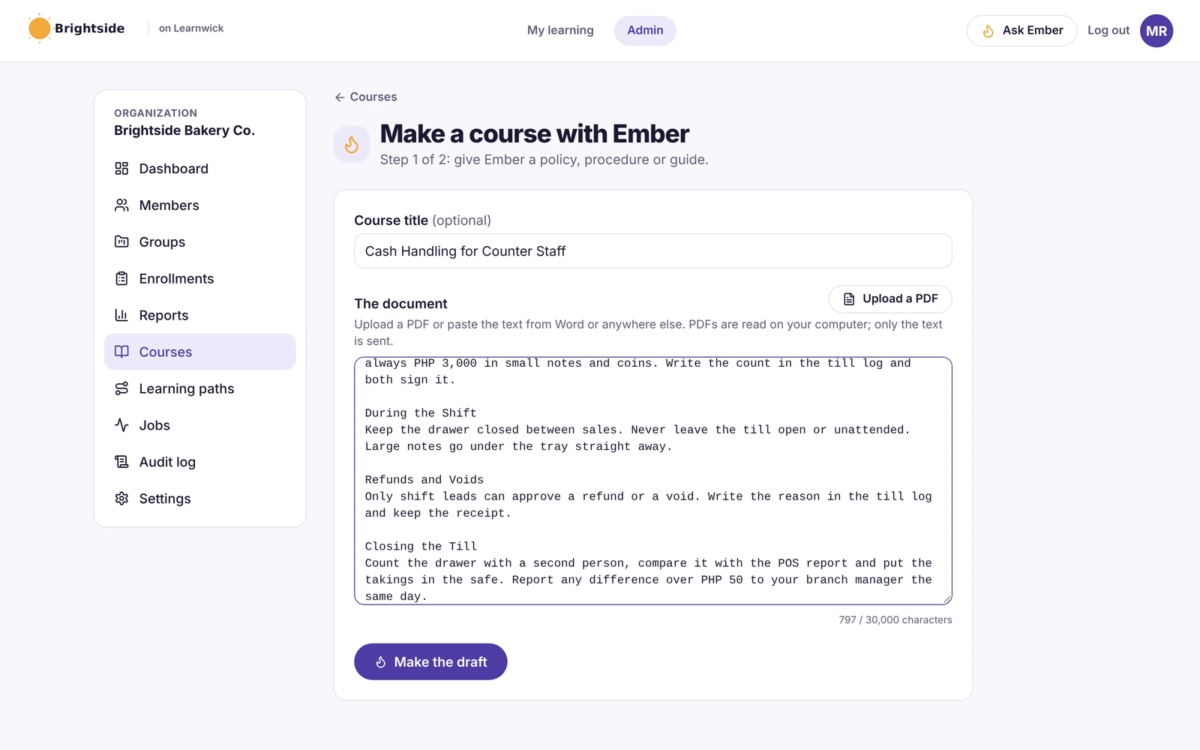
Build courses in minutes. Ember, Learnwick’s AI assistant, turns a Word policy or a recording into a course with lessons and quiz questions.
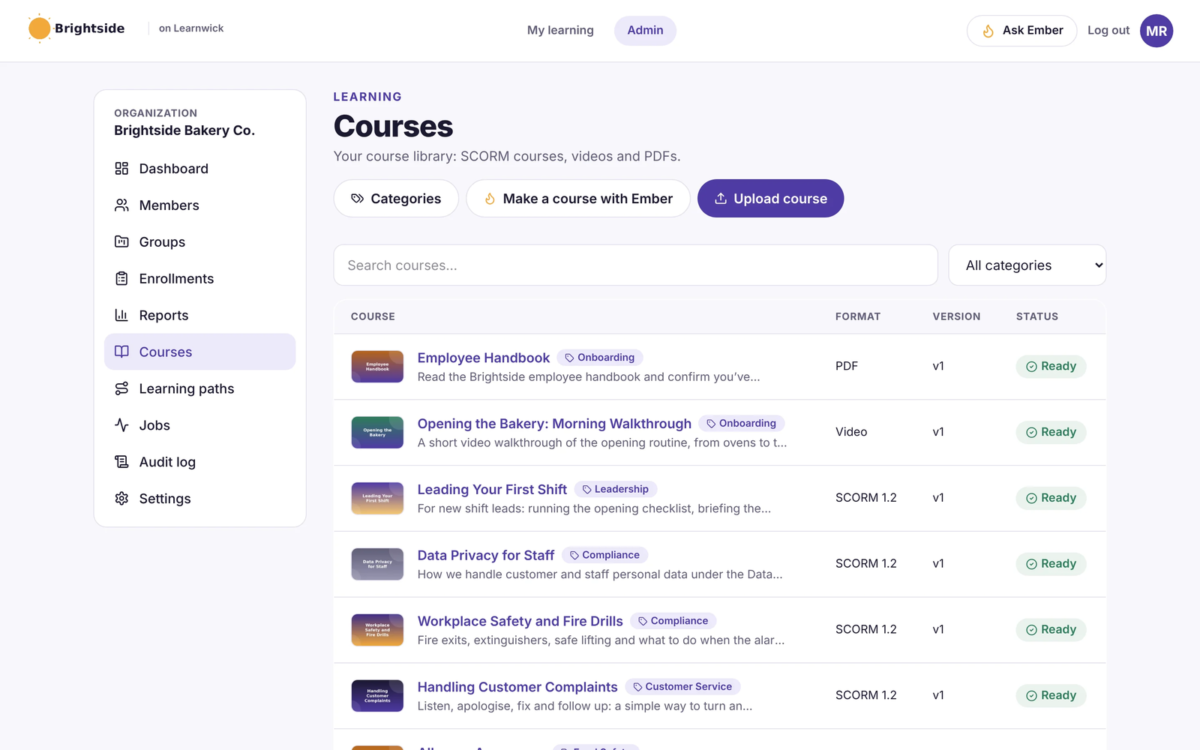
Use the courses you already have. Upload SCORM 1.2 packages, videos or PDFs, or start from ready-made courses.
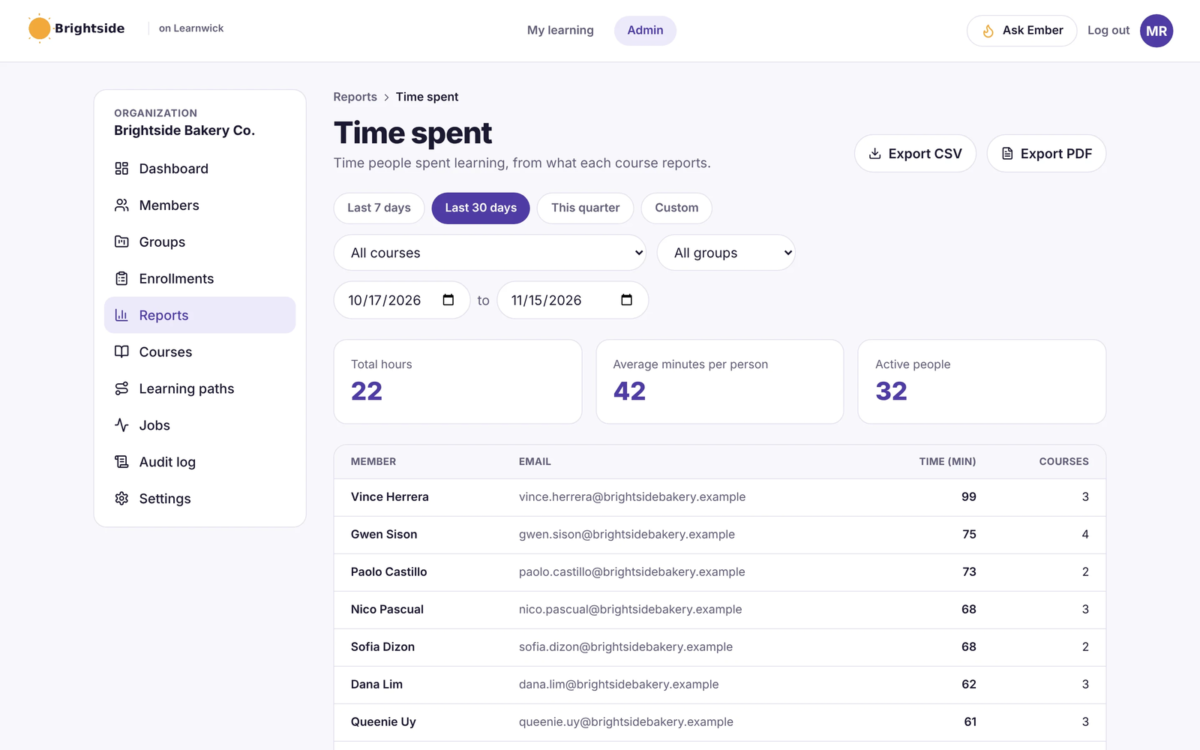
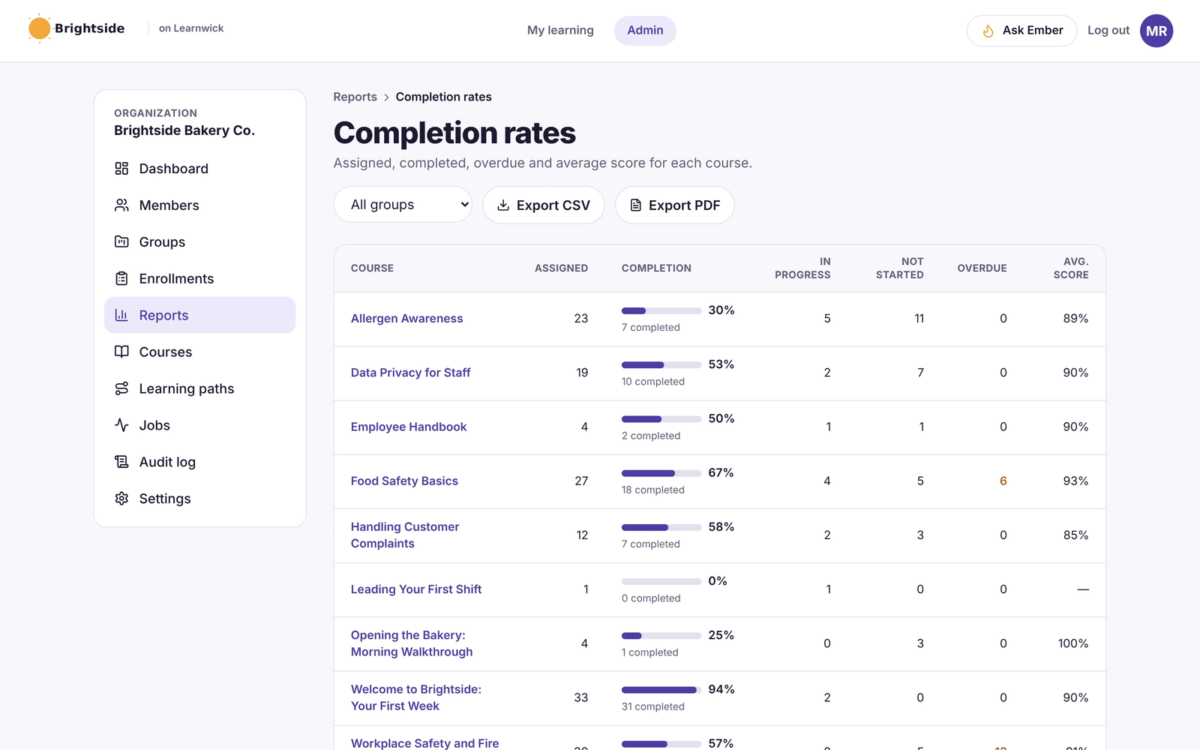
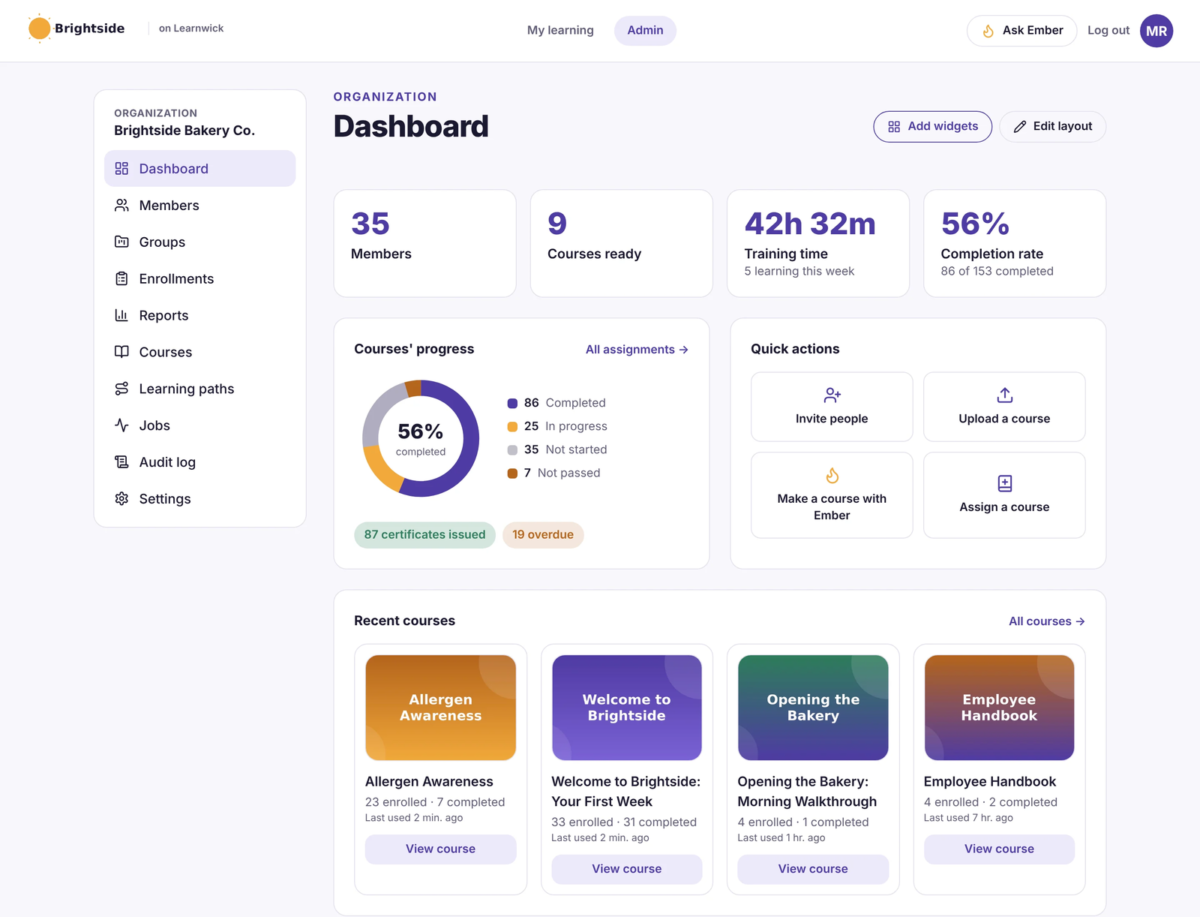
Always know who’s done. The dashboard, completion reports, training matrix and training-gap view show who’s finished, overdue or missing required training.
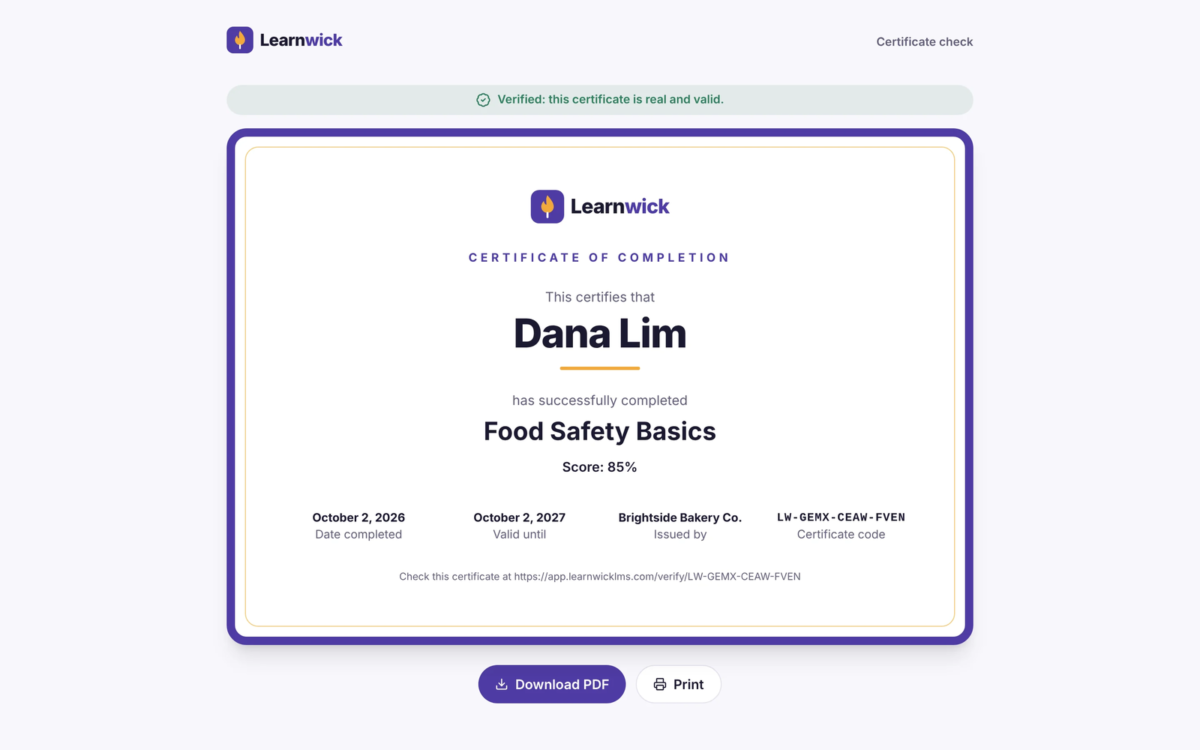
Proof of compliance on demand. Certificates anyone can check on a public verification page, plus an audit log of every change.
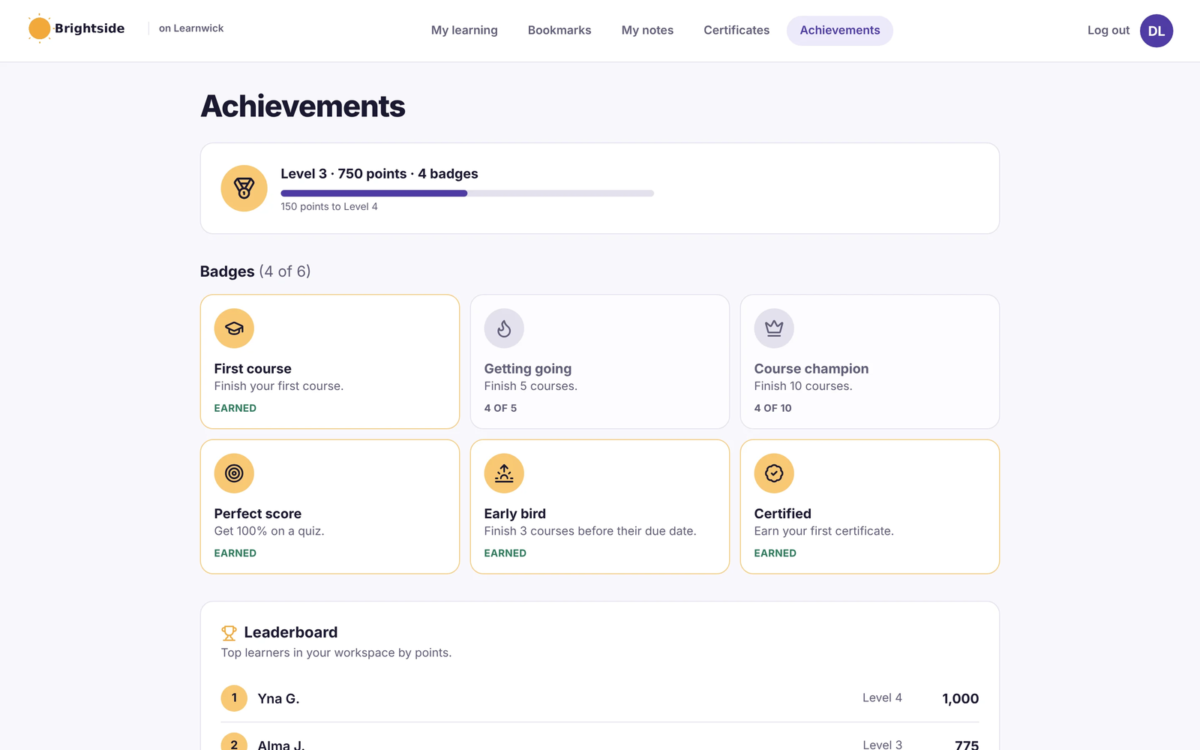
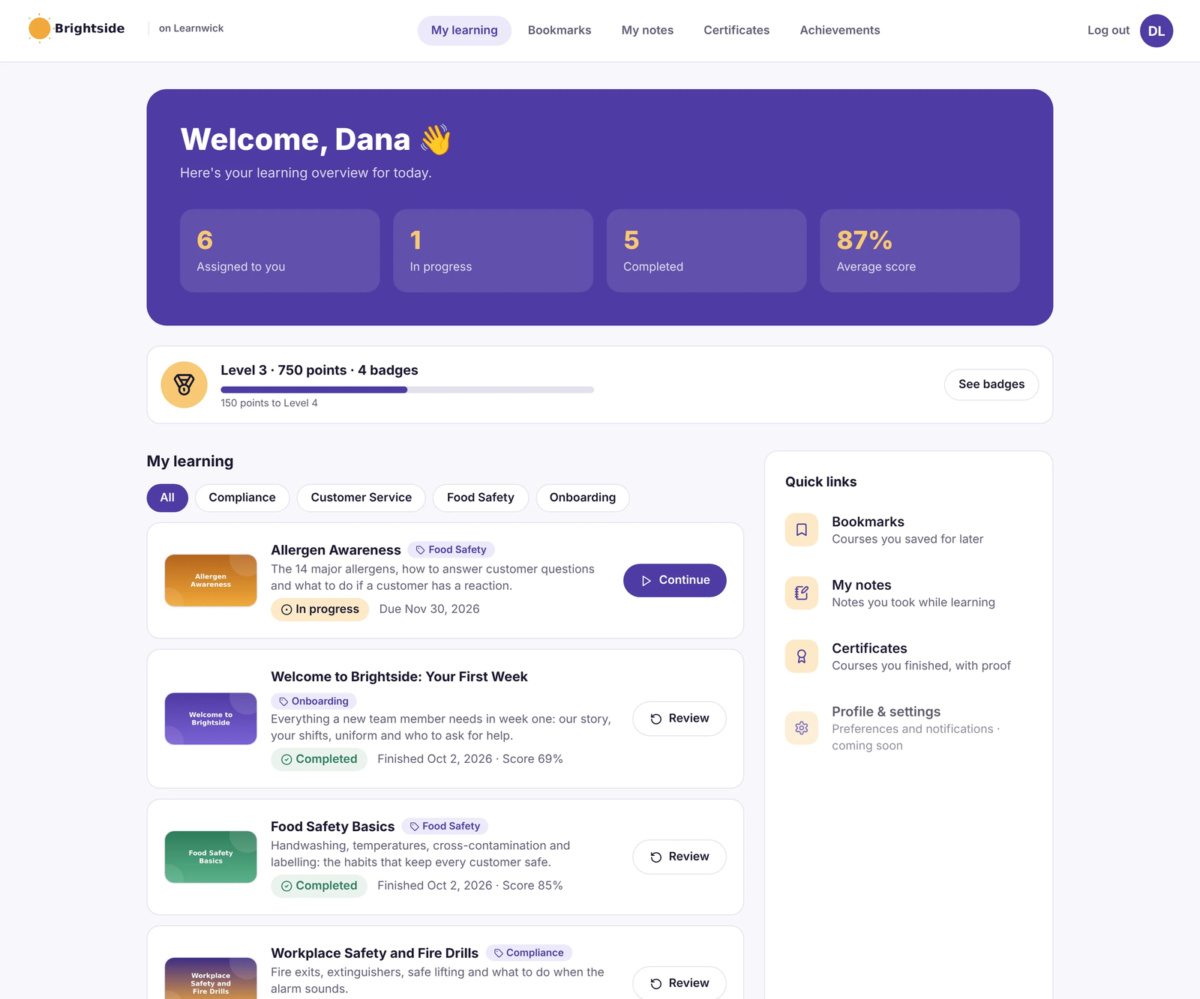
Easy for learners on any device. A clean, phone-friendly learner home with points, badges and an optional leaderboard.
Managers see their own team. A “My team” view of their people’s progress, without access to the whole admin area.
Ask in plain English. Ask Ember “Who’s overdue in Sales?” and get the answer or a report. Nothing changes until you click “Yes, do it”.
Your brand, your rules. Your logo and colours, a join link for sign-ups, and terms learners accept before they start.
Affordable for small teams. Free for up to 30 learners with no time limit. Paid plans from $79/month (billed yearly) for 100 learners.
Features
Learn more about Learnwick LMS features that set it apart from the competition. Discover how its unique tools and capabilities enhance your processes.
Accounts
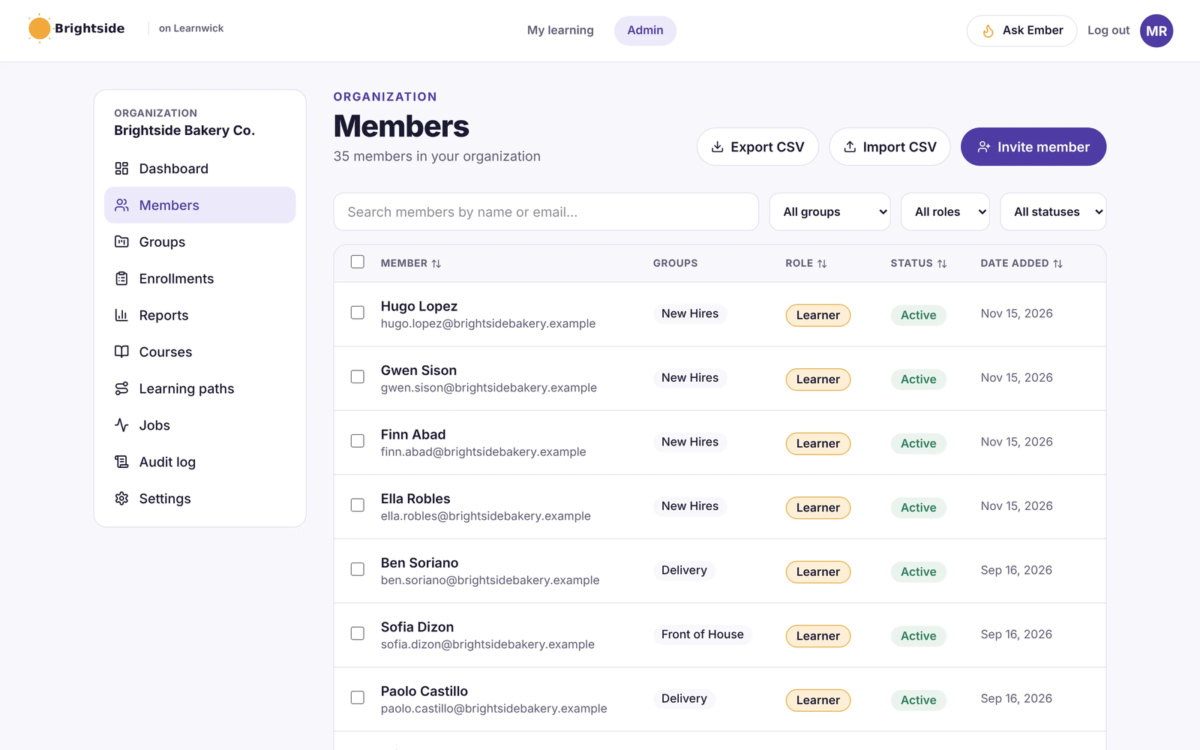
Add a new userAllows administrators to add new users directly to their LMS for streamlined user management.
Archive usersDeactivate and store user accounts without deleting them.
Learn more about Learnwick LMS's pricing options, cost, and plans so you can make a well-informed, business-wise decision on the best software to use for organization.
Free
Contact us for pricing
Up to 30 learners, no time limit
SCORM, video and PDF courses
Assignments, due dates and reminders
Reports and certificates
No credit card needed
Starter
$99/ month
Up to 100 learners
$79/month when billed yearly ($948/year)
Every feature included, incl. Ember AI course builder
Reminders, reports, certificates and automations
Growth
Best value
$299/ month
Up to 500 learners
$239/month when billed yearly ($2,868/year)
Every feature included, incl. Ember AI course builder
Most popular plan
Business
$499/ month
Up to 1,000 learners
$399/month when billed yearly ($4,788/year)
Every feature included, incl. Ember AI course builder
Reminders, reports, certificates and automations
Enterprise
Contact us for pricing
More than 1,000 learners
Every feature included, incl. Ember AI course builder
Custom pricing and invoicing
Help with setup and onboarding
Integrations
Learn more about Learnwick LMS's integration options.
G Suite
Office 365
Have you used Learnwick LMS before?
Answer a few questions and help the community to make the best decisions
Yes. Learnwick plays SCORM 1.2 and SCORM 2004 courses from Articulate Storyline, Rise, iSpring, Captivate and other authoring tools, plus MP4 and WebM videos and PDFs. Progress, scores and completions are tracked for all of them.
Learnwick is free for up to 30 learners with no time limit and no credit card. Paid plans are $79/month billed yearly for up to 100 learners, $239/month for 500 and $399/month for 1,000 (or $99, $299 and $499 billed monthly). Plans differ only in how many learners they allow: every feature is included in every plan. Larger teams can contact us for Enterprise pricing.
Ember is Learnwick's built-in AI assistant. It turns a Word policy document or a recording into a course with lessons and quiz questions, updates a course when a policy changes, translates courses and checks quiz questions. Admins can also ask Ember questions like "Who is overdue in Sales?" and get answers or reports. Ember never changes anything on its own: every change waits for the admin to click "Yes, do it".
Every course can have a due date, and Learnwick reminds people before and after it. Learners earn certificates that anyone can check on a public verification page. Completion reports, the training matrix (people x courses) and the training-gap view show who is done, overdue or missing required training, and you can export them as CSV for auditors. An audit log records every change.
Learnwick runs on Amazon Web Services in the Sydney region. Ember uses Amazon Bedrock, and your course content and training data are not used to train AI models. Payments are handled by Paddle as merchant of record. Full details are in our Privacy Policy at learnwicklms.com/privacy-policy/.
Most teams are running in an afternoon. You create a workspace in about a minute, upload a SCORM, video or PDF course (or let Ember build one from a document), and invite people by email, CSV or a join link. Group rules then give every new starter their required courses automatically.