

About the vendor
Located In California, US
Founded In 2026
Customers
Use Cases
  • Compliance Training
  • Customer Training
  • Employee Onboarding
  • Employee Training
  • Extended Enterprise
  • Microlearning
  • Sales Training
Industries
  • Automotive
  • Aviation & Aerospace
  • Civil Engineering
  • Defense & Space
  • eLearning
  • Financial Services
  • Hospital & Health Care
Deployment
  • Self-Hosted Cloud-based
  • Software as a Service / Cloud
Platforms
Browsers
  • Apple Safari
  • Google Chrome
  • Internet Explorer
  • Mozilla Firefox
Training
  • Live Online
Support
  • 24/7
  • Email
  • Live Online
Supported Specifications
Languages Supported
  • English
LinkedIn Page
@Linkedin
X
@X
Change your privacy settings to see the content.
In order to watch this video you need to have advertising cookies enabled.
You can adjust your cookie preferences here.

What is Nano LMS?

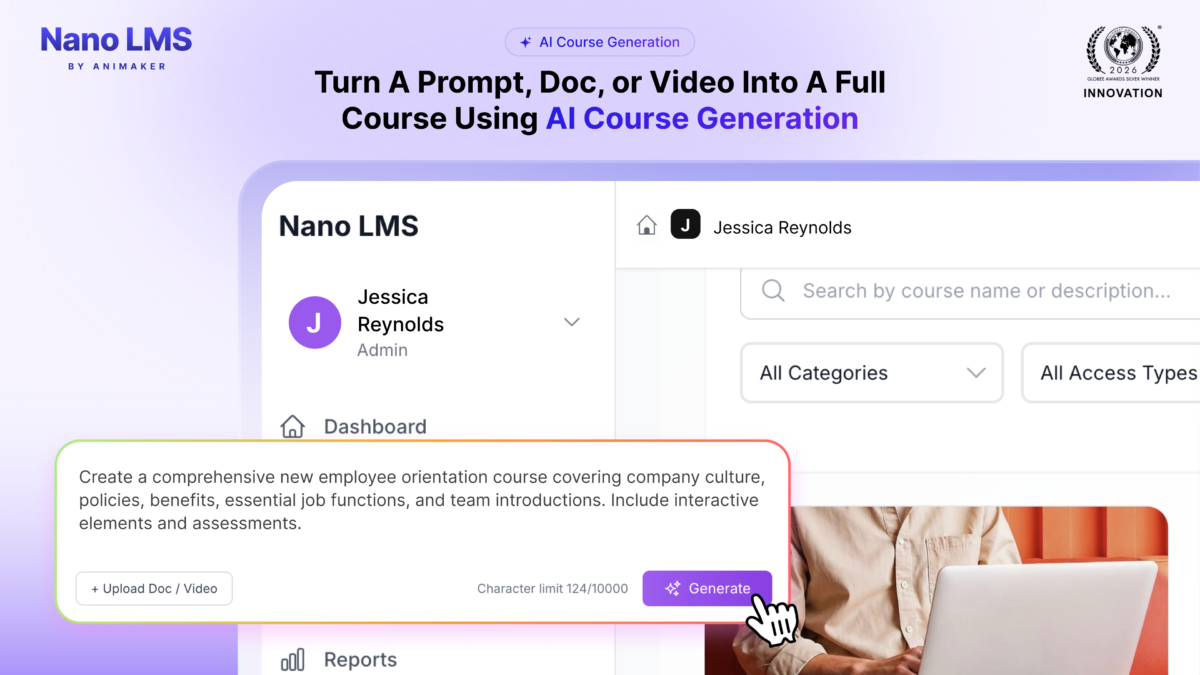
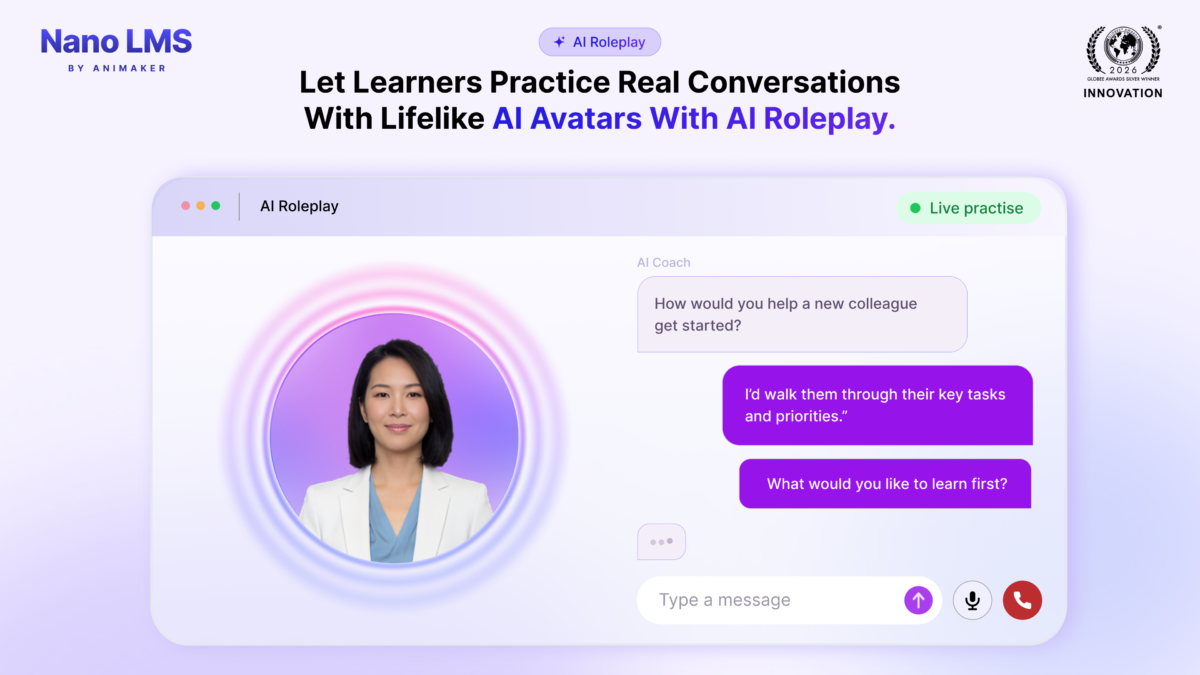
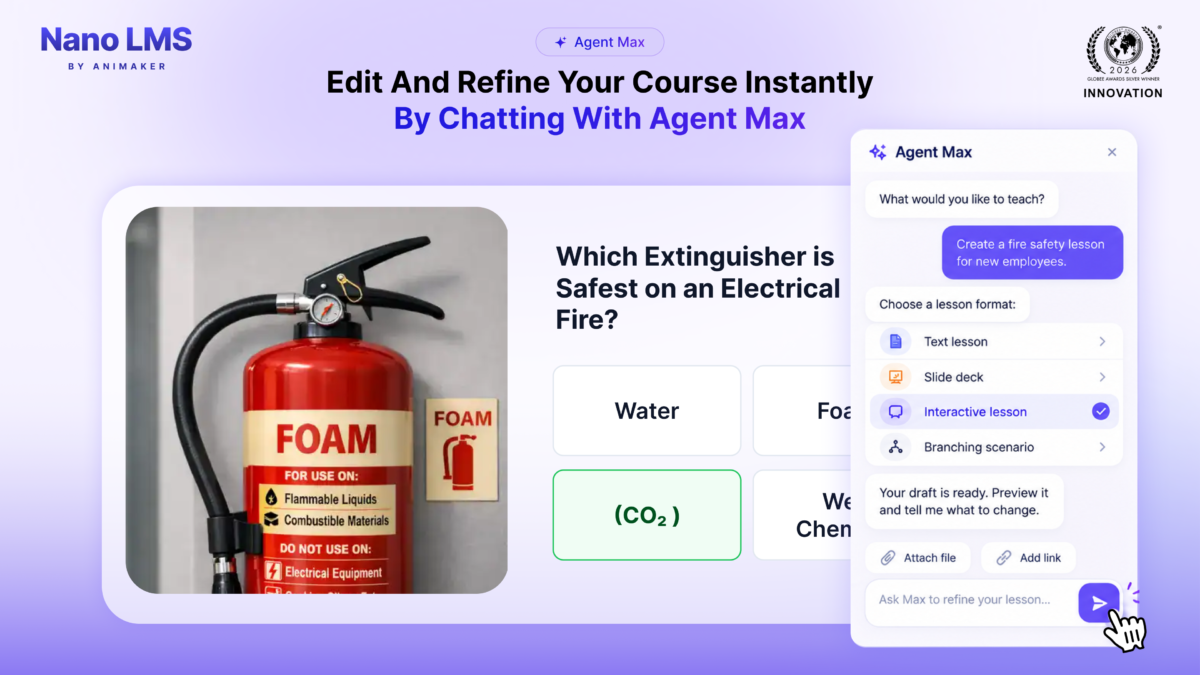
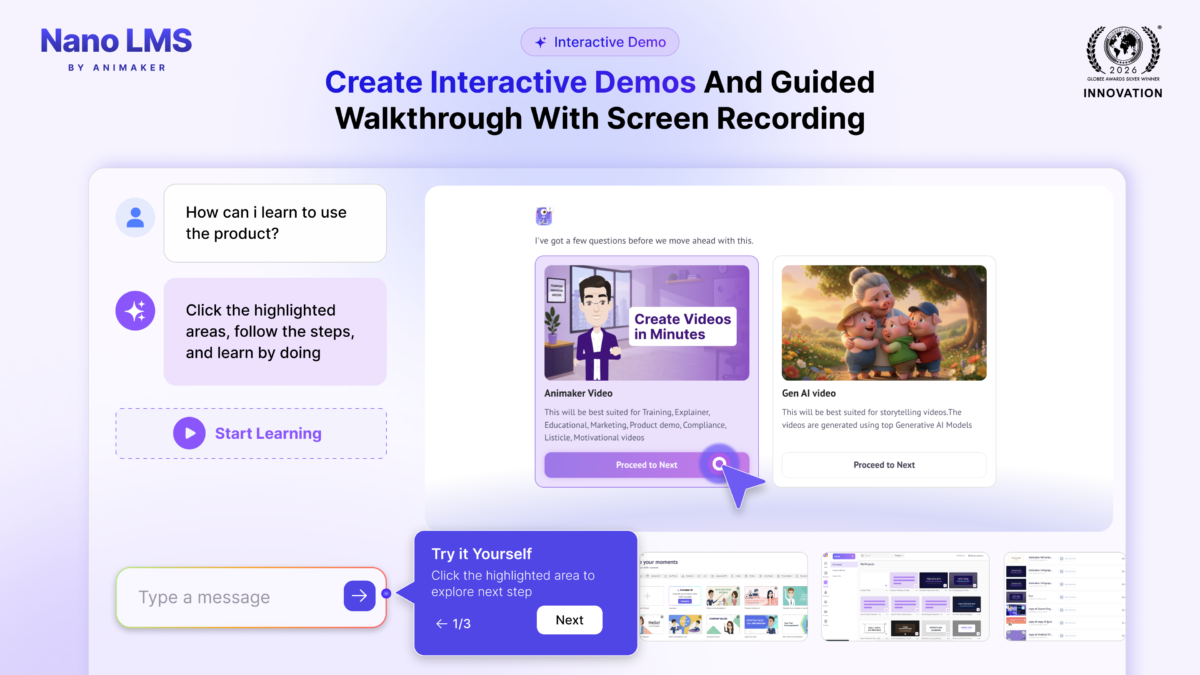
Nano LMS is the AI learning platform for teams that judge training by what learners do, not just by completion rates. Trainers start from a prompt or upload existing documents, decks and recordings, and the AI Course Builder turns them into a structured multi-lesson course with quizzes and AI video in 3 to 5 minutes. Learners practice real decisions in nine scenario formats, including branching conversations, chat simulations and guided hotspots, or speak with an AI character in AI Roleplay that responds to what they say and scores the session. Five-minute microlearning fits training between shifts or calls. Engagement Heatmap, Goal Tracker and decision-level tracking show where learners disengaged, what they chose and whether the business metric moved. Built by Animaker Inc., Nano LMS won a Silver Globee® Award for Achievement in Learning & Development in 2026.
Overview of Nano LMS benefits

Faster course creation: Trainers turn a prompt or existing documents, decks and recordings into a structured multi-lesson course in 3 to 5 minutes, so subject experts spend their time on accuracy instead of production.

Practice, not just content: Nine scenario formats and AI Roleplay let learners make real decisions, see the consequences and get scored feedback before it counts on the job.

Proof that training worked: Decision-level tracking, Engagement Heatmap and Goal Tracker show what learners chose, where they disengaged and whether the business metric moved, beyond completion rates.

Fits the working day: Five-minute microlearning, role-based learning paths and automated enrollment fit training between shifts or calls.

One platform: Course building, delivery, practice and reporting in one system, with SCORM, Workday, BambooHR, Microsoft Teams and SSO support.

Features

Learn more about Nano LMS features that set it apart from the competition. Discover how its unique tools and capabilities enhance your processes.

Accounts

Add a new user Allows administrators to add new users directly to their LMS for streamlined user management.
Archive users Deactivate and store user accounts without deleting them.
Browse list of users View all registered users in the system.
Bulk User Actions Manage multiple user accounts at once.
Custom/Mandatory User profile fields Define required or optional fields for user profiles.
Upload users

Activity grading

Course History View completed and ongoing courses for each user.
Gradebook
Gradebook audit trail
Gradebook comments
Manual Grading ("Marking")
Multiple grading scales Support for different grading systems.

AI Features

Adaptive Learning Adjust learning paths based on learner behavior.
AI Powered Use AI-driven automation and insights.
Chatbot AI assistant for learner support.
Content development Generate or enhance educational content.
Content Translation
Intelligent recommendations Suggest courses based on learner activity.
Natural Language Processing
Predictive analysis Forecasts learner performance and trends.
Quiz generation Automatically creates AI-generated quizzes.
Text-to-speech Converts written content to audio.

Authentication

Active Directory/LDAP Integration Authenticate users via corporate directories.
Custom User login page Personalized login interface.
Manual Accounts
No login
SAML2/API Integration Single sign-on and external authentication.
Self-Registration Users create their own accounts.
Self-Registration w. Admin Confirmation User signup requires admin approval.

Categories

Assign Courses to categories Organize courses under specific categories.
Create new Categories Add new organizational groups for courses.
Manage Categories Edit, delete, or update categories.
Priced Categories (Bundle) Sell course bundles grouped by category.

Certificate management

Certification life-cycle Track generation, renewal, and expiration.
Manage certification templates Customize certificate formats.
Predefined certification templates Use ready-made certificate designs.
Unique Certificate by Course
Unique Certification by Curriculum Different certificate per learning path.

Compliance management

Certificate expiration notifications Alerts when certificates are near expiry.
Certification Expiration Management Manage timelines and renewal rules.
Due Date notifications Notify learners of upcoming deadlines.
Soft/Hard Stop Due Dates

Course Creation

Assignments Engine Create and manage learner assignments.
Built-In Authoring Tool Create content directly inside the platform.
Can reuse PPTs, PDFs, Videos Upload and repurpose existing material.
Changing Course default settings Modify core course configuration.
Consume online video content Embed or stream video lessons.
Content Library A repository of pre-made templates, existing content, multimedia sets, and learning outlines.
Course backup Options Backup and restore course data.
Drag & Drop Interactions Interactive content creation.
Hybrid Learning Courses Blend online and in‑person lessons.
Learning Paths (Curriculums) Sequence courses into structured programs.
LRS Learning Record Store for xAPI data.
Scheduling LIVE events Plan webinars or virtual classes.
Survey Engine Create learner surveys.
Tests Engine Build quizzes and exams.
Upload courses Import courses into the platform.

Customization

Mobile Learning Support Optimize learning for mobile devices.
Personalized views Customize interface per user.

Enrollment

Attendance Tracking
Automated Enrollment (based on User data) Enroll users automatically by rules.
Guest Access Settings Allow non‑registered users limited access.
Manual Enrollment
Progress Tracking Monitor learner progress in real time.
Self-enrollment Allow learners to join courses freely.
Self-enrollment (with a PIN #)
Survey enrollment (based on a response)

Format

Course Discussions
Gamification Format Add game elements to courses.
Learner Upload Allow learners to upload content.
LIVE Chat Option Real-time messaging inside courses.
Social Format Social interaction‑focused layout.
Topics Format Organize course by topics.
Video Conferencing Integration Connect with tools like Zoom/Teams.
Weekly Format

Gamification

Badge customization
Badges
Customize Gamification mechanics Modify points, levels, and rewards.
Leaderboards Rank learners based on achievements.
Levels Define progression stages.
Points Award points for activity.
Rewards

Interface options

Additional external pages
Block Management
Calendar Settings Configure system calendar.
Language settings
Learning Accessibility Tools for users with disabilities.
Location Settings
Media embedding settings Control embedding permissions.
Multilanguage Support
Ready-made Themes Prebuilt platform designs.

Learning types

Asynchronous Instructor-led
Asynchronous Self-paced
Blended Learning Mix online and face‑to‑face training.
Synchronous Virtual Classroom

Mobile learning

Offline (disconnected Mobile app)
Online (Internet connected) Access content with full connectivity.

Offline

Support for offline access to content

Reports

Automated Report Scheduling Send reports automatically.
Canned Reports
Dashboards and Graphic Reports Visual analytics dashboards.
Email delivery of Reports Send reports via email.
Exporting Reports in variety of formats
Grading Report Settings Customize grade reporting.
Learning Analytics Tools Analyze learner behavior.
Training Record Maintenance Maintain full training logs.

Roles

Define roles Create custom permission roles.
Role Assignment Assign roles to users.
System Permissions per role Control access rights.
Teams and Team Hierarchies Organize users into teams.

Security

Anti-spam Protect forms and communication.
Anti-virus Scan uploaded files for threats.
IP Blocker Block specific IP ranges.
Restrict registration to specific domains Limit signups by email domain.
Strong Passwords Enforce secure password rules.

Shopping cart

Built-In Shopping Cart
Shopping Cart as Plug-In

System reports

Automatic email reports in predefined intervals Send periodic system reports.
Custom reports generator Create custom report layouts.
Email notification settings Control notification rules.
Live Logs Monitor system activity in real time.
Pricing

Learn more about Nano LMS's pricing options, cost, and plans so you can make a well-informed, business-wise decision on the best software to use for organization.

Pricing Model
  • Free
  • Free Trial
  • Freemium
  • Subscription
License
  • Free
  • Paid
Starting Price
  • $1
Free Trial
  • Yes

Integrations

Learn more about Nano LMS's integration options.

API

API

BambooHR

BambooHR

G Suite

G Suite

Mailchimp

Mailchimp

Outlook Calendar

Outlook Calendar

Salesforce CRM

Salesforce CRM

SAP CRM

SAP CRM

Stripe

Stripe

Wordpress

Wordpress

Zapier

Zapier

Zoom

Zoom

Nano LMS logo
Have you used Nano LMS before?
Answer a few questions and help the community to make the best decisions
Alternatives

Not a match? Find software alternatives that better suit your needs and compare them to discover the one that's right for you.

Nano LMS

TalentLMS

4.8/5
Compare

360Learning

4.7/5
Compare

Absorb

4.8/5
Compare

Thought Industries

4.3/5
Compare

SkyPrep LMS

4.4/5
Compare

Bridge

4.6/5
Compare

GoSkills

4.4/5
Compare