About the vendor
-
Customers
  • Large Enterprises (>10,000)
  • Small/Medium Businesses
Use Cases
  • Channel Training
  • Compliance Training
  • Customer Training
  • Employee Training
  • Extended Enterprise
Industries
  • Banking
  • Insurance
  • Pharmaceuticals
  • Retail
  • Telecommunications
Deployment
  • Self-Hosted System
  • Software as a Service / Cloud
Platforms
  • Linux
  • Mac
  • Windows
Browsers
  • Apple Safari
  • Google Chrome
  • Internet Explorer
  • Mozilla Firefox
Training
  • Documentation
  • In Person
  • Live Online
  • Online Tutorials
Support
  • Business Hours
  • Email
  • FAQ
  • Live Online
  • Phone
Supported Specifications
  • SCORM 1.2
  • SCORM 2004
Languages Supported
-
LinkedIn Page
-
X
-
Change your privacy settings to see the content.
In order to watch this video you need to have advertising cookies enabled.
You can adjust your cookie preferences here.
Features

Learn more about MelonLearning LMS features that set it apart from the competition. Discover how its unique tools and capabilities enhance your processes.

Accounts

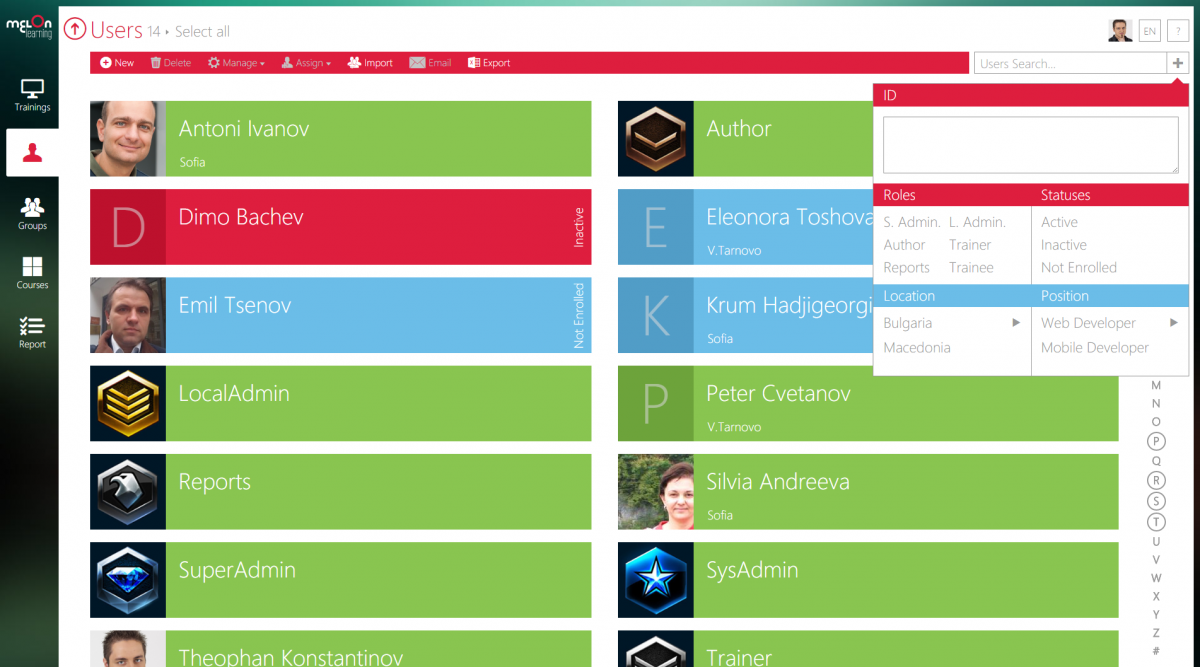
Add a new user Allows administrators to add new users directly to their LMS for streamlined user management.
Archive users Deactivate and store user accounts without deleting them.
Browse list of users View all registered users in the system.
Bulk User Actions Manage multiple user accounts at once.
Custom/Mandatory User profile fields Define required or optional fields for user profiles.
Upload users Import users via spreadsheet.

Activity grading

Course History View completed and ongoing courses for each user.
Gradebook Centralized view of all learner grades.
Gradebook audit trail
Gradebook comments
Manual Grading ("Marking") Manually review and grade submissions.
Multiple grading scales

AI Features

Adaptive Learning
AI Powered
Chatbot
Content development
Content Translation
Intelligent recommendations
Natural Language Processing
Predictive analysis
Quiz generation
Text-to-speech

Authentication

Active Directory/LDAP Integration Authenticate users via corporate directories.
Custom User login page Personalized login interface.
Manual Accounts
No login Allow content access without authentication.
SAML2/API Integration Single sign-on and external authentication.
Self-Registration Users create their own accounts.
Self-Registration w. Admin Confirmation User signup requires admin approval.

Categories

Assign Courses to categories Organize courses under specific categories.
Create new Categories Add new organizational groups for courses.
Manage Categories Edit, delete, or update categories.
Priced Categories (Bundle)

Certificate management

Certification life-cycle
Manage certification templates
Predefined certification templates
Unique Certificate by Course
Unique Certification by Curriculum Different certificate per learning path.

Compliance management

Certificate expiration notifications
Certification Expiration Management
Due Date notifications
Soft/Hard Stop Due Dates

Course Creation

Assignments Engine
Built-In Authoring Tool
Can reuse PPTs, PDFs, Videos Upload and repurpose existing material.
Changing Course default settings Modify core course configuration.
Consume online video content
Content Library
Course backup Options
Drag & Drop Interactions
Hybrid Learning Courses
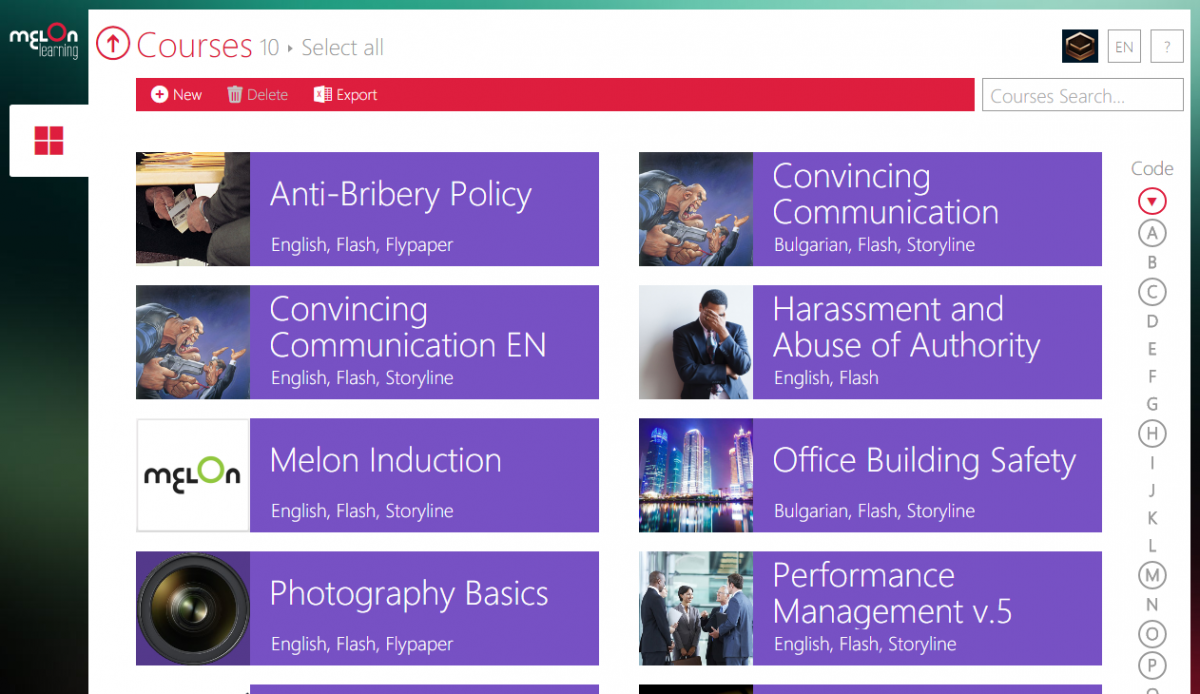
Learning Paths (Curriculums) Sequence courses into structured programs.
LRS
Scheduling LIVE events
Survey Engine Create learner surveys.
Tests Engine Build quizzes and exams.
Upload courses Import courses into the platform.

Customization

Mobile Learning Support
Personalized views Customize interface per user.

Enrollment

Attendance Tracking Track presence in sessions.
Automated Enrollment (based on User data) Enroll users automatically by rules.
Guest Access Settings
Manual Enrollment Manually assign users to courses.
Progress Tracking
Self-enrollment Allow learners to join courses freely.
Self-enrollment (with a PIN #)
Survey enrollment (based on a response)

Format

Course Discussions
Gamification Format
Learner Upload
LIVE Chat Option
Social Format
Topics Format Organize course by topics.
Video Conferencing Integration
Weekly Format Course structured week by week.

Gamification

Badge customization
Badges
Customize Gamification mechanics
Leaderboards
Levels
Points
Rewards

Interface options

Additional external pages
Block Management
Calendar Settings Configure system calendar.
Language settings Set default or custom system language.
Learning Accessibility
Location Settings Configure regional settings.
Media embedding settings
Multilanguage Support Provide support in multiple languages.
Ready-made Themes Prebuilt platform designs.

Learning types

Asynchronous Instructor-led
Asynchronous Self-paced Learners progress independently.
Blended Learning Mix online and face‑to‑face training.
Synchronous Virtual Classroom

Mobile learning

Offline (disconnected Mobile app)
Online (Internet connected) Access content with full connectivity.

Offline

Support for offline access to content

Reports

Automated Report Scheduling
Canned Reports Prebuilt report templates.
Dashboards and Graphic Reports Visual analytics dashboards.
Email delivery of Reports
Exporting Reports in variety of formats Export data as PDF, Excel, etc.
Grading Report Settings Customize grade reporting.
Learning Analytics Tools
Training Record Maintenance Maintain full training logs.

Roles

Define roles Create custom permission roles.
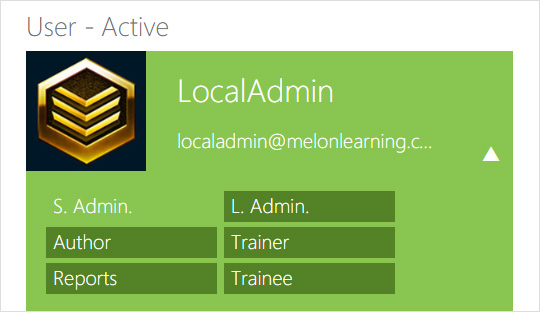
Role Assignment Assign roles to users.
System Permissions per role Control access rights.
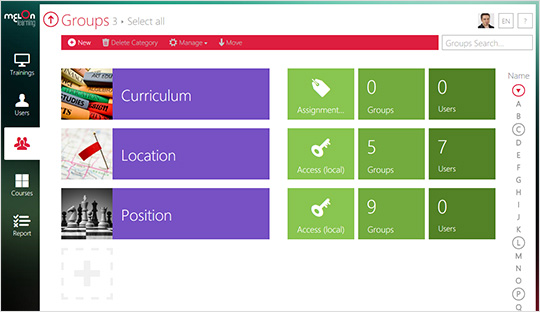
Teams and Team Hierarchies

Security

Anti-spam
Anti-virus
IP Blocker Block specific IP ranges.
Restrict registration to specific domains
Strong Passwords

Shopping cart

Built-In Shopping Cart
Shopping Cart as Plug-In

System reports

Automatic email reports in predefined intervals Send periodic system reports.
Custom reports generator Create custom report layouts.
Email notification settings Control notification rules.
Live Logs Monitor system activity in real time.
Pricing

Learn more about MelonLearning LMS's pricing options, cost, and plans so you can make a well-informed, business-wise decision on the best software to use for organization.

Pricing Model
  • Free Trial
  • Subscription
License
  • Paid
Starting Price
  • N/A
Free Trial
  • Yes

Our website has a unique pricing calculator that will give you a custom price for the exact number of users who will use the system: http://melonlearning.com/pricing

Integrations

Learn more about MelonLearning LMS's integration options.

-
MelonLearning LMS logo
Have you used MelonLearning LMS before?
Answer a few questions and help the community to make the best decisions
Alternatives

Not a match? Find software alternatives that better suit your needs and compare them to discover the one that's right for you.


MelonLearning LMS

iSpring LMS

4.7/5
Compare

Connecteam - Mobile Teams LMS

4.0/5
Compare

LatitudeLearning

4.4/5
Compare

360Learning

4.7/5
Compare

Absorb

4.8/5
Compare

TalentLMS

4.8/5
Compare

evolCampus

4.8/5
Compare