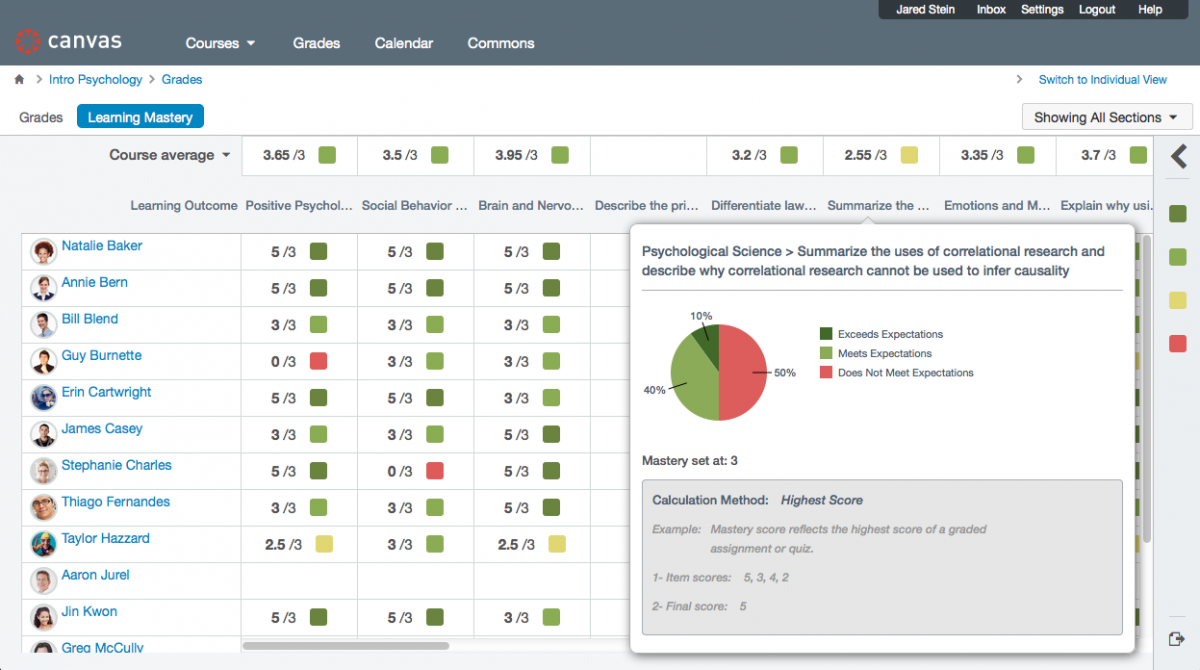
The Canvas LMS by Instructure makes teaching, learning, implementation, adoption, customer support and student success easier. Reliable, customizable, mobile, time-saving, designed to get out of your way, to let you do your thing.
Based on eLearning Industry reviews from the past 4 years
Company Size
Areas of Focus
Top Industries
Education - Higher
62%
Education - Secondary
8%
Education - Primary
8%
Computer Software
6%
Elearning
6%
Other
10%
Pricing
Learn more about Canvas's pricing options, cost, and plans so you can make a well-informed, business-wise decision on the best software to use for organization.
Pricing Model
Free Trial
Freemium
Subscription
License
Open Source
Starting Price
N/A
Free Trial
Yes
To get pricing information for Canvas LMS you must contact the company. A quote for you and further details are available only upon request.
Integrations
Learn more about Canvas's integration options.
-
Have you used Canvas before?
Answer a few questions and help the community to make the best decisions
Is Canvas the right solution for you? Read verified Canvas reviews from people in industries like yours to make a confident choice.
Performance Overview
Overall Rating
59%
Usefulness
Usability
Customer Experience
Likelihood to Recommend
The LMS just needs a single screen where teachers can put an assignment, and show the work done.
Dec 17, 2025
Overall Rating
57%
Usefulness
Usability
Customer Experience
Likelihood to Recommend
What do you like best?
This is better than no system at all. You can at least see when things are due, and what they are.
What do you dislike?
I can't see the assignment, the due date, the teacher's grade, and my student's work in one space.
I find many aspects of Canvas very frustrating. It has a very limited function set.
May 12, 2025
Overall Rating
24%
Usefulness
Usability
Customer Experience
Likelihood to Recommend
What do you like best?
The best feature is the link Validator; it's not perfect, but it is better than nothing. It will return false positives for a number of reasons often relating to links to databases such as EBSCO Host etc, which require a login. But I still find it wuite usefula nd recomend it to academic staff.
What do you dislike?
Lack of basic functionality, for example, as an Ex Moodle user, I often set up choices in Moodle to allow students to select a specific time for a one-to-one oral assessment etc. This is nothing in Canvas that provides this function. Also, Canvas state that it works well with large cohorts. I find that it struggles and is very slow and clunky with courses that have more than a few hundred students. Some of our courses have over 1000 students, and it is extremely painful to load the gradebook
Not suitable for large classroom educators with more than one instructor. Inferior to Blackboard.
Jan 22, 2025
Overall Rating
26%
Usefulness
Usability
Customer Experience
Likelihood to Recommend
What do you like best?
I can moderate new quizzes with accommodations for students and those are carried over to each quiz.
What do you dislike?
Item banks cannot be modified easily and require individual names listed to edit each bank. The lead instructor should always have editing access and there should be a setting for the course to add editors one time. Even after a class has ended and students have no access, the item bank and quiz copied to a new course disallows changes because students already took the quiz in a different course. Limits the utility of copying over these banks or assumes professors do not update content.
The app will always confuse the user interface, very slow loading times, making it frustrating to us
Nov 5, 2024
Overall Rating
37%
Usefulness
Usability
Customer Experience
Likelihood to Recommend
What do you like best?
The app will always confuse the user interface, very slow loading times, making it frustrating to use.Its features are often buggy or lacking functionality, and customer support is unresponsive. Additionally, it usually needs to be restarted for the app to actually work, test scores or any scores usually doesn't gets to be shown, creating an overall negative experience.The app will always The app will always confuse the user interface, very slow loading times, The app will always confuse the use
What do you dislike?
The app will always confuse the user interface, very slow loading times, making it frustrating to use.Its features are often buggy or lacking functionality, and customer support is unresponsive. Additionally, it usually needs to be restarted for the app to actually work, test scores or any scores usually doesn't gets to be shown, creating an overall negative experience.The app will always The app will always confuse the user interface, very slow loading times, making it frustrating to use.Its al
It tries to do too much and does nothing well. Bloated. Sloppy. Poor UI.
Sep 16, 2024
Overall Rating
20%
Usefulness
Usability
Customer Experience
Likelihood to Recommend
What do you like best?
Nothing Another problem I had: Another, I spent 30 minutes trying to get students to start an exam. It wouldn't let me copy the exam from a practice course into the real course. Never ever gave a reason. I over and over and finally used copy and that worked. No reason given. But the students still couldn't see it. It kept asking for an access code. I told them I didn't create one. Turns out that only on one of three settings panels were the relevant settings. They were not interconnected.
What do you dislike?
One simple example of the numerous issues I encounter on a daily basis. I "Made available" a document to start at a certain date. The date passed. Students couldn't see it. It wasn't also published. Why didn't Canvas warn me about making something available without "publishing" it? I don't have time to watch endless videos on how to do what should be basic tasks. I have a graduate level class to teach. Importing paper exams took endless hours and the terrible editing and review make it hard.
I like the format, but trying to summit my homework sucks.
Sep 11, 2024
Overall Rating
34%
Usefulness
Usability
Customer Experience
Likelihood to Recommend
What do you like best?
I know where everything is, but you should make it so I can move my classes around so they are in the right order, also make it easier to submit my assignments from all different types of documents and stuff. Why did you make it so complicated.
What do you dislike?
I just wanted to submit my assignment but it made it so complicated bc it wouldn’t accept it or something. I’m just a student who wants to get a good grade but I spend hours on canvas trying to figure out how it to accept my work. It should be more like Google Classroom it’s so easy there but my school stoped using that I’m so mad.
The user interface is not intuitive, the platform is hard to use, and it's downright quirky.
Sep 10, 2024
Overall Rating
37%
Usefulness
Usability
Customer Experience
Likelihood to Recommend
What do you like best?
After massive amounts of effort, my class information materials are posted where students can find them.
What do you dislike?
The terrible user interface and strange lack of usability. Days ago, after much effort, I fully published my course, only to be told today it's not published. Everything I can see says the course and every module is published. What is wrong with this software???
It is inflexible and tries to take over from instructors by imposing a point of view.
Dec 8, 2023
Overall Rating
41%
Usefulness
Usability
Customer Experience
Likelihood to Recommend
What do you like best?
Nothing. I find nothing to like about this cumbersome and controlling platform. I wish I could say something positive.
What do you dislike?
It imposes on teachers a statistical, rubric-laden, clumsy grading system. I teach history. To use numbers in grading makes no sense.
Not user friendly. The college I teach at just switch to canvas
Jul 1, 2023
Overall Rating
30%
Usefulness
Usability
Customer Experience
Likelihood to Recommend
What do you like best?
This is my first semester using canvas as an instructor and there is nothing I like about it. Not recommended
What do you dislike?
Canvas is NOT user friendly. My students are having trouble submitting assignment and seeing test. IT has to be called all the time
This s great tool, just needs a little help in tools.
Jun 22, 2023
Overall Rating
71%
Usefulness
Usability
Customer Experience
Likelihood to Recommend
What do you like best?
The LMS is simple to use. It does allow for some flexibility in deployment. I love the ability to use sub-accounts and not worry about messing up any other account settings.
What do you dislike?
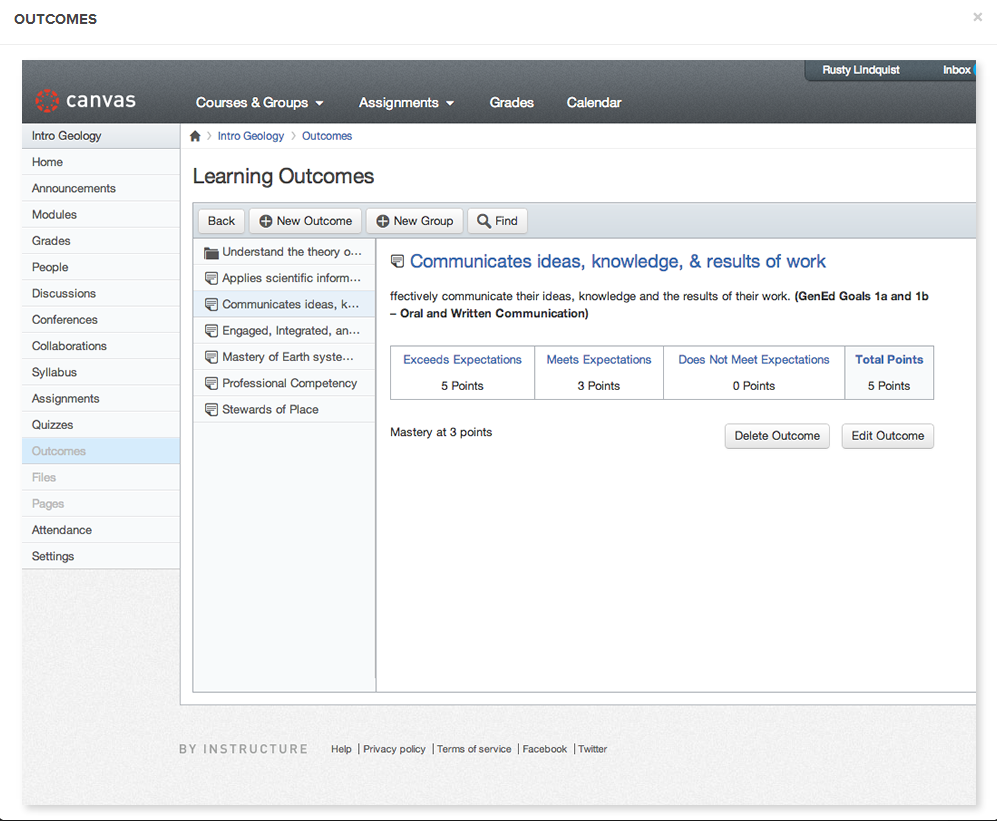
Too much K-12 and not enough Higher Education in its design. Also, Outcomes need work and not be tied to rubrics/grades.
You've viewed 10 out of 53
Alternatives
Not a match? Find software alternatives that better suit your needs and compare them to discover the one that's right for you.